

Website
Product Waitlist Website Design
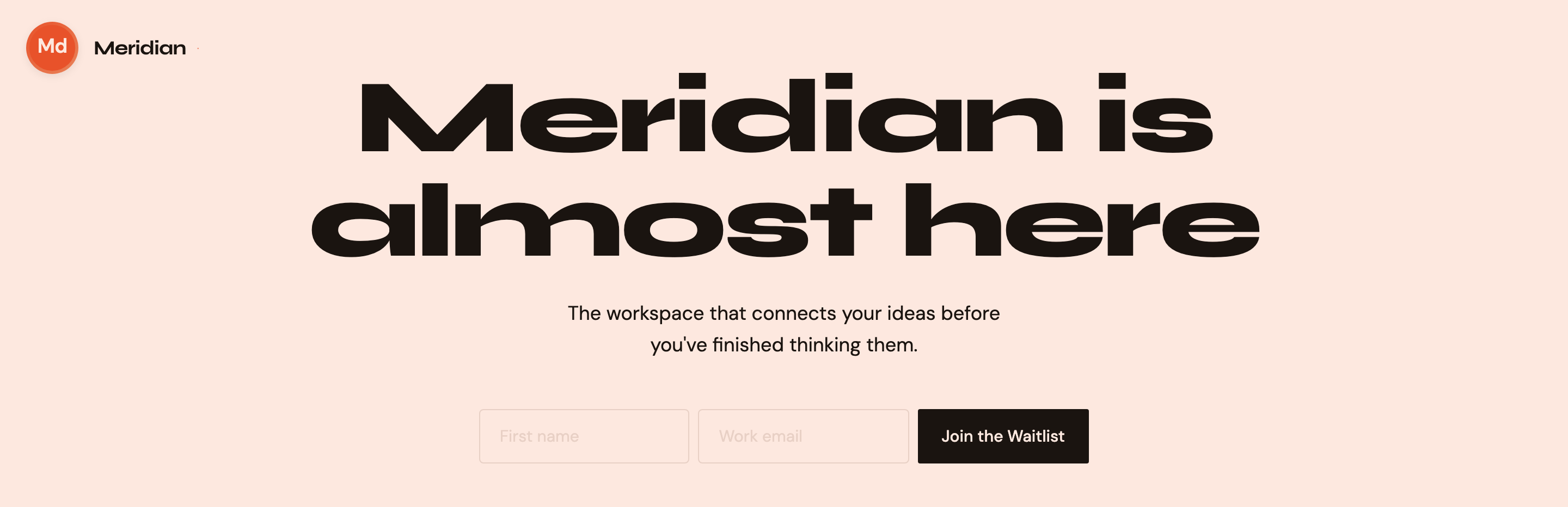
Meridian pairs an oversized launch message with a compact signup form and looping “Coming Soon” ticker to give its waitlist page a distinct launch identity.

Waitlist Website Use Cases
- Prelaunch Product TeamsPresent a product concept and invite early interest.
- Landing Page DesignersStudy a focused launch page with a signup form.
Launch Page Highlights
- Oversized Launch MessageA two-line headline makes the upcoming release the first read.
- Compact Signup FormName and work email fields lead directly to the waitlist action.
- Repeating TickerA recurring “Coming Soon” motif extends the launch theme.
From Signup Hero to Perspective-Grid Footer
1 / 1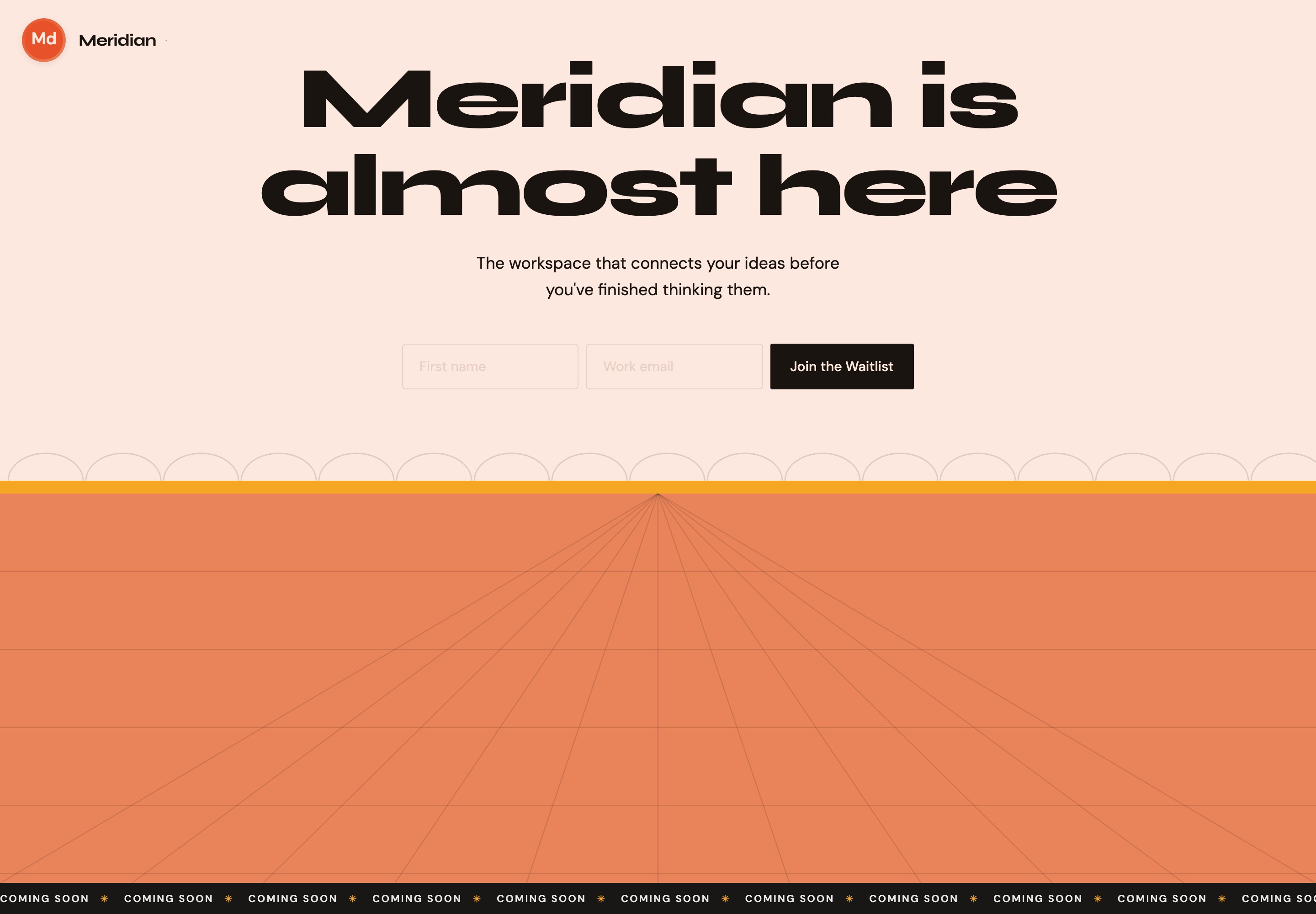
A Launch Message With One Next Step
The page opens with the Meridian wordmark, then gives most of the visible area to the headline “Meridian is almost here.” Its scale and two-line wrap make the launch announcement the dominant element; the smaller sentence below names the proposed workspace and frames it as a product still on the way.
The supporting line, “The workspace that connects your ideas before you've finished thinking them,” makes an expansive product claim without explaining a feature set. That keeps the page focused on anticipation, but leaves the product’s concrete capabilities open. The form supplies the practical next step rather than adding more explanatory copy.
Announcement
The headline establishes that Meridian is forthcoming before the visitor encounters the form.
Invitation
“Join the Waitlist” turns the launch message into a direct signup invitation, without adding another competing call to action.
Where This Waitlist Pattern Fits
This composition suits a product launch page when the immediate goal is to explain that a release is forthcoming and present a single signup action. It is particularly relevant when the product name and launch status matter more at this stage than a detailed feature comparison.
The form’s two visible fields, “First name” and “Work email,” communicate what information the sample asks a visitor to provide. Keeping them beside “Join the Waitlist” makes the relationship between entering details and taking action easy to scan. At 600px and below, the source stacks the fields and button vertically and makes each full-width, preserving that input-to-action order.
Early Product Announcement
Lead with the product name and launch status when the offering is not yet being presented as a finished catalog of features.
Single Signup Invitation
Use a short form when the page’s purpose is to invite waitlist interest, while recognizing that extra fields add friction.
Headline, Form, And Ticker
The visible sequence is brand, oversized launch headline, product statement, then the signup row. That order establishes what is launching before asking for information. The form aligns both fields and the dark submit button on one line in the supplied wide capture, creating a compact action area beneath the centered copy.
Below the peach signup area, static scalloped arcs meet a thin yellow stripe and an orange perspective-grid floor. The geometry gives the lower page a horizon rather than another content block. A black ticker repeats “COMING SOON” and star-like separators across the bottom; its 20-second linear loop stops under prefers-reduced-motion. The opening crop excludes these lower elements, while the continuous capture shows them.
Read The Main Stack
The wordmark identifies Meridian, the headline announces its status, and the sentence underneath gives a high-level product proposition.
Follow The Signup Row
The name and work-email fields appear before the waitlist button, keeping the requested information and action in one visual unit.
Notice The Repeated Motif
The recurring “COMING SOON” ticker echoes the headline; its repetition adds energy but competes for attention with the form if given too much prominence.
What The Sample Establishes
The email field is required and uses native email validation; First name is optional. On a valid submit, the local handler prevents navigation, hides the form and shows “You're on the list! We'll be in touch.” as a status message. It makes no network request and saves neither field. That success text is a local demonstration, not a recorded signup, email delivery or confirmed launch announcement.
How to Create Product Waitlist Website Design in OpenDesign
Set The Launch Message
Establish a product name, a short forthcoming-status headline, and one supporting sentence. Keep the promise at the level of detail you can substantiate; a broad positioning line should not imply specific capabilities.
Shape The Signup Area
Arrange name and work-email fields with a clearly labeled waitlist action. Check the form’s reading order and adapt the inline row for narrower screens so each input and the action remain usable.
Suggested PromptCreate a product waitlist website design for Meridian with a compact circular wordmark, an oversized two-line “Meridian is almost here” headline, a short positioning sentence, and an inline optional First name and required Work email form. Stack inputs and Join the Waitlist at 600px. Add static scalloped arcs, a yellow stripe, an orange perspective-grid floor and a black “COMING SOON” ticker that respects reduced motion. Include local email validation and a clearly illustrative confirmation state only; do not send or store submissions or claim connected services.
Balance The Ticker And Hero
Use the repeating launch motif to support the announcement without letting it overtake the form. Review the headline, supporting sentence, fields, and button as a reading sequence, and check that the ticker remains secondary at different widths.
Export and Get a Share Link
Export your finished design, then use Share in OpenDesign to get a share link. Open the link in a separate browser window and check that the intended version and its assets are available before sending it.
AI Design Studio Website Design
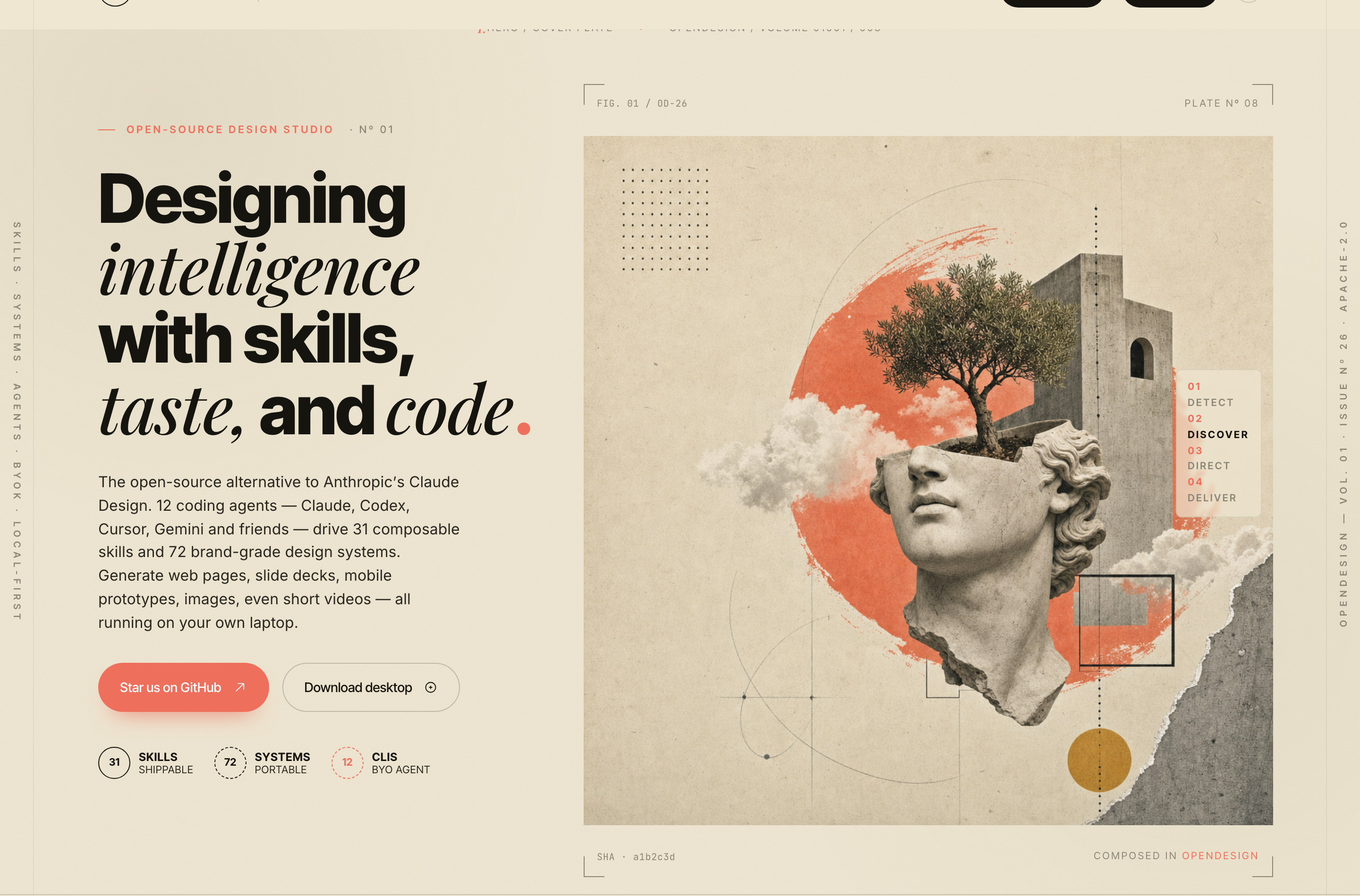
OpenDesign’s AI Design Studio Website Design turns a local-first studio concept into an editorial landing page that makes skills, experiments, and method easy to scan.
Website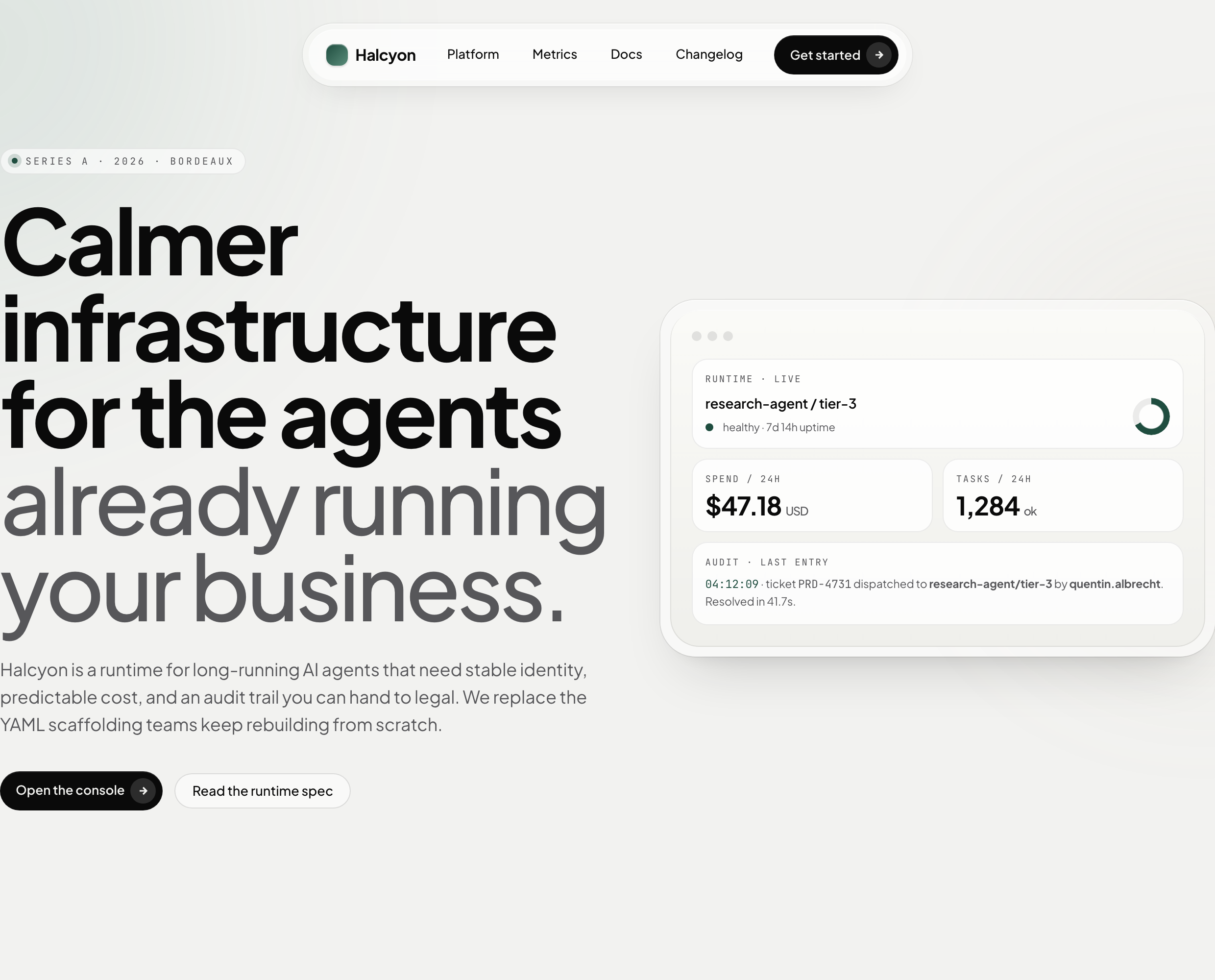
AI Infrastructure Website Design
A soft AI-infrastructure landing concept with sample runtime metrics, nested feature cards, subtle motion and a single sales invitation.
Website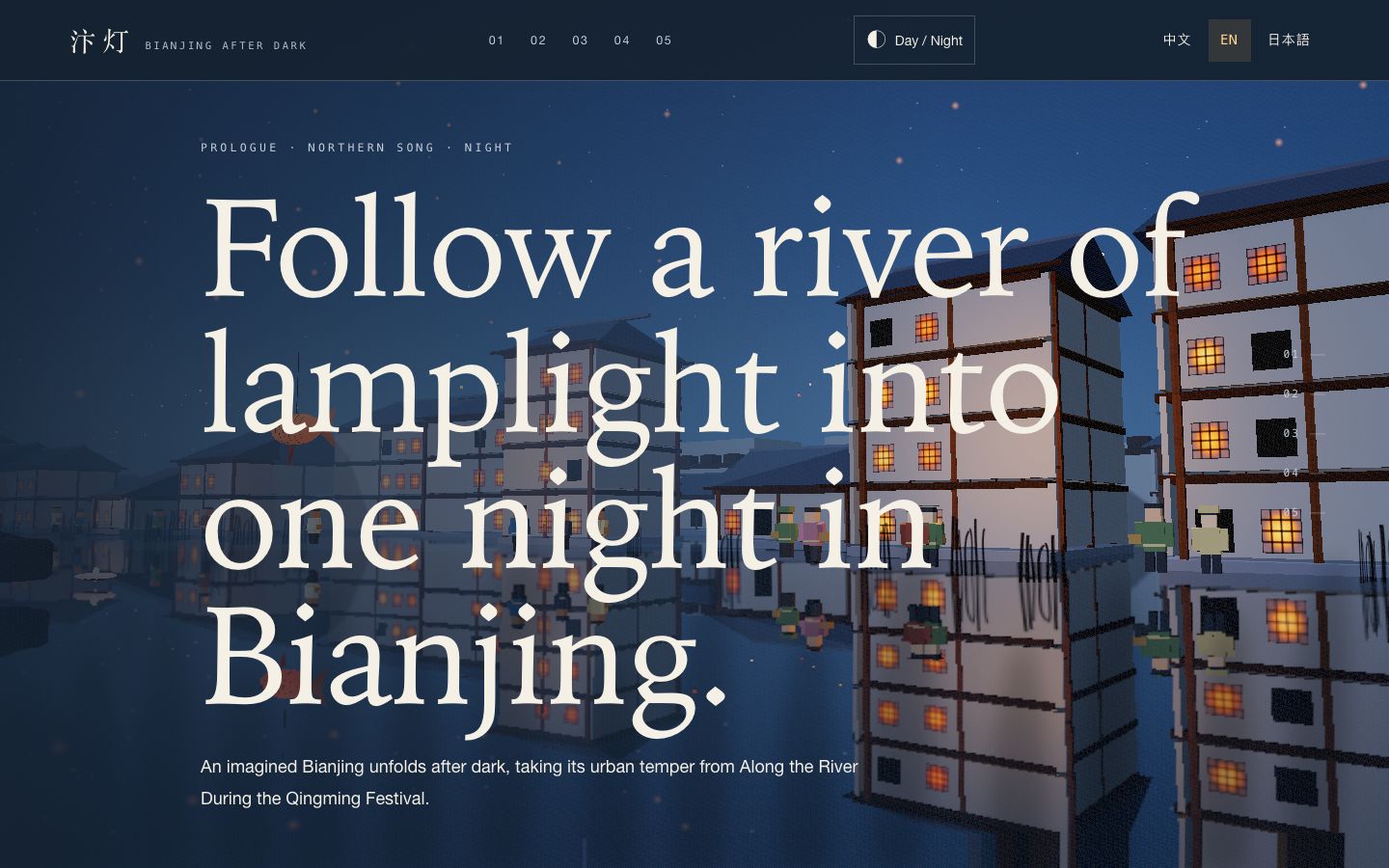
Bianjing Night Tour Website Design
An interactive night journey through an imagined Song-era Bianjing, combining a persistent river city, poetry, lanterns and multilingual chapter pacing.
Website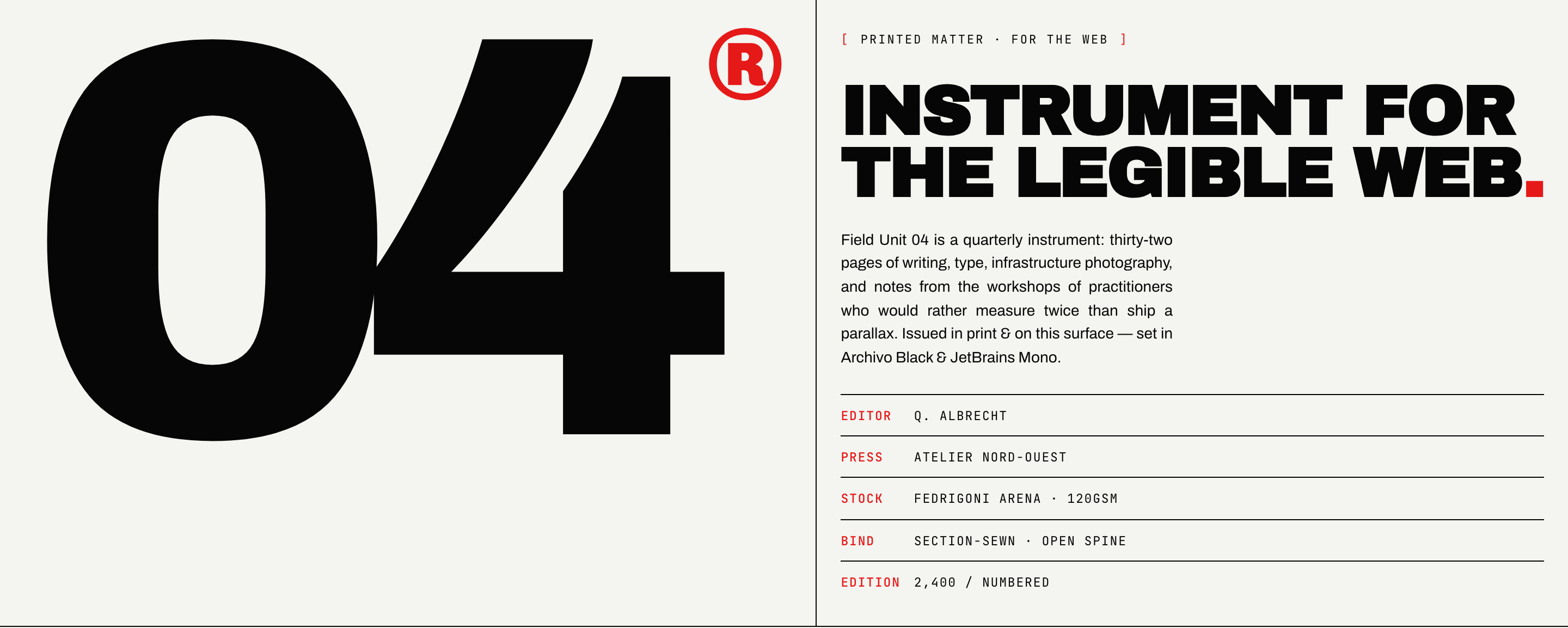
Brutalist Journal Website Design
Brutalist Journal Website Design turns a print-shaped issue into a legible web reading system, pairing bold type with measured editorial structure.
Website