

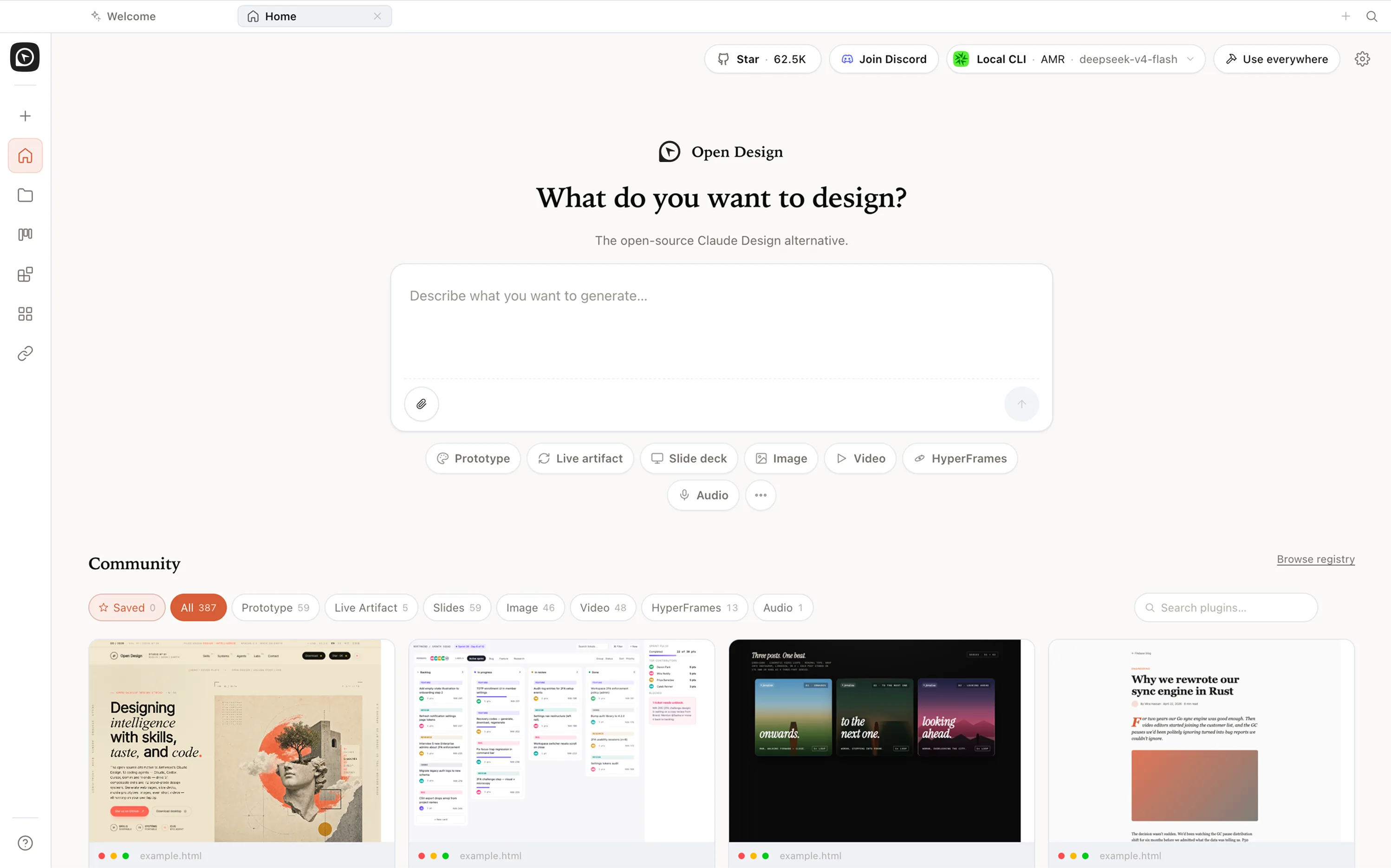
From idea to prototype, web, slides, and HTML video — the entire product-design flow, finished on your own machine.
Open DesignThe Open-source Claude Design alternative
Open Design is the open-source, local, agent-native design platform — and an agent-native Figma alternative. Desktop-first, with 21 coding agents, 129 design systems, and an Apache-2.0 license.
Why Open Design?
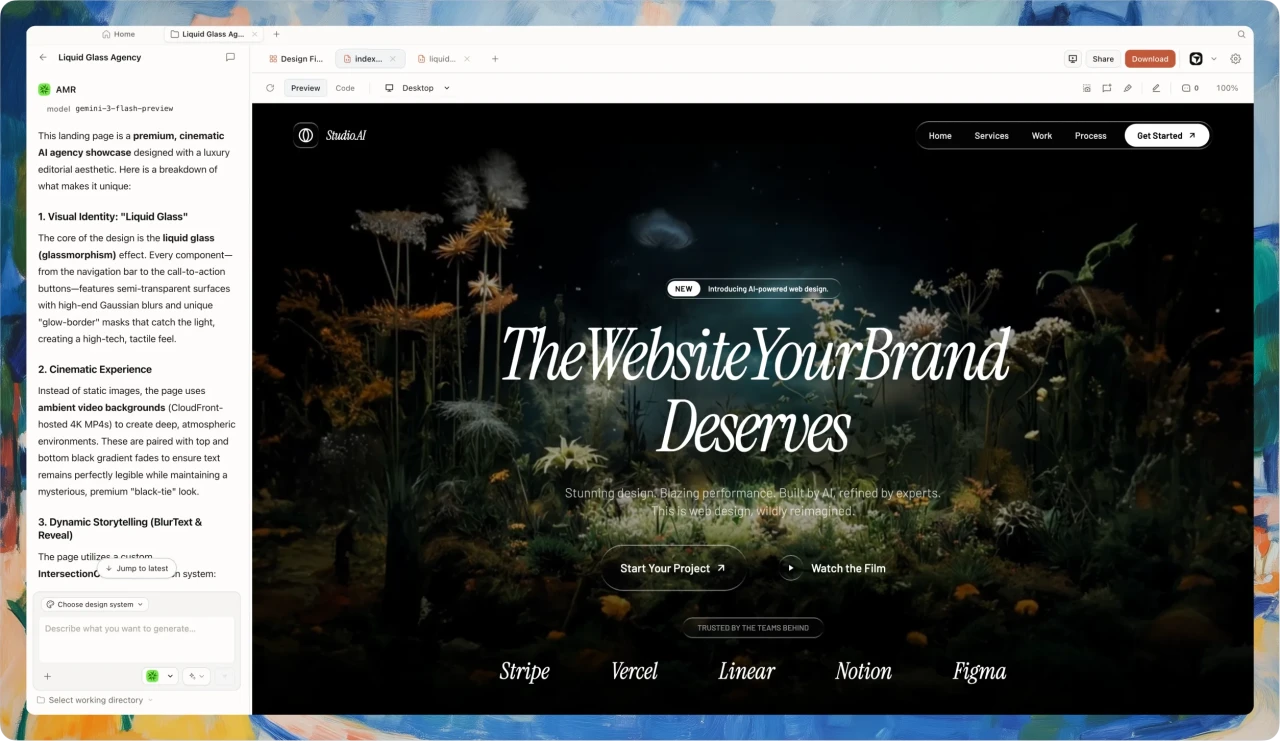
In April 2026, Claude Design first proved an LLM can truly design — not write copy, but produce real design work. But it’s closed-source, paid, and cloud-only, locked to Anthropic models — no agent switching, no self-hosting, no BYOK. Open Design opens that capability up.
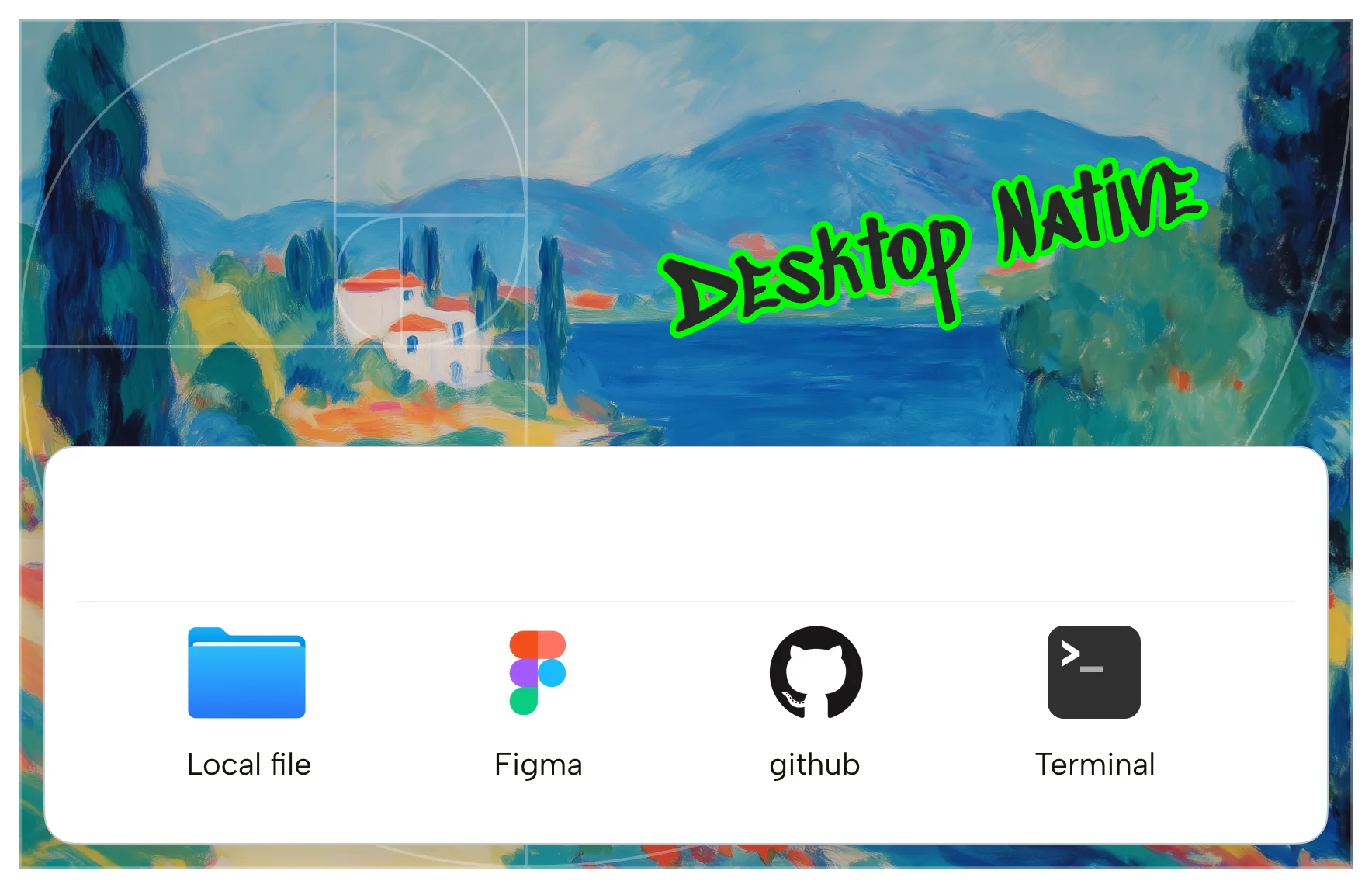
Design happens on the desktop.
Local files, Figma exports, and code repos are directly readable, and the agent has full terminal-execution power.
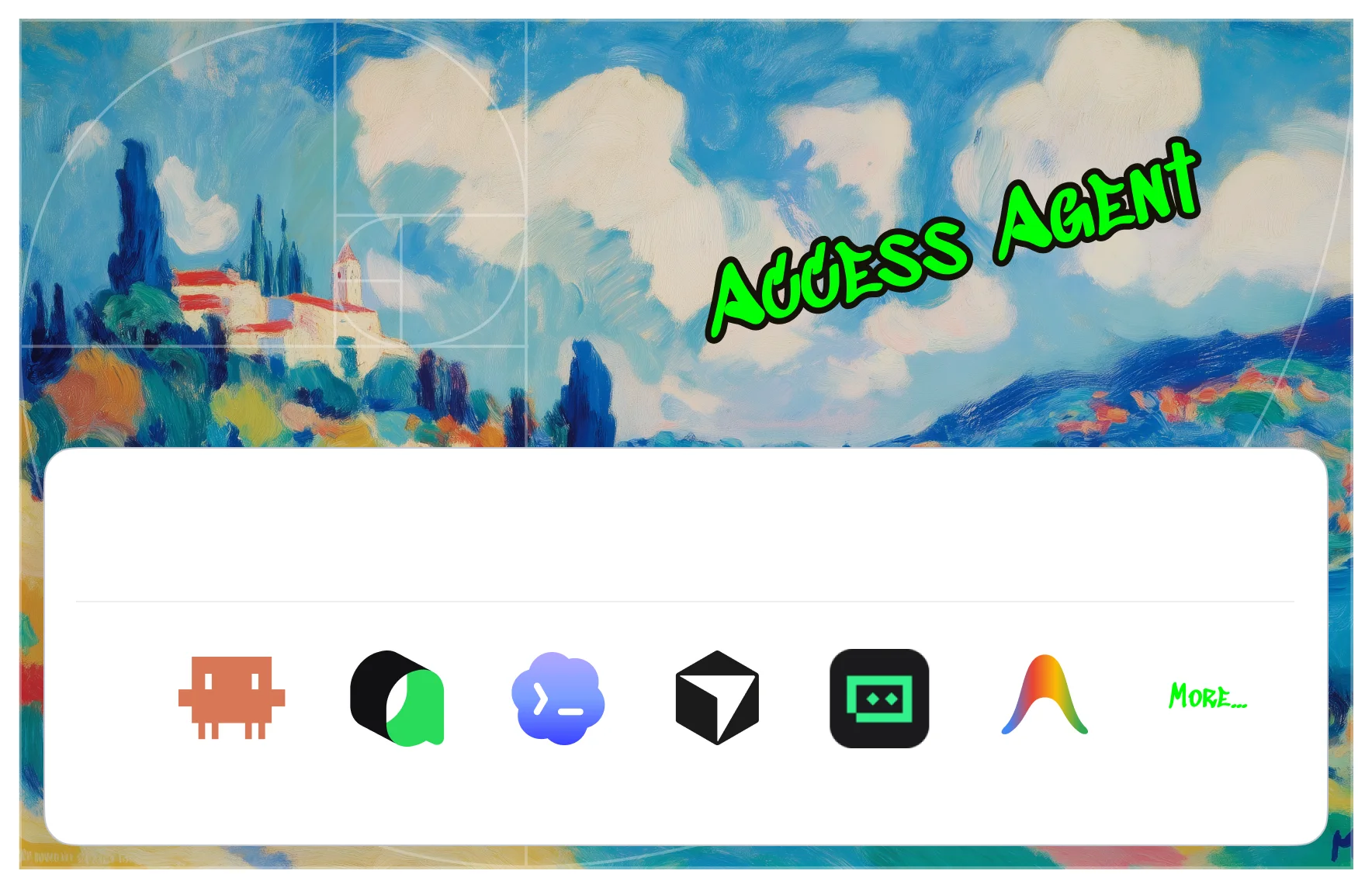
The Claude Code / Codex / Cursor on your machine are already strong enough.
Open Design wires them into a complete design workflow.

Every choice settles into a design system, preferences, and memory, so the next generation lands closer to what you want.
From idea to delivery, done with ease
Brief → Template → Visual direction → Artifact → Memory
- 01Choose a starting point
- 02Set the visual direction
- 03Generate the artifact
- 04Deliver or make a video
 Describe your goal in one line, or start from a template / plugin.
 Once a direction is set, palette, type, and spacing flow into generation automatically.
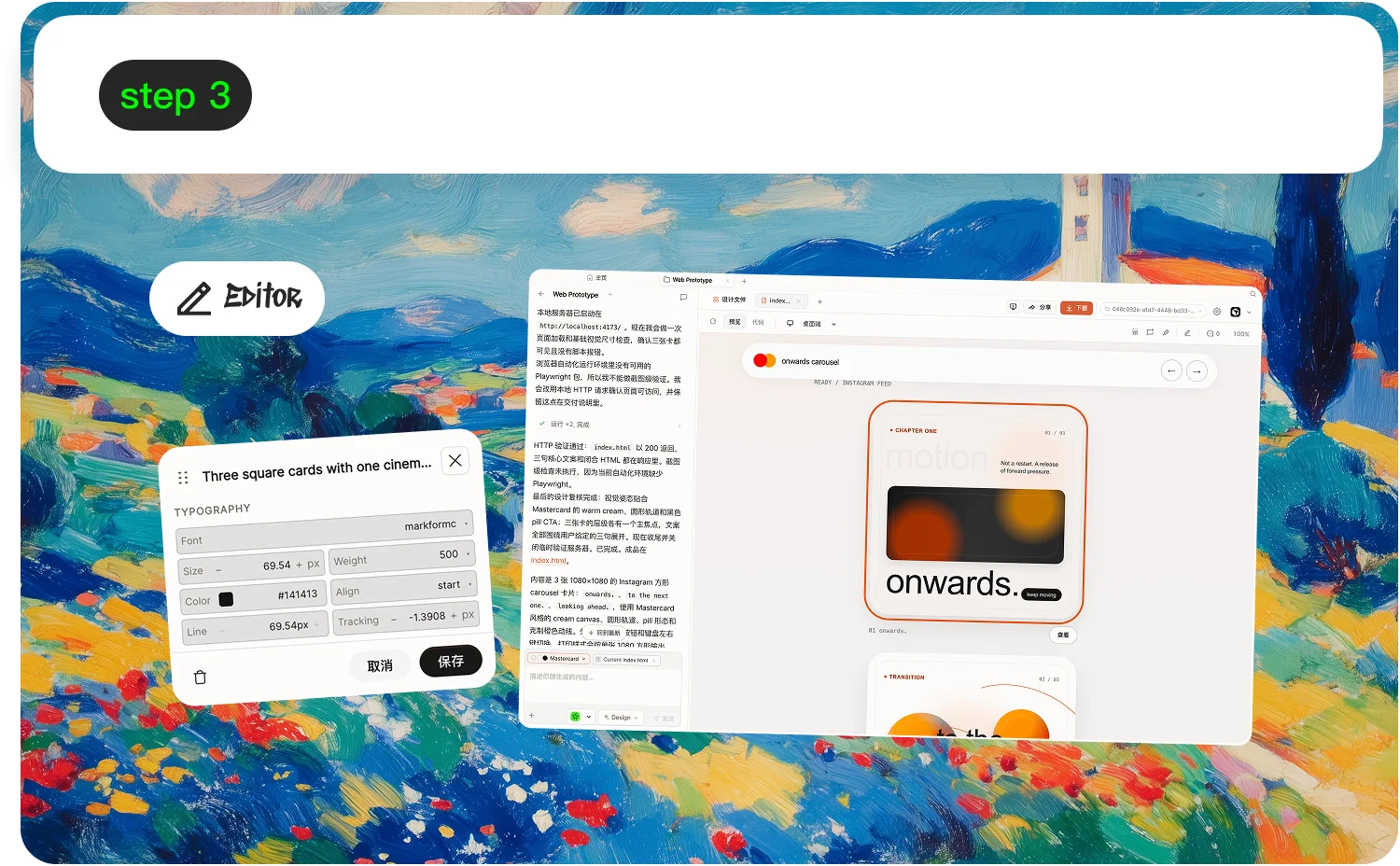 The agent reads all context, produces real runnable files, and previews and edits them live in a sandbox.
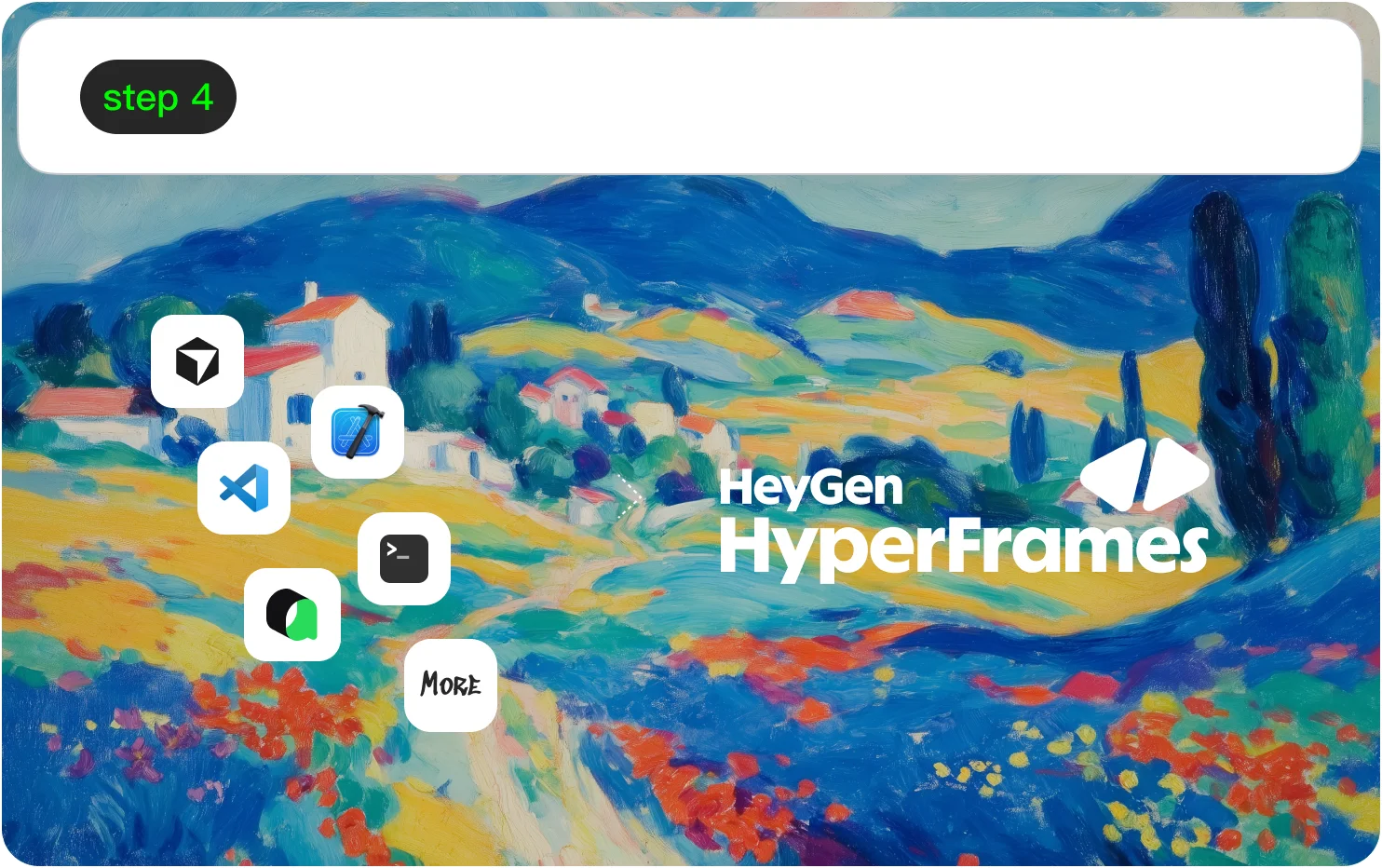 Export it to engineering to keep building, or turn it into a marketing video with HyperFrames.
What can you make with Open Design?
Plug in 21+ coding agents, zero config
Every stage is iterative, visual, and research-driven — composable files, not opaque prompts.






From around the world, 326 contributors
are building Open Design together
View all contributorsWhat this project has earned


Bring frontier AI design power back to every creator’s desk
Open · Local · Agent-native
FAQ
01What is Open Design?
Open Design is the official open-source AI design workspace from the nexu-io/open-design project. It turns a local coding agent — Claude Code, Codex, Cursor, Gemini CLI, OpenCode, or Qwen — into a design engine driven by composable skills and portable DESIGN.md systems.
02Is Open Design official?
Yes. The canonical project lives at https://open-design.ai/ and the source is on GitHub at https://github.com/nexu-io/open-design. "Open Design", "OpenDesign", "open-design", and "Open Design AI" all refer to this same project.
03How is Open Design different from Claude Design?
Claude Design is a hosted product tied to a single vendor. Open Design is local-first, open source under Apache-2.0, and BYOK: you bring your own agent, credentials, and DESIGN.md system.
04Does Open Design run locally?
Yes. The desktop app, daemon, and skill runtime run on your machine. Generated artifacts land in your project directory instead of being forced through a vendor cloud.
05Which coding agents does Open Design support?
Open Design ships 17 first-party BYOK adapters out of the box: Claude Code, Codex, Cursor, Gemini CLI, GitHub Copilot CLI, Grok, Hermes, Kimi, Devin for Terminal, OpenCode, Qwen, DeepSeek, Pi, Mistral Vibe, Kiro, Kilo, and Qoder. Any adapter that speaks the same skill protocol works — switching agents is a config change, not a redesign.
06Can I self-host or fork it?
Yes. The code is Apache-2.0. You can fork the repo, edit skills, add your own DESIGN.md systems, or run the daemon on your own machines.
07Is my data sent to Anthropic, OpenAI, or Google?
Only your prompt and skill context goes to whichever provider you bring keys for (BYOK). Open Design has no server of its own — the daemon talks to your provider directly. Generated artifacts land as files in your project directory, not in any vendor cloud.
08Can I run Open Design without installing the CLI or desktop app?
Not today. Open Design is local-first by design — the minimum is a local daemon plus an agent (Claude Code, Codex, Cursor, Gemini CLI, or one of the 17 supported adapters). A hosted sandbox is on the roadmap but not the priority: artifacts in your repo beat documents in someone else's database.
09How much does Open Design cost?
The product is free and Apache-2.0 — there is no Open Design subscription. You pay the API costs of whichever provider you use (Anthropic, OpenAI, Google, Mistral, xAI, Moonshot, etc.), billed directly to your account. BYOK keeps both the credentials and the spend on your side of the line.
10Can I self-host Open Design on Vercel, Cloudflare, or my own server?
Yes. The daemon runs anywhere Node 24 runs, and the landing page is a static Astro build that deploys to Cloudflare Pages, Vercel, or Netlify as-is. Teams running shared deployments typically pin the daemon to a machine inside their network and point each developer's CLI at it.
11How do I move my brand into Open Design?
Drop a screenshot or a Figma export into the web UI and ask your agent to extract a brand into a DESIGN.md file. Save that file under design-systems/<your-brand>/ in your repo; every skill then renders in that brand without re-prompting. /alternatives/claude-design/ describes the same flow in step form.
12Can I switch agents without redoing my work?
Yes. Skills and DESIGN.md systems are agent-agnostic — the same SKILL.md file renders against Claude Code, Codex, Cursor, Gemini CLI, GitHub Copilot, Grok, Hermes, Qwen, or any other supported adapter. Switching agents is a config change in the daemon, not a redesign.
13What's on the Open Design roadmap?
The live roadmap is at docs/roadmap.md in the GitHub repo, and weekly release notes ship through GitHub Releases. Major themes for the next quarter: more agent adapters, richer template families (3D, video, audio), and an optional shared-daemon mode for design teams.