
Website
Kaifeng Night Tour Website Design
Follow a lantern-lit river through five chapters of Bianjing After Dark, from the city gate and night market to poetry and a lantern release.

LLM Arena Sep 2026
Case notes- Model
- Claude Opus 5.5
- Design task
- Create an interactive lantern-lit journey through an imagined Song-era Bianjing.
- Output
- Website
Designed For
- Cultural StorytellingConnect scenes, writing and small actions around one place.
- Digital ExhibitionsGuide visitors through a themed sequence without a booking funnel.
- Interactive PoetryLet a selected line become part of a later scene.
Key Highlights
- Five Chapters Along One RiverA persistent city scene links the gate, bridge, market and ending.
- A Line That TravelsThe poem selection reappears as a personal lantern note.
- A Change of PaceMarket effects give way to quieter reading before the final action.
Explore the Bianjing Night Tour
1 / 5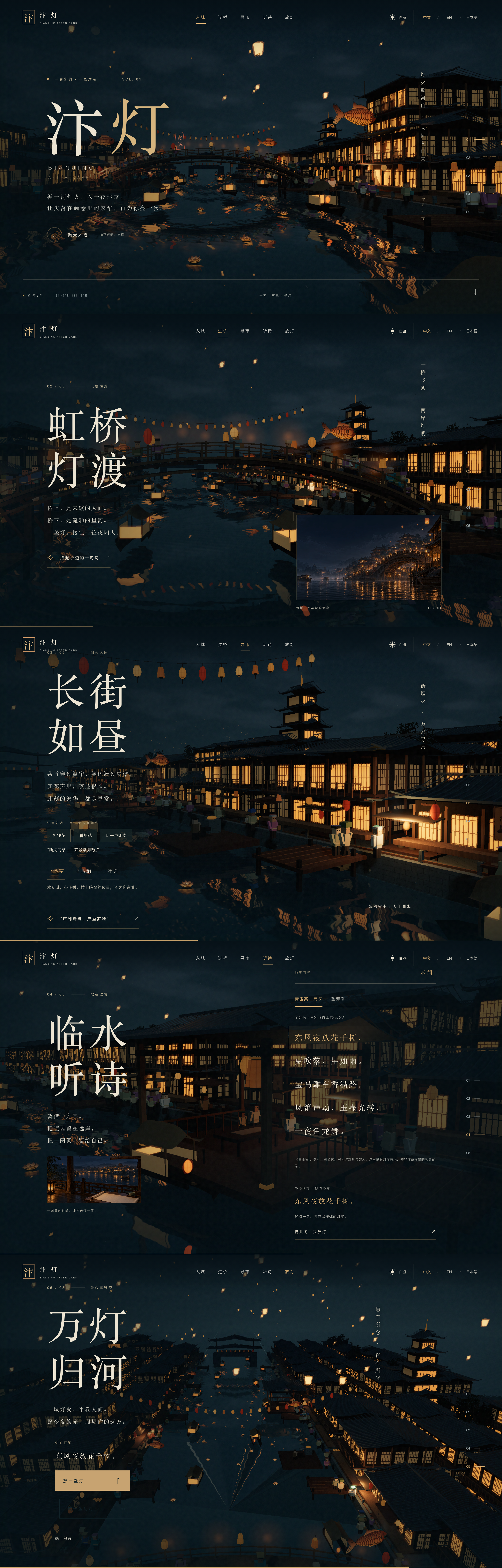
A Kaifeng Night Tour Website Design Told in Five Chapters
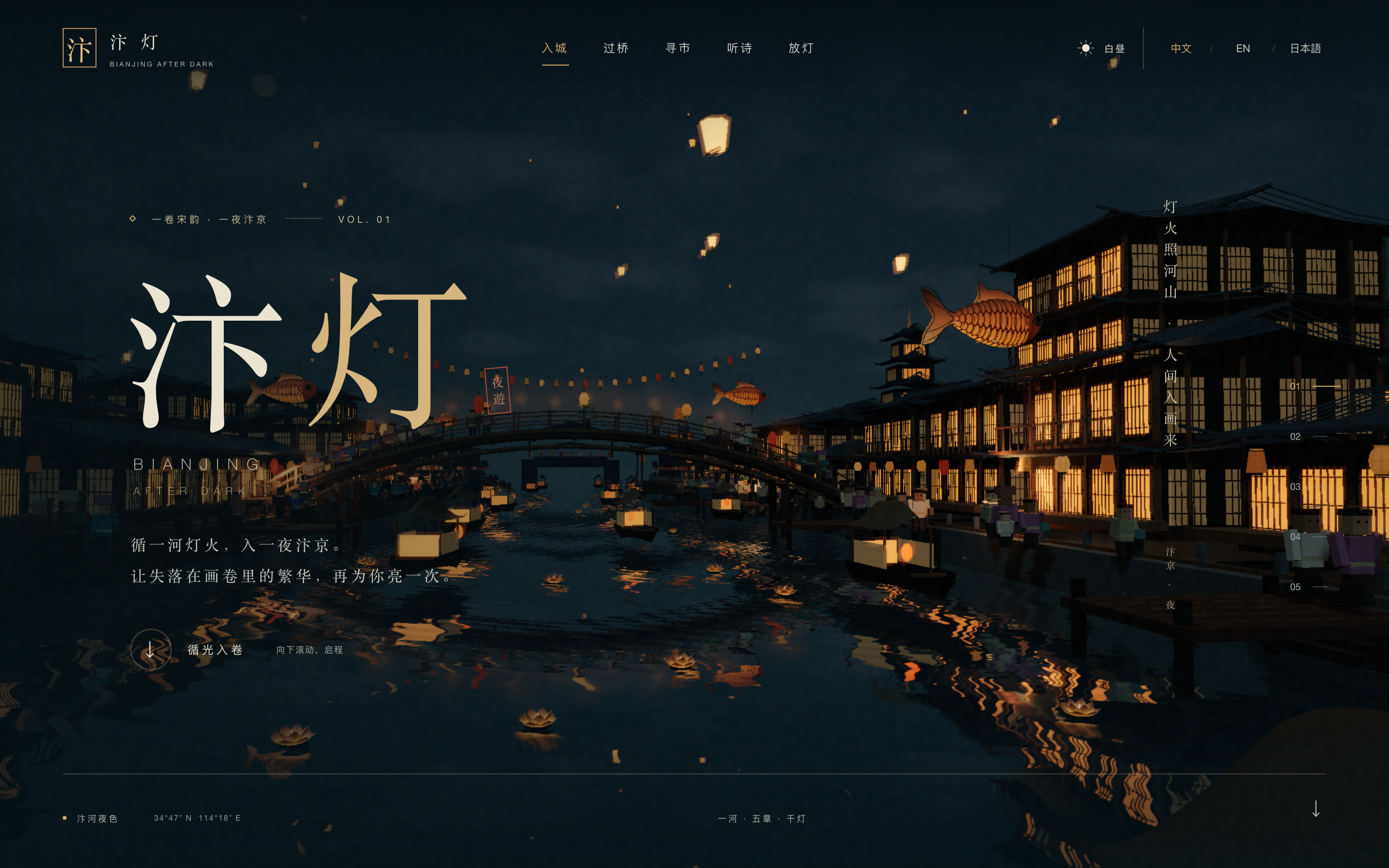
Bianjing After Dark frames an imagined city as a night-time handscroll. The opening combines oversized Chinese characters on the left with a lantern-lit river, timber buildings and reflections. Gold accents and illuminated windows stand out against the dark blue setting. The main invitation is to enter the sequence, not to search for a destination or book a tour.
The same river-city world continues behind the later chapters. Scrolling changes the camera and the foreground text together, while the top navigation and numbered chapter rail remain available. This creates continuity between the gate, bridge, market, poetry and closing lantern scene without requiring a separate page for each stop.
Typography as Part of the Scene
Large Chinese titles are arranged in compact vertical groupings, leaving the wider part of the screen for the river and buildings. Smaller English branding sits beneath the opening title. Their different scales establish a reading order without trying to give every language equal display weight in the same space.
Two Ways to Know Where You Are
The top navigation names the activities, while the right-hand rail numbers the five chapters. Names explain what a stop contains; numbers explain its position in the sequence. The repeated orientation is useful because the visual background is continuous and can otherwise make chapter boundaries hard to identify.
Light as a Repeated Visual Motif
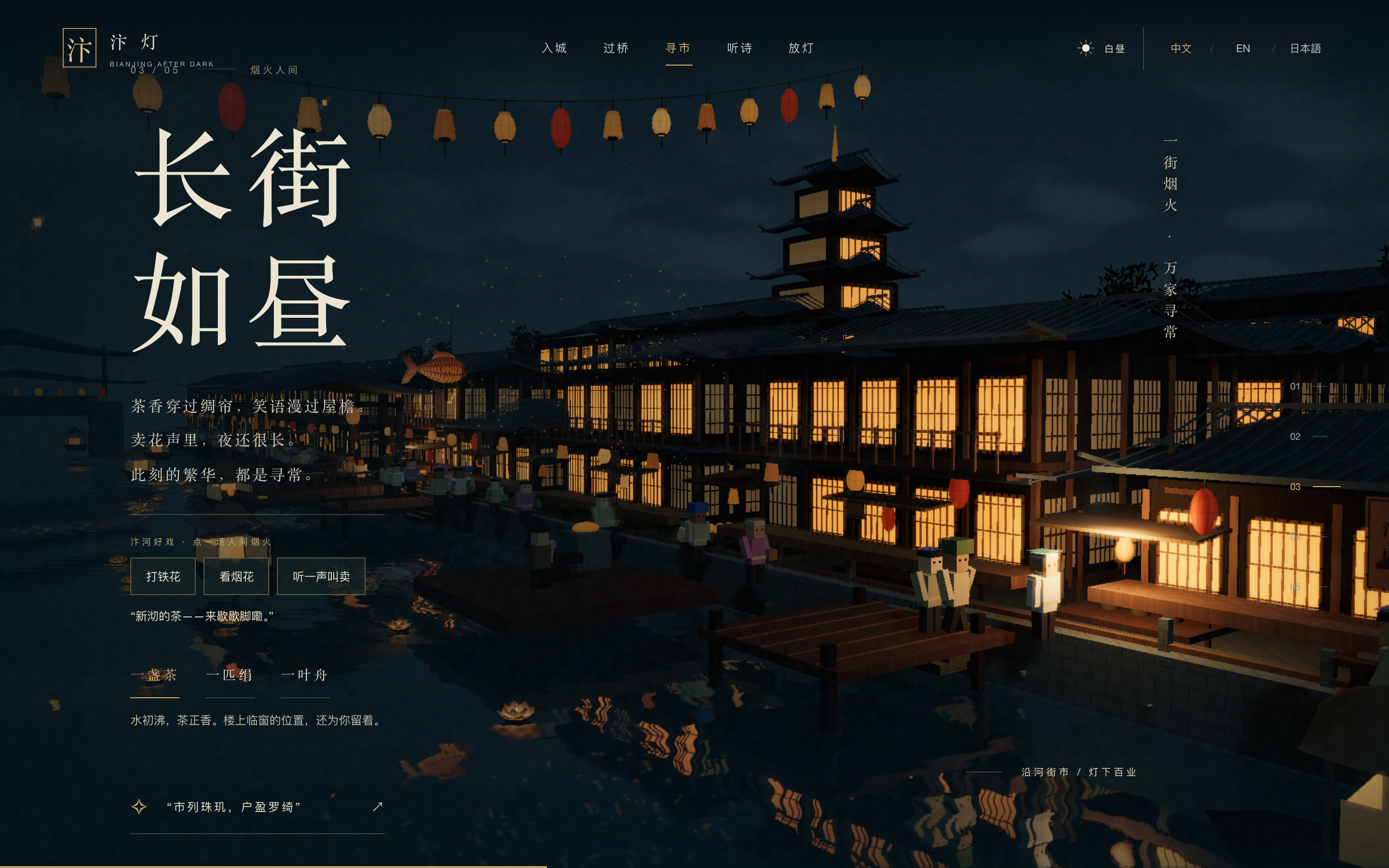
Window grids, hanging lanterns and reflections repeat warm points of light across the scene. The final release action uses the same object that has been visible from the beginning. It feels like a conclusion to the established visual story rather than an unrelated effect added at the end.
Carrying a Poem Selection Into the Lantern Scene
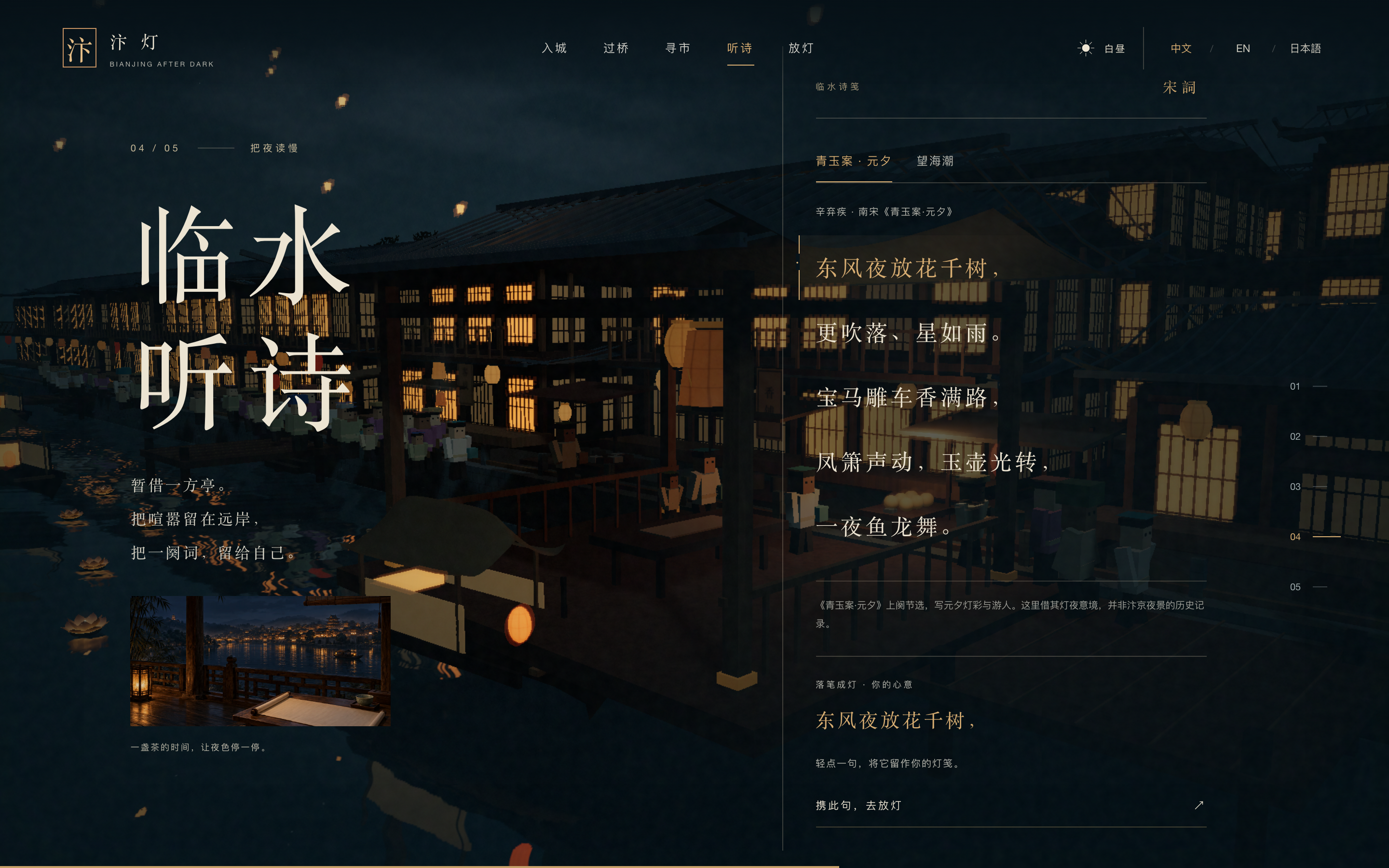
The poetry chapter changes the kind of participation. Instead of triggering another market spectacle, the visitor chooses a poem and then a line. The selected line is repeated in a separate note area and carried into the closing scene. This small piece of state connects two chapters: reading has a visible consequence later in the tour.
The source places an attribution and context note beside the poem, not only in a credits page. It explains that the Southern Song verse is borrowed for its lantern-night imagery rather than presented as a historical record of Bianjing. That distinction lets the experience use evocative writing without disguising an artistic association as documentary evidence.
Offer a Bounded Reading Choice
Two poem tabs keep the selection small enough to understand at a glance. Each poem has its own attribution and context. The visitor does not need to search an archive or open a separate reading page to make a choice that matters to this short experience.
Repeat the Chosen Line Before Continuing
The note area echoes the selected line beneath the poem. This is a useful confirmation because the clickable lines themselves remain surrounded by other verse. The continue action can then lead to the lantern chapter with a specific piece of text already selected.
Give the Ending Two Related Actions
The final chapter offers a sky lantern and a river lantern beside the carried note. Both fit the established world, while their different directions make them distinct choices. The replay action is separate, so repeating the city journey does not have to be confused with releasing another lantern.
Pacing the Night Market, Poetry and Closing Scene
The market chapter is the most active stop. It offers iron-flower and firework effects, a street-call control, and short stories associated with tea, silk and a boat. These are not all equivalent interactions: some change the atmosphere, while others change the text. Grouping them under the market gives the variety a recognizable setting.
| Chapter | Main Invitation | Role in the Sequence |
|---|---|---|
| Gate and Bridge | Enter the city and discover a line of poetry | Establish the place and introduce the later reading interaction. |
| Night Market | Choose a spectacle or an everyday story | Increase activity while keeping each action tied to the street setting. |
| Poetry | Read, choose and carry a line | Slow the pace and create a small persistent choice. |
| Lantern Release | Send the chosen note into the scene | Resolve the earlier selection through a visible closing action. |
An Artistic Night Tour, Not a Historical Reconstruction
This is a fictional digital experience inspired by river-city imagery, poetry and contemporary imagination. Its city scenes are not a precise reconstruction, and the source identifies its illustrations as AI-created. The preview preserves the supplied local interactions; it does not add ticketing, a real itinerary or a verified historical map. The gallery is an ordered set of rendered scroll scenes rather than one ordinary full-document screenshot.
How to Create a Kaifeng Night Tour Website Design in OpenDesign
Define the Journey Before Adding Effects
Begin with five chapter purposes and one object that connects them. Here, lanterns appear throughout the setting, while a chosen poem line gives the ending a specific meaning. Keep these relationships explicit in the first request.
Suggested PromptCreate a Kaifeng night tour website design for a fictional experience called Bianjing After Dark. Use a continuous lantern-lit river city with dark blue water, warm timber buildings and large Chinese display titles. Organize five scroll chapters: city gate, bridge, night market, poetry and lantern release. Keep named navigation at the top and a numbered chapter rail on the side. Let the market offer a few local visual effects and short tea, silk and boat stories. In the poetry chapter, let a visitor select one attributed line and show it again in the final lantern note. Add separate sky-lantern and river-lantern actions plus replay. Clearly identify the work as an artistic imagining, not a historical reconstruction or a real tour service. Preserve a readable path through the writing when motion is reduced.
Follow the Selected Line Across Chapters
Choose a different poem line, move to the ending and check that the same text appears there. Change the poem and repeat the check. This tests the narrative connection directly instead of treating each chapter as an independent visual effect.
Check the Text Against Each Camera Position
Review the bridge, market and poetry scenes with their complete text and controls visible. Bright windows and reflections can sit behind different lines as the camera moves. Refine the text backing or framing without flattening the entire scene into a dark overlay.
Export and Get a Share Link
Export your finished design, then use Share in OpenDesign to get a share link. Open the link in a separate browser window and check that the intended version and its assets are available before sending it.
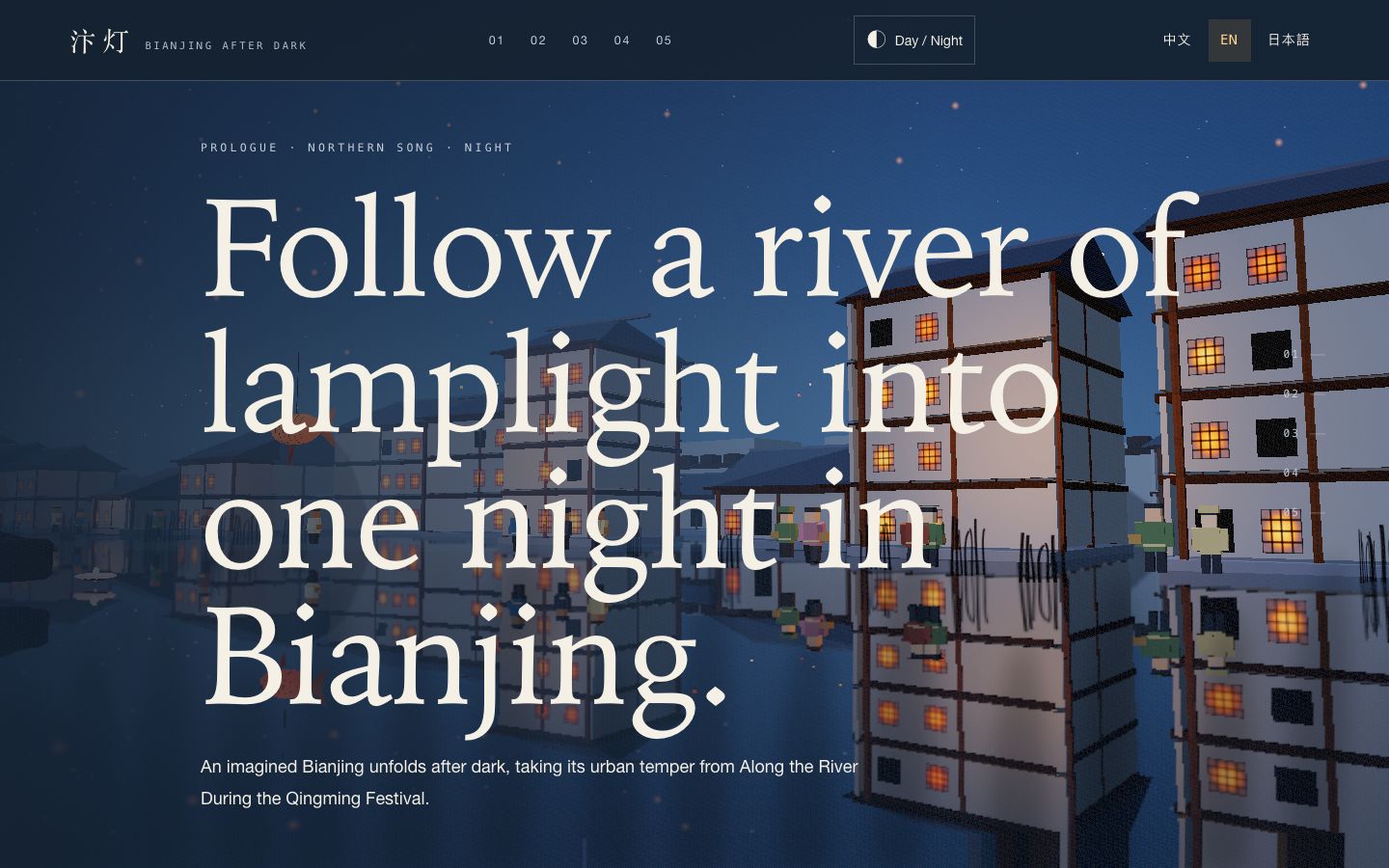
Bianjing Night Tour Website Design
An interactive night journey through an imagined Song-era Bianjing, combining a persistent river city, poetry, lanterns and multilingual chapter pacing.
Website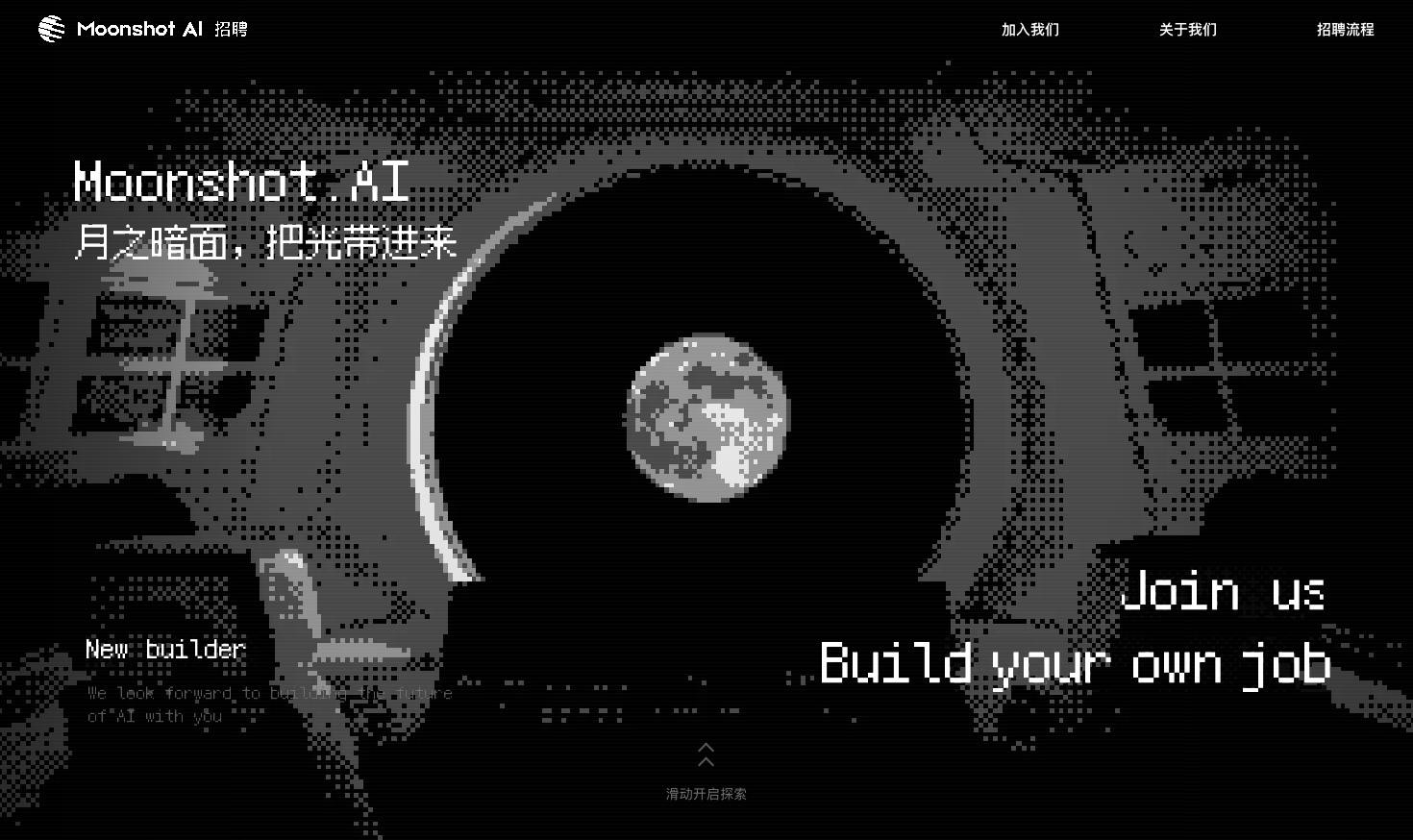
Careers Website Design
A Kimi careers study built from eight lunar scenes, with scroll-linked transitions and an illustrated application process.
Website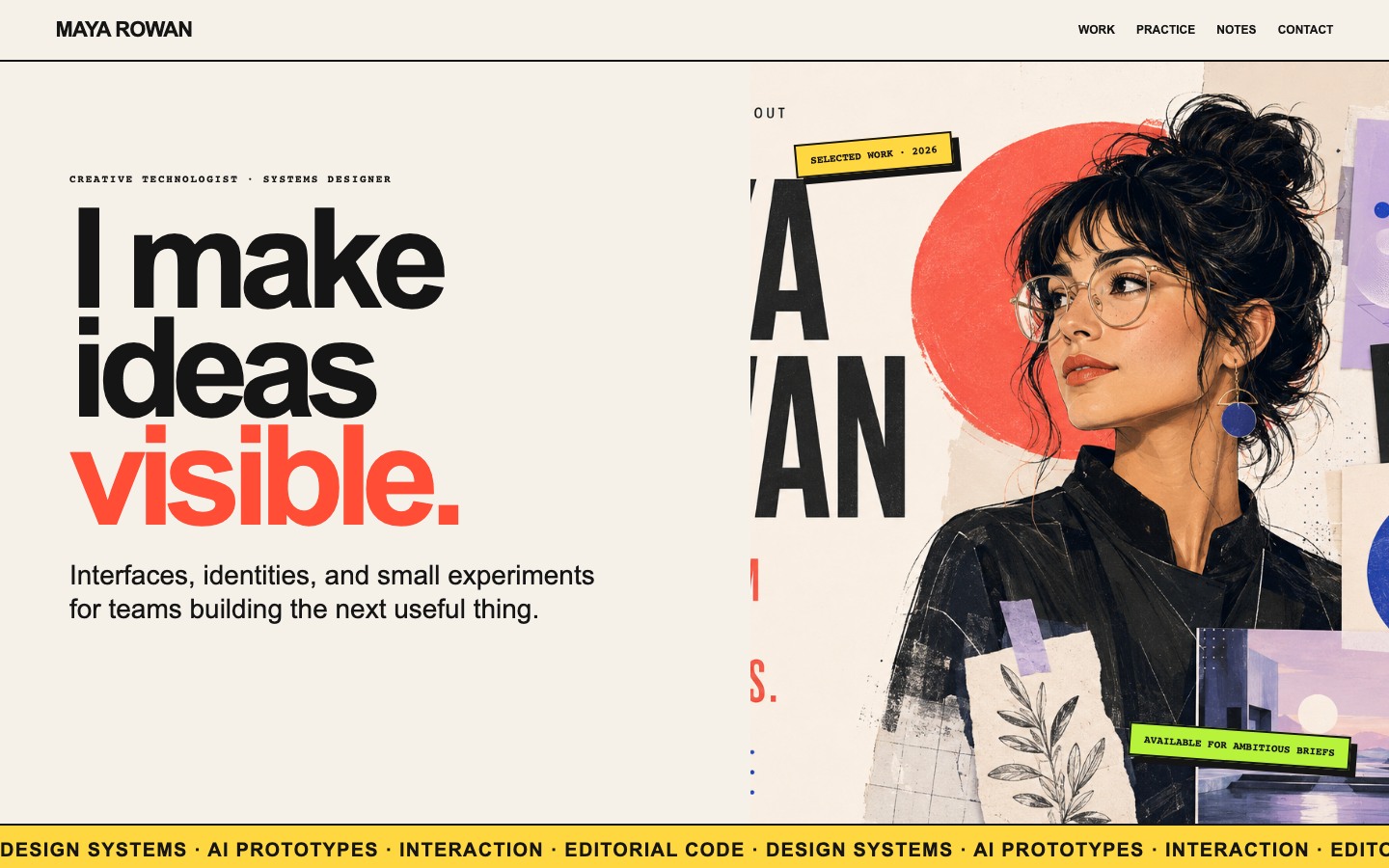
Creative Portfolio Website Design
Maya Rowan’s fictional portfolio connects project cards, practice, and notes.
Website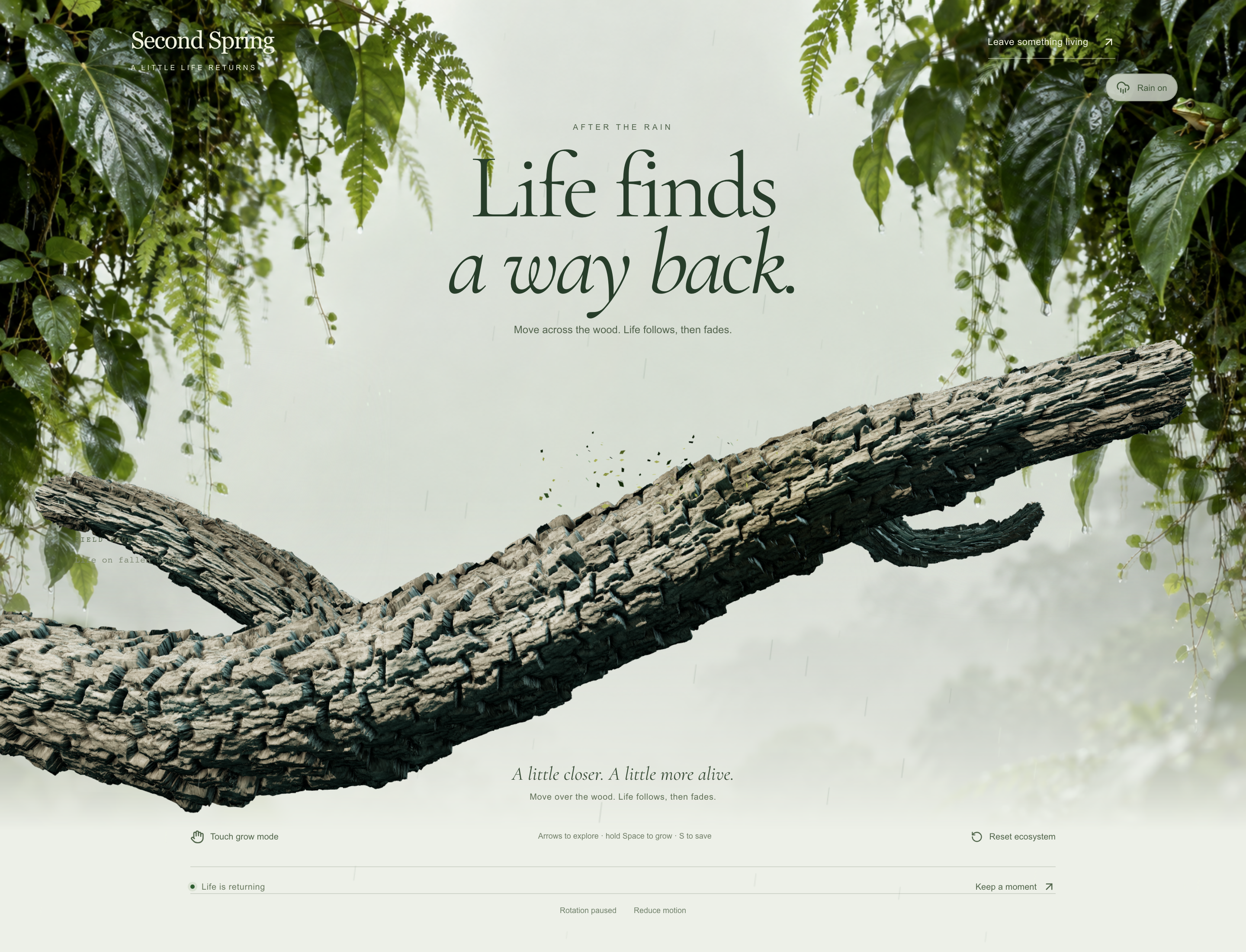
Forest Restoration Website Design
Explore Second Spring, where an interactive fallen branch leads to forest field stories, a restoration plan and simulated ways to contribute.
Website