
Mobile app
Marine Collection App Design
Abyssal Log connects a marine specimen collection to dive missions. Each unknown record explains the task and remaining progress needed to reveal it.

LLM Arena Sep 2026
Case notes- Model
- Claude Opus 5
- Design task
- Deep-sea creature card collection app
- Output
- Mobile app
Designed For
- Specimen Collection AppsConnect a visual catalog to useful discovery records.
- Mission-Based InterfacesShow the work remaining before an item becomes available.
- Mobile Learning ProductsSeparate discovery data from longer reference information.
Key Highlights
- A Featured SpecimenOne image leads into rarity, discovery depth and sighting time.
- Two Ways to BrowseOcean region and rarity organize the same collection.
- Measurable Dive MissionsHolds, passes and samples keep each task’s progress concrete.
- Explicit Unlock RequirementsUnknown records name the mission and work still needed.
Explore the Marine Collection App
1 / 4A Marine Collection App That Explains Each Discovery
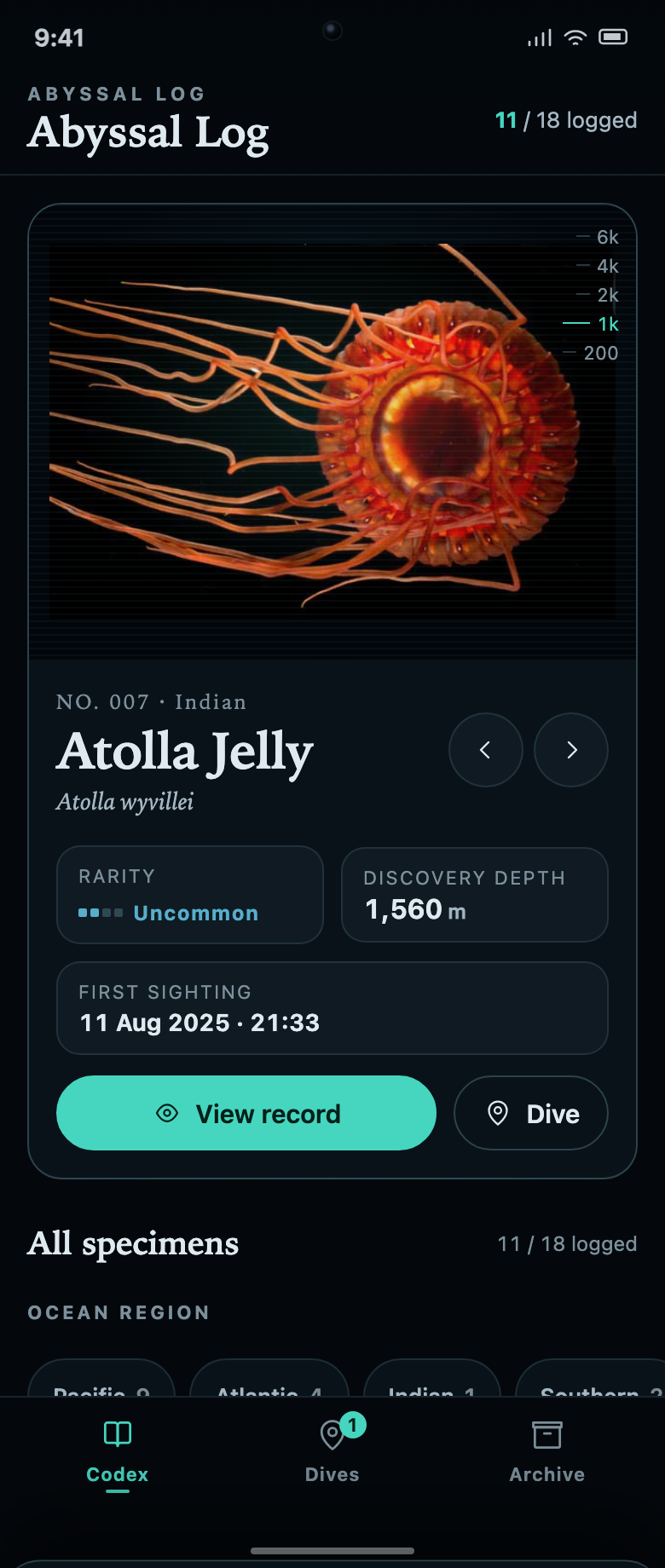
Abyssal Log starts with a featured specimen rather than a wall of small cards. In the captured state, Atolla Jelly appears above its scientific name, rarity, discovery depth and first-sighting timestamp. View record and Dive sit below those facts. One action deepens the current entry; the other leads toward the work that expands the collection.
The header reads 11 / 18 logged, and the collection below includes both discovered creatures and Unknown entries. The page therefore exposes the size of the collection before it is complete. The unknown cards are not just decorative silhouettes: they name a mission and the remaining requirement, giving an unfinished record a practical role.
Keep Discovery Data Separate From Reference Information
The featured card and full record share the same identity but answer different questions. The card summarizes this discovery. The record adds a vehicle label, depth range, size and description. This distinction is particularly useful for field-guide design, where an individual observation and a general species attribute should not be confused.
| Field | Captured Example | Role in the Interface |
|---|---|---|
| Discovery Depth | 1,560 m | Describes the sample sighting attached to this record. |
| Depth Range | 1,000–4,000 m | Provides a broader reference range, not the depth of this one discovery. |
| First Sighting | 11 Aug 2025 · 21:33 | Places the demonstration record in time. |
| Vehicle | ROV Ventana | Adds context to the sample sighting rather than changing the specimen identity. |
| Size | Bell approx. 15 cm | Supplies a separate kind of reference information with an explicit unit. |
Turn an Unknown Specimen Into an Actionable Mission
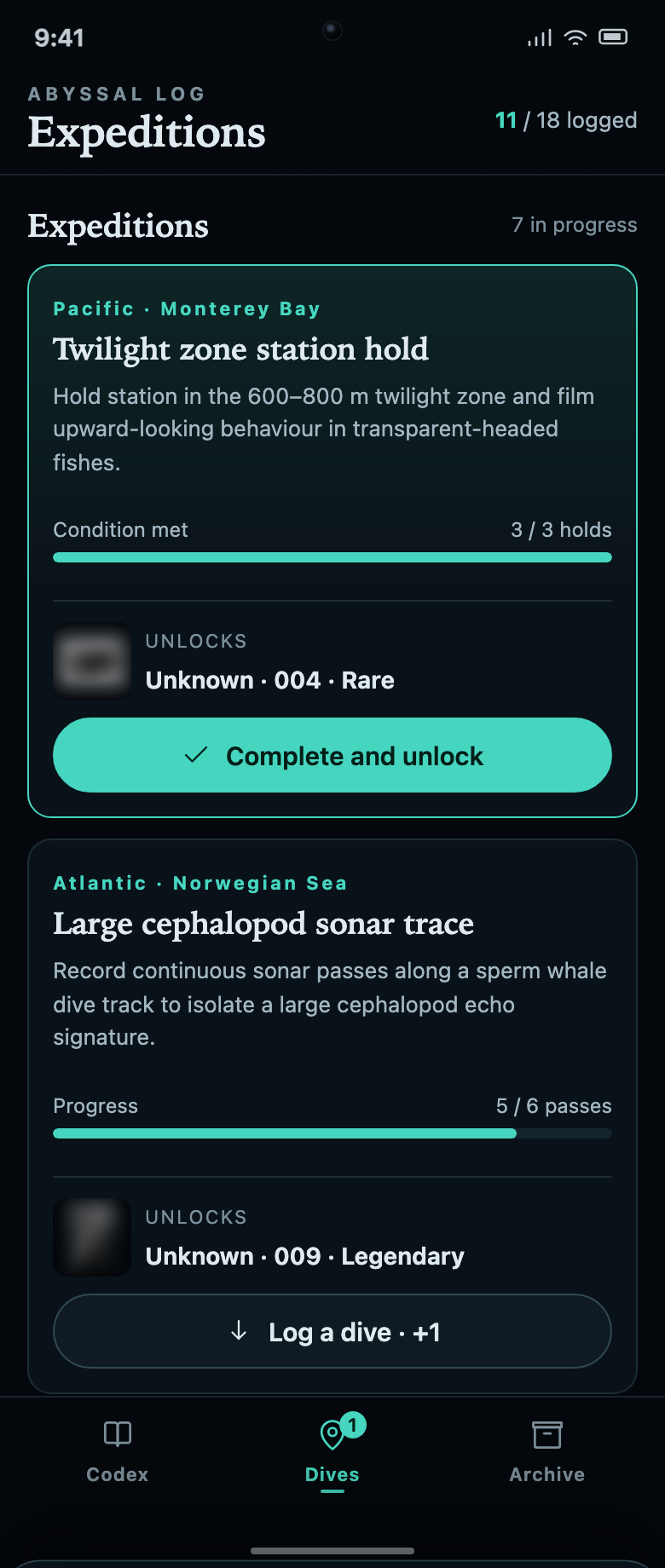
The Expeditions screen contains seven tasks with different units of progress. Twilight zone station hold is already at 3 / 3 holds and offers Complete and unlock. Large cephalopod sonar trace is at 5 / 6 passes and offers Log a dive · +1. The difference between those actions makes the next step visible before the user taps.
These units matter. Three holds, six passes and five profiles are not interchangeable progress points. By naming the task and retaining its unit, the interface gives the progress bar an understandable meaning. A completed measurement and an unlocked record are also separate states: the ready task still asks the visitor to claim the discovery.
Connect the Locked Card to Its Requirement
Unknown · 004 names Twilight zone station hold and says 0 holds to go. The mission screen then offers Complete and unlock. Linking these labels helps the visitor understand why a card can still be unknown even though its measurement is complete: the final unlock action has not yet been taken.
Use a Different Action for a Different State
Log a dive · +1 communicates incremental progress; Complete and unlock communicates a transition into the collection. Keeping those labels distinct is more useful than showing the same button on every card and making the visitor discover what it does.
Give Browsing Its Own Controls
Ocean region and rarity filters belong to the specimen collection, while task progress belongs to Expeditions. This separates finding an existing record from working toward a new one. An adaptation should preserve that distinction when adding search, empty results or a larger mission list.
What This Marine App Prototype Demonstrates
Abyssal Log is a local collection-and-mission prototype. The source explicitly identifies sighting timestamps and vehicles as demo records. Its biology, rarity tiers and depth values are not independently verified scientific references. The isolated preview has no live expedition feed or cloud account. The supplied imagery is retained for local review, with redistribution permissions requiring a separate check before public use.
How to Create a Marine Collection App Design in OpenDesign
Define the Specimen and Mission Relationship
Start with a small catalog and a clear rule for revealing each unknown record. Use the following new design prompt as a practical starting point, not as a claim about the original creator’s process.
Suggested PromptCreate a marine collection app design with eighteen sample specimens, eleven initially logged. Use a dark mobile interface with a teal accent and a large featured-specimen card. Show a common name, scientific name, rarity, discovery depth and first-sighting time, with View Record and Dive actions. Below, provide region and rarity filters and keep unknown records visible. Each unknown record should name the mission and remaining requirement needed to unlock it. The Expeditions screen needs distinct progress units such as holds, passes and samples. Include one task whose condition is met but whose record has not yet been claimed. Use Complete and Unlock for that state and Log a Dive for incomplete tasks. The specimen detail view should separate discovery depth from a reference depth range. Label observations and mission progress as fictional demo data, with no live scientific service or cloud account.
Review Ready, Incomplete and Claimed States
Ask OpenDesign to show all three states for one mission. The displayed unit should remain the same as progress increases. Claiming the completed task should reveal the intended record once and update the logged count without resetting unrelated discoveries.
Check Record Readability on a Phone
Use a long scientific name and a three-digit progress target. Keep labels, units and actions readable without covering them with the bottom navigation. Make the specimen image fit its frame without cropping the subject, and allow the longer detail record to scroll.
Export and Get a Share Link
Export your finished design, then use Share in OpenDesign to get a share link. Open the link in a separate browser window and check that the intended version and its assets are available before sending it.
Discovery Collection App Design
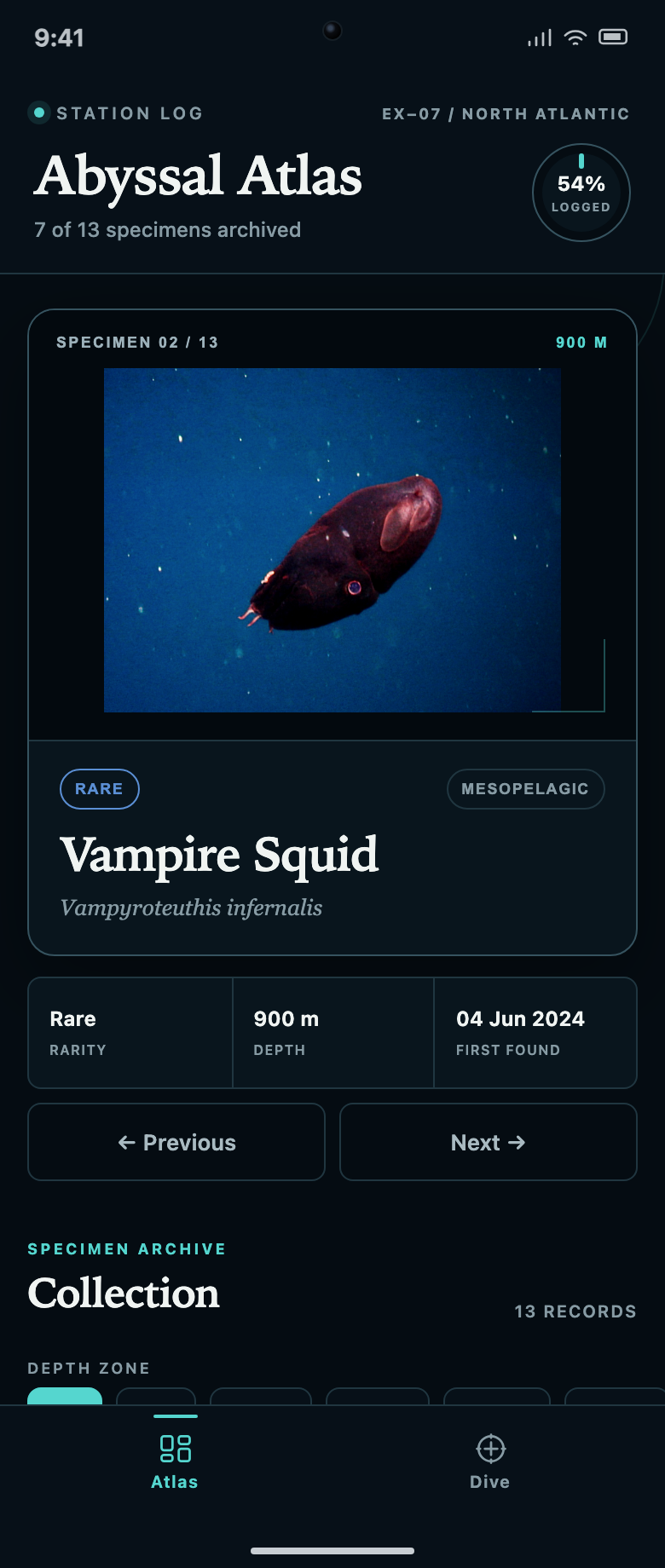
Abyssal Atlas links a specimen collection to a dive queue. Explore how locked records, two filter rows and progress counts explain what to discover next.
Mobile app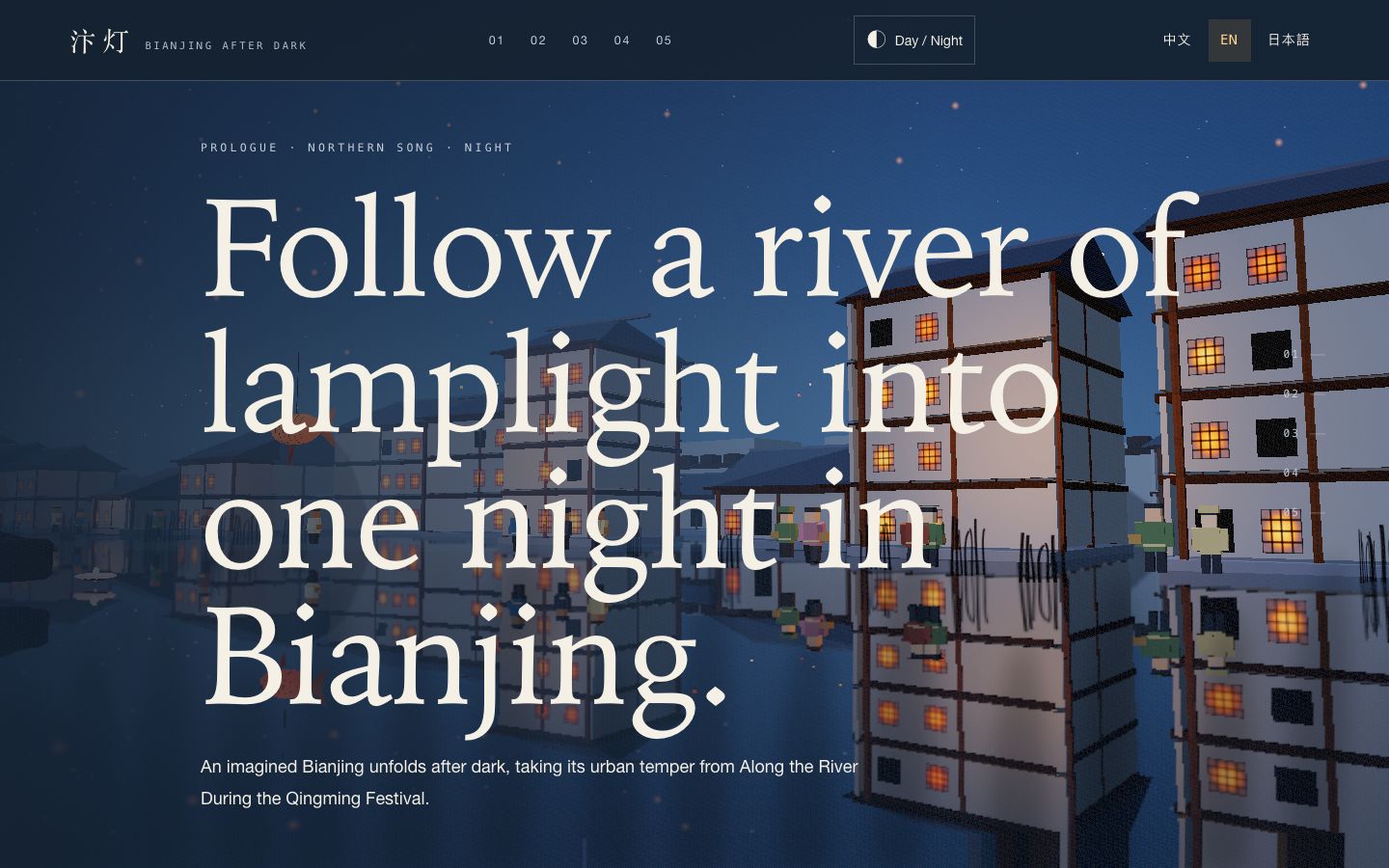
Bianjing Night Tour Website Design
An interactive night journey through an imagined Song-era Bianjing, combining a persistent river city, poetry, lanterns and multilingual chapter pacing.
Website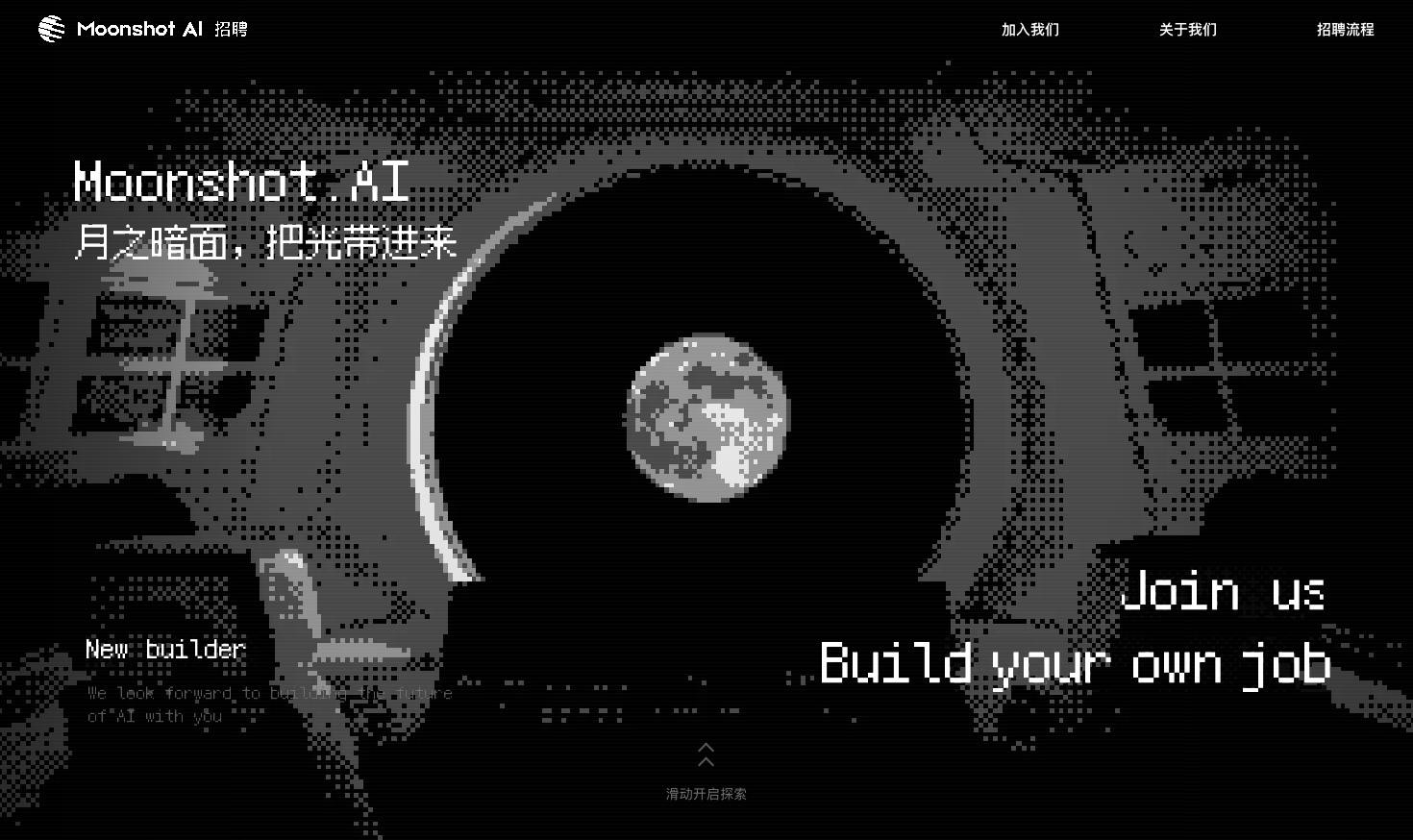
Careers Website Design
A Kimi careers study built from eight lunar scenes, with scroll-linked transitions and an illustrated application process.
Website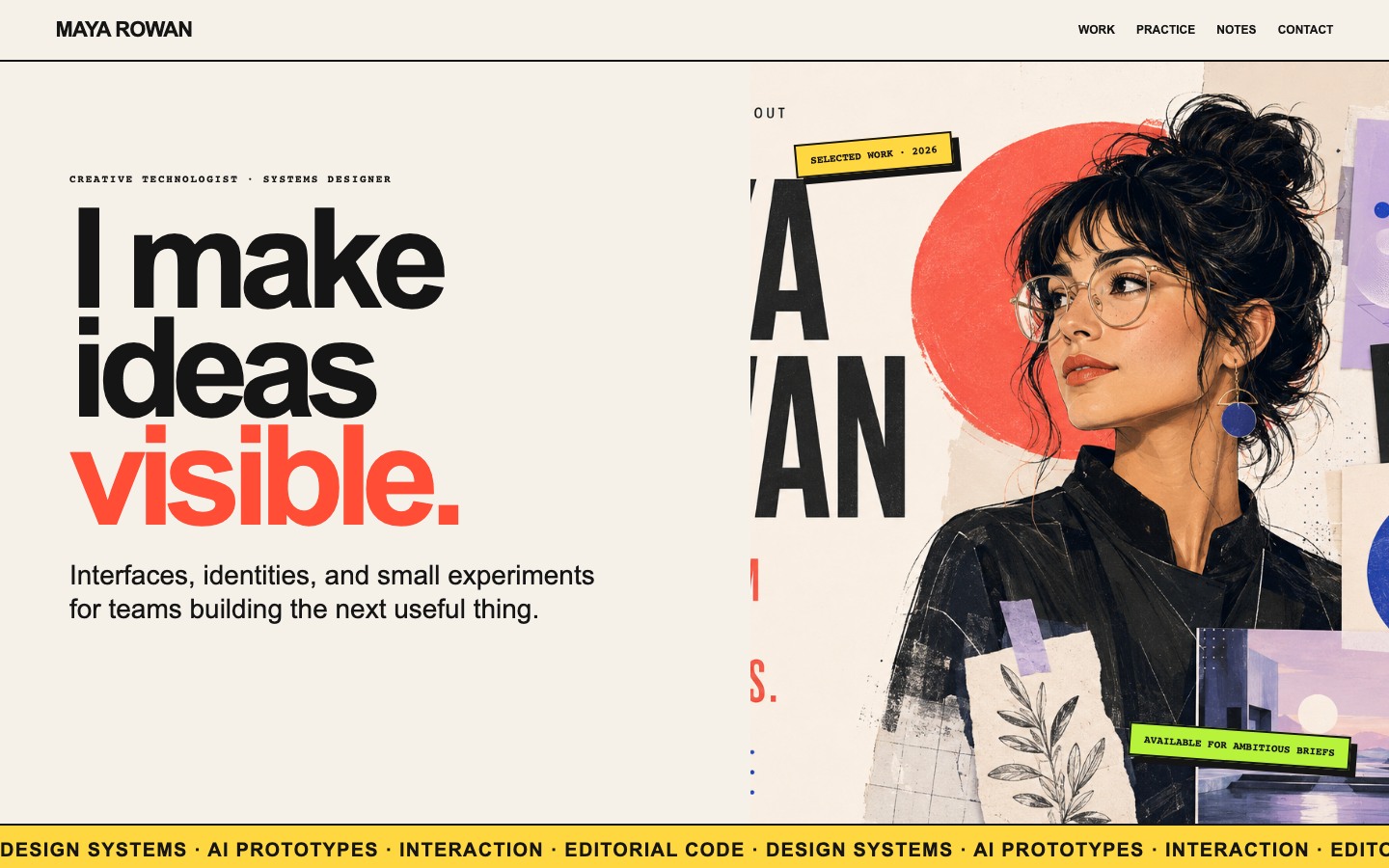
Creative Portfolio Website Design
Maya Rowan’s fictional portfolio connects project cards, practice, and notes.
Website