

Mobile app
Marketplace Checkout App Wireframe Design
A four-screen mobile wireframe maps marketplace onboarding, browsing, product detail, and confirmation into a focused purchase path.

Marketplace Wireframe Use Cases
- Mobile Purchase FlowsMap a marketplace journey from first launch to confirmation.
- Low-Fidelity PrototypingTest screen order, actions, and content priorities before visual polish.
- Checkout ArchitectureKeep purchase decisions focused across compact mobile screens.
Purchase Flow Design Highlights
- Four Distinct StatesSeparates onboarding, browsing, item detail, and confirmation.
- Action-Led SequenceConnects each screen with one annotated next step.
- Greybox StructureUses placeholders to expose layout before final content.
- Focused ConfirmationEnds with a visible success state and single Done action.
The Marketplace Wireframe, Screen by Screen
1 / 4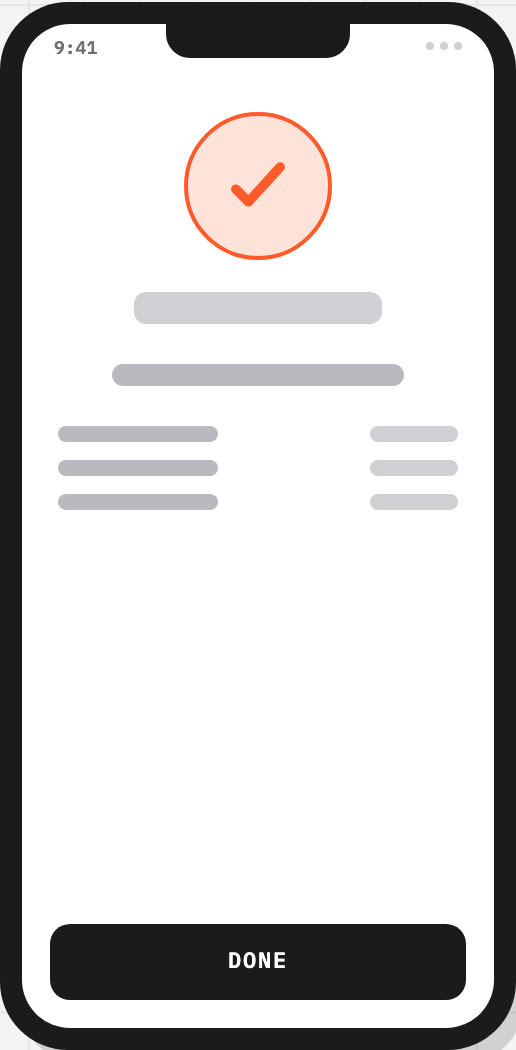
Marketplace Checkout Structure
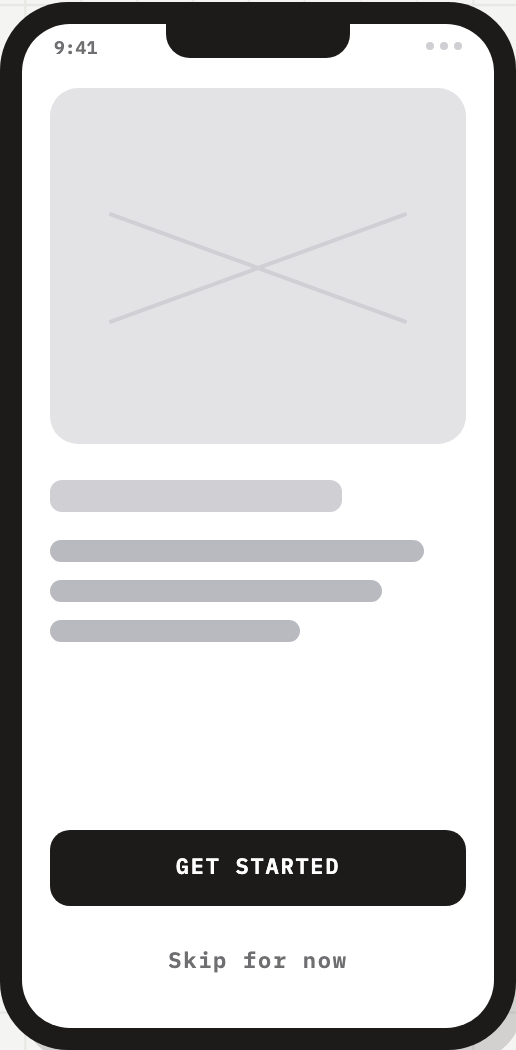
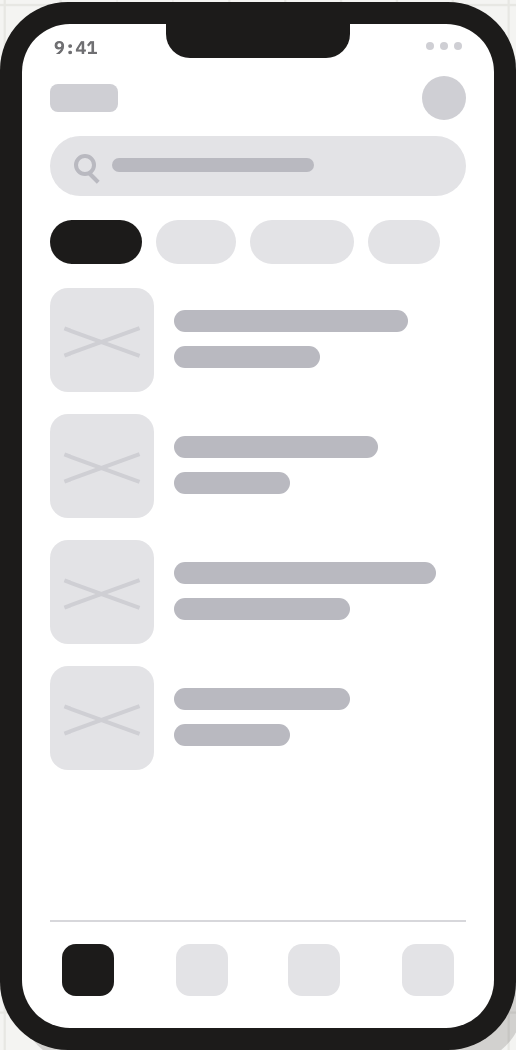
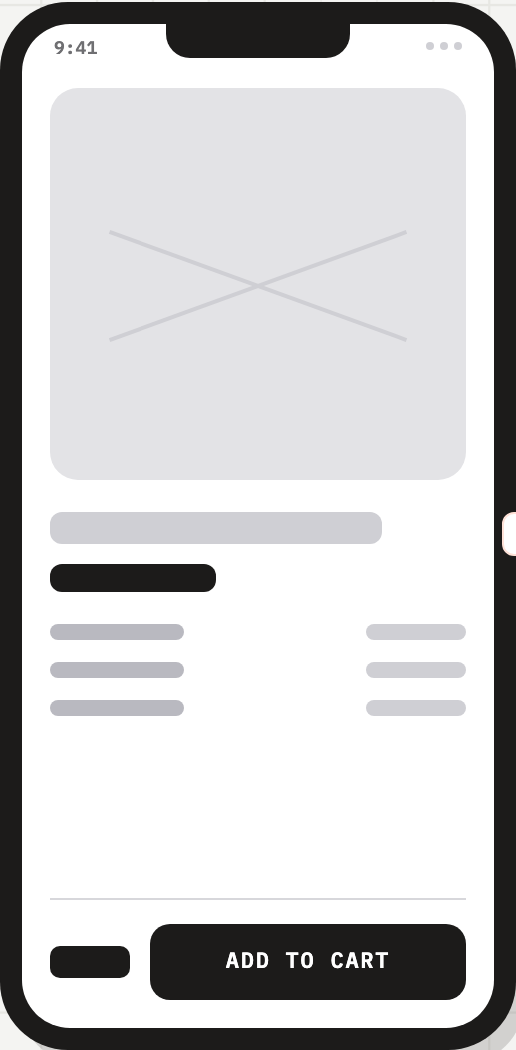
This official OpenDesign example presents a low-fidelity mobile purchase flow titled “Marketplace App · Buy Flow WIREFRAME v0.1 · MOBILE.” Its four phone screens use a shared iPhone-sized frame, a 9:41 status time, grey placeholder blocks, and black primary actions. The repeated shell makes the changing task easy to compare while keeping attention on sequence rather than final brand styling.
The opening screen places a large image placeholder above short grey text lines, then anchors “GET STARTED” near the bottom with “Skip for now” beneath it. That ordering gives the imagined product value space before the first action, while preserving an alternate entry point. The tradeoff is that the wireframe leaves the message and imagery unresolved for later content decisions.
The artifact is a design-only flow: its labels and states describe a proposed marketplace experience, not a connected store, inventory system, payment service, or completed order.
Visible Design Decisions
The screen time remains 9:41 across the supplied captures, while the primary action changes from “GET STARTED” to “ADD TO CART” and finally “DONE.” This repeated time treatment acts as a stable frame reference; the changing action labels carry the state transition. The placeholder content communicates geometry and emphasis without claiming product data.
The source labels a 390 × 844 iPhone target and low greybox fidelity, while the actual phone-frame CSS renders each screen at 258 × 524 pixels. These are a declared device target and a compact presentation frame, not identical dimensions. The generous lower action areas help compare priorities, but final copy, accessibility and interaction validation remain open.
When This Flow Helps
This wireframe is useful when a product team needs to discuss a marketplace journey before committing to visual direction or service behavior. The explicit labels “FIRST LAUNCH,” “BROWSE + SEARCH,” “SPECS + CTA,” and “ORDER PLACED” name the intended role of each state, so teams can identify missing decisions without mistaking the sample for a production flow.
It is especially suited to early reviews of onboarding pressure, product-detail density, and confirmation messaging. The sequence proposes that browsing leads to an item, the item leads to “ADD TO CART,” and the final state leads to “DONE.” That linear path is easy to explain, but it does not yet show back navigation, cart review, quantity changes, errors, delivery choices, or payment details.
Onboarding Review
Compare the large introductory placeholder and paired actions to decide how much context users need before browsing.
Product Detail Review
Use the separated content rows and bottom action to discuss which specifications must remain visible near the purchase decision.
Confirmation Review
Inspect the checkmark, summary placeholders, and DONE action as a starting point for order-state content and recovery paths.
From First Launch To Confirmation
The source places four complete phone wireframes side by side, joined by three orange annotations: ① tap Start, ② open item and ③ add to cart. The browse screen has a search placeholder, four category pills, four thumbnail-and-text rows and four bottom-navigation positions. These are static div and span shapes without click handlers; their role is to describe discovery before the detail screen, not to implement search or shopping.
The product-detail screen places a large media placeholder above a title bar, dark emphasis bar and three paired specification rows. A separate dark price placeholder sits beside ADD TO CART at the bottom, preserving a price-and-action relationship without giving an amount. That priority supports a scan from product overview to purchase intent, but variants, availability and purchase feedback remain undefined.
Start The Journey
The welcome state presents GET STARTED and Skip for now, establishing two entry choices before the user reaches marketplace content.
Browse And Select
The annotated home-feed state is labeled BROWSE + SEARCH and points to opening an item, making discovery the bridge between onboarding and detail.
Inspect And Add
The item-detail state is labeled SPECS + CTA and ends with ADD TO CART, separating evaluation from the purchase action.
Confirm The Outcome
The final state uses an orange outlined checkmark, summary placeholders, and DONE to represent order confirmation.
Capability Boundary
The artifact establishes a visual proposal for four mobile states and their intended labels. It does not establish working navigation, real marketplace data, account handling, checkout processing, payment success, or order persistence. The completion screen is therefore best read as a designed confirmation state, not proof that an order was placed.
For adaptation, preserve the observed state distinction and action sequence while replacing illustrative placeholders with verified content and defining omitted states. Validate whether the proposed one-screen checkout remains sufficient once address, delivery, payment, error, and recovery requirements are known.
How to Create Marketplace Checkout App Wireframe Design in OpenDesign
Set The Four-State Frame
Create four distinct mobile screens for first launch, browse and search, item detail, and confirmation. Keep the shared phone proportions and repeated 9:41 status treatment so state changes remain easy to compare.
Suggested PromptCreate a low-fidelity mobile marketplace buy flow with four separate phone screens: GET STARTED with Skip for now, a BROWSE + SEARCH home feed, an item detail screen with SPECS + CTA and ADD TO CART, and an ORDER PLACED confirmation with DONE. Use greybox placeholders, one dominant action per screen, and no real backend, inventory, payment integration, or completed order claim.
Refine Content Priority
Replace placeholder bars only where the decision requires specificity. Check that the welcome image and one-line message support the first action, that item specifications remain scannable above ADD TO CART, and that confirmation content explains what happened without inventing transaction data.
Check Missing States
Review the linear handoff against the intended marketplace scenario. Add proposed states for back navigation, cart review, payment or delivery requirements, failures, and recovery only when the product scope calls for them; keep them distinct from the four supplied reference screens.
Export and Get a Share Link
Export your finished design, then use Share in OpenDesign to get a share link. Open the link in a separate browser window and check that the intended version and its assets are available before sending it.
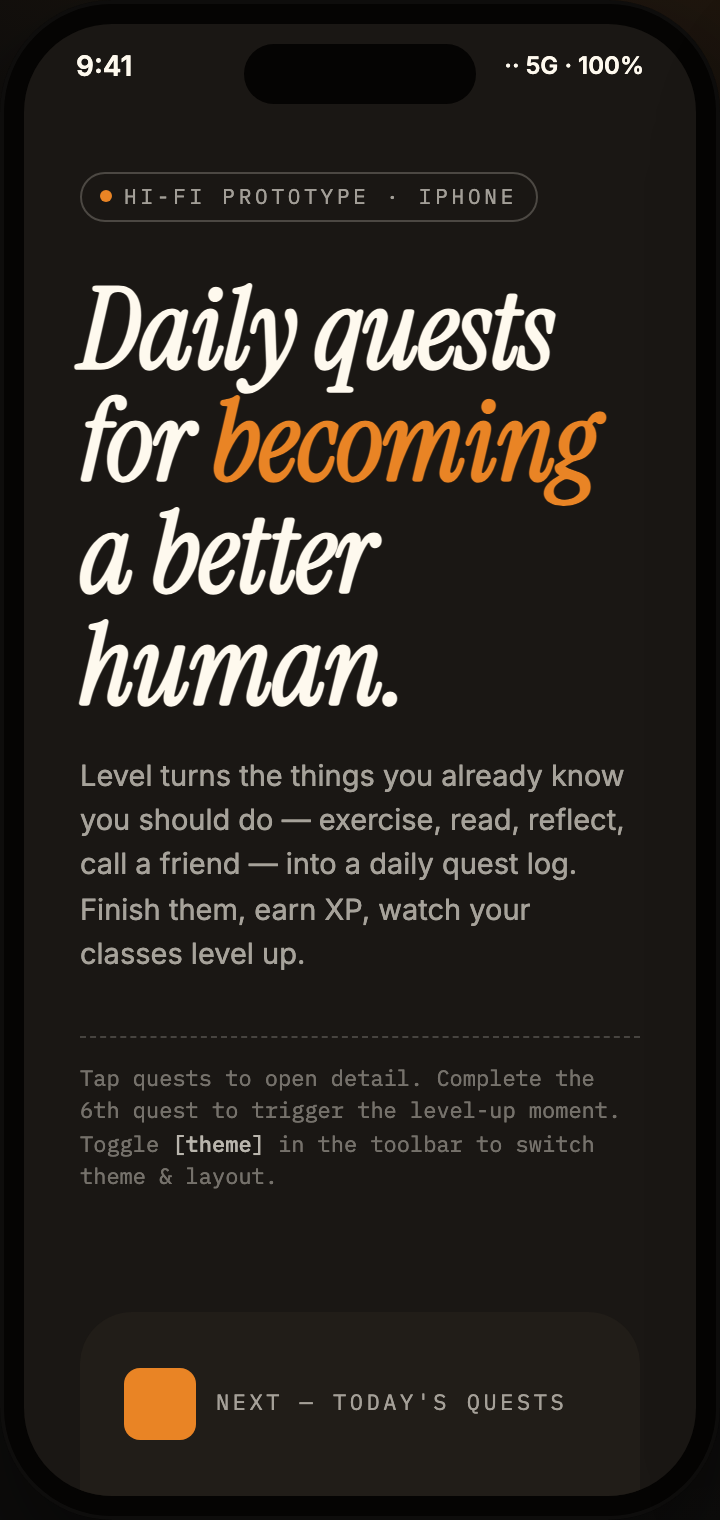
Daily Quest App Design
Daily Quest App Design turns everyday goals into a three-screen mobile quest journey with sample XP, category cards, and task detail.
Mobile app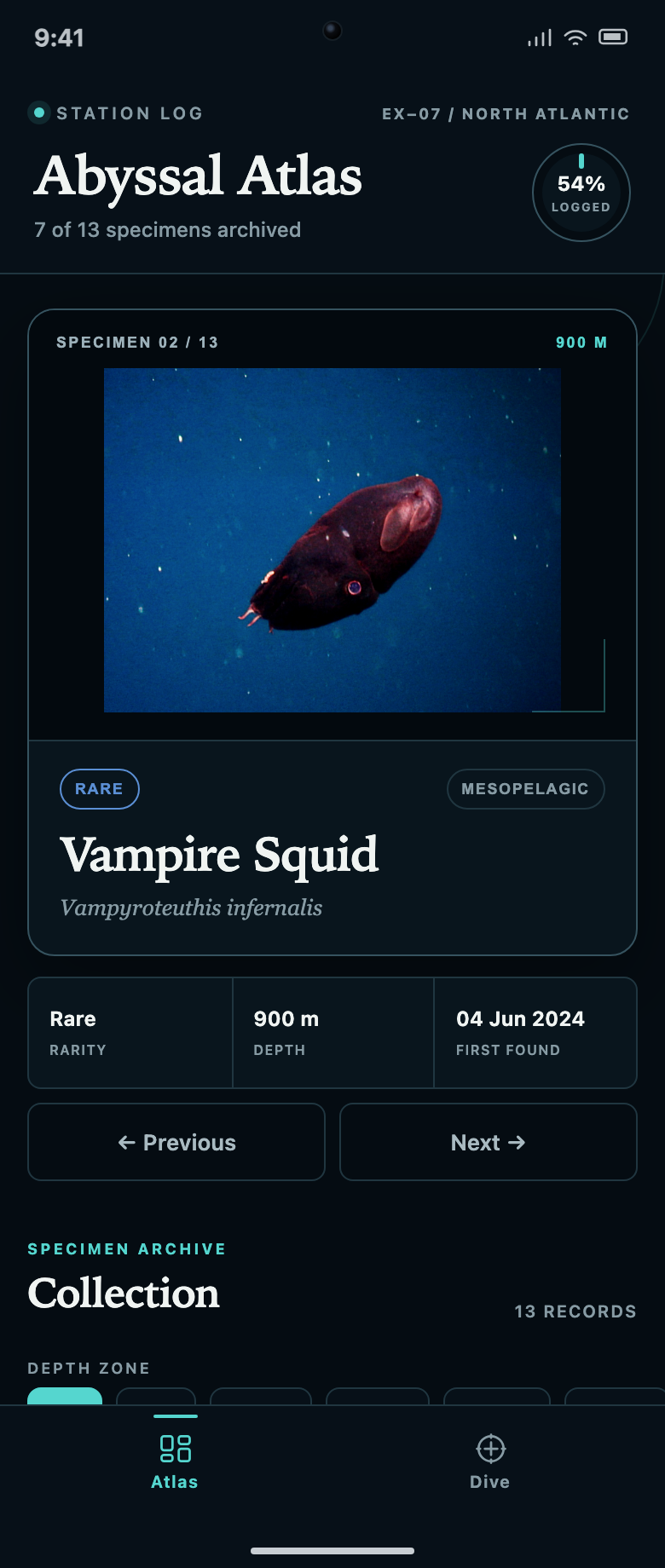
Discovery Collection App Design
Abyssal Atlas links a specimen collection to a dive queue. Explore how locked records, two filter rows and progress counts explain what to discover next.
Mobile app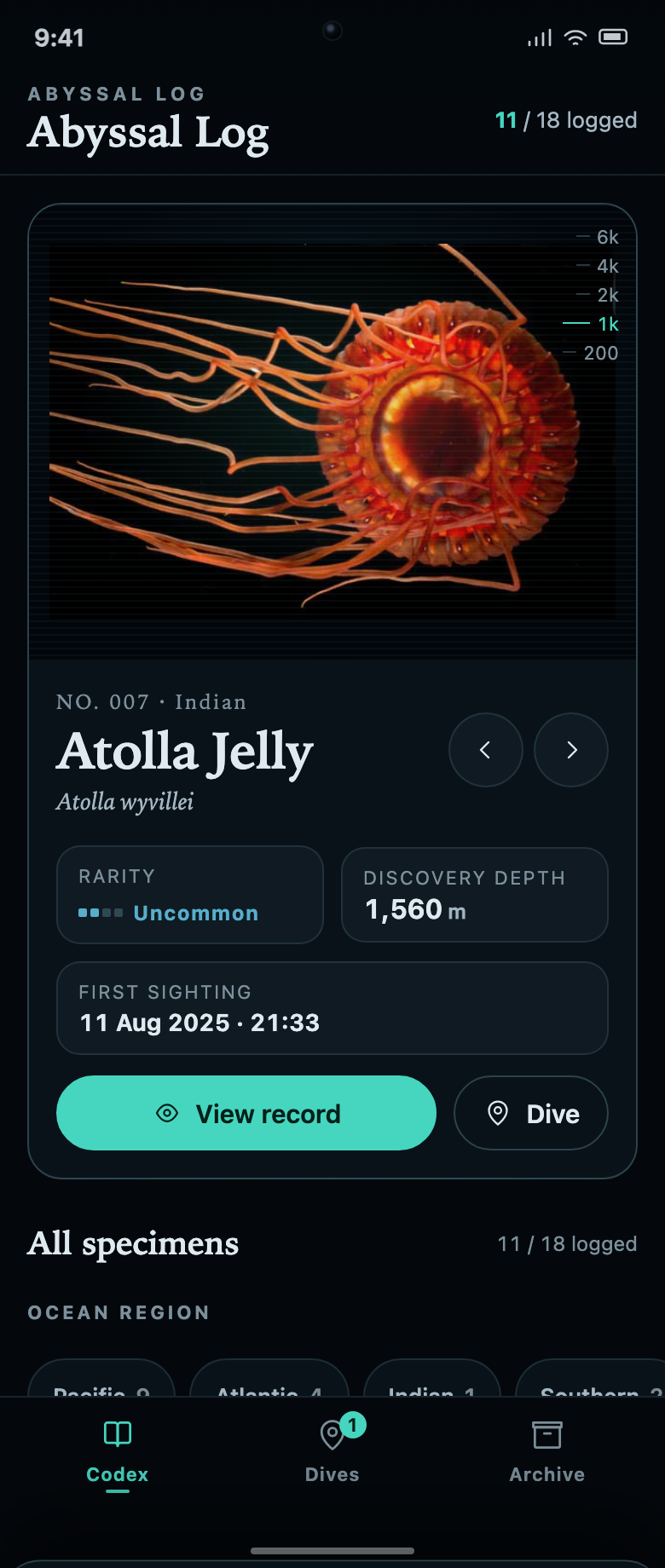
Marine Collection App Design
Abyssal Log connects a marine specimen collection to dive missions. Each unknown record explains the task and remaining progress needed to reveal it.
Mobile app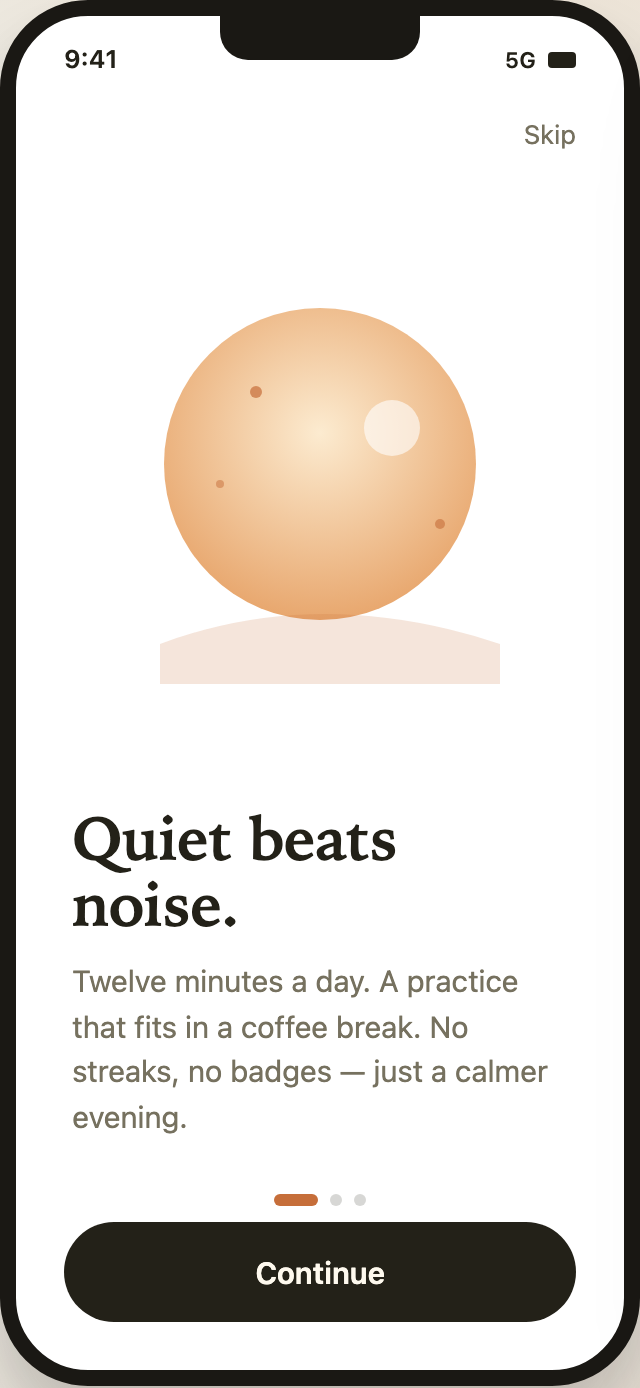
Mindfulness Onboarding App Design
Mindfulness Onboarding App Design uses three calm mobile screens to introduce Lull’s practice, adapt its promise, and present account choices.
Mobile app