
Mobile app
Discovery Collection App Design
Abyssal Atlas links a specimen collection to a dive queue. Explore how locked records, two filter rows and progress counts explain what to discover next.

LLM Arena Sep 2026
Case notes- Model
- Grok 4.6
- Design task
- Deep-sea creature card collection app
- Output
- Mobile app
Designed For
- Collection App DesignKeep found and undiscovered records in one browsable collection.
- Discovery Game InterfacesConnect a mission to the item it can reveal.
- Mobile Field GuidesSeparate a specimen overview from its detailed record.
Key Highlights
- Two Independent FiltersDepth zone and rarity provide different ways into the archive.
- Visible Locked RecordsUnknown cards show the expedition needed to reveal them.
- Two Progress MeasuresArchive completion and the mission queue have separate counts.
- Compact Specimen DetailsThe detail view adds a description and more precise discovery time.
Explore the Discovery App
1 / 4A Discovery App With a Collection and a Next Action
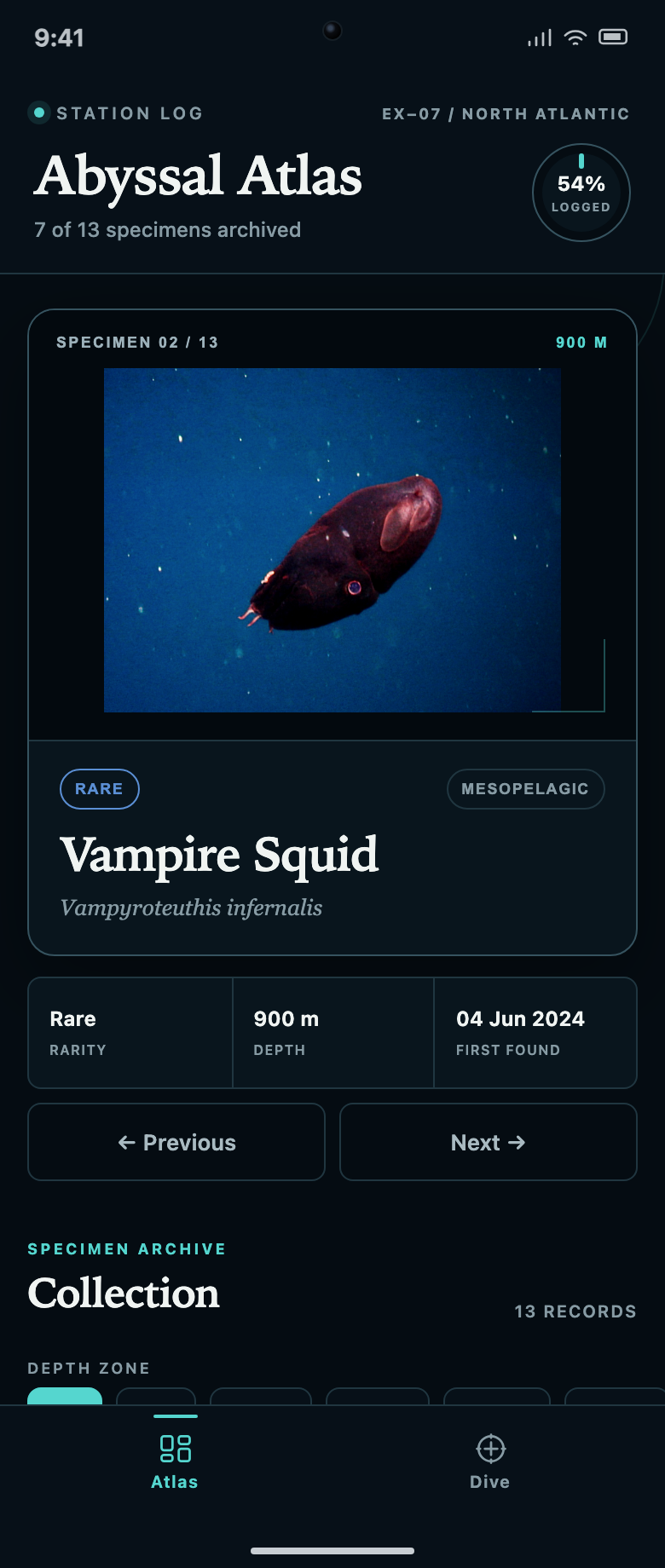
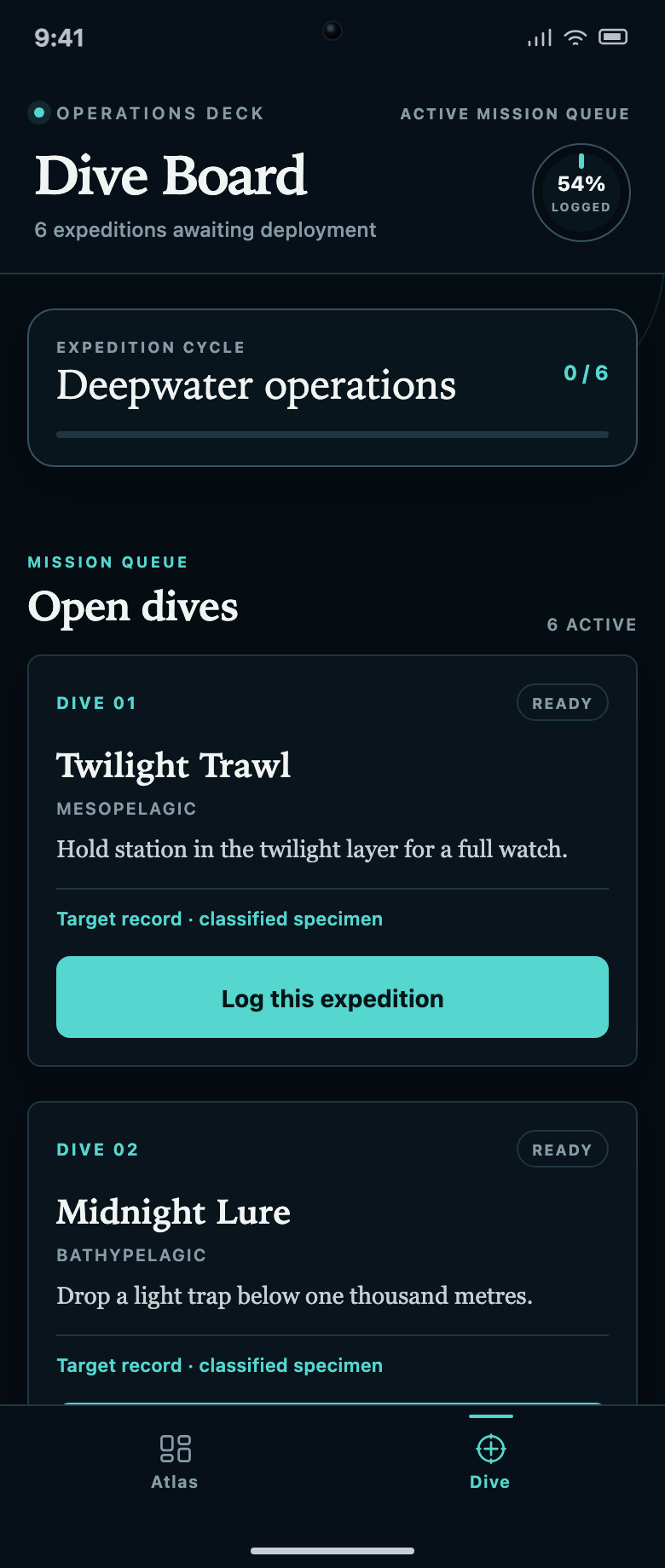
Abyssal Atlas uses two tabs, Atlas and Dive, to connect a collection with the actions that expand it. Atlas shows the current specimen and a scrollable archive. Dive lists the named expeditions associated with undiscovered records. The structure gives a visitor both something to browse now and a reason to move to another screen.
The initial header reads 7 of 13 specimens archived and 54% logged. Those describe progress through the whole archive. SPECIMEN 02 / 13 describes the currently displayed record instead. Keeping the labels visible is important: the visitor is looking at the second entry, but has already collected seven specimens.
Make Undiscovered Records Useful to Browse
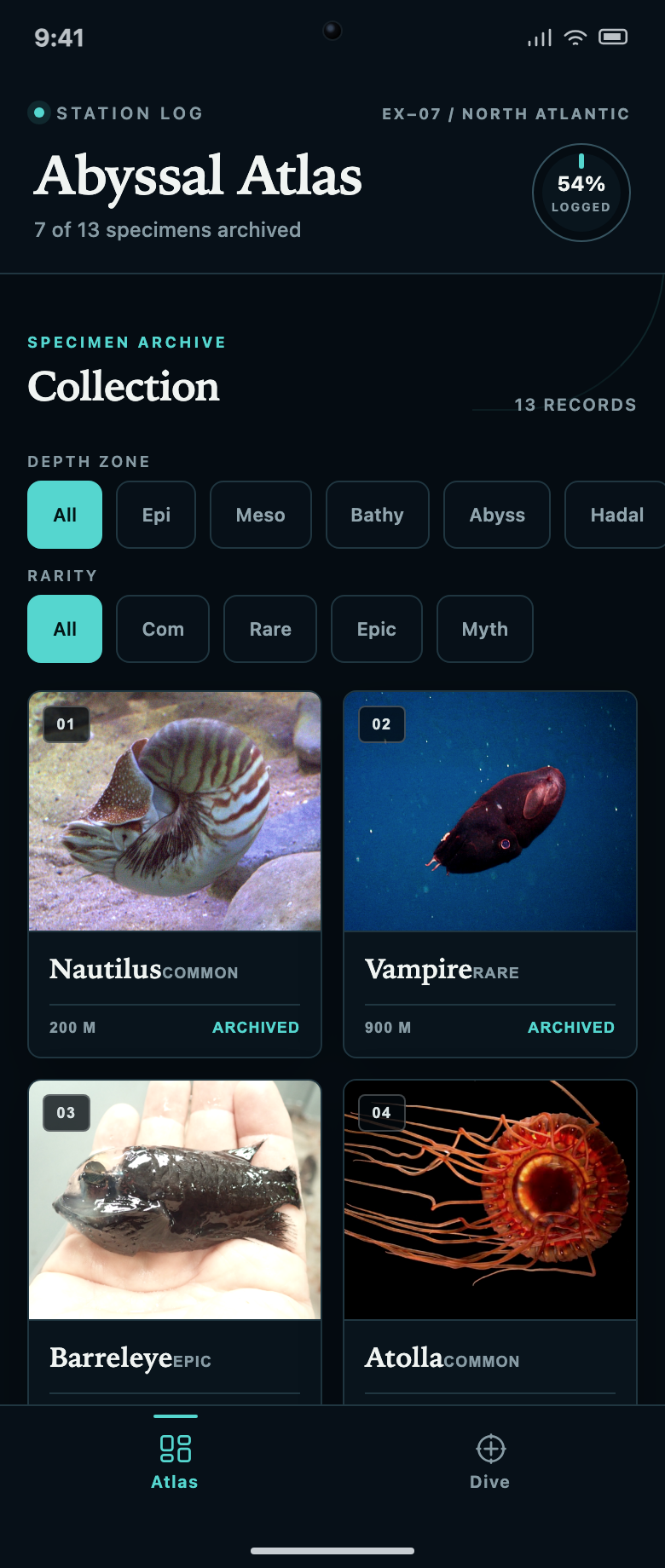
Locked records remain part of the archive rather than disappearing from it. An unknown card keeps its numbered place and carries a named expedition such as Twilight Trawl. That gives the empty slot a useful purpose: it tells the visitor what to try next without revealing the specimen prematurely.
Keep the Collection Size Stable
Archived and locked entries occupy the same collection. A reader can understand the total scope without visiting a separate achievements screen. Because the locked cards use mission information instead of a species name, they communicate both a boundary and a route forward.
Separate Habitat From Rarity
Two pill rows filter by depth zone and rarity. These are different questions about the same collection, not competing navigation sections. The abbreviated labels save room on a phone; a field-guide adaptation should explain terms such as Meso and Bathy for readers who do not already know them.
Distinguish Browsing Position From Progress
The selected specimen number, archived count and percentage should remain consistent without being interchangeable. Filtering the visible cards is another operation again. A production interface should not silently change the meaning of the global progress indicator when a visitor narrows the list.
Move Between a Specimen Record and the Dive Queue
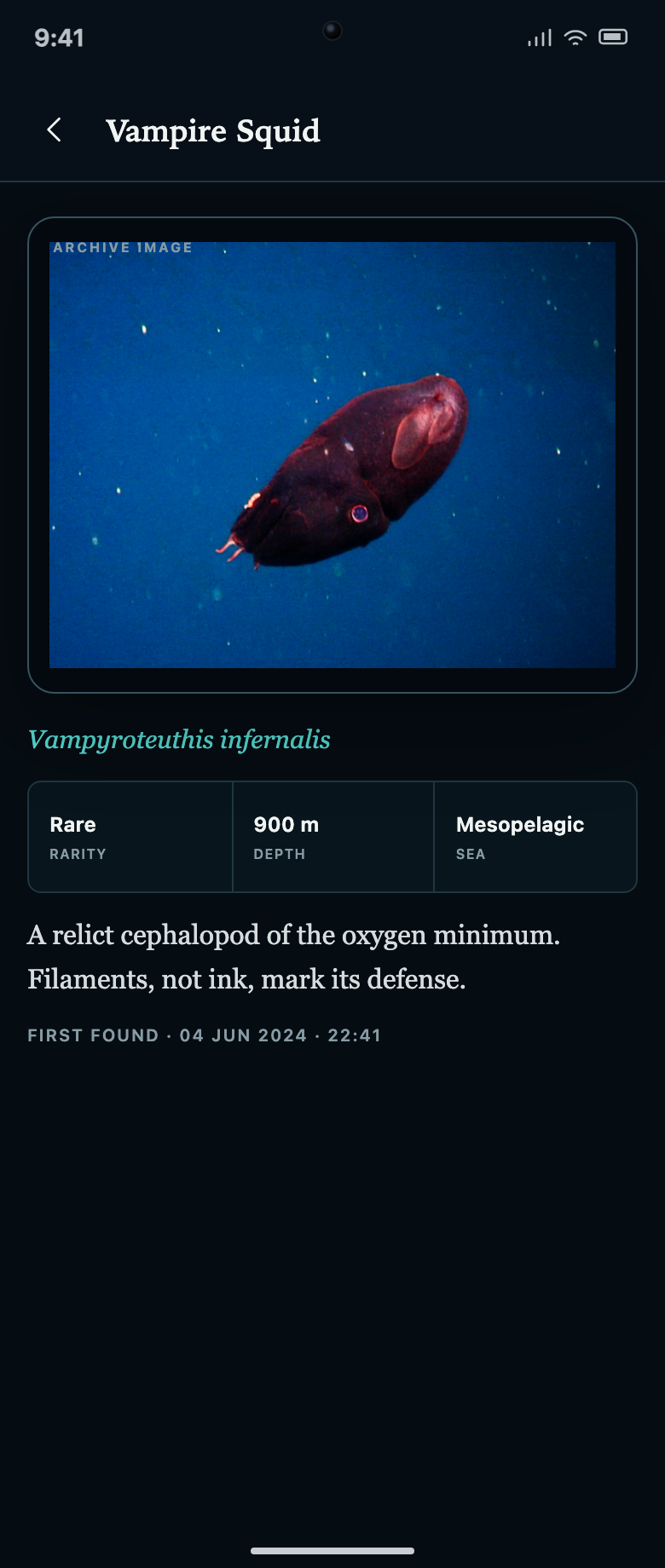
The Vampire Squid overview shows its common and scientific names, rarity, depth and first-found date. Opening the record adds a short description, a depth-zone label and a time alongside the date. The detailed view therefore contributes information instead of merely enlarging the same card.
The Dive Board starts with six expeditions and a separate 0 / 6 mission-queue count. Each entry names a dive, its depth zone and an objective before the Log this expedition action. The archive count remains visible above. These two totals let someone understand both the collection they have and the queue they can work through.
| Label | Captured Value | What It Counts |
|---|---|---|
| Archived Specimens | 7 of 13 | Records already visible in the archive. |
| Logged Progress | 54% | A rounded expression of the same archive completion. |
| Current Specimen | 02 / 13 | The selected specimen’s position, not a completion rate. |
| Mission Queue | 0 / 6 | Completed items in the displayed expedition cycle. |
A Local Discovery Prototype With Sample Records
This is a local collection-and-unlock demonstration, not a live expedition service. Depths, sighting dates, rarity tiers and biological descriptions are source content, not independently validated scientific reference data. The isolated preview does not provide accounts or cloud synchronization. Source imagery is retained for this local review; permissions would need a separate check before public redistribution.
How to Create a Discovery Collection App Design in OpenDesign
Define the Archive and Its Unlock Loop
Give OpenDesign a fixed sample collection and an explicit relationship between each mission and its locked record. The following prompt describes a new design exercise inspired by this case.
Suggested PromptCreate a discovery collection app design for a fictional deep-sea archive with thirteen specimens, seven initially discovered. Use a dark mobile interface with teal accents and two bottom tabs: Atlas and Dive. Atlas shows a current specimen card, its common and scientific names, rarity, depth and first-found date, followed by a collection grid. Keep locked entries visible with a stable number and the name of the expedition that unlocks them. Add separate depth-zone and rarity filter rows. The detail screen should add a description and precise discovery time rather than repeat only the card. Dive shows six named expeditions with an objective, status and local Log action. Keep archived progress separate from mission completion and current record position. Use clearly labeled sample records and do not imply real dives, scientific verification or cloud accounts.
Trace One Mission Into the Collection
Ask OpenDesign to show the ready, in-progress and completed states of one expedition, then reveal its target record. Check that the archive count changes once, the same card keeps its position and repeating a completed action cannot inflate progress.
Clarify Filter Labels and Empty Results
Choose one depth zone and one rarity together. Ask for an explicit empty state when no records match, with a way to clear filters. Keep the total archive count separate from filtered results, and provide readable explanations for abbreviated scientific terms.
Export and Get a Share Link
Export your finished design, then use Share in OpenDesign to get a share link. Open the link in a separate browser window and check that the intended version and its assets are available before sending it.
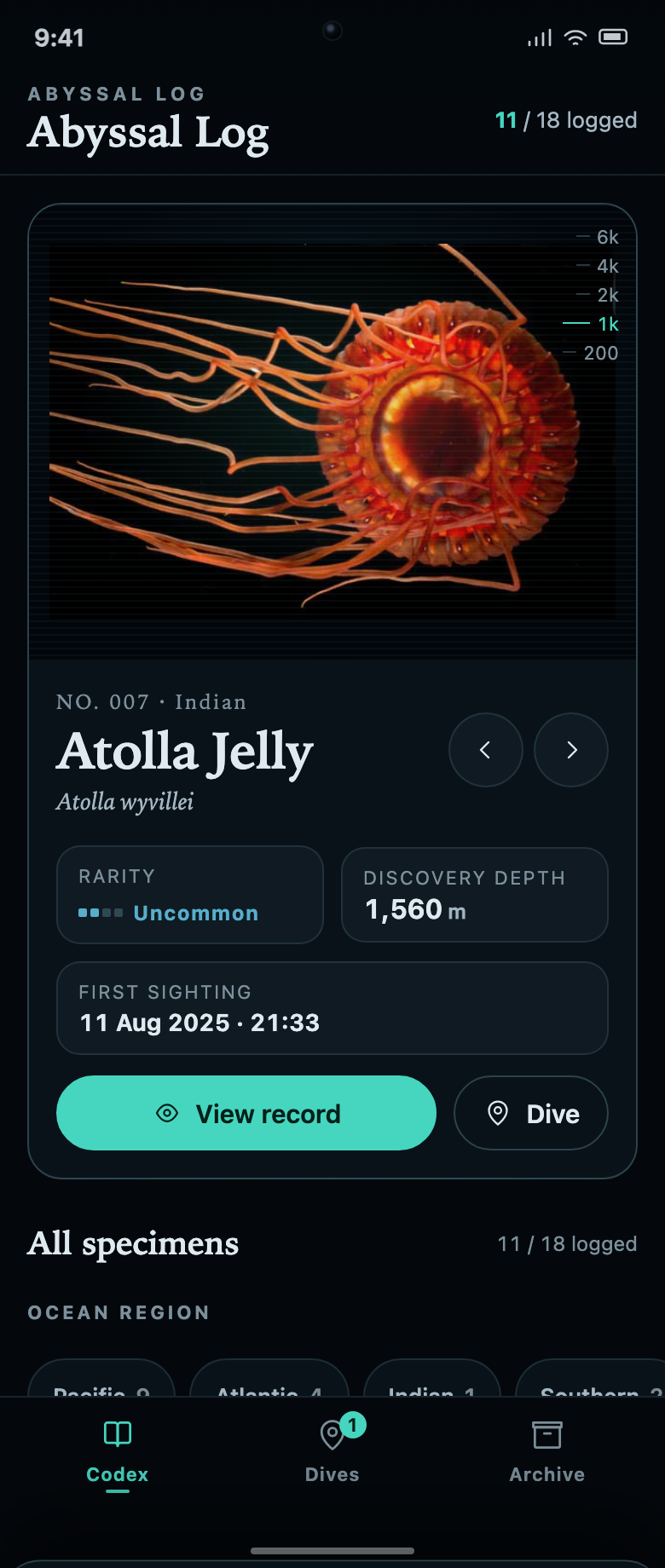
Marine Collection App Design
Abyssal Log connects a marine specimen collection to dive missions. Each unknown record explains the task and remaining progress needed to reveal it.
Mobile app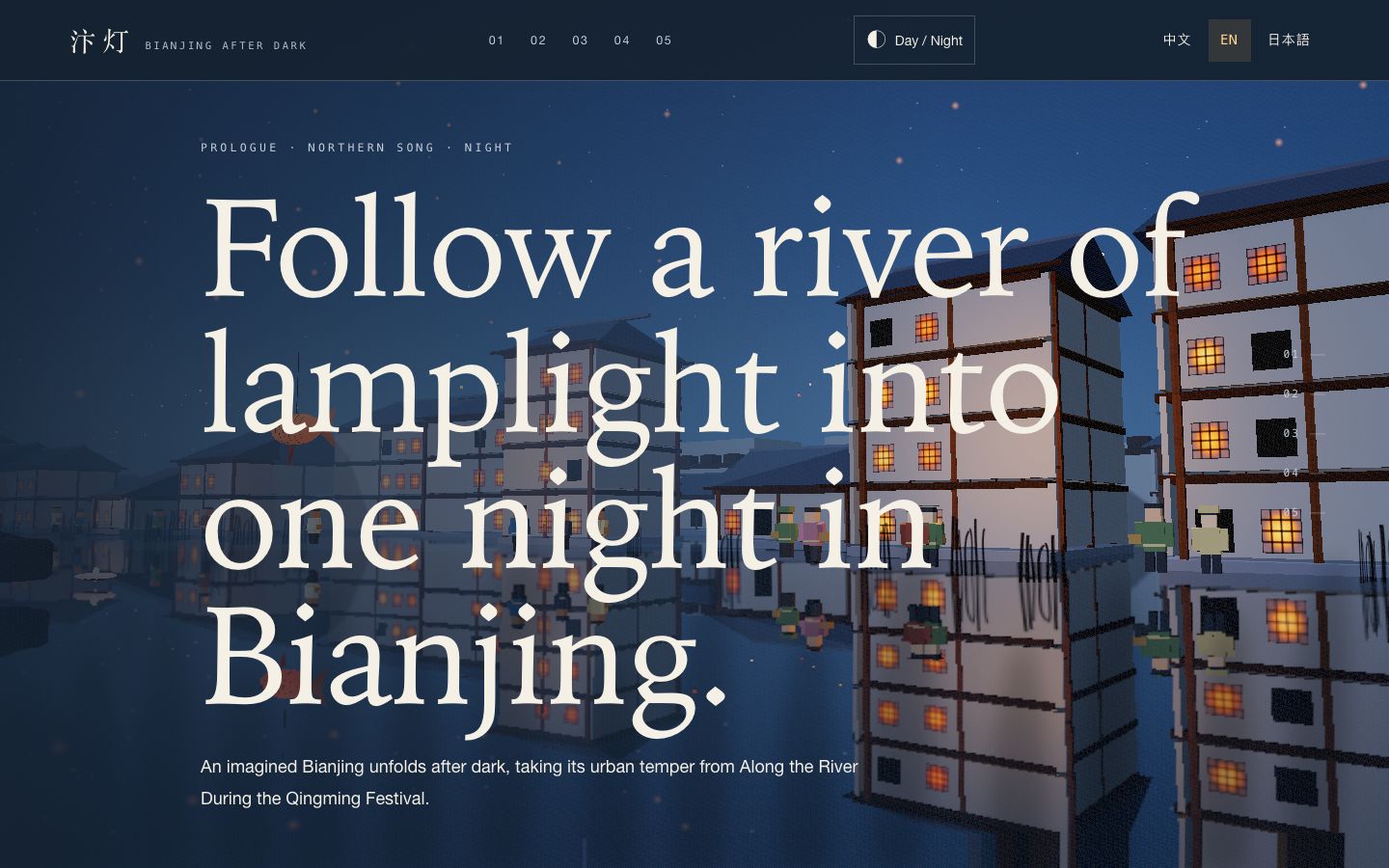
Bianjing Night Tour Website Design
An interactive night journey through an imagined Song-era Bianjing, combining a persistent river city, poetry, lanterns and multilingual chapter pacing.
Website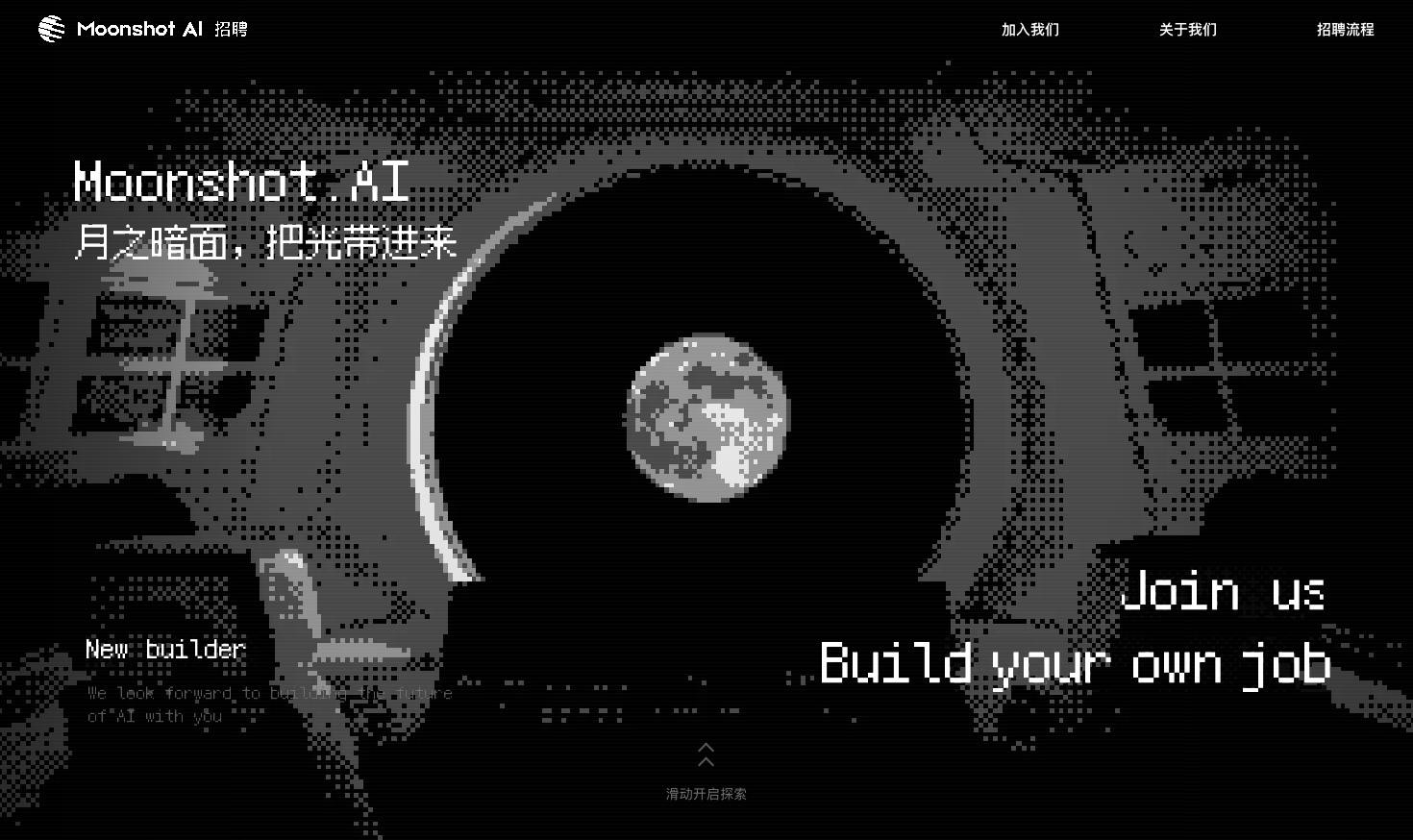
Careers Website Design
A Kimi careers study built from eight lunar scenes, with scroll-linked transitions and an illustrated application process.
Website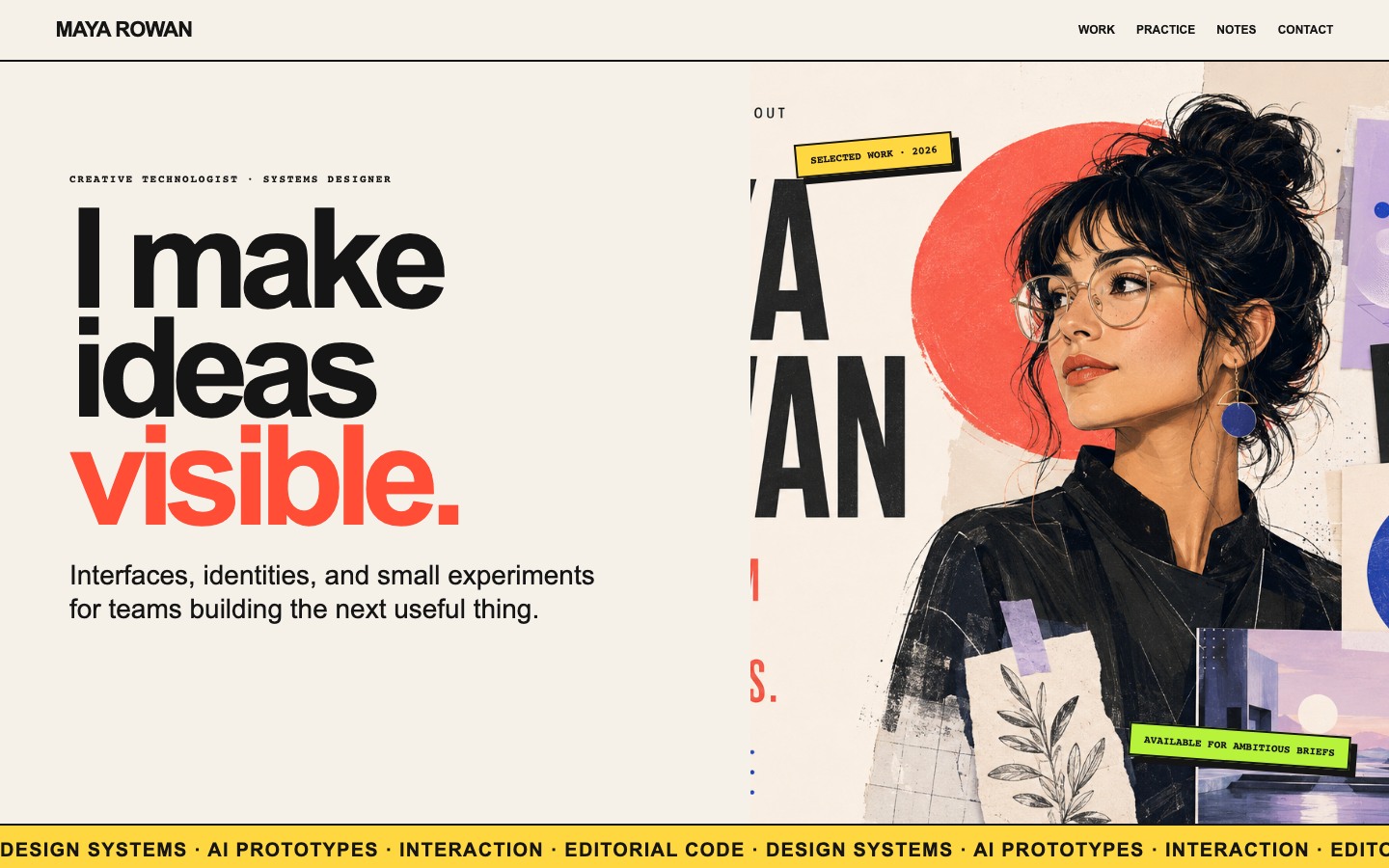
Creative Portfolio Website Design
Maya Rowan’s fictional portfolio connects project cards, practice, and notes.
Website