

Motion
Product Promo Motion Design
A 15-second promo moves from a halftone mascot and product cards to a staged checkout, then resolves its message into the Pennyflow wordmark.

Designed For
- Product Launch FilmsShort promos that introduce an offer, demonstrate its flow, and close on a brand.
- Motion Identity SystemsBrand motion built from recurring type, character, color, and transition rules.
- Code-Based Video StudiesTime-driven compositions that must reproduce the same frame after seeking.
Motion Design Highlights
- Six Chapters in 15 SecondsA hook, offer, store, checkout, message, and brand close each receive a defined beat.
- Halftone Character ReactionsA dithered mascot nods, blinks, hops, and follows the objects appearing around her.
- Copy Becomes the WordmarkThe final “flow.” moves from the message and forms the tail of the Pennyflow lockup.
Product Promo Motion Design Preview
How the 15-Second Story Is Structured
The film compresses a sales narrative into six chapters. It starts with a direct question, shows three sellable formats, assembles a mobile store, expands into checkout operations, and ends with a creator-versus-platform message. The progression is legible because each chapter changes the dominant composition rather than merely replacing text in one layout.
| Time | Chapter | Visible Change | Practical Tradeoff |
|---|---|---|---|
| 0:00–0:02.45 | Hook | The mascot enters with “psst…” before “Got something to sell?” and a blue underline. | The pause creates anticipation, but leaves little time for a longer opening question. |
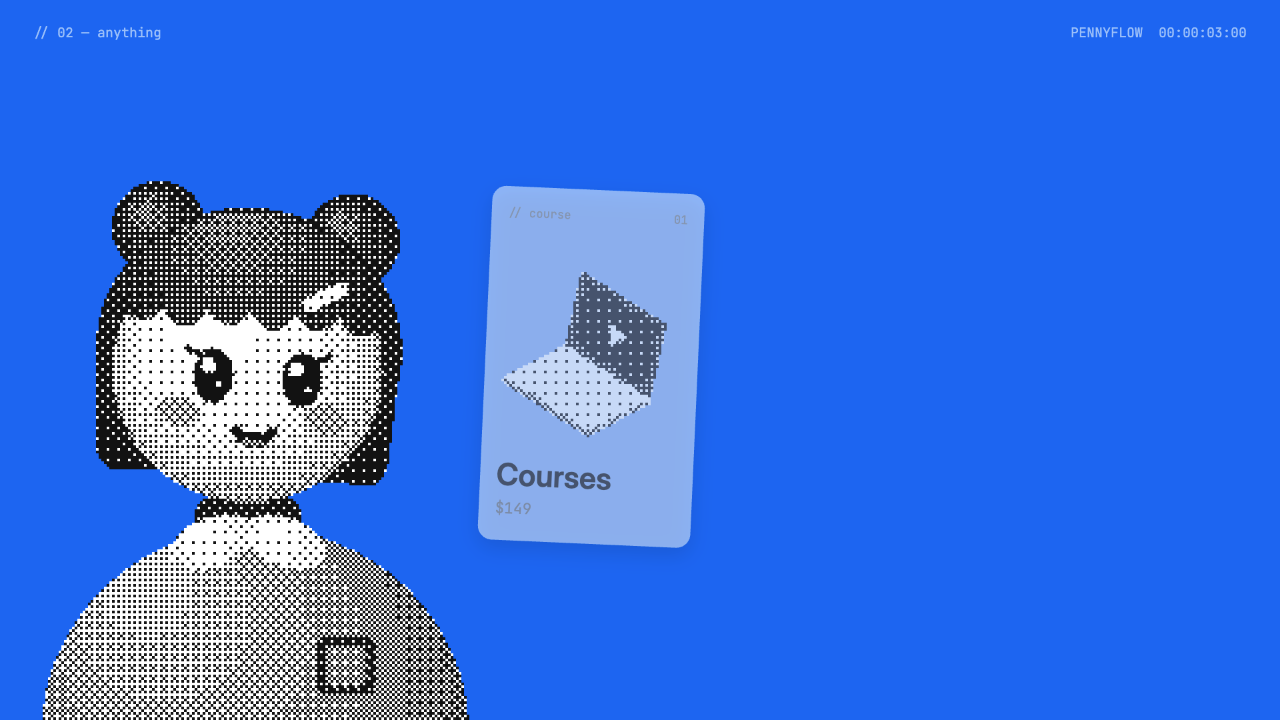
| 0:02.45–0:04.45 | Anything | Course, ebook, and app cards pop onto the blue field one at a time. | Sequential reveals make each category readable; adding more cards would weaken the rhythm. |
| 0:04.45–0:06.95 | Store | A whip to white introduces a phone storefront that fills with an address, status, avatar, and products. | The fast assembly communicates setup without explaining every field. |
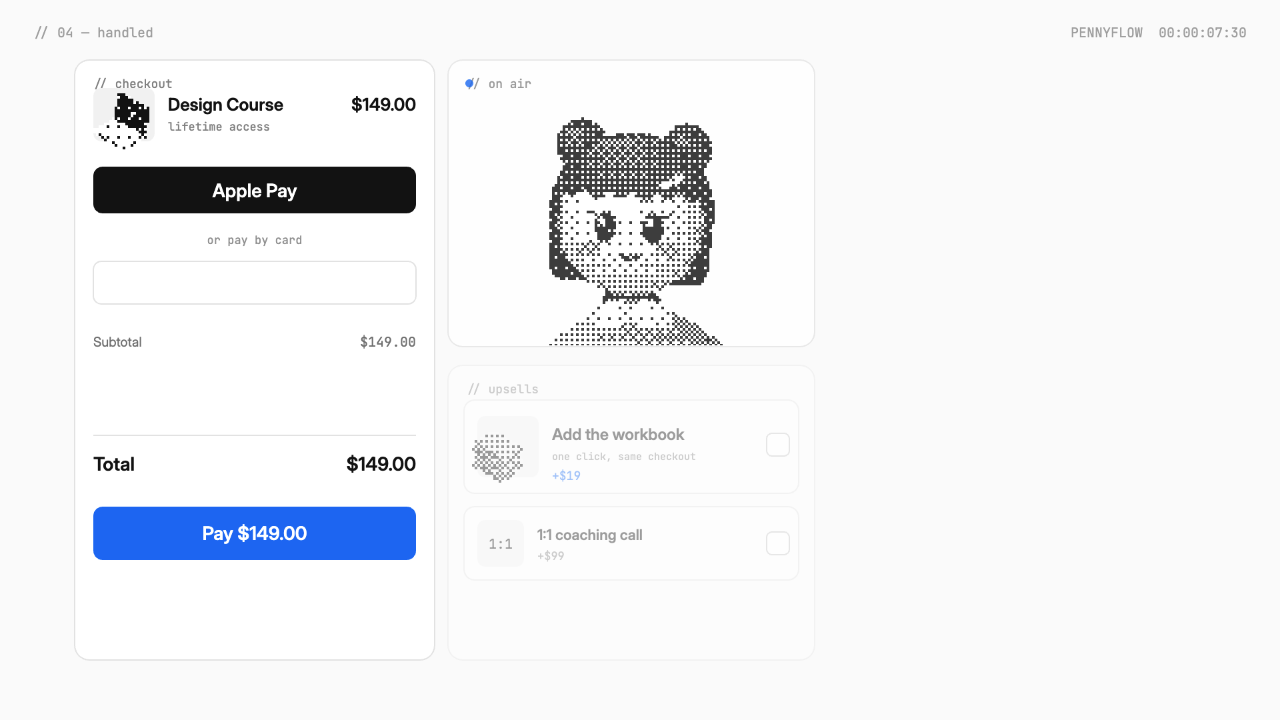
| 0:06.95–0:11.20 | Handled | The view pulls out from express pay to a checkout board with pricing, upsells, VAT, payouts, and completion marks. | Several operations fit in one scene, although they read as illustrative snapshots rather than a complete transaction. |
| 0:11.20–0:15.00 | Flow and End | A black message scene gives way to a dithered wipe and the completed Pennyflow wordmark. | The final seconds give the wordmark more reading time, at the cost of time available for product details. |
Character, Type, and Motion Share the Beat
The mascot is not used as a static presenter. She rises beside the product cards, follows new objects with her gaze, and punctuates reveals with hops, nods, blinks, and squash. These reactions give the viewer a second cue for timing, but they also compete with small interface details. Keeping the character on one side of the frame protects the product cards and checkout copy from that competition.
Halftone at Display Scale
The character and product objects are drawn in gray at reduced resolution and converted with one ordered-dither pass per layer. The coarse texture stays recognizable in wide shots, while tiny interface labels remain clean and typographic.
Typography Changes Voice
Inter carries headlines and interface text, Instrument Serif Italic emphasizes words such as “create,” JetBrains Mono labels chapters and timecode, and Fraunces shapes the closing wordmark. The contrast adds expression, but too many additional styles would fragment the short sequence.
HUD as a Navigation Aid
A chapter label sits at top left while Pennyflow and a 60 fps timecode sit at top right. Removing this HUD on the end card lets the final brand lockup read as the destination rather than another production frame.
A Checkout Shown as a Motion Set Piece
The checkout chapter begins close to the express-pay control, then reveals a larger board. In view-2, the $149 Design Course, Apple Pay button, card field, subtotal, total, upsells, and mascot broadcast panel coexist. Later beats add values and completion marks. The camera move turns one action into a broader service story without requiring a realistic end-to-end checkout session.
| Element | Motion Role | Adaptation Note |
|---|---|---|
| $149 Course | Keeps the selected product and total visually consistent. | Replace the product, price, and billing period together so values do not conflict. |
| Apple Pay and Card Field | Provides an immediate payment route followed by a manual alternative. | Treat both as film props unless the recreated project is separately engineered and tested as a checkout. |
| Workbook and Coaching Upsells | Adds optional products without leaving the board. | Limit the number of offers so labels and prices remain readable during motion. |
| Paid Marks and “Handled.” Stamp | Converts several operational details into one decisive completion beat. | Use a completion claim only for the fictional story being shown, not as evidence of a live integration. |
The Closing Line Turns Into the Brand
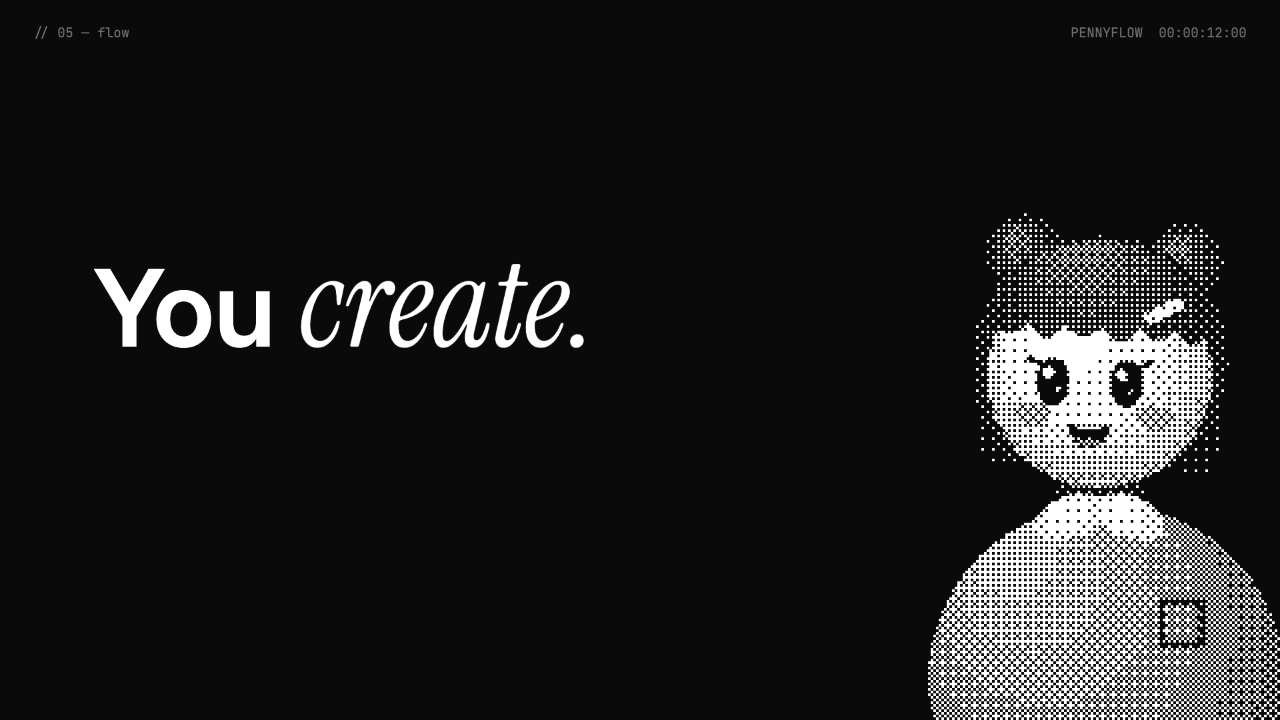
On black, “You create.” places the italic word beside a large sans-serif phrase while the mascot occupies the opposite side, as shown in view-3. The next line begins “We handle the,” allowing “flow.” to become more than copy: it travels to center, forms the wordmark’s tail, and receives the remaining letters. This reuse makes the transition feel continuous, though replacement brand names may need a different bridge if no word can serve both sentence and logo.
Reduce Before the Logo
Move from the detailed checkout board to a black field with one line and one character. The reduced visual load creates space for the final transformation.
Carry One Word Forward
Select a word from the message that can physically become part of the brand lockup. Preserve its position and style long enough for viewers to track the movement.
Finish With a Character Accent
After the letters land, the mascot peeks from behind the wordmark, hops, and winks. This adds a final beat without reopening the product explanation.
Source and Scope
This is an official OpenDesign code remake of a third-party motion reference posted by @achxvi. The composition is adapted with the fictional Pennyflow brand and an original background soundtrack; the credit does not imply endorsement by the referenced creator. It is a rendered promotional film, not a working storefront, payment flow, or connected commerce product. The related video workflow is associated with unmerged PR8619, so it should not be described as available in the current stable OpenDesign release.
How to Create Product Promo Motion Design in OpenDesign
Define the Chapters and Exact Timing
Plan a 15-second film as six timed scenes: hook, product range, store assembly, checkout board, message, and wordmark close. Give each scene one dominant communication task. Keep prices, labels, and chapter durations in a central configuration so a brand adaptation can be reviewed without hunting through animation code.
Suggested PromptCreate a 15-second, edge-to-edge product promo film for a fictional brand. Use six screens: 0–2.45 seconds for a mascot-led question, 2.45–4.45 for three product cards, 4.45–6.95 for an assembling phone store, 6.95–11.2 for a staged checkout board, 11.2–13.3 for a creator message, and 13.3–15 for a wordmark close. Show sample products named Course, Ebook, and App, with a $149 course and a $19 optional workbook. Animate a pointer clicking “Get it now,” then reveal payment and fulfillment details. Use a blue, white, and black palette with a monochrome halftone mascot. Present the checkout only as rendered motion graphics; do not imply live payment, account, or storefront functionality. Keep every frame deterministic after backward seeking. If video export is unavailable in the installed OpenDesign version, preserve the timed composition and capture frames with the supported local workflow.
Build Reactions Around the Product Reveals
Place the mascot away from the active labels, then coordinate blinks, gaze changes, nods, and short hops with each appearance. Test whether the cards remain readable without the character; if not, simplify the movement or increase hold time. Retiming replacement copy may also require adjusting the visual mouth gestures, which are not voice synchronization.
Test Seeking, Legibility, and the Final Handoff
Check representative frames near three, eight, and twelve seconds, then seek backward and confirm that the same times reproduce identical images. Load bundled fonts before playback and keep controls outside captured frames. Verify that totals agree, small labels survive the halftone contrast, and the final message can transform into the replacement wordmark without an unexplained jump.
Export and Get a Share Link
Export your finished design, then use Share in OpenDesign to get a share link. Open the link in a separate browser window and check that the intended version and its assets are available before sending it.
Art History Logo Motion Video Design
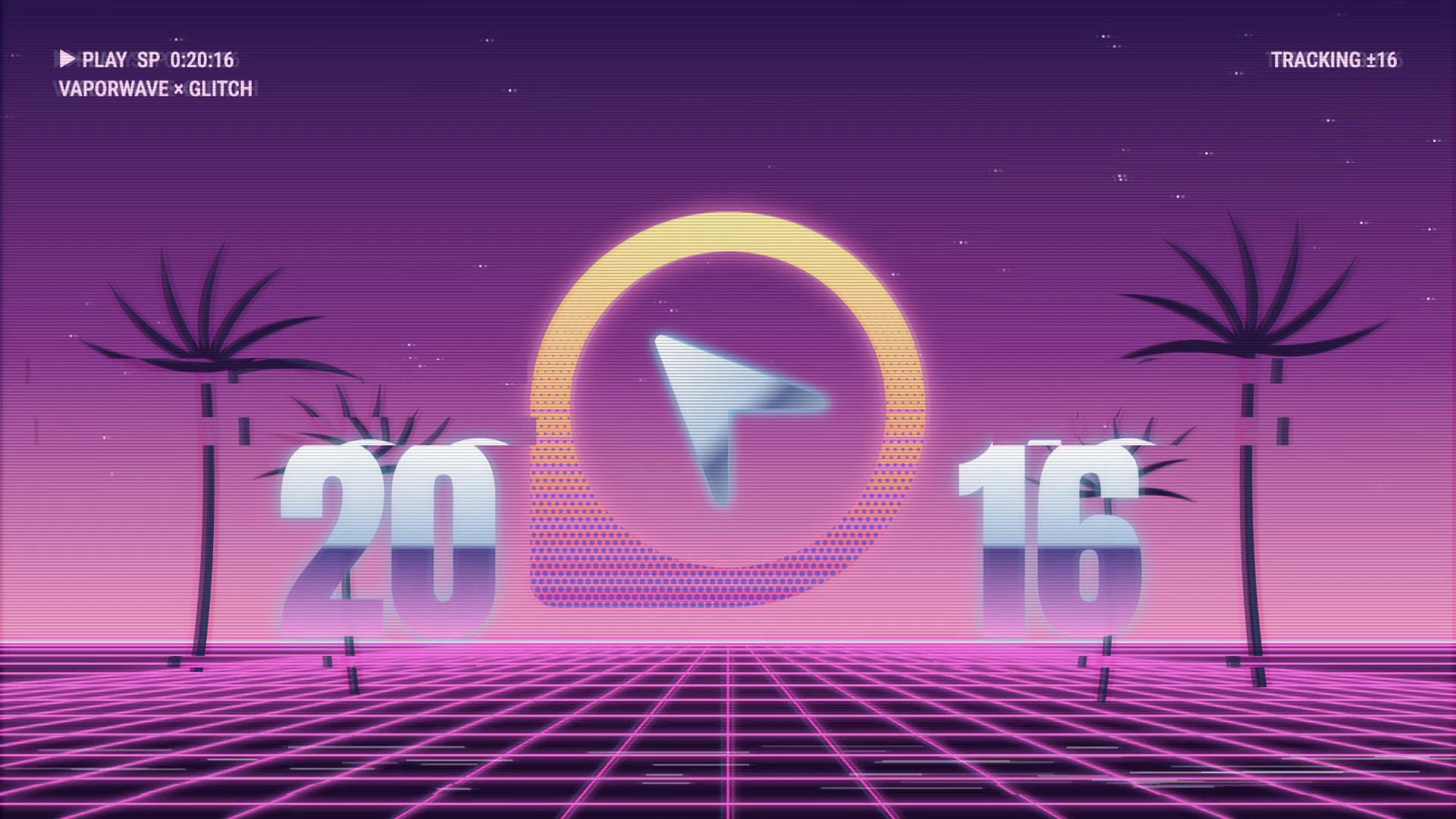
A 15-second 16:9 OpenDesign film keeps one circular cursor logo recognizable through fast art-history-inspired looks, then ends on a still white-on-black logo.
Motion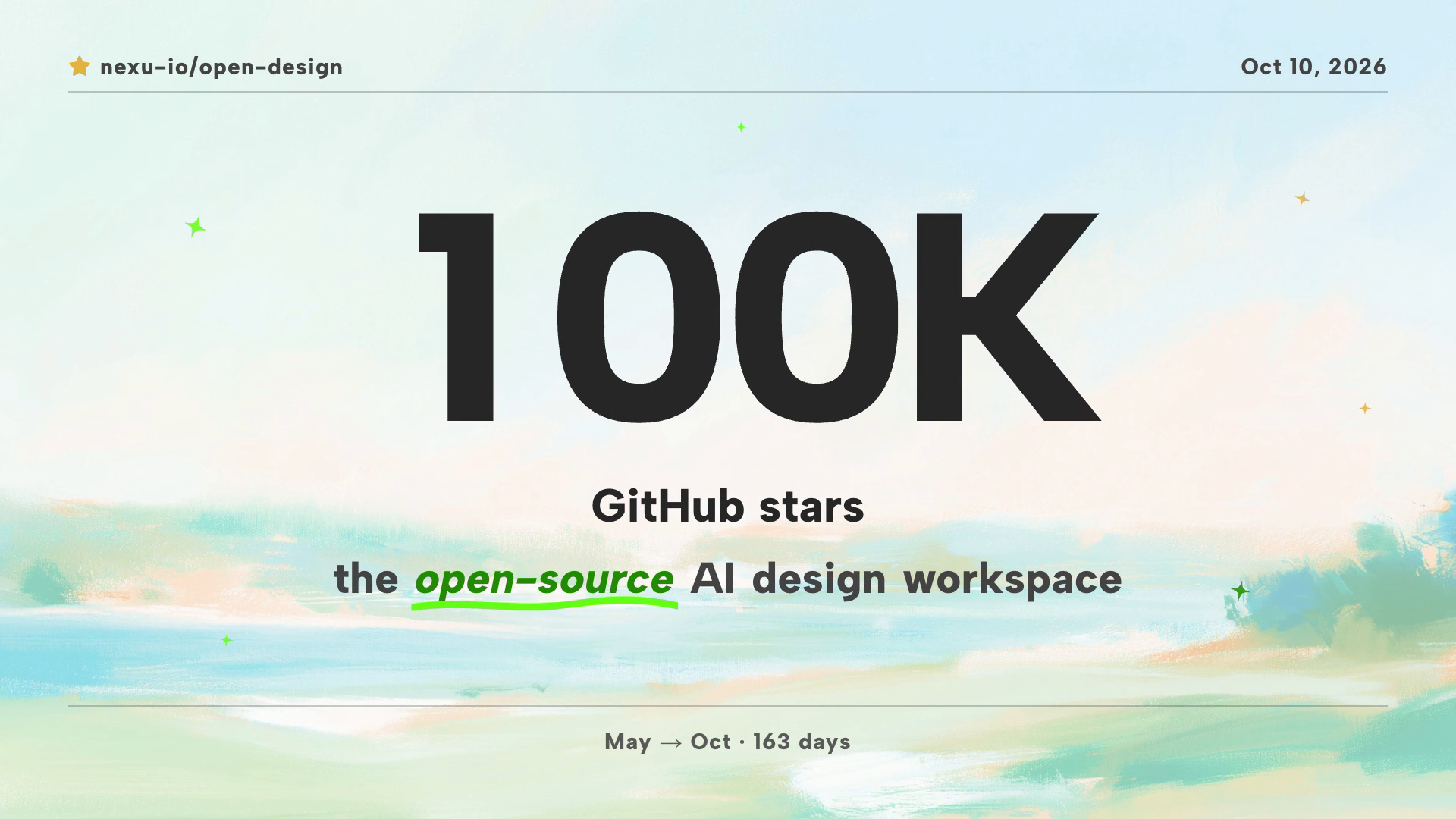
Community Milestone Motion Video Design
A 30-second OpenDesign motion video moves from a 100K star reveal to a contributor mosaic, a product montage and a closing prompt invitation.
Motion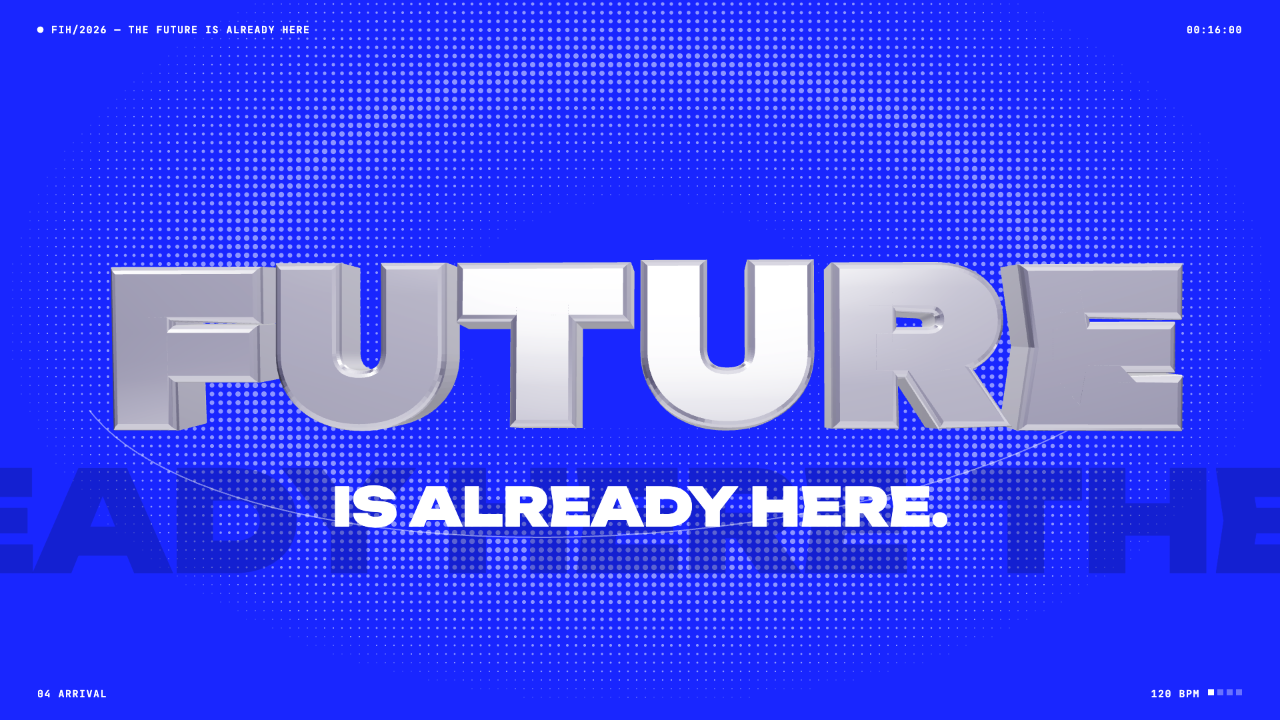
Futuristic Motion Video Design
A rendered electric-blue reel with a word tunnel, a SET countdown and a chrome FUTURE finale, remade in code on a 120 BPM cut grid. See its timing and how to adapt it.
Motion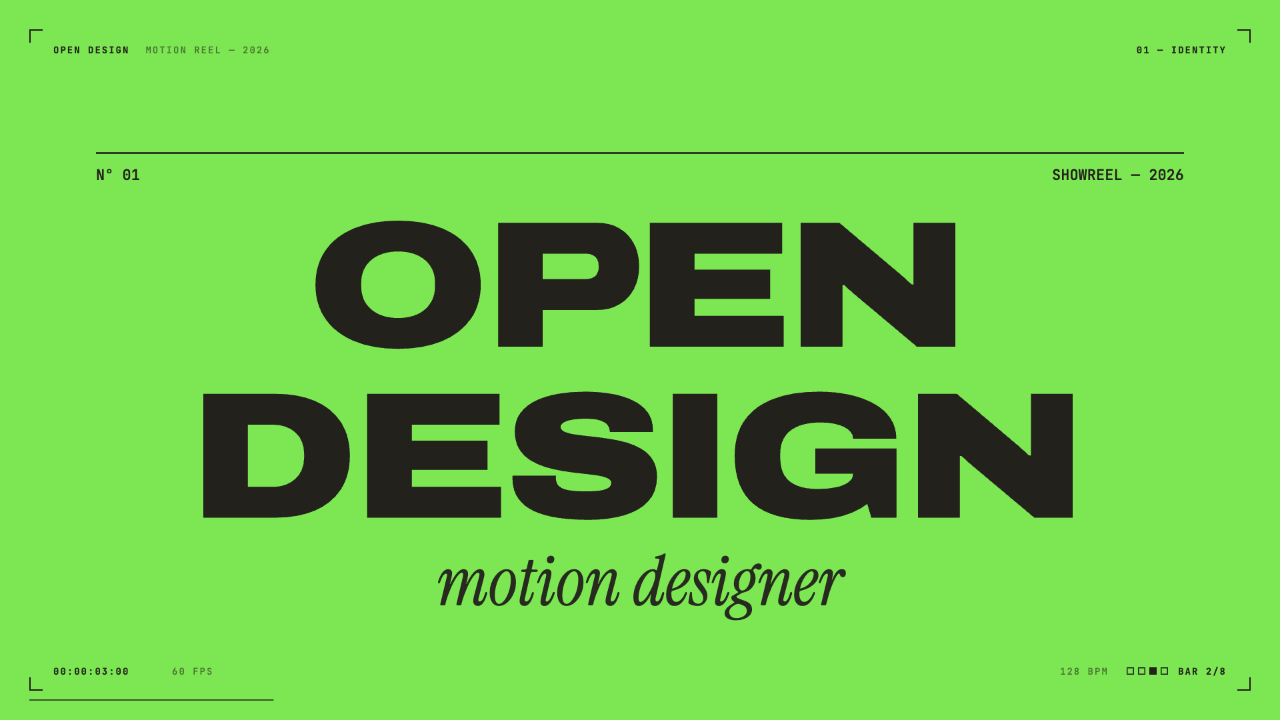
Motion Designer Showreel Design
A 15-second, 128 BPM showreel remade in code, with hard colour cuts, a live HUD and seven chapters timed to the bar. See how the timing, type and palette work.
Motion