
Website
Restaurant Reservation Website Design
Ember & Pepper pairs signature dishes and visit details with a reservation dialog for guests ready to book.

LLM Arena Sep 2026
Case notes- Model
- GPT 5.6 Sol
- Design task
- Local hotpot restaurant landing page with booking
- Output
- Website
Designed For
- Restaurant WebsitesConnect food, atmosphere and practical visit information.
- Reservation InterfacesDesign a booking entry without hiding the restaurant context.
- Hospitality BrandingCarry a regional food identity through headlines and imagery.
Key Highlights
- Two Hero Entry PointsReserve immediately or explore the menu before committing.
- Three Signature DishesNumbered entries introduce broth, beef and a vegetable selection.
- A Practical Visit BlockHours, last seating and location details sit beside booking.
- Contextual Booking DialogCollect the visit request without navigating to another page.
Explore the Restaurant Website
1 / 4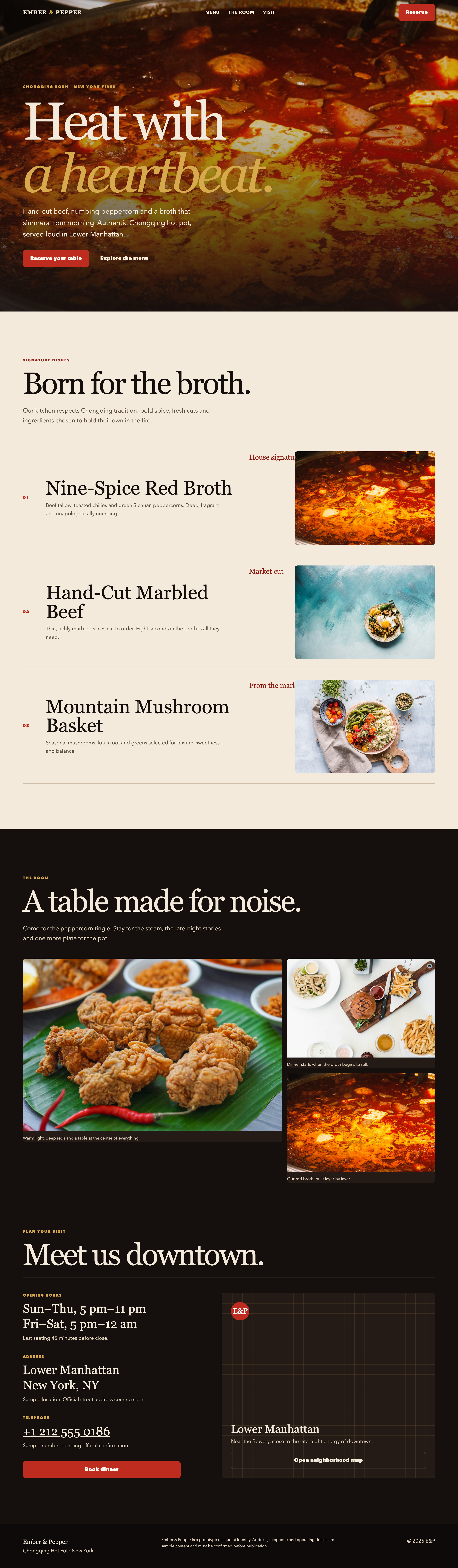
A Restaurant Website With Two Starting Points
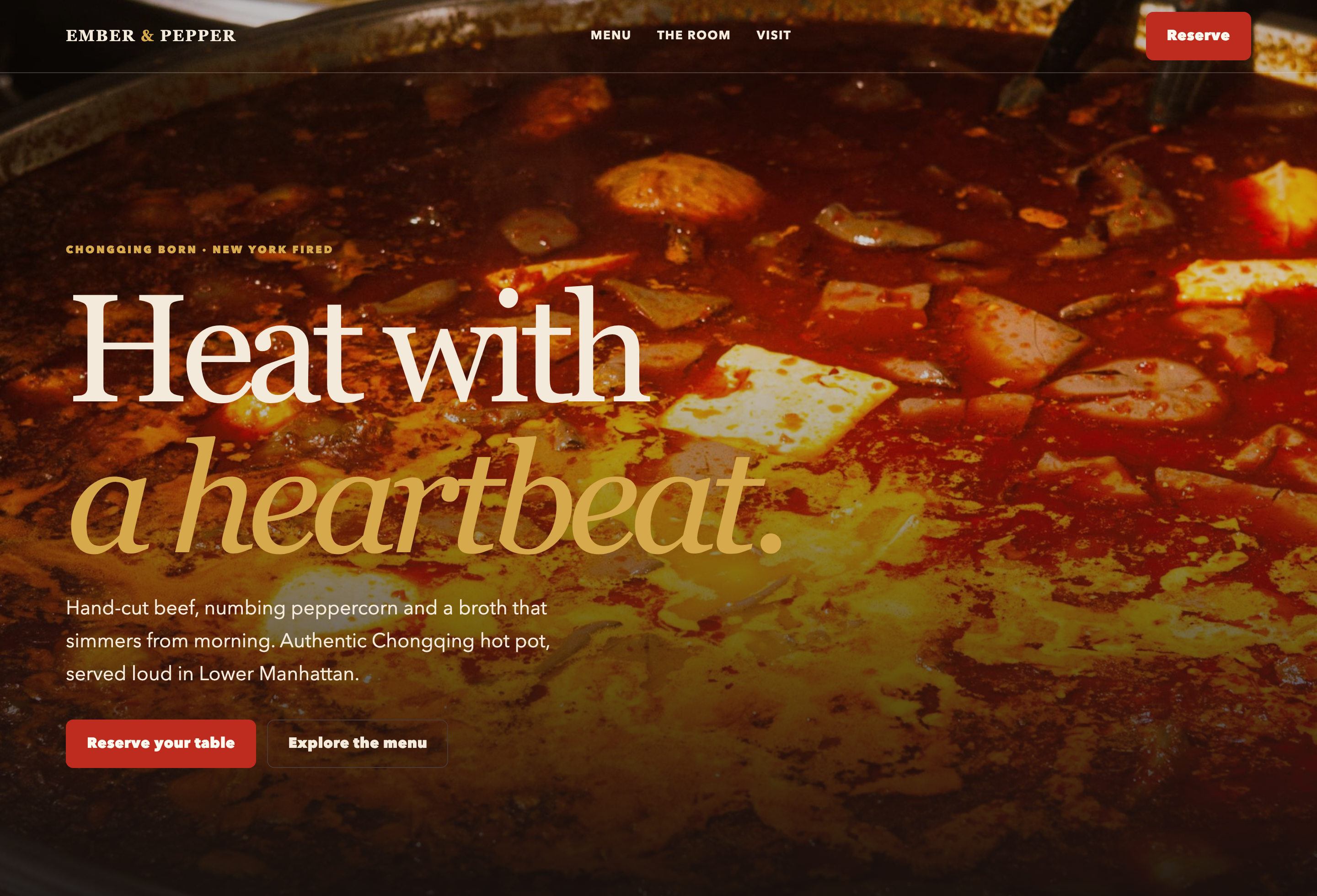
Ember & Pepper opens with a hotpot photograph and Heat with a heartbeat. The line supplies a mood; the smaller Chongqing Born · New York Fired label explains the food and location concept. Separating those jobs lets the page keep a memorable headline without leaving a new visitor to guess what the restaurant serves.
Two actions sit together in the hero: Reserve your table and Explore the menu. They serve different levels of readiness. A returning guest can open the reservation dialog immediately, while someone choosing a restaurant can inspect the food first. The same Reserve action also appears in the navigation, and Book dinner returns near the visit information.
Introduce the Menu Without Pretending It Is Complete
Born for the broth presents three numbered signature dishes rather than a full ordering menu. Each entry explains a role in the meal: a base, a cut of meat or a balancing selection of mushrooms and greens. The section can help someone understand the restaurant, but it does not provide enough information to calculate a dinner bill.
| Menu Entry | Specific Information | What Remains Unanswered |
|---|---|---|
| 01 · Nine-Spice Red Broth | Beef tallow, toasted chilies and green Sichuan peppercorns; labeled House signature. | The page does not specify a selectable heat level or portion price. |
| 02 · Hand-Cut Marbled Beef | Thin cuts and an eight-second cooking suggestion; labeled Market cut. | A guest still needs the actual serving size and price. |
| 03 · Mountain Mushroom Basket | Mushrooms, lotus root and greens; labeled From the market. | The dish description alone does not establish dietary or allergen suitability. |
Put Visit Details Close to the Reservation Entry
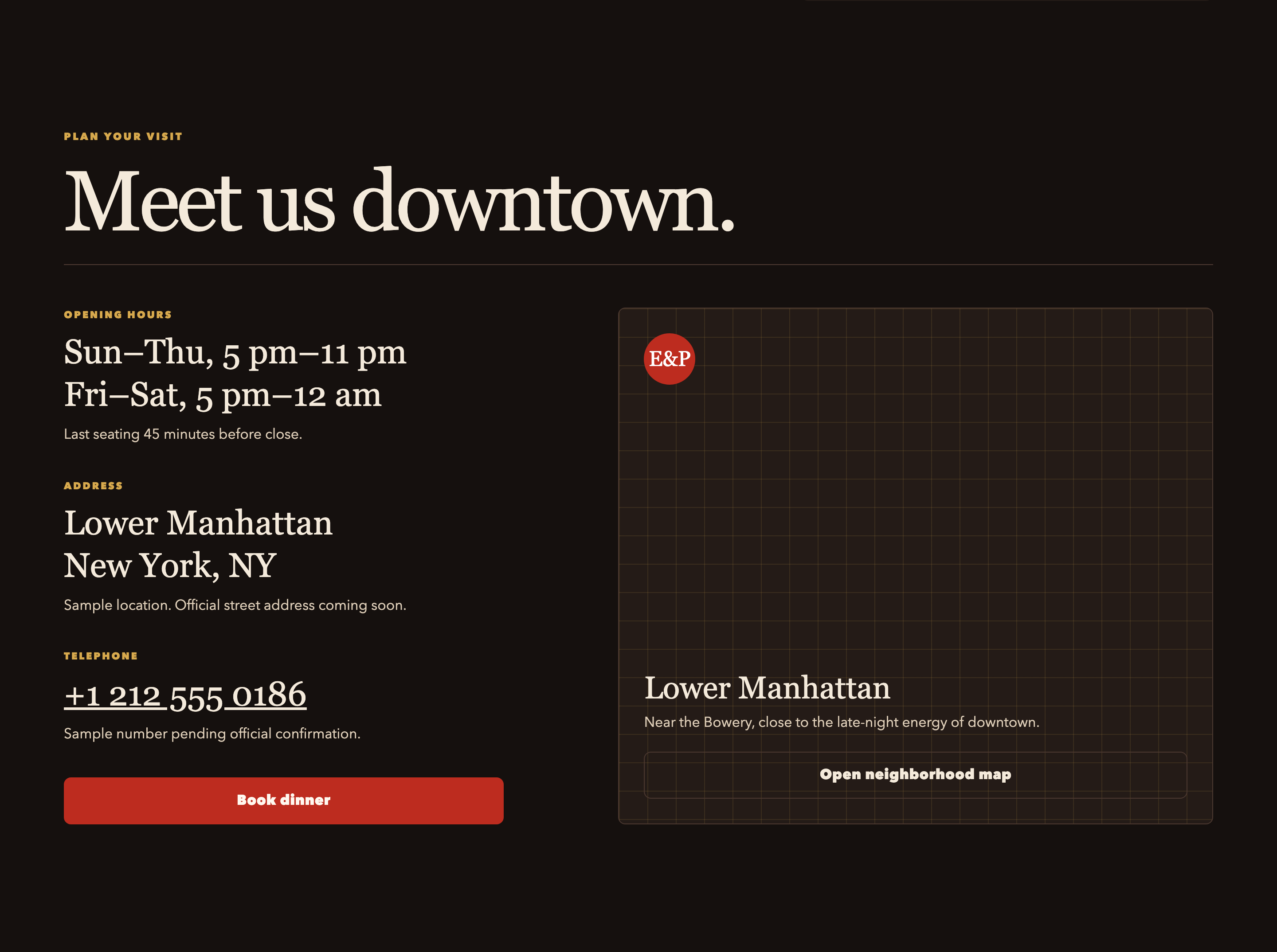
Meet us downtown moves from brand expression to logistics. The visit block gives two opening-hour ranges and a separate last-seating rule. Last seating 45 minutes before close matters because an opening time is not the same as an available reservation time. Placing the distinction near Book dinner helps a guest ask a more informed question.
Repeat an Action When the Reader Has New Context
The hero booking action appears before the menu. Book dinner appears after the food and atmosphere sections, where someone has more information. This is useful repetition: the action returns at a decision point instead of requiring a long scroll back to the first screen.
Use a Dialog for a Bounded Request
The reservation interface asks for visit and contact details while keeping the restaurant page behind it. A date input and time and party-size selectors give different kinds of information appropriate controls. A production design would also need to explain availability, validation and what happens after the request is sent.
Match Atmosphere Captions to the Actual Images
The Room section uses an asymmetric photo grid and captions about warm light, table gatherings and red broth. Several photos are food close-ups rather than a literal dining-room view. The layout creates variety, but a real venue should use images that answer the question each caption raises. A guest looking for the room needs to see the room, not another attractive dish.
Reservation Prototype, Not a Live Restaurant Service
Ember & Pepper is a fictional restaurant identity. Its address, phone number and operating details are sample content, as the page itself states. The booking dialog is a local front-end demonstration and does not create a reservation, check live capacity or deliver a confirmation email. The GPT 5.6 Sol label identifies the supplied evaluation export, not a verified performance score.
How to Create a Restaurant Reservation Website Design in OpenDesign
Specify the Guest Journey and Booking Entry
Tell OpenDesign which facts a first-time guest needs before booking and which action a returning guest can take immediately. This example prompt describes a new prototype based on the visible pattern.
Suggested PromptCreate a restaurant reservation website design for a fictional Chongqing hotpot venue. Open with a full-width food photograph, a short cuisine-and-city label and a large two-line serif headline. Place Reserve a Table beside Explore the Menu so guests can choose between booking and learning more. Follow with three numbered signature dishes describing the broth, a beef selection and a mushroom basket. Add an asymmetric atmosphere gallery using photographs that match their captions. Place opening hours, last-seating policy, address and phone details together near another booking action. Reserve should open a dialog with a date input, time selector, party-size selector and contact fields. Include empty, invalid and locally submitted states. Mark the venue details and submission as demonstration content; do not imply real availability or a completed restaurant reservation.
Make the Reservation States Explicit
Ask OpenDesign to show an empty form, a missing-field error and a clearly labeled demo response. Keep entered values when validation fails. Specify Escape-to-close behavior and return focus to the button that opened the dialog.
Review the Information Before the Booking Action
Check that closing time and last seating do not contradict the offered time slots. Replace sample business details only after they are confirmed. Use a narrow viewport to ensure the dialog can scroll and its confirmation and close controls remain reachable.
Export and Get a Share Link
Export your finished design, then use Share in OpenDesign to get a share link. Open the link in a separate browser window and check that the intended version and its assets are available before sending it.
Hotpot Restaurant Website Design
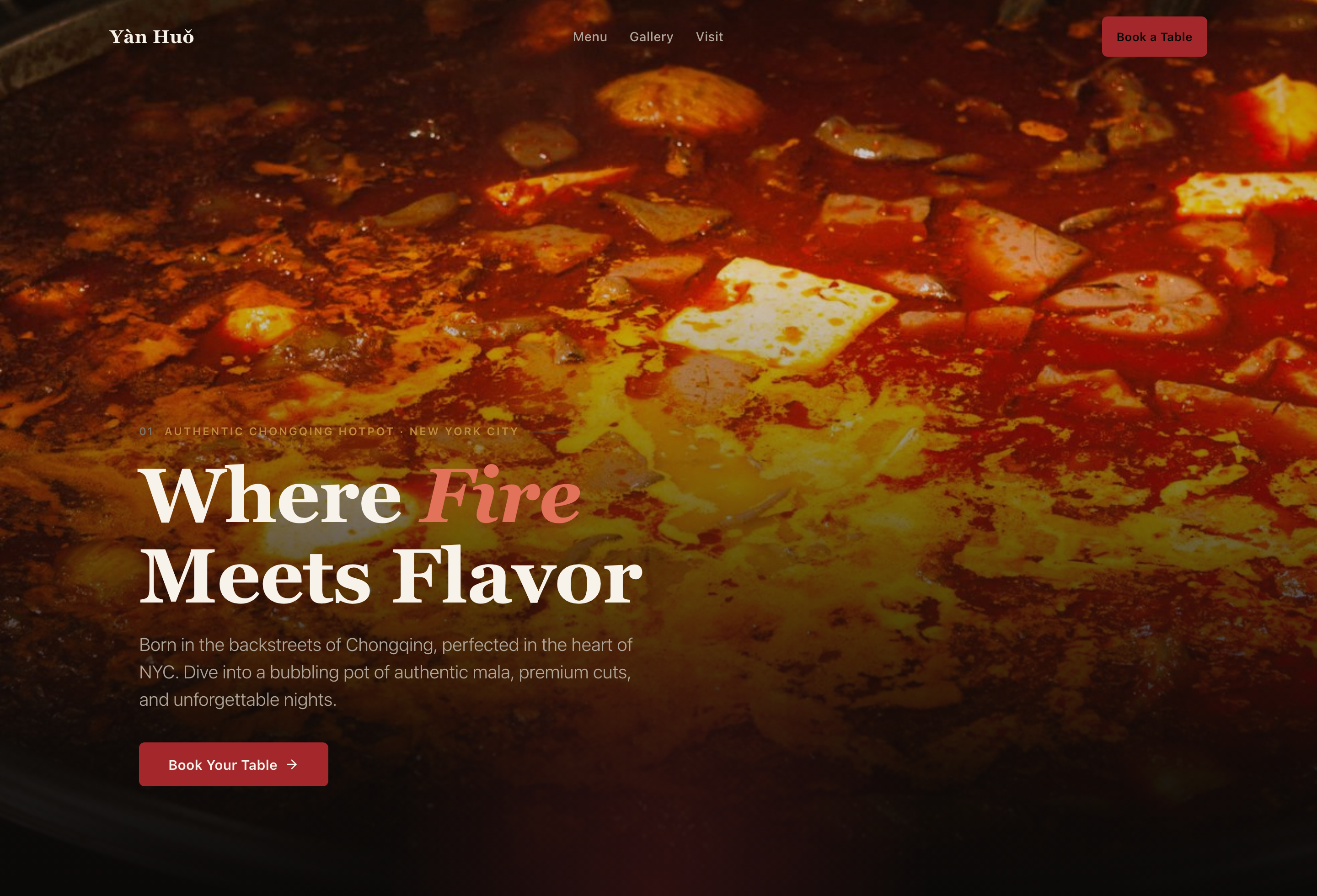
Yàn Huǒ introduces hotpot through a priced signature menu, a dining gallery and visit details before booking.
Website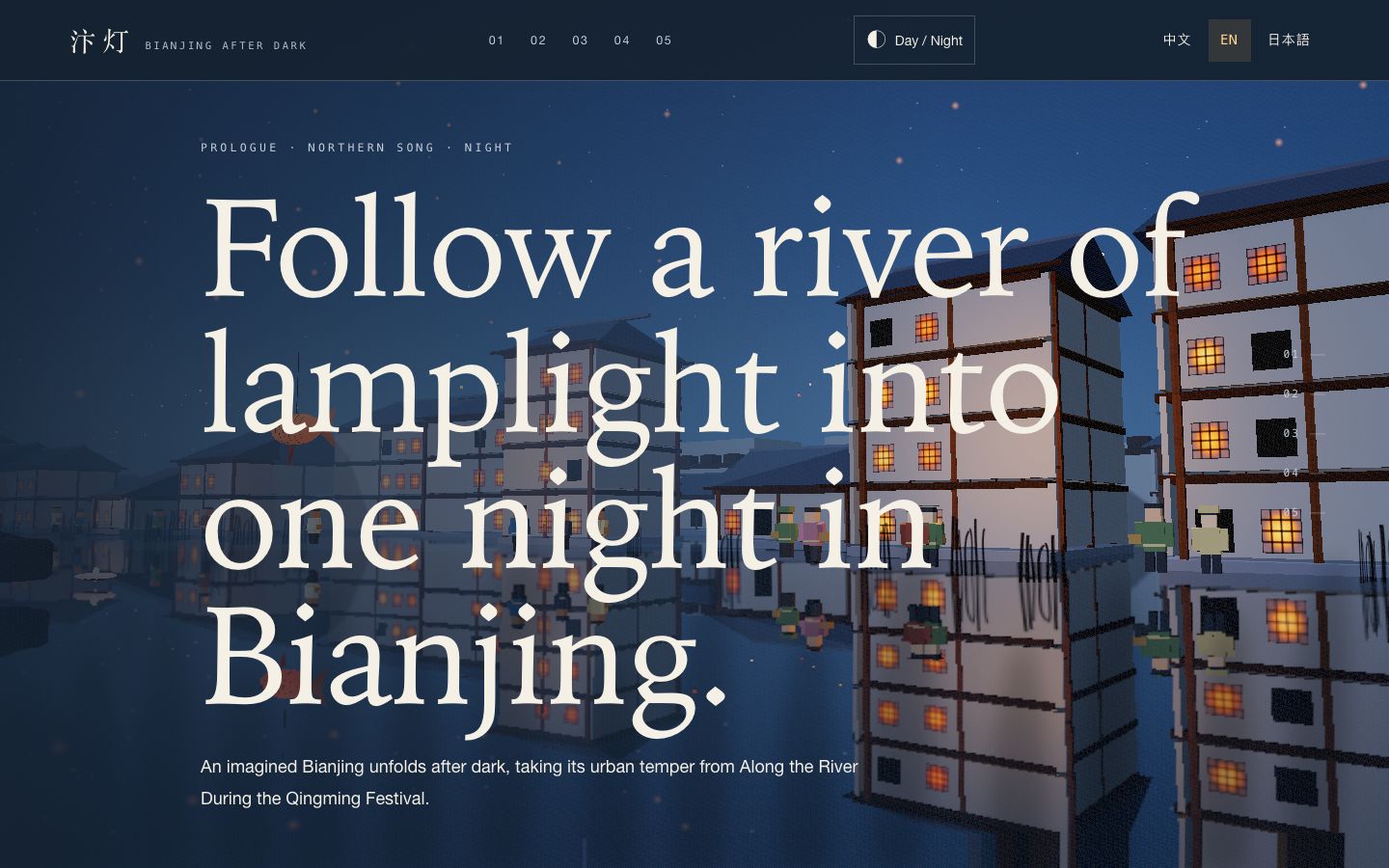
Bianjing Night Tour Website Design
An interactive night journey through an imagined Song-era Bianjing, combining a persistent river city, poetry, lanterns and multilingual chapter pacing.
Website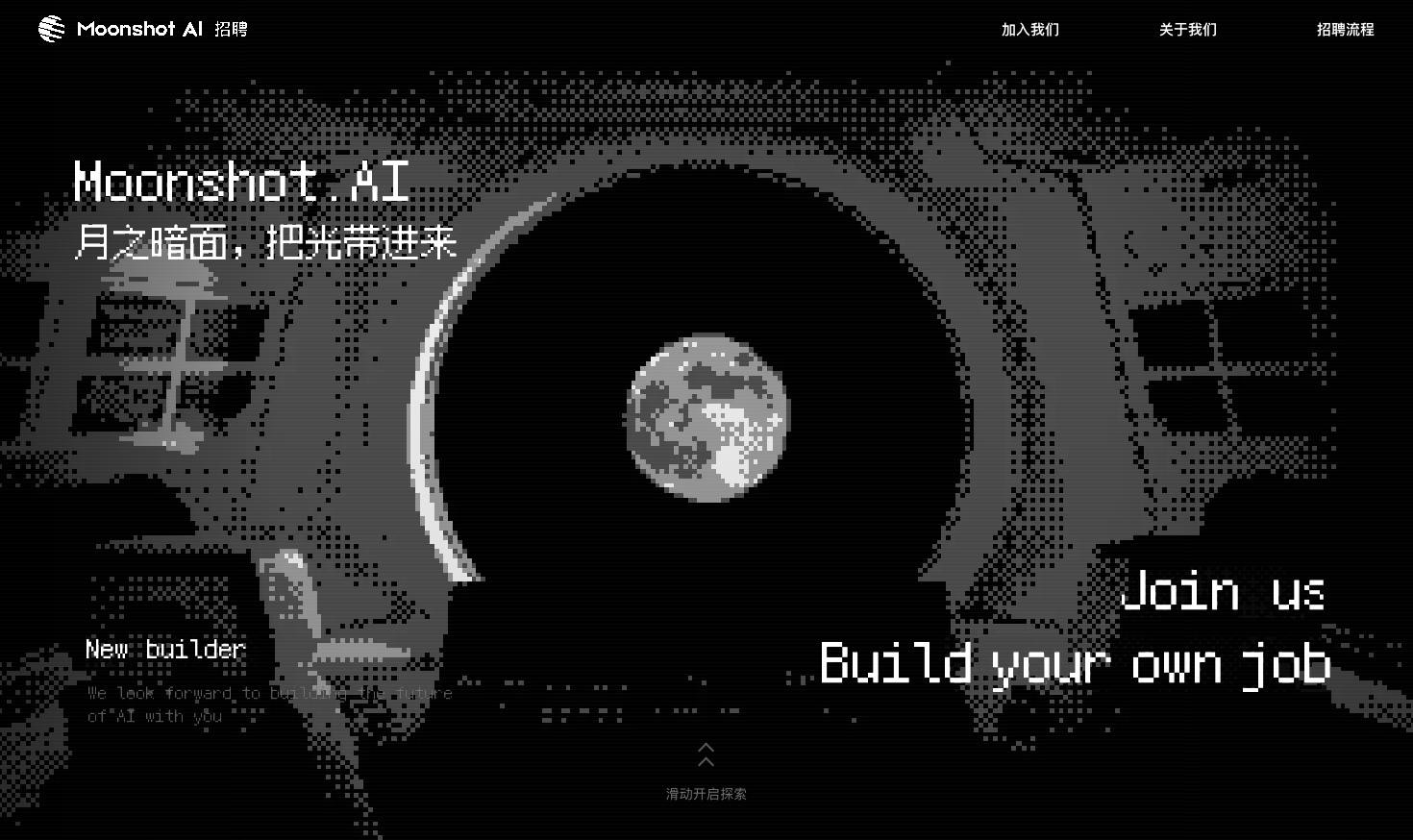
Careers Website Design
A Kimi careers study built from eight lunar scenes, with scroll-linked transitions and an illustrated application process.
Website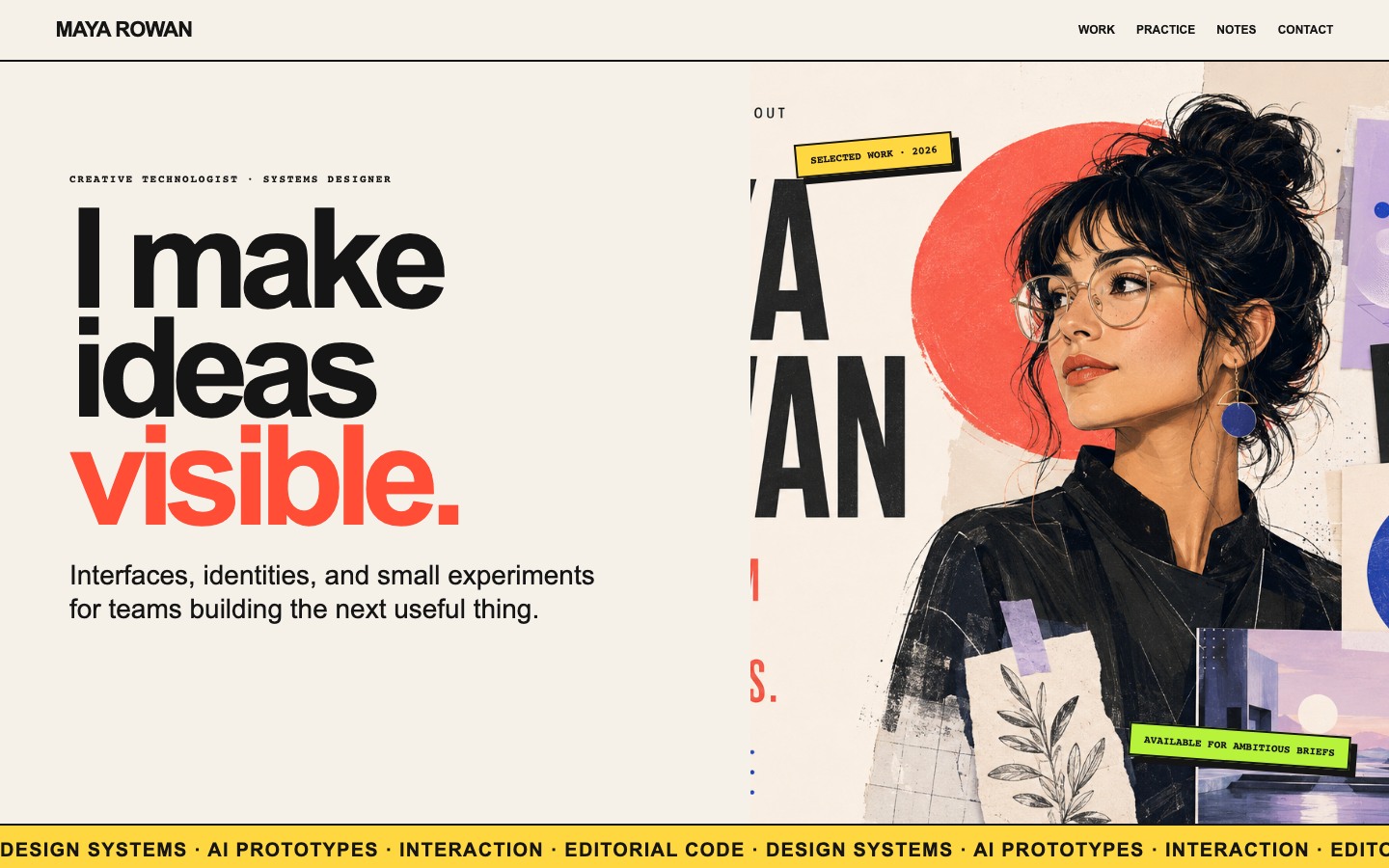
Creative Portfolio Website Design
Maya Rowan’s fictional portfolio connects project cards, practice, and notes.
Website