
Website
Temple Storytelling Website Design
Walk through Kage, an imagined mountain temple told through moonlit architecture, quiet garden notes and close views of timber craft.

LLM Arena Sep 2026
Case notes- Model
- Astra
- Design task
- Create a cinematic night walk through an imagined Kyoto mountain temple.
- Output
- Website
Designed For
- Architectural StorytellingPresent a place through arrival, space and material details.
- Immersive EditorialPair a continuous scene with short, paced reading sections.
- Cultural Design StudiesExplore an imagined setting without implying a real venue.
Key Highlights
- Five Distinct Viewing DistancesThe journey moves from arrival to gardens and close-up craft.
- Scene and Still ImageExpandable illustrations add detail beside the live architecture.
- A Reflective EndingThe final action invites another walk instead of a booking.
Explore the Temple Night Walk
1 / 5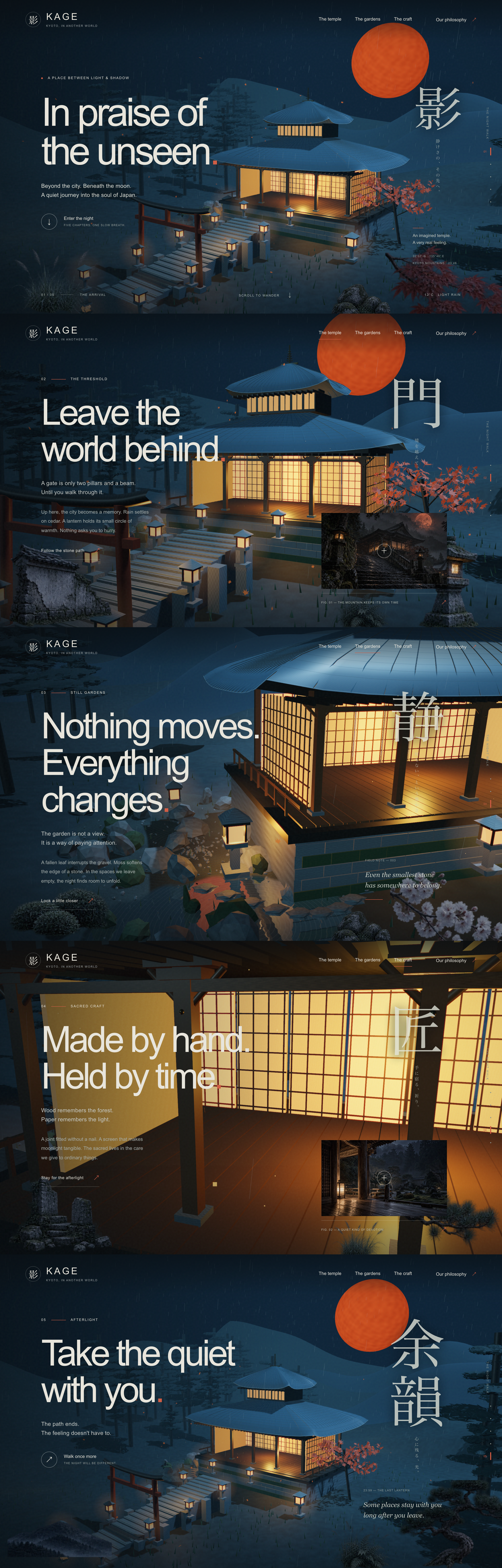
A Temple Storytelling Website Design Built Around a Night Walk
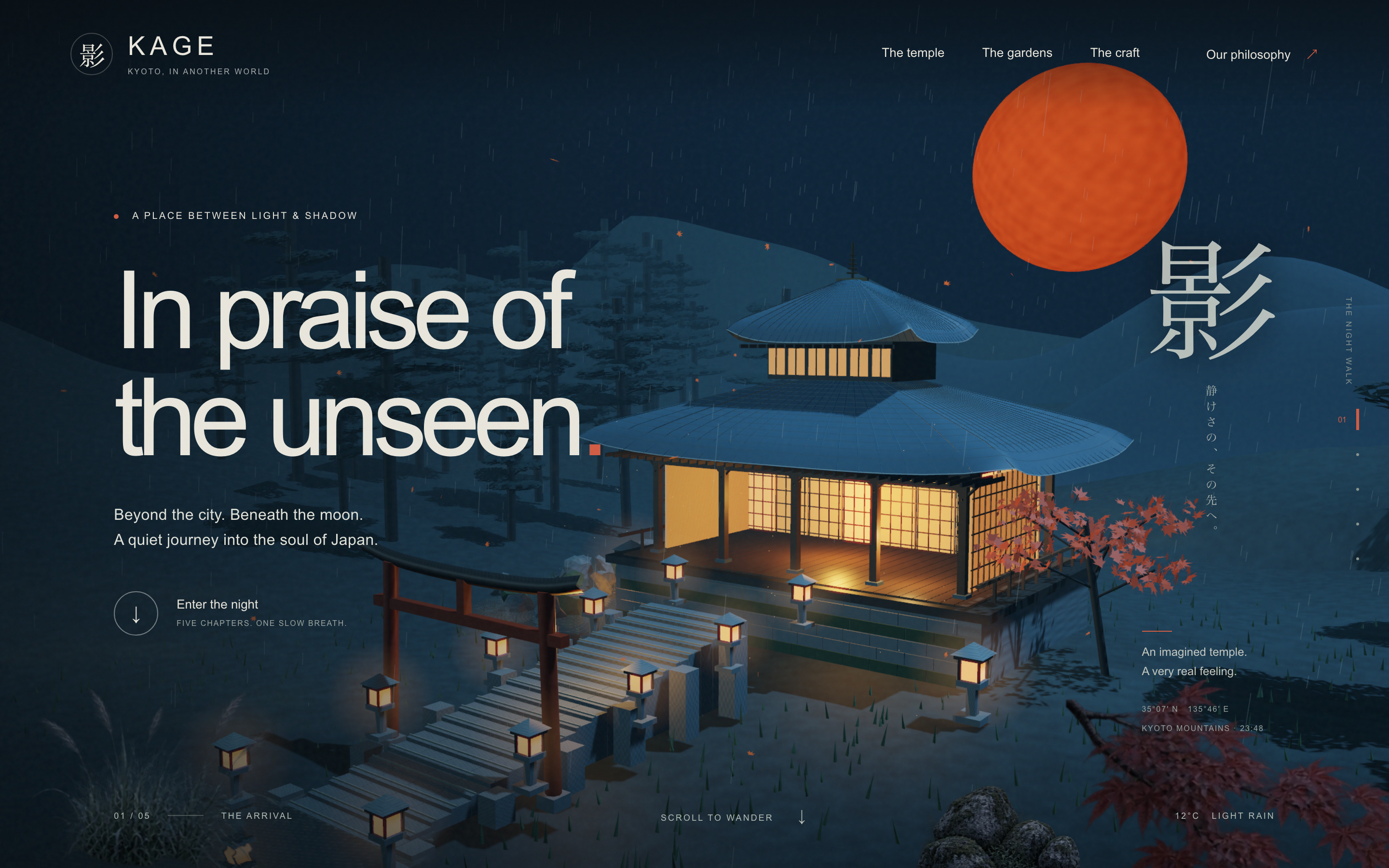
Kage introduces an imagined Kyoto mountain temple under an oversized orange moon. Large cream type occupies the left, while warm windows and stone steps lead into the architecture. Rain, dark blue surfaces and restrained red accents establish the night setting. The opening identifies the place as imagined before the visitor reaches the longer explanation at the end.
The five chapters change what the visitor is asked to notice: arrival, threshold, garden, craft and afterlight. The background is a continuous rendered environment rather than a different hero photograph for every section. As the camera approaches the building, the writing moves from entering a place to observing its materials.
Warm Windows Against a Cool Landscape
The lit screens and lanterns provide the strongest warm areas in the scene. They pull attention toward entrances, steps and timber surfaces while the surrounding landscape stays quieter. The moon repeats that warm color at a much larger scale, linking the building to the sky rather than introducing another unrelated accent.
A Large Heading and a Small Reading Column
The display headline spans several short lines, but the supporting prose stays in a narrow block below it. These two scales do different jobs: the headline introduces a mood, while the short paragraph names details such as cedar, stone and lantern light that can be found in the scene.
A Persistent Sense of Sequence
The side rail marks five stops and the foreground labels repeat the current chapter. Named top links offer more direct access to the temple, gardens and craft. These cues let the page remain visually atmospheric without asking the visitor to infer all navigation from camera movement.
Combining a Rendered Temple With Expandable Still Images
The threshold and craft chapters place a smaller still image in the lower-right part of the composition. A centered plus sign and figure caption distinguish it from the larger scene behind it. The still can be opened separately, providing a different level of visual detail without replacing the chapter’s spatial context.
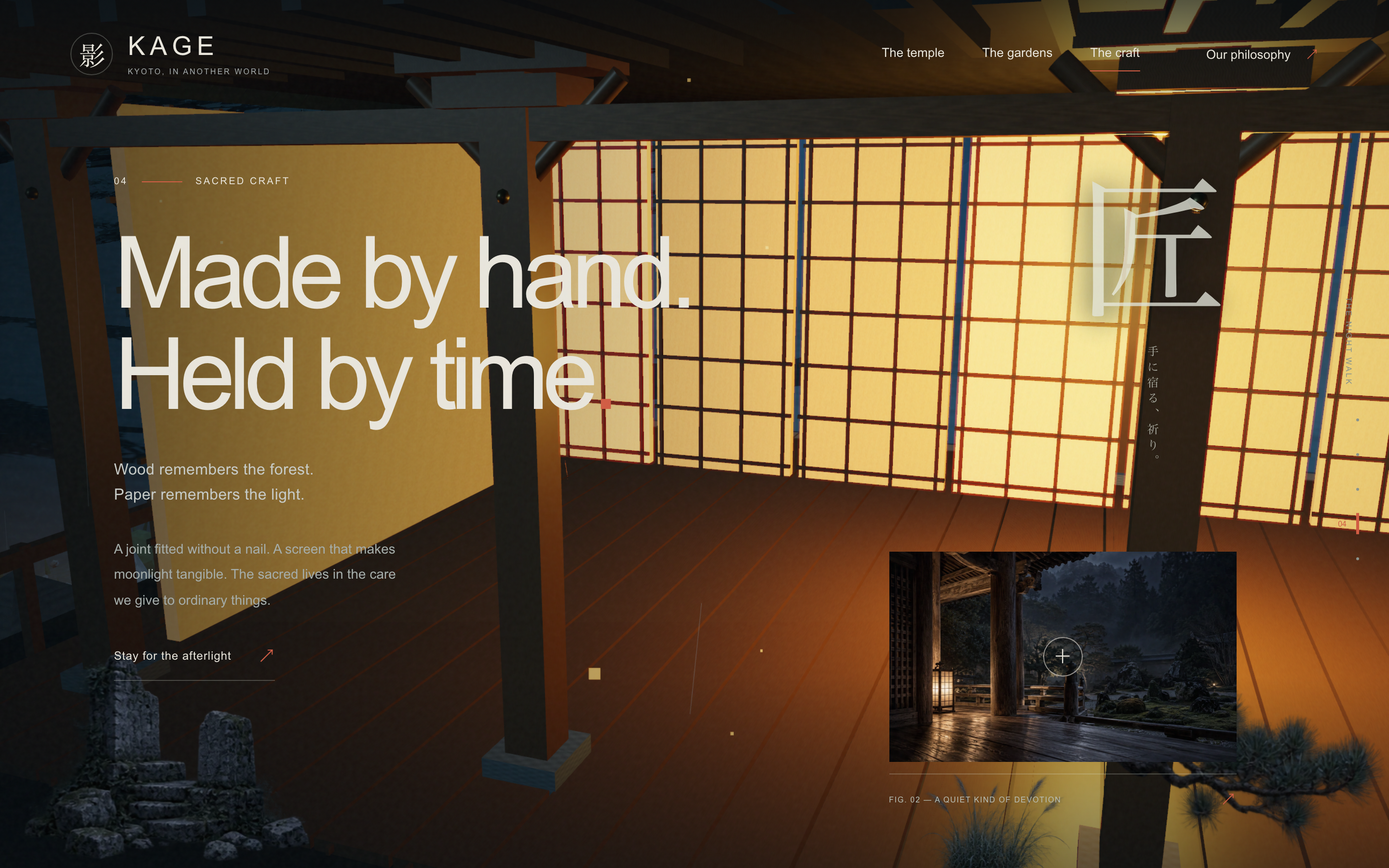
In the craft view, the live scene approaches the lit timber structure while the inset shows a quieter interior and garden composition. The two images do not need to pretend to be the same camera shot. One keeps the visitor oriented in the journey; the other concentrates attention on surface, light and atmosphere.
Keep the Small Image Recognizable as an Action
The plus sign is placed within the image rather than only in its caption. This makes the invitation visible even before the small text is read. The numbered figure caption adds an editorial tone, but its size means the image and symbol must carry most of the affordance.
Give the Detail Its Own Reading Space
Opening the still separates it from the busy combination of architecture, headline and rain. A dedicated close control returns to the walk. For an adaptation, the important checks are the full image dimensions, keyboard access and reliable return, not a more elaborate opening animation.
Do Not Confuse Mood With Documentation
The stills are part of an imagined presentation. A convincing timber image does not demonstrate an actual construction method or a real building. The source’s fictional-place description gives the visuals the appropriate frame: they support a design study, not an architectural survey.
Changing the Pace From Arrival to Afterlight
Kage does not add a transaction at the end of the walk. The closing chapter offers Walk once more, followed by a philosophy section explaining that there are no bookings or destination to visit. That choice matters: the experience can use the visual language of a destination website without misleading a visitor into expecting a real stay.
| Chapter | Visible Focus | What the Writing Adds |
|---|---|---|
| Arrival | Temple, moon and approach | An invitation into an explicitly imagined place. |
| Threshold | Gate, steps and warm light | The idea of crossing from the city into a quieter setting. |
| Gardens | Gravel, stone and moss | Small observations that reward slowing down. |
| Craft | Timber and illuminated paper screens | Material details rather than another general landscape description. |
| Afterlight | A closing view and replay action | A reflective ending that clarifies the experience’s noncommercial purpose. |
What the Imagined Temple Experience Includes
The source provides a local rendered night walk, chapter navigation, still-image controls and a closing explanation. Its coordinates, time and weather labels belong to the fictional presentation; they are not a live weather service or verified venue information. No booking flow or measured visitor outcome is supplied. The gallery preserves complete chapter views as a scene sequence, not a conventional full-page capture.
How to Create a Temple Storytelling Website Design in OpenDesign
Give Each Chapter a Different Subject
Describe the route and the reading sequence together. Arrival can show the whole building, while later chapters examine the threshold, garden and materials. This gives camera changes a reason beyond displaying another attractive angle.
Suggested PromptCreate a temple storytelling website design for Kage, an explicitly imagined Kyoto mountain temple. Use a dark blue night landscape, warm paper-screen light, stone steps, restrained rain and an orange moon. Build five scroll chapters: arrival, threshold, gardens, craft and afterlight. Place large cream headlines on the left with short reading blocks below; keep chapter numbers and named navigation available. Move from a distant view of the temple toward garden details and lit timber construction. Add two expandable still images with figure captions and clear close controls. End with a replay action and a short explanation that this is a fictional digital experience with no booking service. Keep text readable over every scene and provide a reduced-motion path. Treat coordinates, time and weather as fictional labels, not live data.
Inspect the Scene and Still as Separate Views
Open each inset and check that its full composition is useful at the larger size. Return to the chapter and confirm that the heading, inset and active navigation still agree. Keep detail views within the story rather than introducing an unrelated image gallery.
Preserve Readability at the Brightest Point
Review the craft chapter in particular: warm paper screens can become a bright background behind cream text. Adjust the text region or camera framing deliberately. Then read the closing explanation without animation and confirm that the fictional nature of the place remains unmistakable.
Export and Get a Share Link
Export your finished design, then use Share in OpenDesign to get a share link. Open the link in a separate browser window and check that the intended version and its assets are available before sending it.
Bianjing Night Tour Website Design
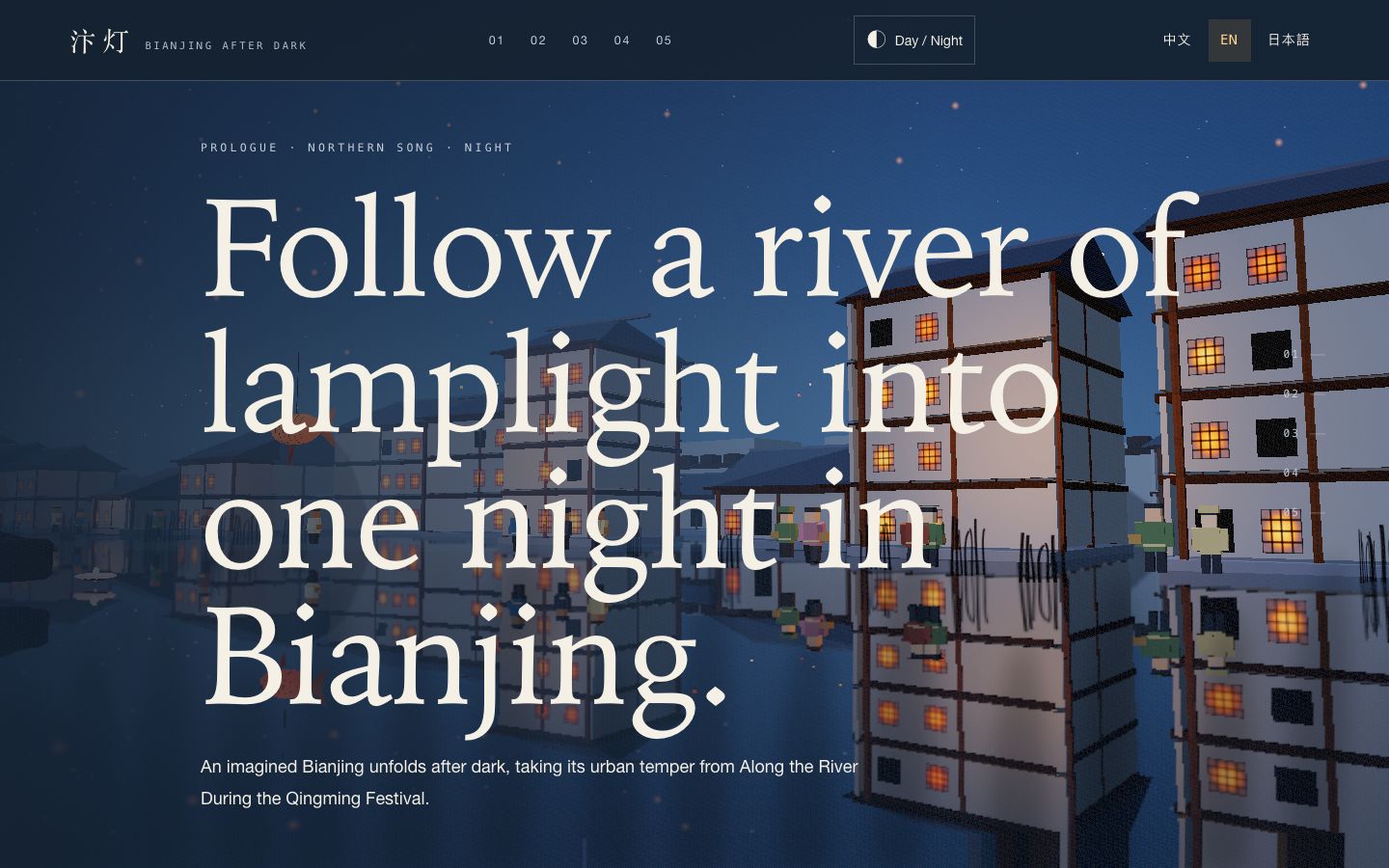
An interactive night journey through an imagined Song-era Bianjing, combining a persistent river city, poetry, lanterns and multilingual chapter pacing.
Website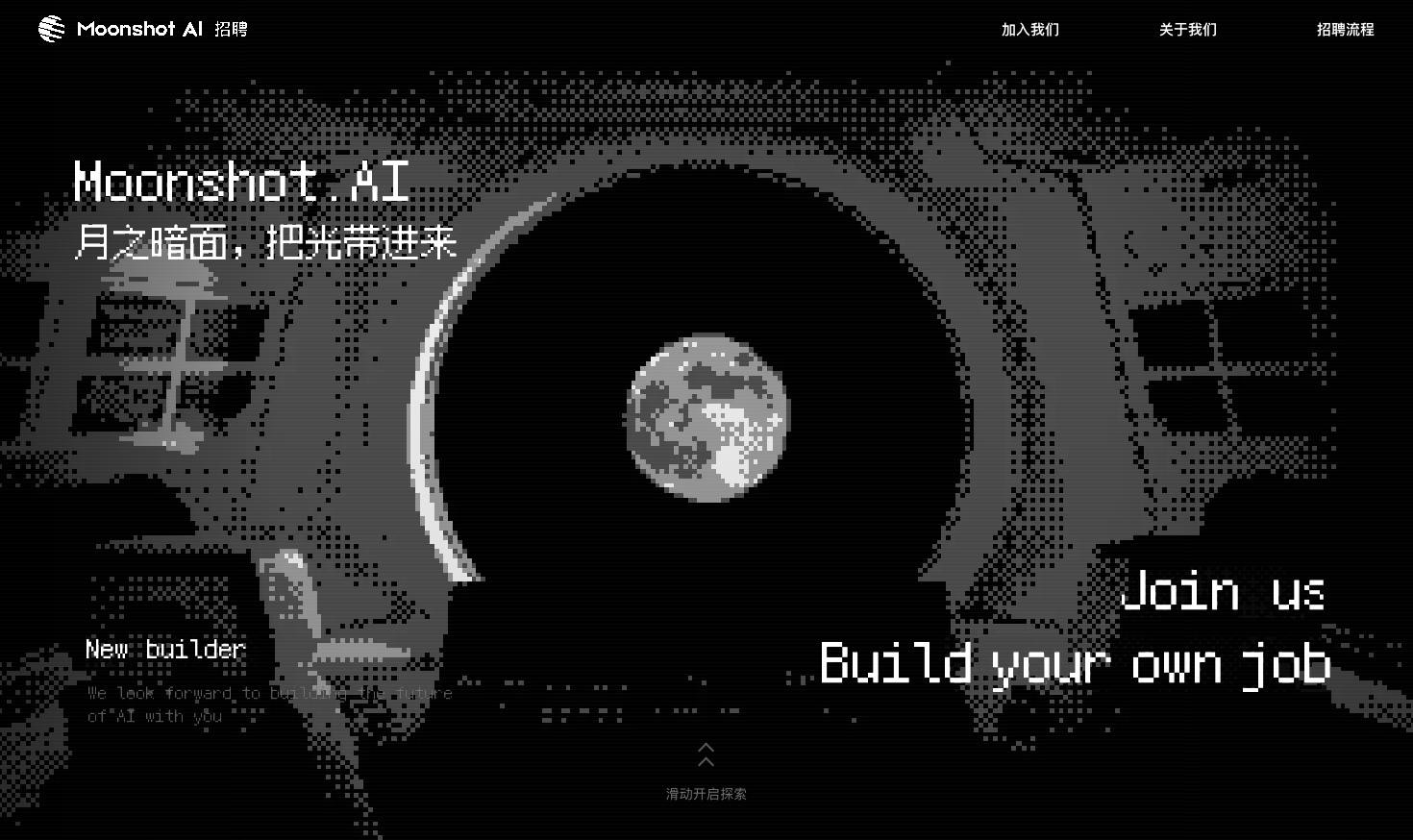
Careers Website Design
A Kimi careers study built from eight lunar scenes, with scroll-linked transitions and an illustrated application process.
Website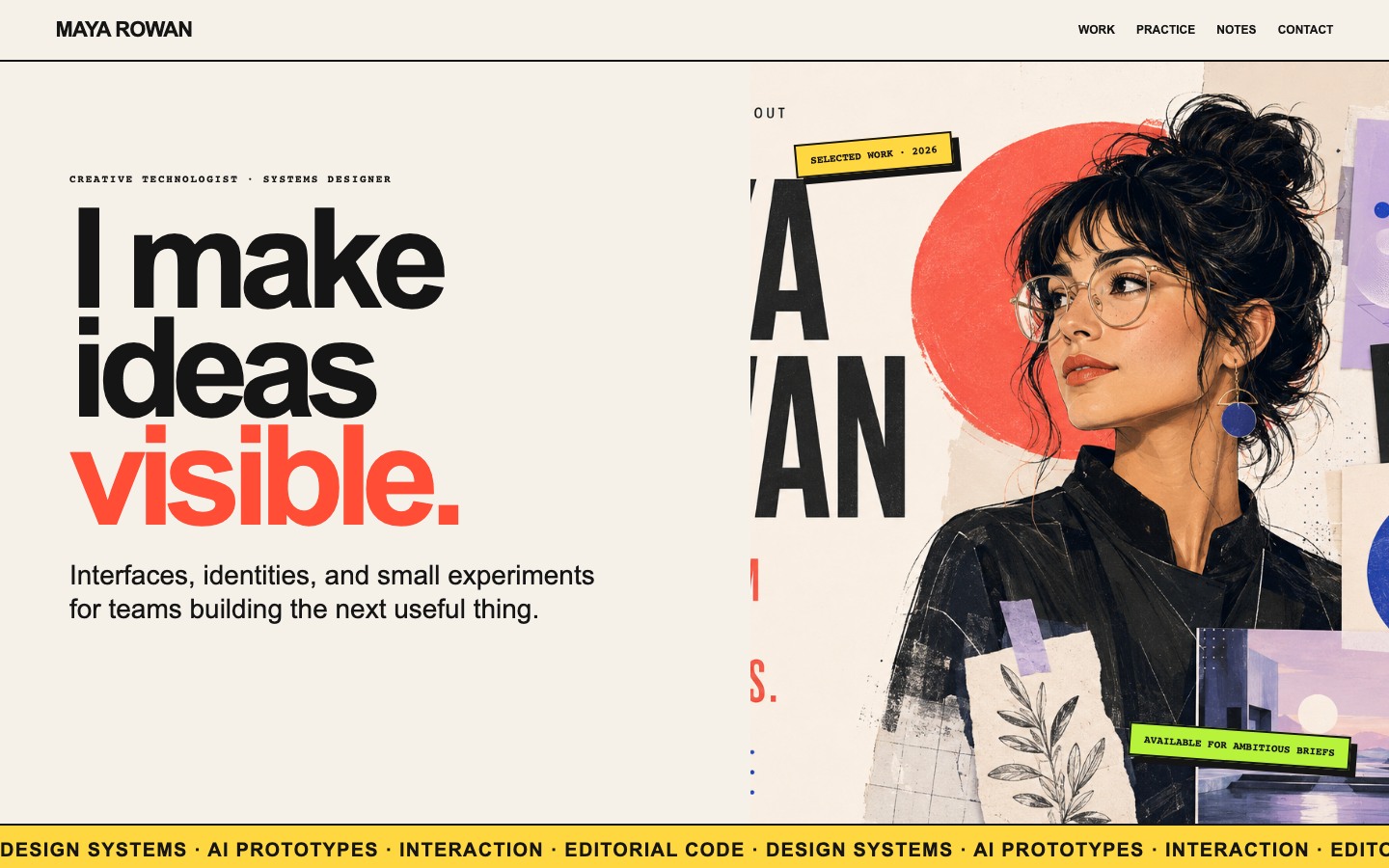
Creative Portfolio Website Design
Maya Rowan’s fictional portfolio connects project cards, practice, and notes.
Website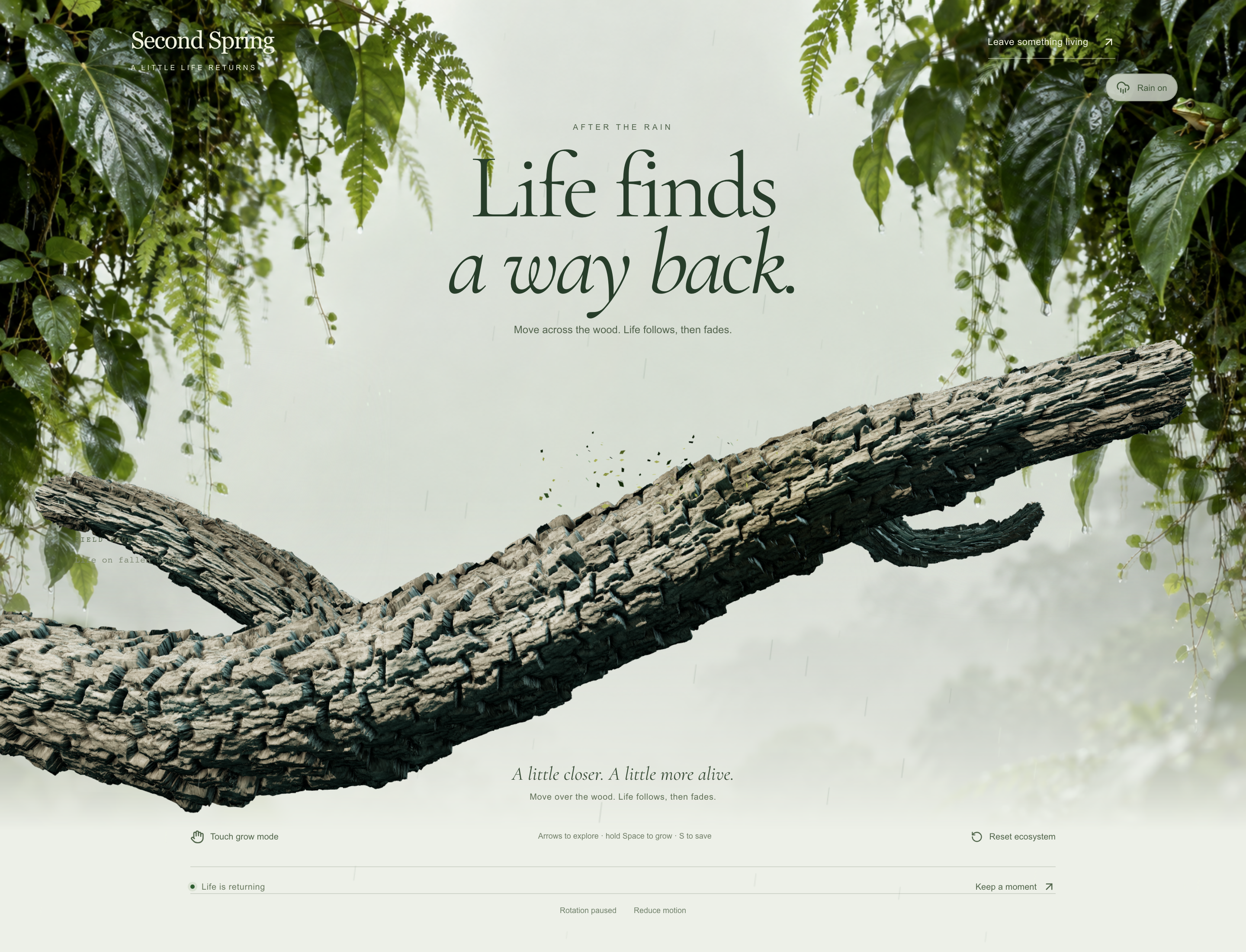
Forest Restoration Website Design
Explore Second Spring, where an interactive fallen branch leads to forest field stories, a restoration plan and simulated ways to contribute.
Website