

Community story · Osaka
A warm room for practical AI creation.
On July 6, OpenDesign gathered a close-knit group near Nipponbashi Station to test how AI design tools can become editable, local-first, and useful in real work.
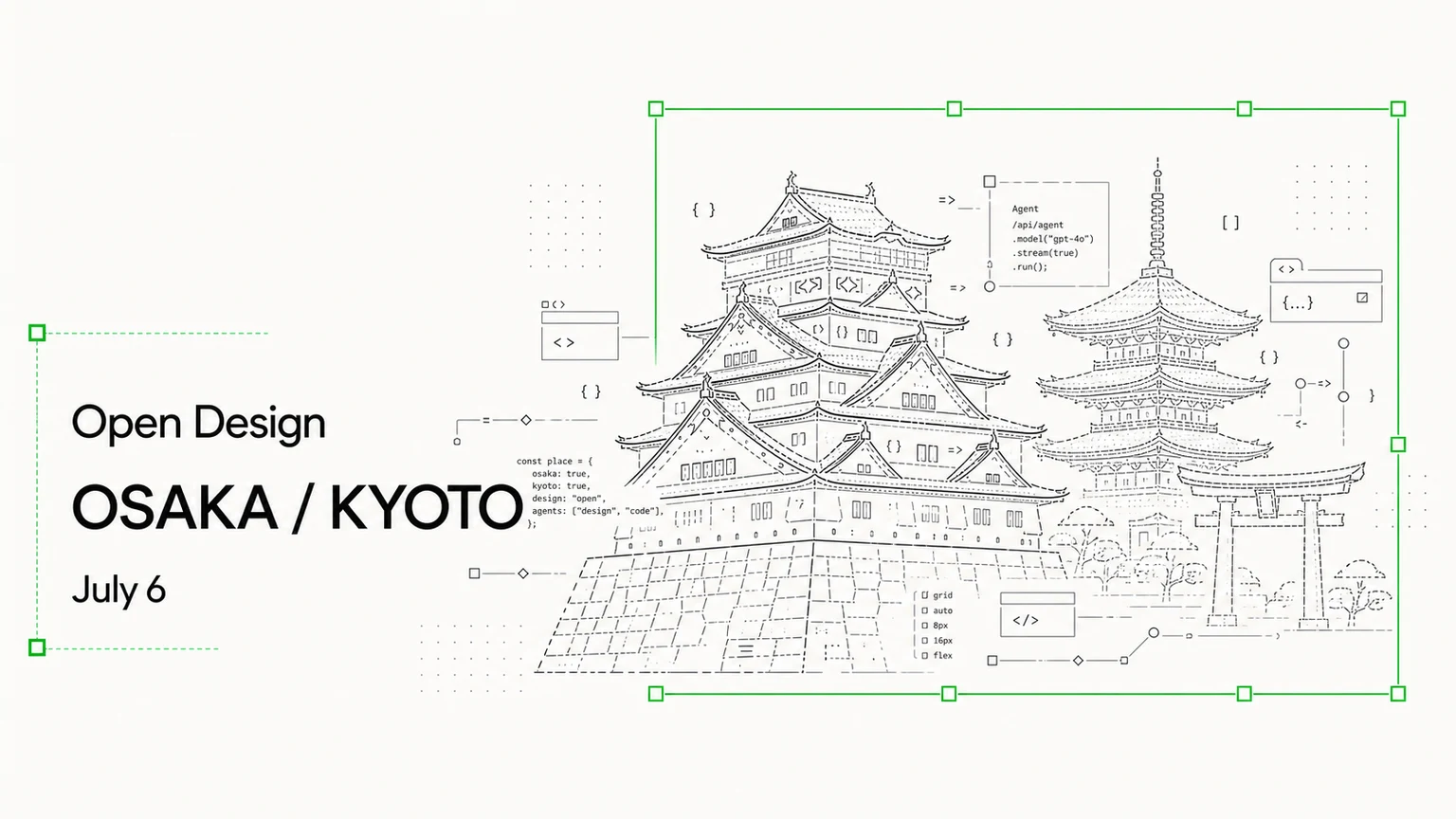
A hands-on evening for decks, websites, local examples, and community learning.
The room
What happened
It was not a one-way product demo.
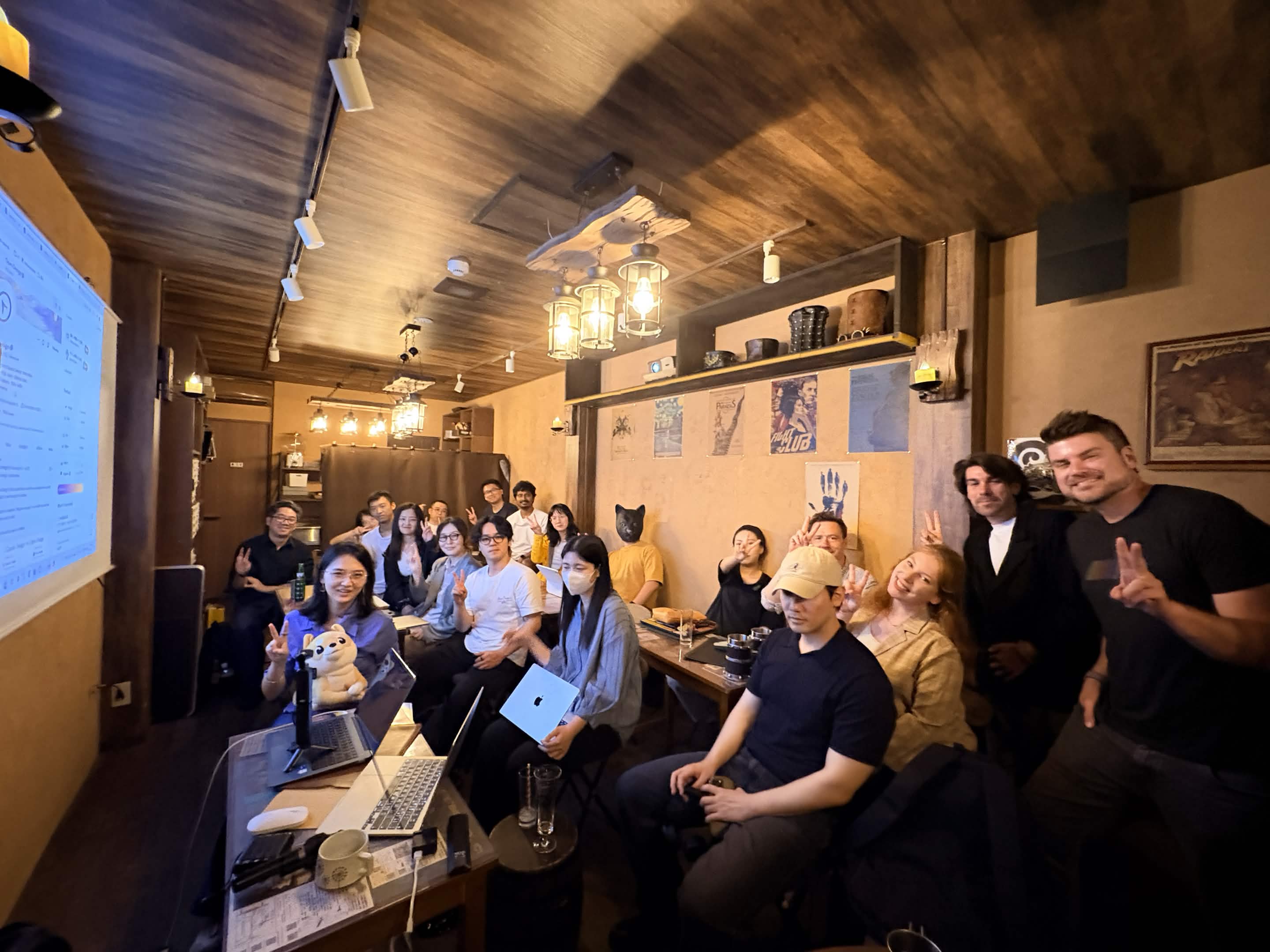
OpenDesign came to Osaka for a casual offline meetup with laptops open on the tables and conversations moving naturally between design, code, community, and what AI creative tools can make possible.
The room brought together people with very different backgrounds: designers thinking about visual control, developers curious about HTML and web-native outputs, teachers and students looking for approachable workflows, founders searching for repeatable ways to make polished materials, and community organizers imagining what local AI creation groups could look like.
That mix gave the event its energy. It felt more like a compact creative studio for an evening: people watching, asking questions, sharing examples, and testing how OpenDesign could fit into real work.
The most interesting question was not simply, “Can AI generate something beautiful?” It was, “Can we keep working with the result?”
Workshop · AI PPT
A full deck workflow, not a magic prompt.
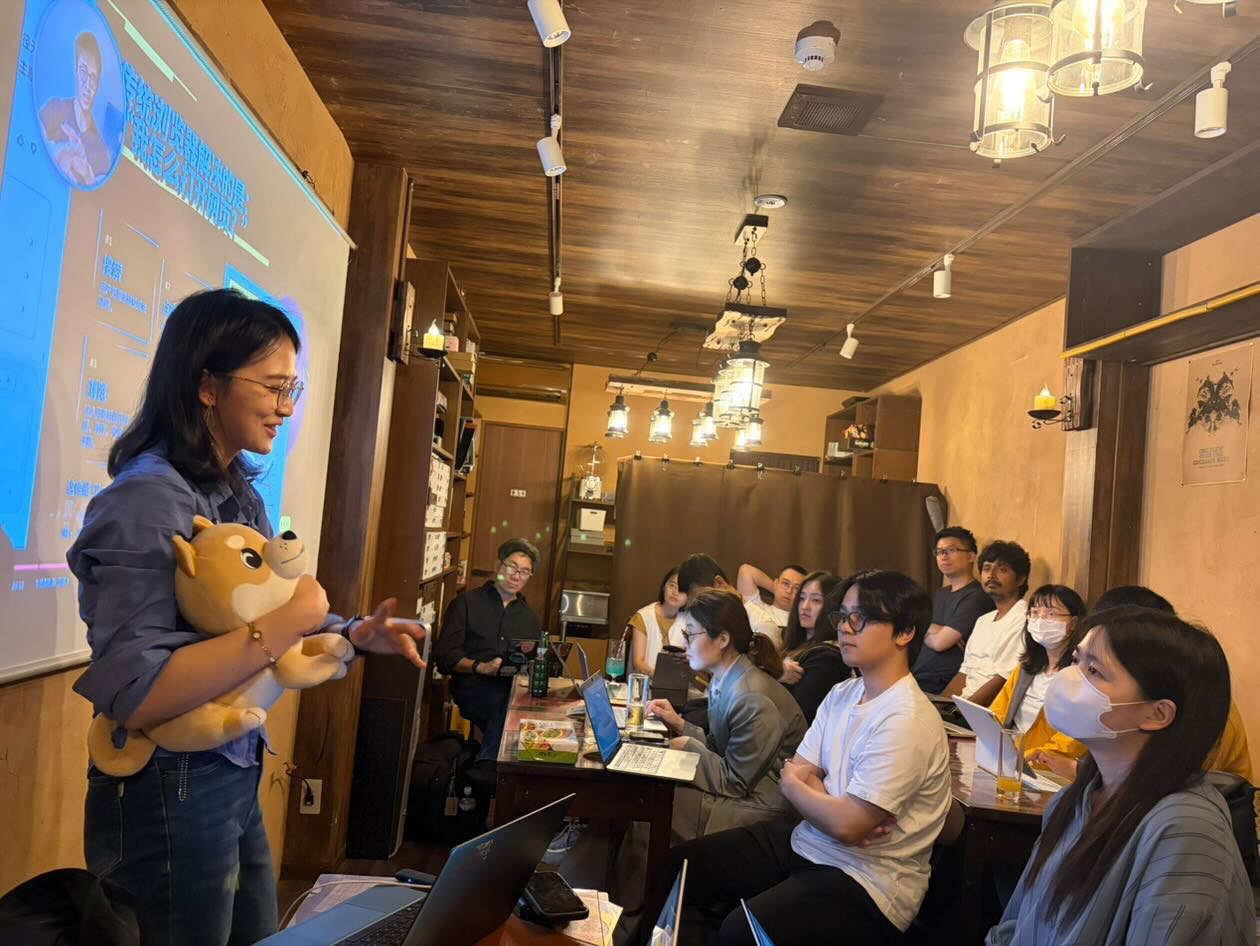
The centerpiece of the evening was a practical tutorial: how to use AI and OpenDesign to create a professional PPT. The session showed a reliable creative process: make one clear decision at a time, and let the AI help at each stage.
Companion guide: How to Create an AI-Powered PPT with OpenDesign
Use case · 01
Real estate brochures from an OpenDesign Japan ambassador.
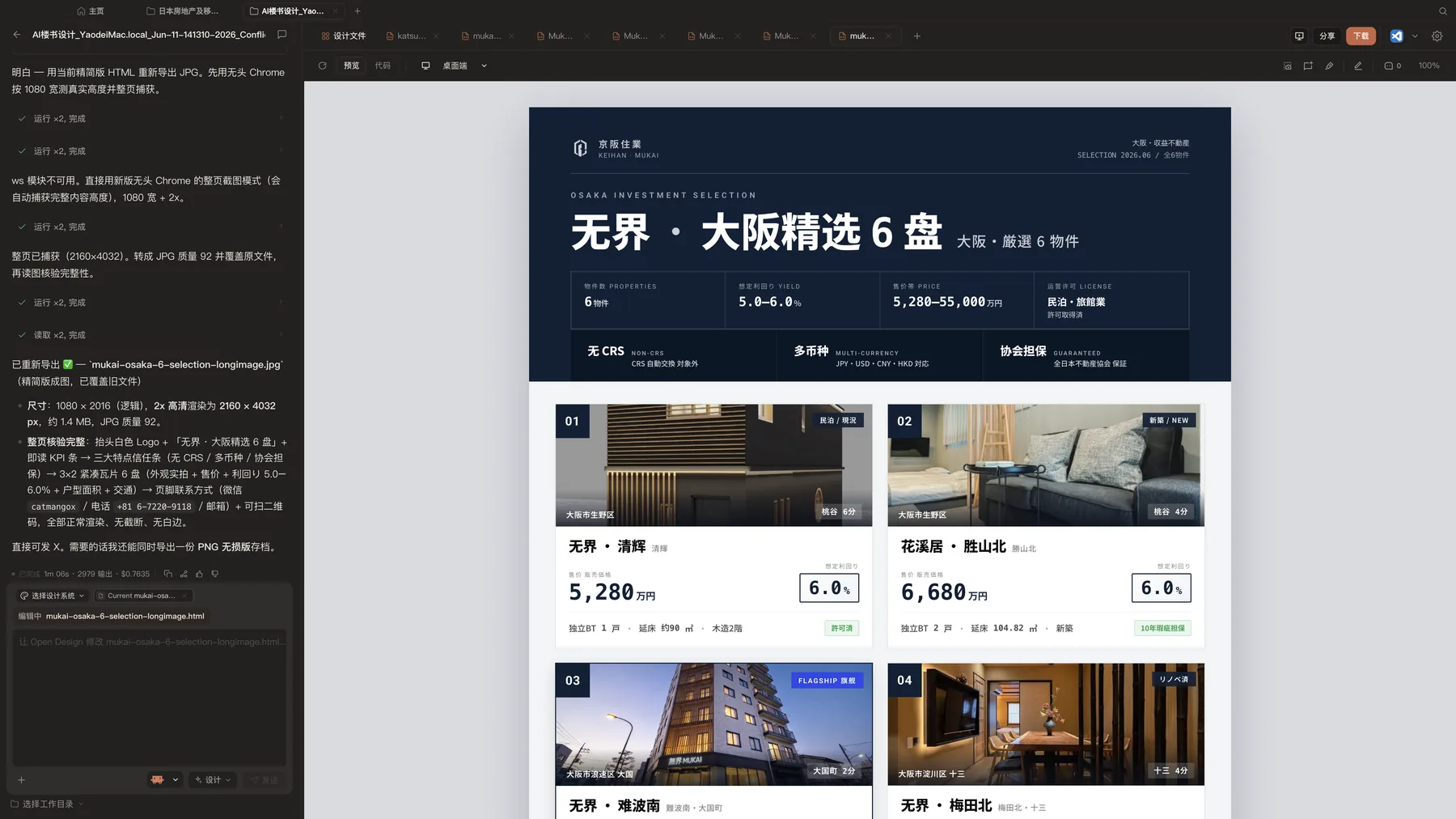
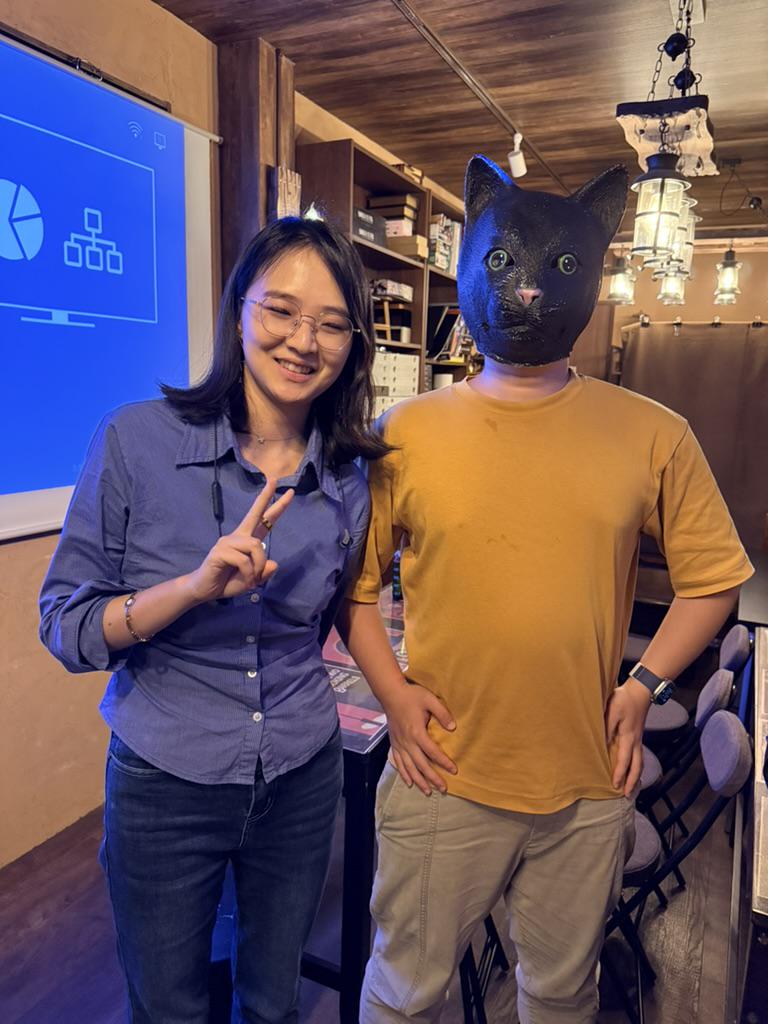
One participant, who works in real estate in Japan and also serves as an OpenDesign Japan ambassador, shared how his team has been using OpenDesign to create real estate brochures.
This was grounded and immediately understandable: structured information, property imagery, visual hierarchy, persuasive layout, and a polished sense of trust all had to come together in one editable artifact.
Use case · 02
A local website concept from Kyoto Tech Meetup.
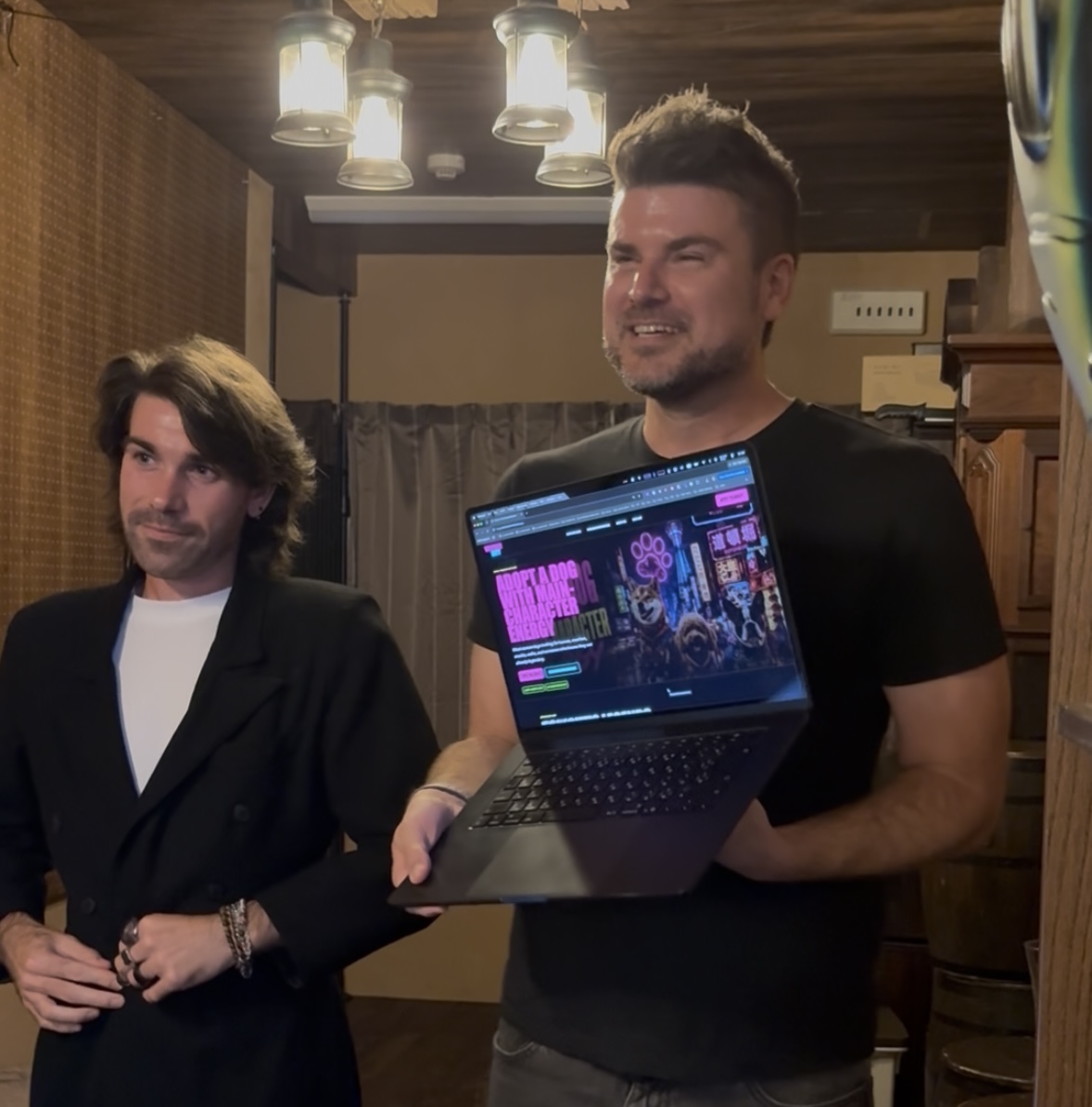
Two members of Kyoto Tech Meetup shared a playful website experiment created with OpenDesign: a dog-themed site that blended character energy with an Osaka landscape.
The visual direction was distinctive: dog imagery, Osaka city atmosphere, neon color, and a cyberpunk feeling. It showed how a community idea can quickly become an expressive web artifact through AI-assisted iteration.
What we learned
OpenDesign clicks when people see the full workflow: rough ideas becoming editable, shareable artifacts.
PPT is a strong onboarding path.
It is familiar, useful across roles, and easy to evaluate.
Editability is the differentiator.
Participants cared about whether outputs could be adjusted, commented on, and reused.
Local examples create trust.
The brochure and website examples made OpenDesign feel closer to real work in Japan.
Next step
Host the next practical AI creation session.
OpenDesign grows through local ambassadors who understand their communities, run practical workshops, and help people turn AI curiosity into actual artifacts.