
OpenDesign 0.10.0: the all-in-one design workspace
open-design-v0.10.0 — 405 PRs from 68 contributors in nine days. Codename "the all-in-one Agentic design workspace." This release collapses the whole flow — concept, refinement, and handoff — into a single window, so the work stops living across a dozen tabs.
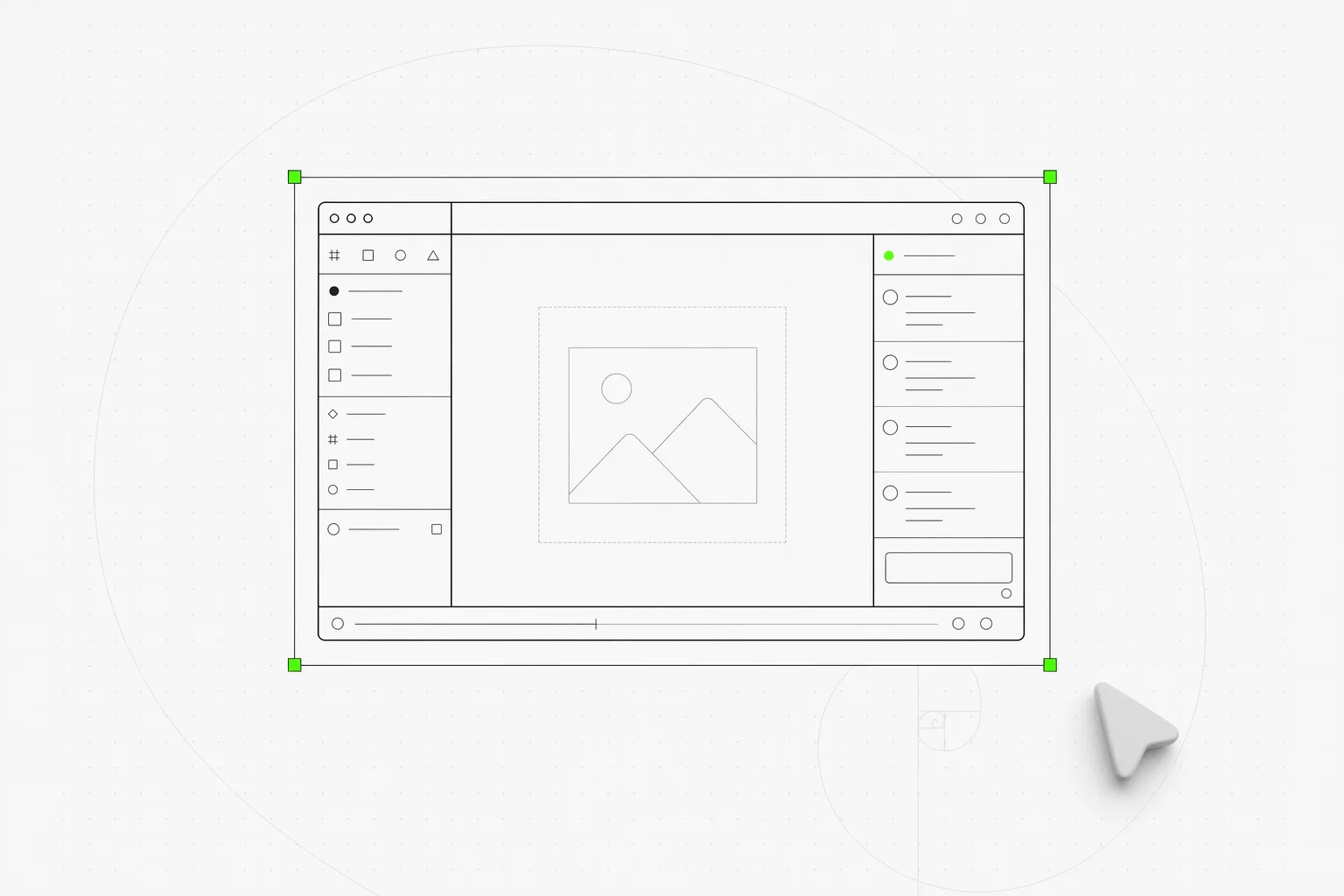
open-design-v0.10.0, shipped 11 June 2026. 405 PRs from 68 contributors in nine days. Codename “the all-in-one Agentic design workspace” — this is the one-window release. The last three releases made starting cheap; this one makes staying cheap. From the first concept to the final handoff, the work no longer scatters across a dozen tabs and three apps.
If you want the long version, the release notes on GitHub have it. This post is the short version: what changed under the hood, what you can do with it today, and where to start.
Why tab-hopping was the tax
A design tool earns its keep in the boring middle — not the first prompt, but the fortieth edit. That middle is where OpenDesign used to leak. You’d draft in one place, run in another, leave a comment somewhere else, and then export by hand into whatever came next. Each hop was a small context-switch, and small context-switches compound into a day that feels busy and ships nothing.
0.10.0 closes the loop. The whole arc — concept → refinement → handoff — happens in one window, with state that follows you instead of resetting at every boundary.
One window for the whole flow
The workspace is now a single surface, not a set of rooms you walk between.
A Lexical-powered composer replaces the plain text box: atomic mention pills you can insert, select, and delete as whole tokens, with a caret that finally lines up with what you typed. Interactive terminals let you manage sessions in place. A browser-style reference board keeps your inputs at hand, comments take drag-and-drop attachments, and you can fork a conversation to explore a branch without losing the thread you came from. The canvas runs full-height, and a pinned manual-edit inspector keeps precise tweaks one click away instead of buried in a panel.
Asynchronous by default
Feedback no longer has to wait its turn. A comment queue lets you stack preview comments while a run is still in flight — you keep reacting to the work, and OpenDesign picks the notes up as soon as the current pass finishes. Parallel sessions run side by side, generation shows staged preview feedback as it goes, and clarifying questions move to a dedicated right-side tab so they prompt you without hijacking the canvas.
BYOK and handoff get production-grade
The edges of the flow — bringing your own key in, and getting the work out — both grew up this release.
BYOK validates as you type. API keys get field-level validation, drafts are checked before you save, and the model list prefers live-fetched models across providers, so a wrong key or a stale model name fails loudly at the form instead of silently mid-run.
Handoff becomes real infrastructure. A sandbox runtime foundation, run-scoped MCP tool bundles, project export manifests, and contained preview URLs turn “design-to-editor” and “design-to-Code-Agent” from a copy-paste chore into a defined handoff. And when something does break, diagnostics name the cause: run-failure classification with Langfuse correlation, prompt-stack diagnostics, and safe-retry policies, so a failure points you at the fix instead of a shrug.
What else lands in 0.10.0
The release is wide. The pieces worth pulling forward:
- Forking, not restarting. Branch a conversation to try an alternative direction and keep both threads alive instead of overwriting the one you liked.
- Comments that carry context. Drag-and-drop attachments mean a screenshot or a reference rides along with the note, right where the change happens.
- A reference board you can actually browse. Inputs sit in a browser-style board instead of scrolling away up the chat.
- Recoverable failures. Identifiable failure causes with recovery options replace dead-ends; a failed run tells you what to do next.
- Builds for every desktop. macOS (Apple Silicon and Intel x64) and Windows (installer and portable) via GitHub Releases and releases.open-design.ai.
The full list runs to 405 PRs. The release notes on GitHub carry the rest.
What to do with it today
| If you’re… | Start here |
|---|---|
| New to OpenDesign | Download the desktop app, sign in once, and run a brief end to end — concept, refinement, and handoff all stay in the one window |
| Already running OpenDesign | Let the packaged auto-update bring you to 0.10.0; the composer, comment queue, and full-height canvas are on by default |
| Shipping work into code | Use the run-scoped MCP bundles, export manifests, and contained preview URLs to hand a design straight to your editor or Code Agent |
| Bringing your own key | Re-check Settings — field-level validation and live model lists mean a bad key or stale model name surfaces immediately |
What to do next
If you’ve been bouncing between a draft here, a run there, and an export somewhere else, this is the release that puts them in one place. Download the desktop app and run the brief you were going to run anyway — this time, concept to handoff never leaves the window.
405 PRs in 9 days, from 68 people pulling in the same direction. The all-in-one workspace exists because so many contributors closed the small gaps that used to send you to another tab. A movement doesn’t ship from one team’s laptops; it ships from the people who showed up and built. We see you. 🫡
Related reading
- OpenDesign 0.9.0: design for everyone — the install-and-create release this one builds on
- OpenDesign 0.8.0: everything is a plugin — the engine rebuild underneath it all
- Why we built OpenDesign as a skill layer, not a product — the longer manifesto behind the “layer, not product” bet