
Website
Interactive Conservation Website Design
Grow a patch of moss on a fallen log, then explore the forest-floor stories and simulated ways to help in Second Spring.

LLM Arena Sep 2026
Case notes- Model
- Claude Fable 5.1
- Design task
- Create Second Spring, an interactive forest restoration experience with pointer-grown plants.
- Output
- Website
Designed For
- Conservation CampaignsConnect an environmental story with specific ways to participate.
- Interactive EditorialIntroduce a subject through an action before the explanation.
- Nonprofit PrototypesExplore support and volunteering without a payment connection.
Key Highlights
- Growth That FadesPointer-grown moss makes the opening scene responsive and temporary.
- Amount-to-Action LinksThree example amounts correspond to different restoration activities.
- Separate Participation PathsSupport dialogs and field-day forms offer distinct next steps.
Explore the Conservation Website
1 / 4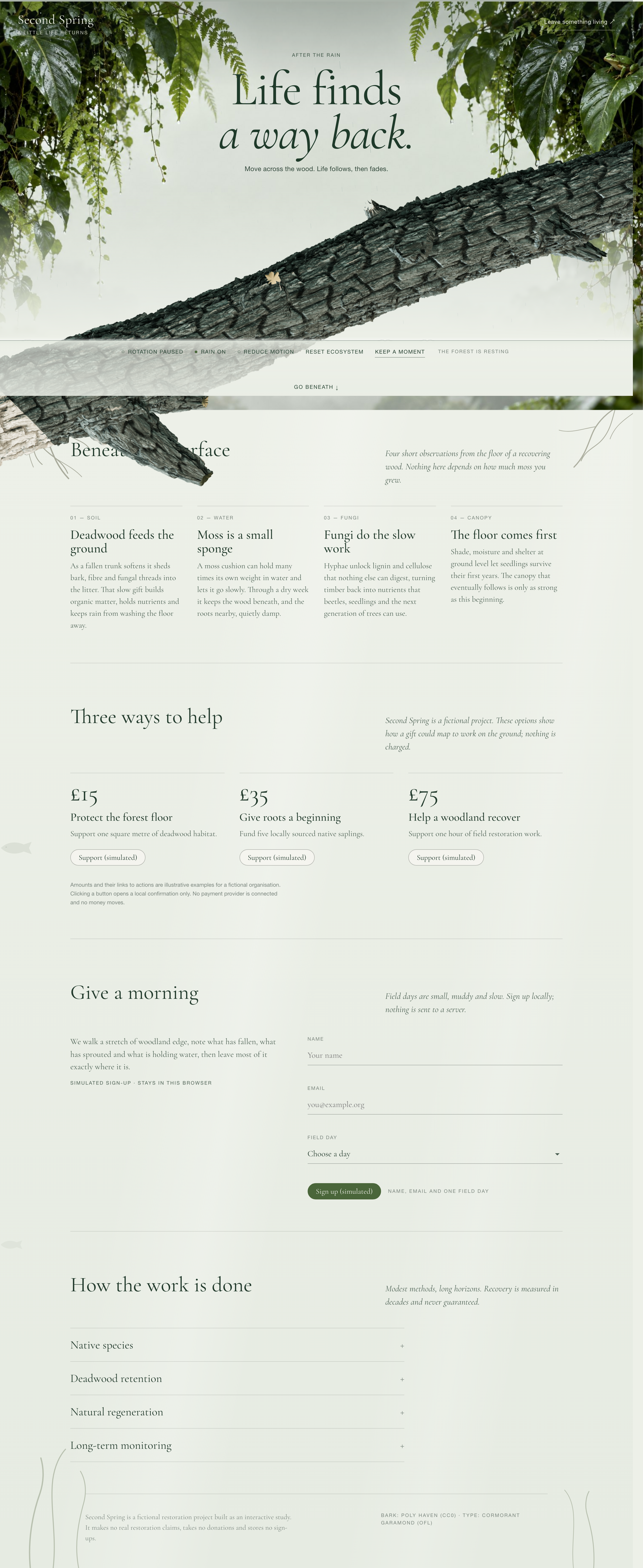
An Interactive Conservation Website Built Around Fallen Wood
Second Spring begins with a fallen log rather than a donation form. A branch crosses the screen diagonally beneath a large serif headline, while leaves frame the outer edges. Moving over the wood grows a temporary patch of moss. In the captured state, the interface reports 20% moss cover; that number describes the screen effect, not habitat restored.
The composition gives each layer a different job. The pale center keeps the headline readable, the textured bark identifies the interactive surface, and a narrow control row collects rotation, rain, reduced motion, reset and capture actions. A visitor can understand the basic invitation without studying the controls first.
A Surface Worth Touching
The log is the largest tactile object on the page. Its diagonal position draws attention across the screen and gives the pointer a recognizable target. Keeping the effect on the wood connects the interaction to the subject; an animation that followed the cursor everywhere would tell a less specific story.
Feedback Without a Scoreboard
Moss cover appears beside the scene controls in restrained text. It confirms that the interaction did something without competing with the campaign headline. Because growth later fades, treating that percentage as a cumulative achievement would misrepresent the experience. The resting-state label helps distinguish inactivity from a failed scene.
Control Over the Atmosphere
Rotation and rain have separate controls, so movement and weather need not be one inseparable effect. Rotation was paused for the captured hero while rain continued. This is useful in an exploratory scene: visitors can examine one area without losing all of the atmosphere that makes it distinctive.
Connecting Support Amounts to Concrete Activities
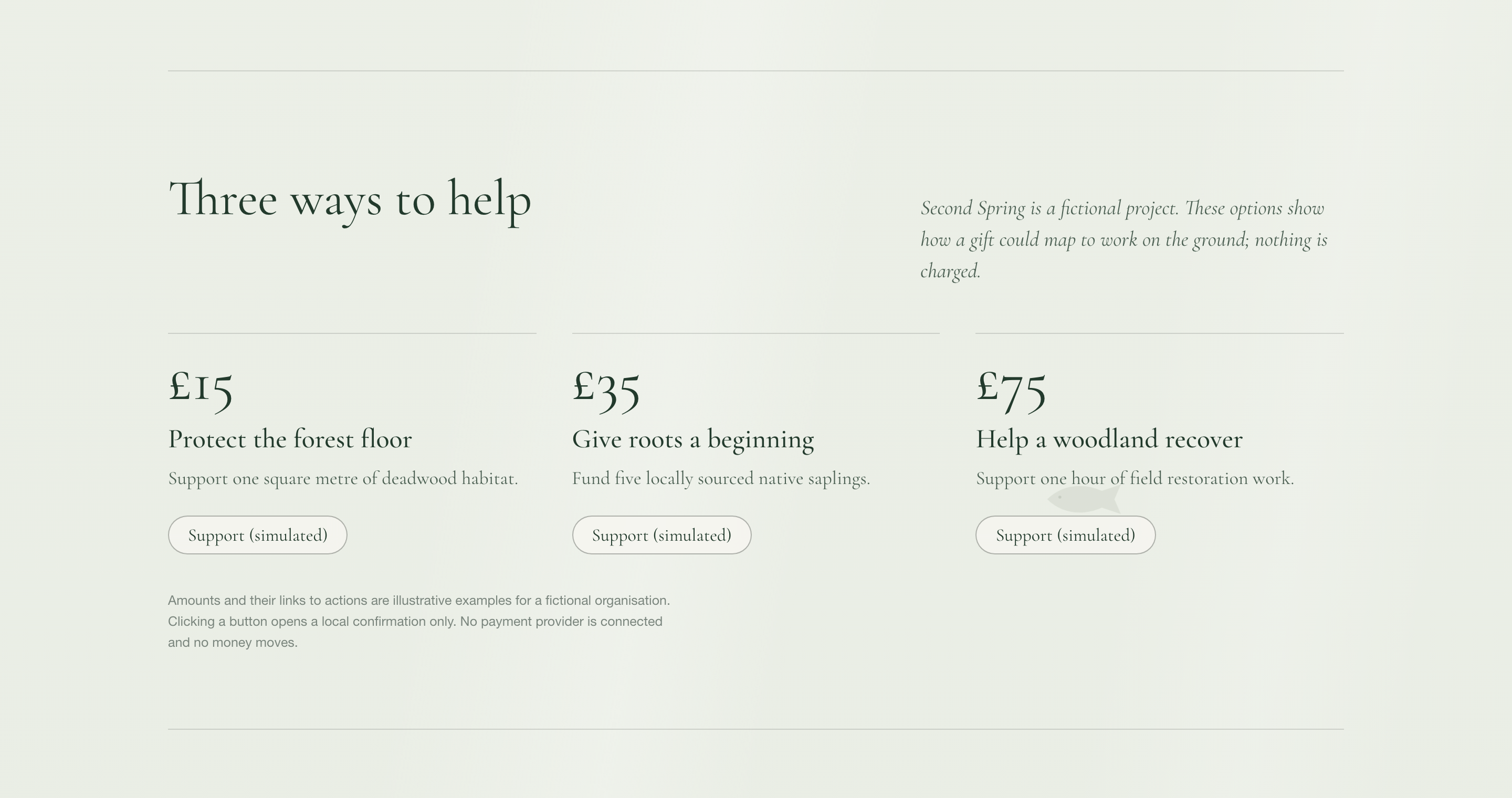
The support section turns three prices into three different kinds of work. Each column repeats the same order: amount, activity, short explanation and action. That repeated structure makes the options comparable, while the activity names prevent the numbers from becoming arbitrary price tiers.
The units are intentionally different, so the page does not establish a price-per-impact comparison. A real campaign would need evidence for those relationships. Here, every button says Support (simulated), and the local confirmation repeats that no payment occurs. The design is useful for testing how people understand the choices before connecting any transaction system.
| Amount | Stated Activity | Design Implication |
|---|---|---|
| £15 | One square metre of deadwood habitat | An area-based example gives the smallest option a tangible unit. |
| £35 | Five native saplings | A count-based example makes this a different activity, not simply more habitat. |
| £75 | One hour of field restoration work | A time-based example makes labour visible beside physical materials. |
From Forest-Floor Stories to a Volunteer Form
After the hero, four observations introduce soil, water, fungi and canopy. They are presented as an editorial sequence rather than rewards unlocked by growing moss. The page explicitly says the reading does not depend on interaction progress. Someone who skips the scene can therefore reach the same explanation and participation options.
Explain the Object First
The first observation connects deadwood to the forest floor. Water, fungi and canopy then broaden the subject around that same object. This keeps the reading tied to the log that the visitor has already seen, instead of switching abruptly to an unrelated campaign statement.
Offer More Than a Financial Action
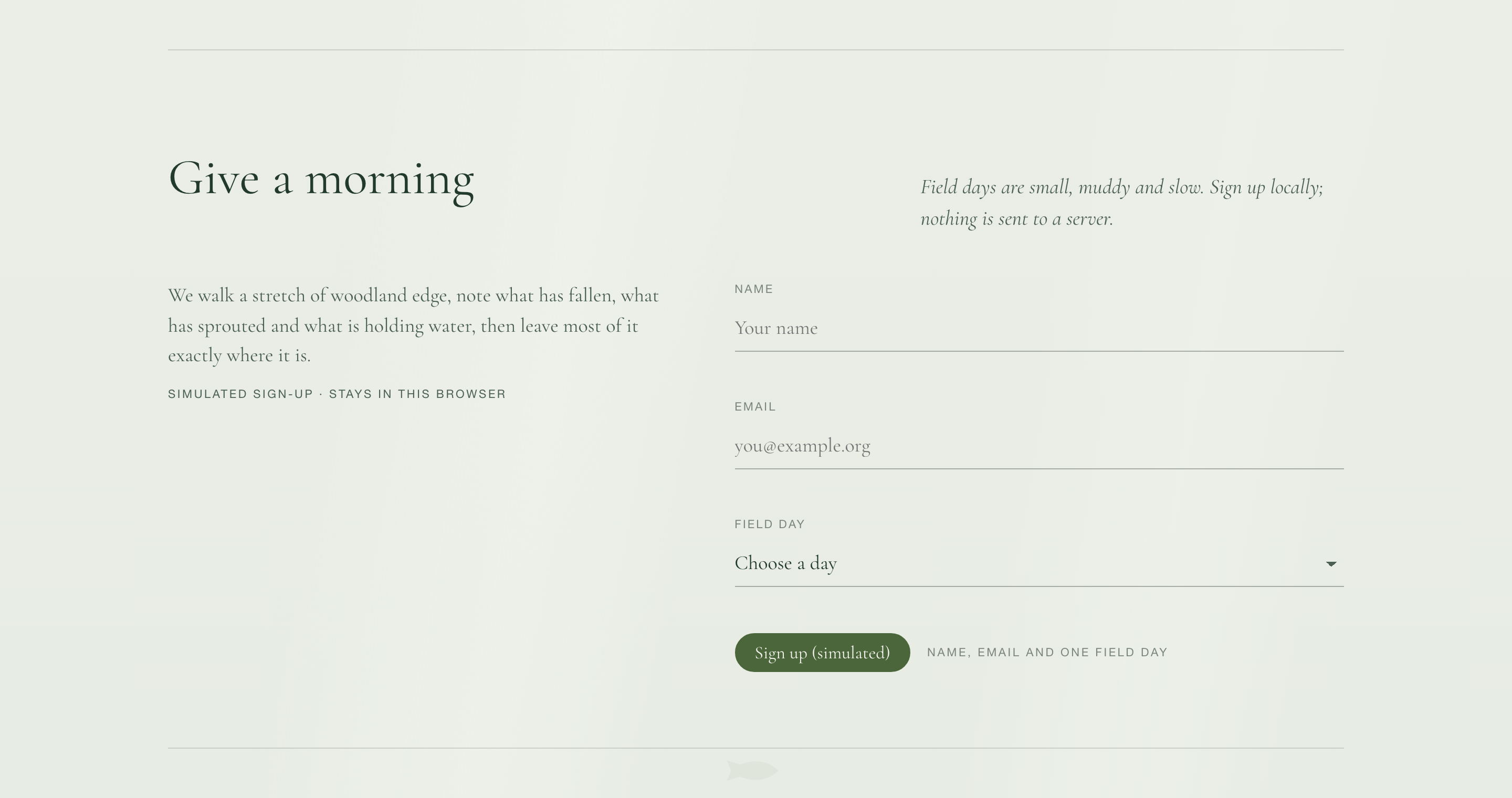
Give a morning follows the support options with a separate volunteer form. It asks for name, email and a field day. The day selector names a deadwood survey, sapling planting and a moss-monitoring walk, so the choice describes an activity rather than an unexplained date.
Make the Form Boundary Visible
The simulated sign-up notice sits above the fields, where it can be read before information is entered. This matters more than a disclaimer hidden in the footer. For a real service, that same area would need a truthful explanation of where the information goes and what happens next.
What This Conservation Prototype Demonstrates
The local preview demonstrates a rendered interactive scene, configurable motion, editorial content and simulated participation interfaces. The £15 support dialog was opened and confirmed locally. No payment, email or restoration work resulted. Field-day names and support amounts are fictional examples; the scene’s moss percentage should not be reported as environmental impact.
How to Create an Interactive Conservation Website Design in OpenDesign
Connect One Interaction to the Campaign Subject
Begin with an object that carries the story. In this example, fallen wood connects the opening interaction to the later forest-floor explanation. Specify the resting state, the pointer response and the return to rest before requesting secondary decorative effects.
Suggested PromptCreate an interactive conservation website design for a fictional project called Second Spring. Use a pale green editorial page with leafy edges, a centered serif headline and a diagonal fallen log. Pointer movement over the wood should reveal temporary moss that later fades. Place rotation, rain, reduced-motion, reset and capture controls in a compact row below the scene. Follow with four short observations about soil, water, fungi and canopy, then three illustrated support options using clearly labelled fictional amounts. Add a separate volunteer form with name, email and a field-day selector. Keep all support and sign-up responses local and visibly simulated. Do not imply that moss coverage measures habitat restored, or that payments and email delivery are connected. Preserve readable text and usable controls without motion.
Check the Reading Path Without the Effect
Disable motion and follow the page from headline to support and volunteering. The important explanation should remain available without growing any moss. Check the narrow-screen order, field labels and support units; the experience should still make sense if the visual scene is skipped.
Keep Each Confirmation Proportional to Its Action
Refine the support dialog and volunteer response separately. A simulated confirmation should acknowledge only the local action, not promise a receipt, a booking or restoration work. Test reset and repeat interaction so a second visit does not inherit misleading feedback from the first.
Export and Get a Share Link
Export your finished design, then use Share in OpenDesign to get a share link. Open the link in a separate browser window and check that the intended version and its assets are available before sending it.
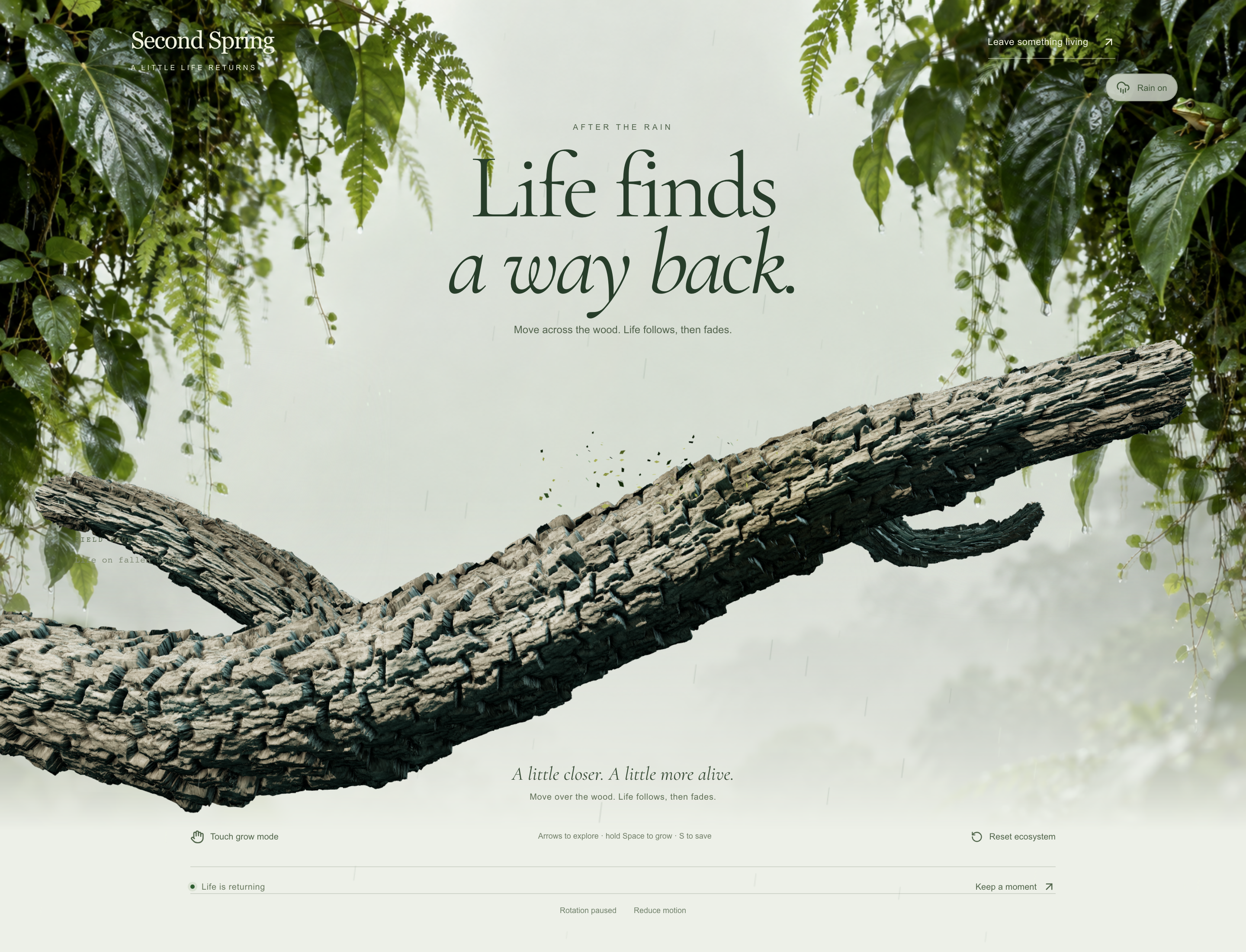
Forest Restoration Website Design
Explore Second Spring, where an interactive fallen branch leads to forest field stories, a restoration plan and simulated ways to contribute.
Website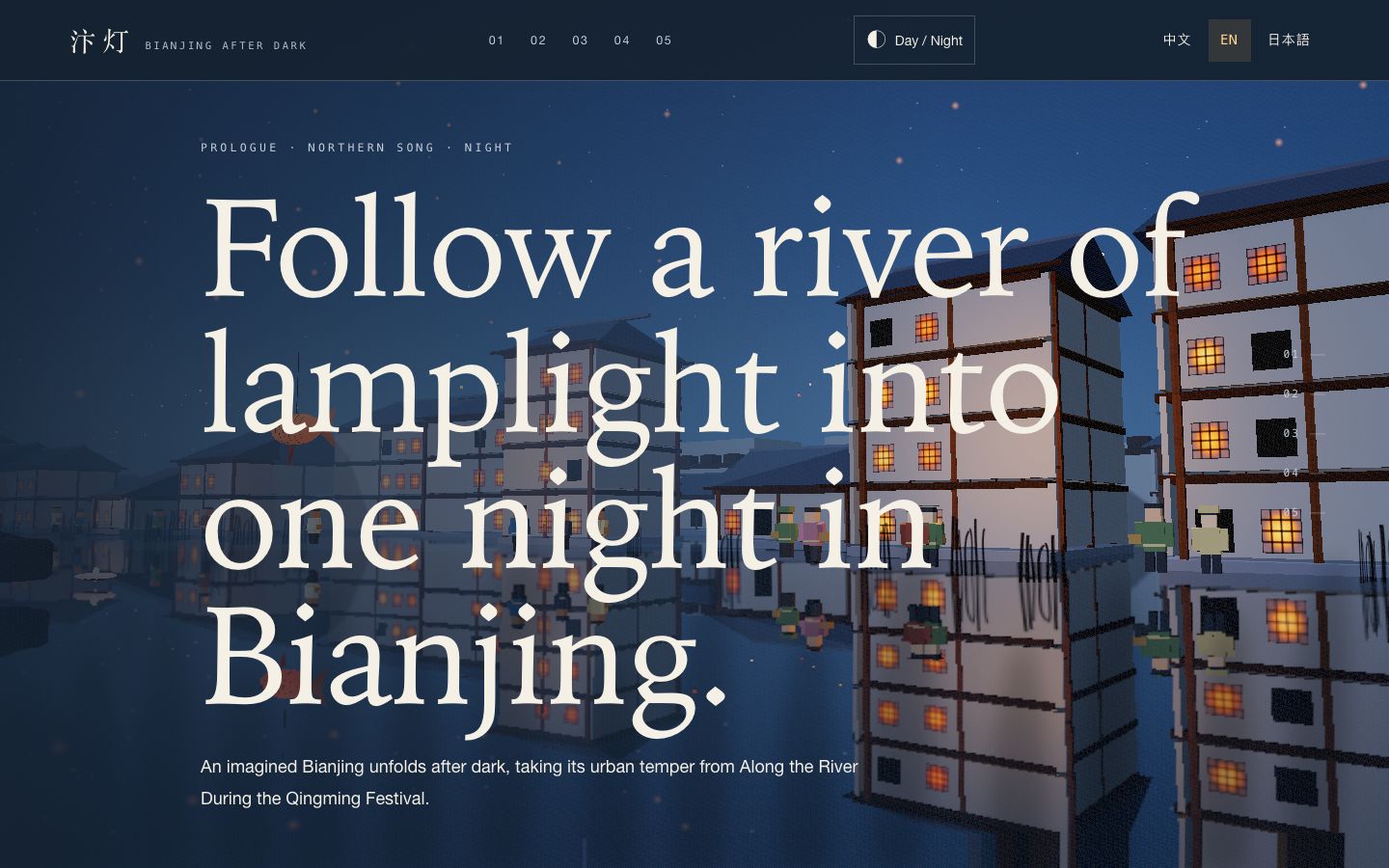
Bianjing Night Tour Website Design
An interactive night journey through an imagined Song-era Bianjing, combining a persistent river city, poetry, lanterns and multilingual chapter pacing.
Website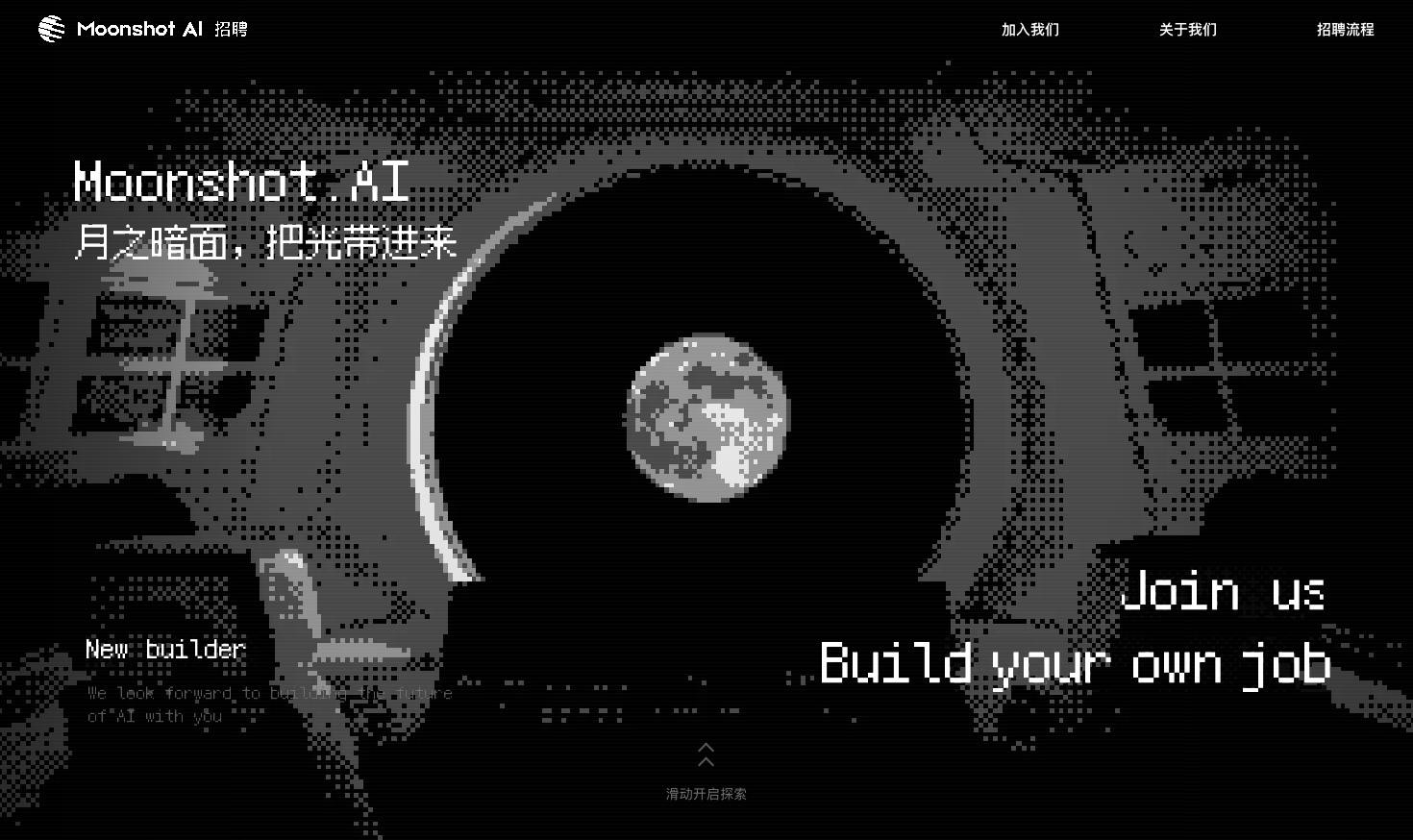
Careers Website Design
A Kimi careers study built from eight lunar scenes, with scroll-linked transitions and an illustrated application process.
Website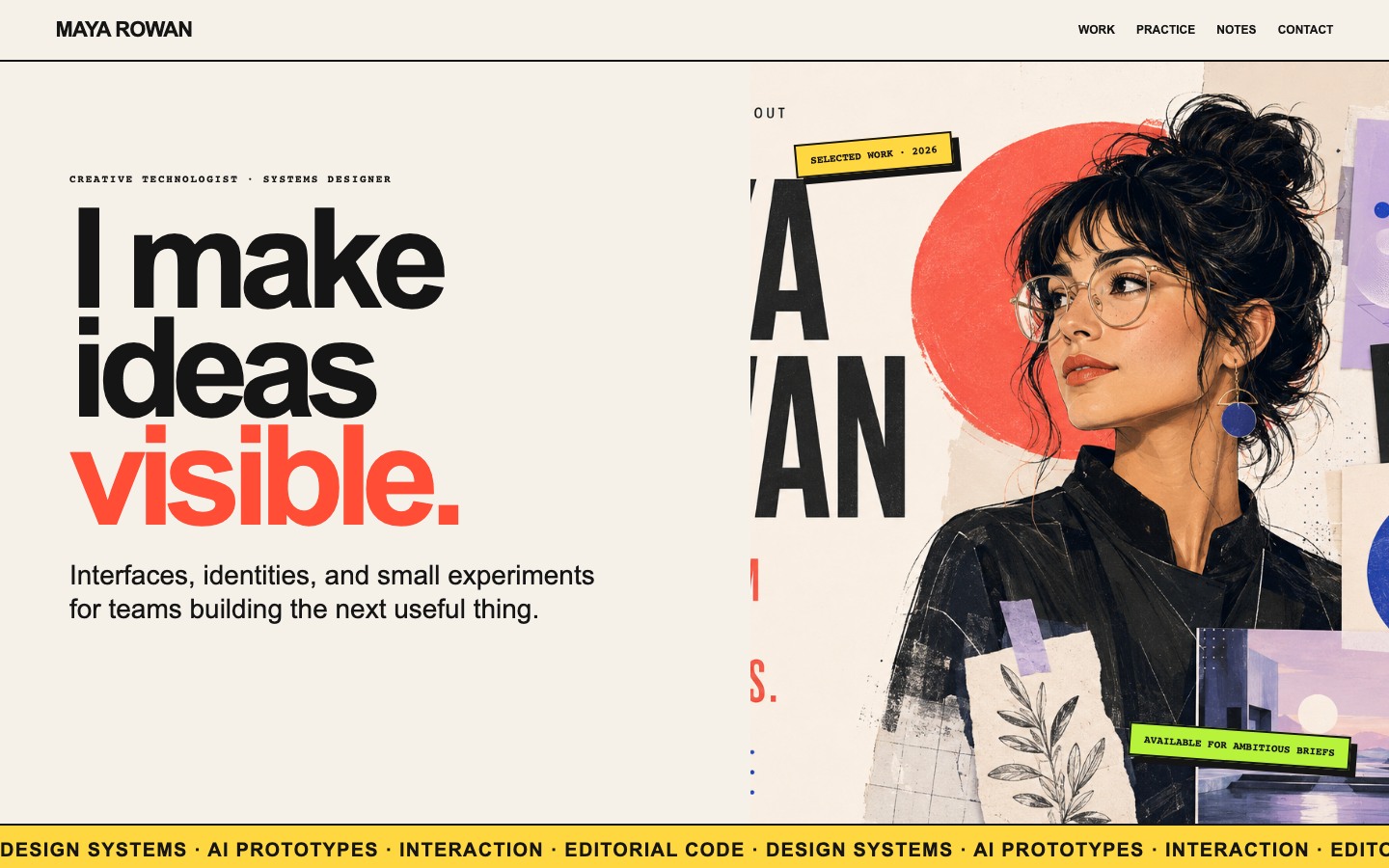
Creative Portfolio Website Design
Maya Rowan’s fictional portfolio connects project cards, practice, and notes.
Website