

“I go to OpenDesign first — and I haven’t looked back.”
Stuart Gardoll ships AI-powered apps for clients and runs Let’s Build, a channel about building with AI — so he’s always testing the newest tools and models. OpenDesign became the one he opens first: a creative workspace for app UI, motion graphics, and prototypes, on the models he chooses.
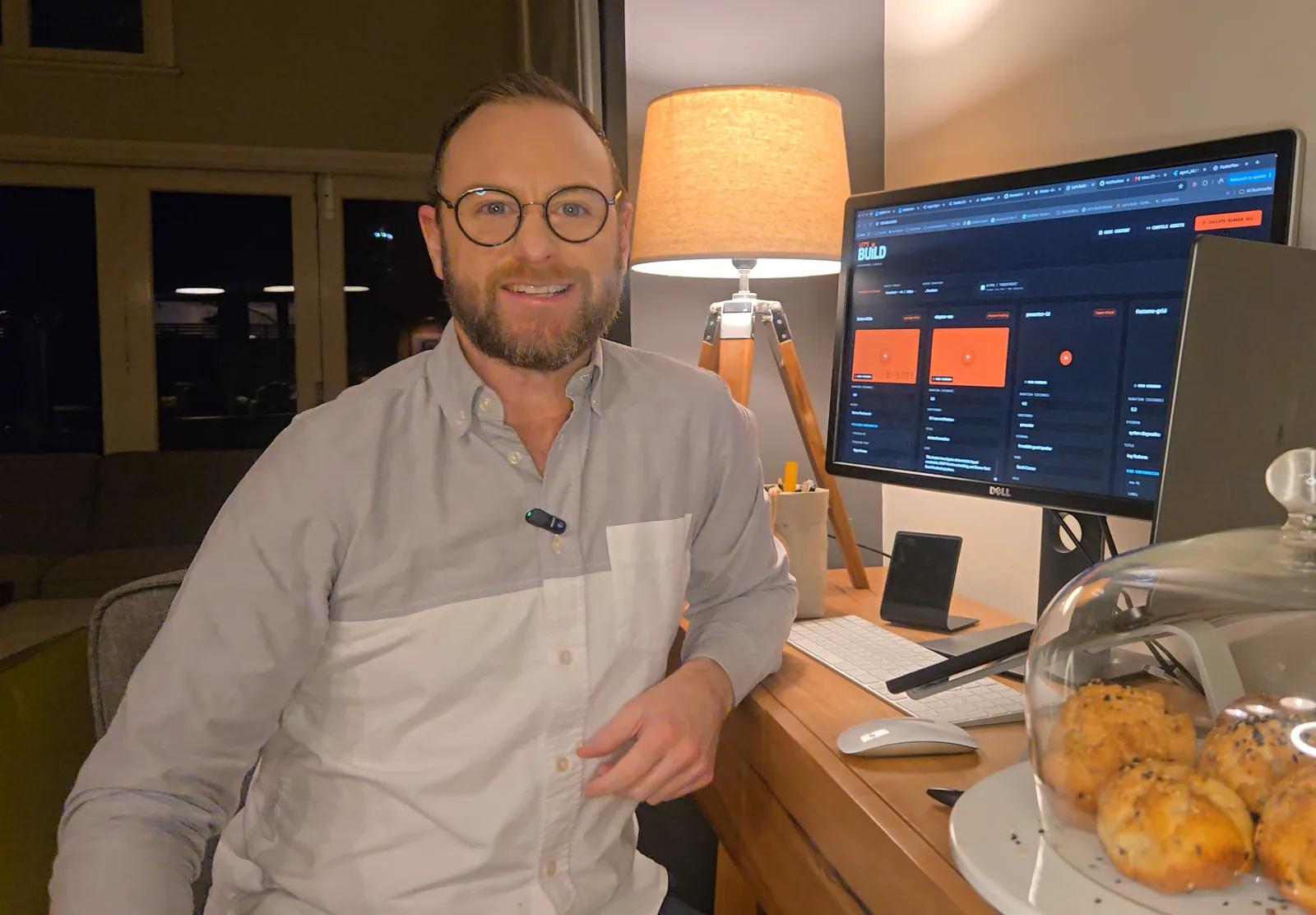
He tests every model. He needed one creative surface.
Stuart runs a one-person studio, Connect I/O, helping companies ship AI-powered apps — and he runs Let’s Build, a YouTube channel about building with AI. (Before that, he was a Growth Engineer at FlutterFlow.) Staying current is the job, so he’s constantly moving between new tools, models, and coding agents. What he needs isn’t one perfect model — it’s a creative surface that stays put while the models underneath it keep changing.
He’d been using Claude Design, and liked the direction. But it tied him to one company’s models, and for someone who switches models by the week, that lock-in was the wrong shape. Then a contact posted about an open-source alternative — “I always like to support the open-source community wherever I can, so I tried it out.”
It does everything Claude Design can do — but with the model that I choose. And it goes even a bit further, because it’s not so hamstrung.
A shipped app, shaped in OpenDesign.
Stuart’s Read It — an app that turns any article into audio — is live on the App Store and Google Play. OpenDesign is where the interface takes shape: the reading flow, the loading choreography, the small timed moments that make it feel human. He designs the direction there, then hands the artifact off to his coding agent and builds it out in his Flutter and GCP stack.
“I create whatever I need, then I hand it off to my preferred CLI. It flows really nicely.”
The motion graphics in his videos — made in OpenDesign.
The other workflow is media. Some of Stuart’s Let’s Build videos have their motion graphics built in OpenDesign with Hyperframes: he describes what he wants, in his own brand palette, and OpenDesign generates it, previews it live, and exports to MP4 — ready to drop straight into the edit, at the production quality his audience expects.
“My latest video uses OpenDesign for all of its motion graphics.”
One surface, whatever he’s building.
Prototypes, from a repo
He’ll take an existing GitHub repo and reimagine it in OpenDesign — a rough tool turned into something clean he can actually ship.
Live artifacts
A morning experiment turning Hacker News into a Flipboard-style newspaper — “something that’s been amazing” that he then drops right into software.
His own design systems
Not the presets — he experiments with his own design systems and reusable visual directions, then generates against them.
It plugs into everything he already uses.
OpenDesign slots into the rest of Stuart’s stack: he imports from Figma, hands off cleanly to his CLI and coding agents, and he’s keen to wire it into his day-to-day project tools. “I like that the platform is so connected to everything else.” For someone who tries every tool going, that’s why he stopped shopping around.
“I haven’t needed to go elsewhere — it’s been so full-featured.”
Stuart builds agentic AI integrations for clients through his studio, Connect I/O — work with him at connectio.com.au.
Claude Design-like power — on your own models.
The models keep changing — your creative surface shouldn’t have to. OpenDesign is free, open-source, and runs on your own machine and your own keys. Bring the model you want.