

Claude PPT Skills: How to Make a Slide Deck with Your Coding Agent
You can now hand slide-making to a coding agent. This is an honest guide to Claude PPT skills in 2026 — what they are, the open-source ones worth installing (frontend-slides, guizang, dashiAI and more), a scorecard, how to actually use one, and where an agent-native design workspace fits when a skill runs out of road.

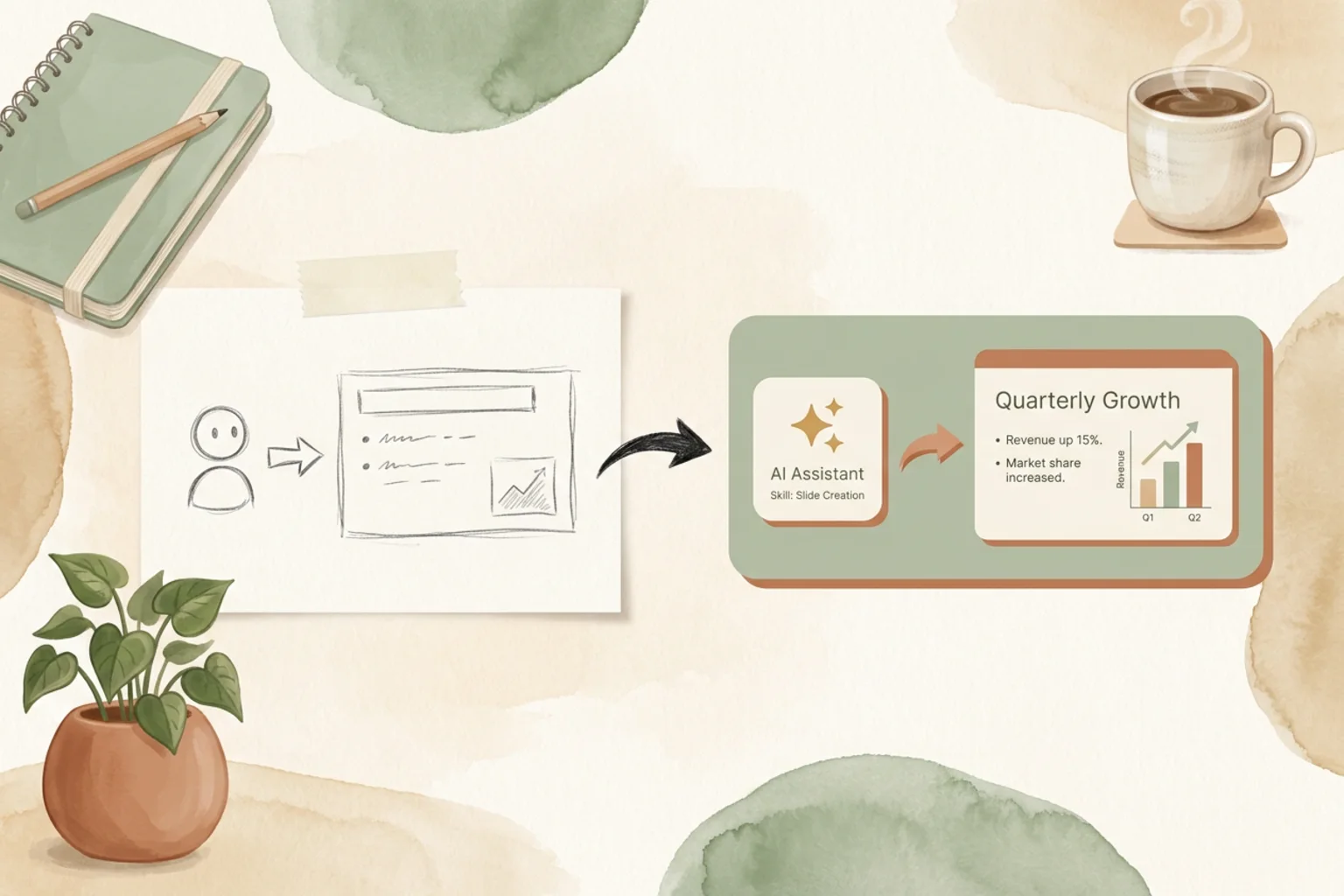
“Can Claude make a PowerPoint?” is one of the most-asked questions about coding agents right now — and the answer is yes, through a Claude PPT skill: a small, installable skill that teaches your agent to turn a prompt into a full slide deck. The community shipped a wave of them in 2026, several with tens of thousands of GitHub stars.
This is an honest guide to the ones worth your time. What a Claude PPT skill actually is, the leading open-source options, a scorecard, how to install and use one, and — the part most lists skip — where a skill stops being enough and an agent-native design workspace takes over.
What is a Claude PPT skill?
A skill is a packaged set of instructions and assets that a coding agent (Claude Code, Codex, Cursor and others) loads mid-task to do something specific. A Claude PPT skill teaches the agent to generate a presentation: you describe the deck in plain language, the agent applies the skill’s layout system and design rules, and you get slides back — usually as HTML or an editable PowerPoint file.
It answers the questions people actually search:
- Can Claude make a PPT? Yes — install a PPT skill and prompt it.
- How do I make a PPT with Claude? Describe the topic, audience and length; the skill handles structure, layout and styling.
- Is it free? Most of these skills are open source and free; you bring your own model key.
The trade-off versus a full app is that you work through your agent and a repo, not a polished GUI — which is exactly why developers love them.
The best Claude PPT skills in 2026
These are the open-source, coding-agent PPT skills with real traction. Star counts are from GitHub at time of writing.
frontend-slides (25k★, MIT)
Zara Zhang’s frontend-slides leans on a coding agent’s frontend skills to build slides as web pages — clean, modern, HTML-based decks you present in the browser. It is the most-starred skill in this space and a great default if you want web-native slides and full CSS control. Best for developers comfortable living on the web platform.
guizang-ppt-skill (20.8k★, AGPL-3.0)
From the Chinese AI creator Guizang, guizang-ppt-skill generates polished HTML decks in strong editorial styles — magazine layouts and Swiss-grid typography that look designed, not templated. Pick it when you care about the deck reading as a crafted artifact. Note the AGPL-3.0 license if you plan to embed it in a closed product.
dashiAI-ppt-skill (2.1k★, AGPL-3.0)
dashiAI (“Master PPT”) ships a dozen visual themes and a large layout library, and — unusually — exports browser-editable presentations. If your deliverable has to end up as something a non-developer can still tweak, dashiAI’s editable output is a differentiator. AGPL-3.0.
codex-ppt-skill (3.4k★, MIT)
codex-ppt-skill pairs a coding agent with image generation (GPT-Image-2) to produce image-forward PowerPoint decks — good for visually rich, cover-heavy presentations where each slide is a designed image rather than bullet points. MIT-licensed.
ppt-master (38k★, MIT)
Not strictly a “skill” but worth knowing: ppt-master turns any document into a real, editable PowerPoint with native shapes and animations, via an agent workflow. If editable .pptx with native shapes is the hard requirement, it is the closest open-source option. MIT-licensed.
Full guide to each: frontend-slides · guizang-ppt-skill · dashiAI · codex-ppt-skill · ppt-master. Prefer to write slides as code instead? See our guides to the open-source presentation frameworks reveal.js, Slidev and Marp.
Claude PPT skills scorecard
| Skill | Stars | License | Output | Best for |
|---|---|---|---|---|
| frontend-slides | 25k | MIT | HTML web slides | Web-native decks, CSS control |
| guizang-ppt-skill | 20.8k | AGPL-3.0 | HTML (editorial) | Crafted, designed-looking decks |
| dashiAI-ppt-skill | 2.1k | AGPL-3.0 | Editable presentation | Output a non-dev can edit |
| codex-ppt-skill | 3.4k | MIT | Image-based PPTX | Visual, image-forward slides |
| ppt-master | 38k | MIT | Editable PPTX | Native shapes & animations |
There is no single winner — it depends on the output you need (HTML vs editable .pptx), the look you want (editorial vs image-forward), and the license you can live with.
How to use a Claude PPT skill
The flow is similar across skills:
- Install the skill — clone or add the skill to your coding agent’s skills directory (each repo has setup steps). Bring your own model key.
- Describe the deck — prompt the agent with the topic, audience, tone, and rough slide count. The more specific the brief, the better the structure.
- Let the skill run — the agent applies the skill’s layout system and generates the slides.
- Iterate — ask for edits in plain language (“tighten the intro”, “make slide 4 a comparison table”, “switch to the editorial theme”) and re-render.
- Export — to HTML, PDF, or (for skills that support it) an editable
.pptx.
From a skill to a workspace: where OpenDesign fits
A PPT skill is perfect for a one-off deck inside your terminal. But a skill is a script — it does not carry your brand across projects, keep the output editable in a real workspace, or coordinate a deck with the rest of your design work.
OpenDesign is the layer above the skill: an open-source (Apache-2.0), local-first, bring-your-own-key agent-native design workspace that sits outside the coding agent you already use. You describe a deck; the agent generates an editable one against a design system — and OpenDesign ships first-party HTML deck templates, including guizang-style editorial layouts, in its plugin library.
- Consistent, not one-off — decks come out on-brand against a design system, not a fresh template each time.
- Editable output you own — Apache-2.0 and local-first, so the workflow and the result belong to you.
- Same agent, more surface — if you build slides with a coding agent today, see how OpenDesign works with Claude Code.
Use a skill when you want a quick deck from the command line. Reach for a workspace when the deck has to be on-brand, editable, and part of a larger body of design work.
FAQ
Can Claude make a PowerPoint? Yes. Install a Claude PPT skill (like frontend-slides or dashiAI) and prompt it with your topic — the agent generates the slides. Some skills export directly to editable .pptx; others produce HTML you present in the browser.
Is there an official Claude PPT skill? The strong options today are open-source community skills, not an official Anthropic product. Anthropic ships a skills system for Claude/Claude Code; the presentation skills above are built on top of it by the community.
Are Claude PPT skills free? The ones in this guide are open source and free to use — you supply your own model API key. Check each project’s license (MIT vs AGPL-3.0) before embedding one in a commercial product.
How do I make a PPT with Claude? Install a PPT skill, then describe the deck (topic, audience, length) to your agent. Iterate in plain language and export to HTML or PowerPoint.
Skill or a design workspace — which should I use? A skill is ideal for a fast, one-off deck in your terminal. An agent-native workspace like OpenDesign is the better fit when you need on-brand, editable decks that live alongside the rest of your design work.
The takeaway
Making slides with a coding agent went from a novelty to a real workflow in 2026. If you want a quick deck, install a Claude PPT skill — frontend-slides for web-native slides, guizang for editorial polish, dashiAI for editable output. When the deck needs to be on-brand, editable, and part of something bigger, that is where an agent-native design workspace takes over.