

dashiAI-ppt-skill: Editable Presentations From a Coding Agent
Most coding-agent PPT skills hand you HTML you can only re-prompt. dashiAI-ppt-skill is the one that exports browser-editable decks — so a non-developer can still tweak the result. Here's an honest guide: what it is, its dozen themes, how to install and use it, the AGPL-3.0 catch, and where an agent-native design workspace takes over.

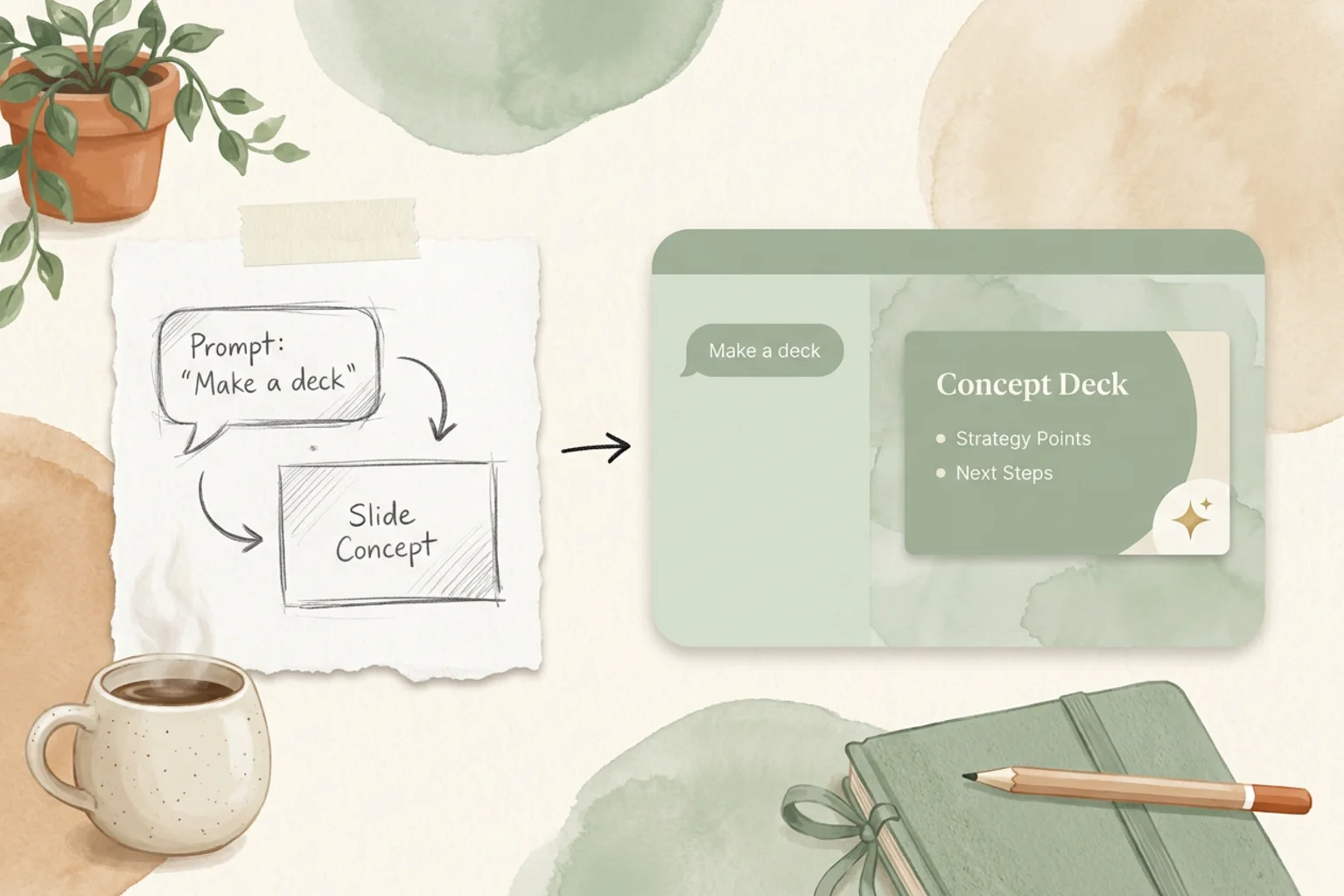
Most Claude PPT skills hand you a finished HTML deck and a re-prompt loop: if a slide is wrong, you ask the agent to regenerate it. That is fine until the person who needs to fix a typo or swap a logo is not the person holding the terminal. dashiAI-ppt-skill (“Master PPT”) is the coding-agent skill built around that gap — it exports browser-editable presentations, so the output survives past the agent that made it.
This is an honest guide to dashiAI: what it is, the themes and layout library it ships, how to install and prompt it, the AGPL-3.0 catch worth knowing, how it compares to the other Claude PPT skills, and where an agent-native design workspace picks up when a one-off deck needs to become part of a larger body of work.
What dashiAI is
dashiAI-ppt-skill (GitHub chuspeeism/dashiAI-ppt-skill, ~2.1k stars, AGPL-3.0) is a skill you install into a coding agent — Claude Code, Codex, Cursor and others. Like every skill, it is a packaged set of instructions and assets the agent loads mid-task; in this case, to generate a presentation. You describe the deck in plain language, the agent applies dashiAI’s theme and layout system, and you get slides back. What sets it apart is the format of what you get back: not a static render you can only regenerate, but a presentation you can still open and edit in the browser.
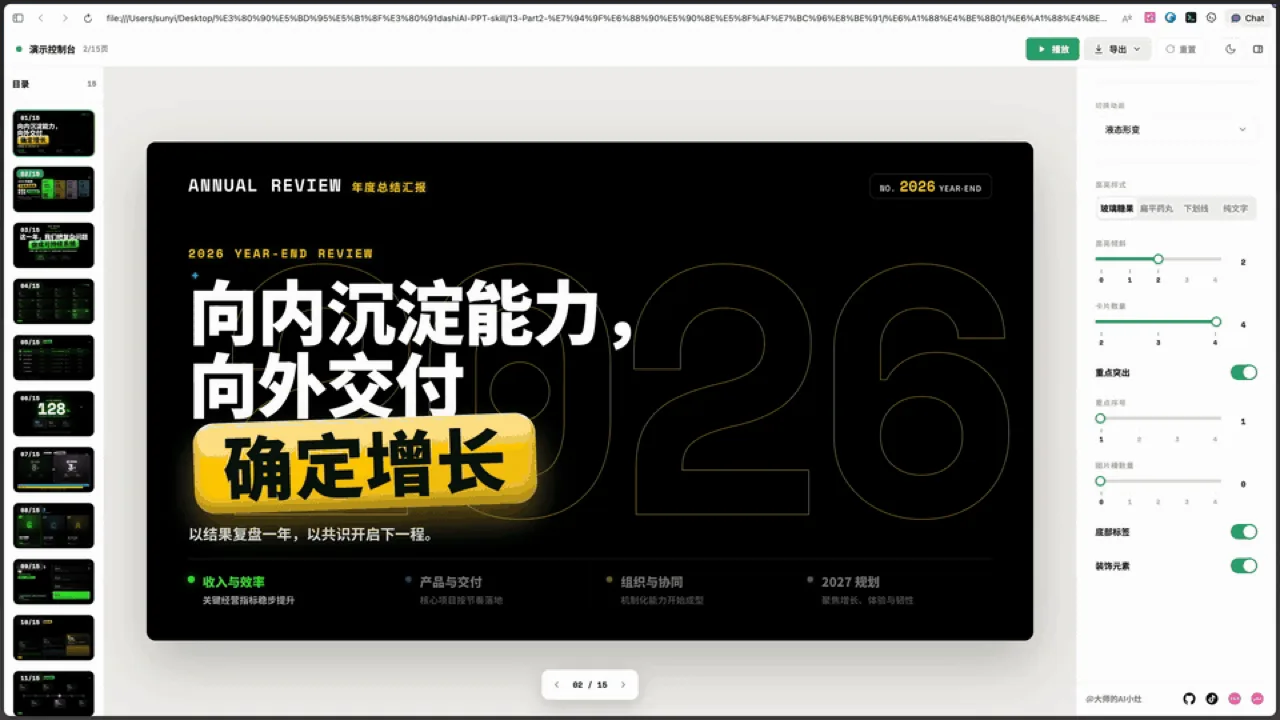
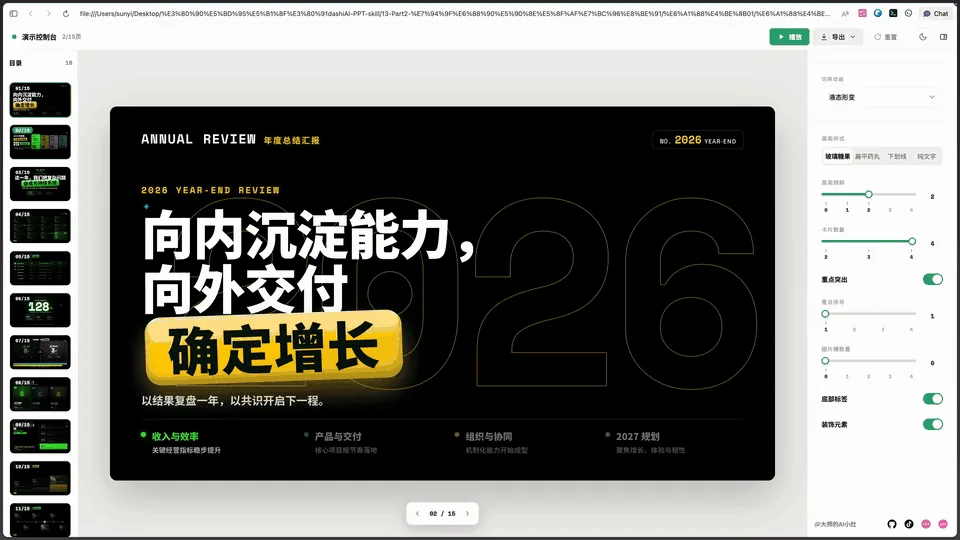
That framing answers the question people actually ask when they reach a coding-agent PPT tool: can I hand this to someone who does not code, and can they change it? With dashiAI, the answer is yes — which is not true of every skill in this space.
Themes and editable output
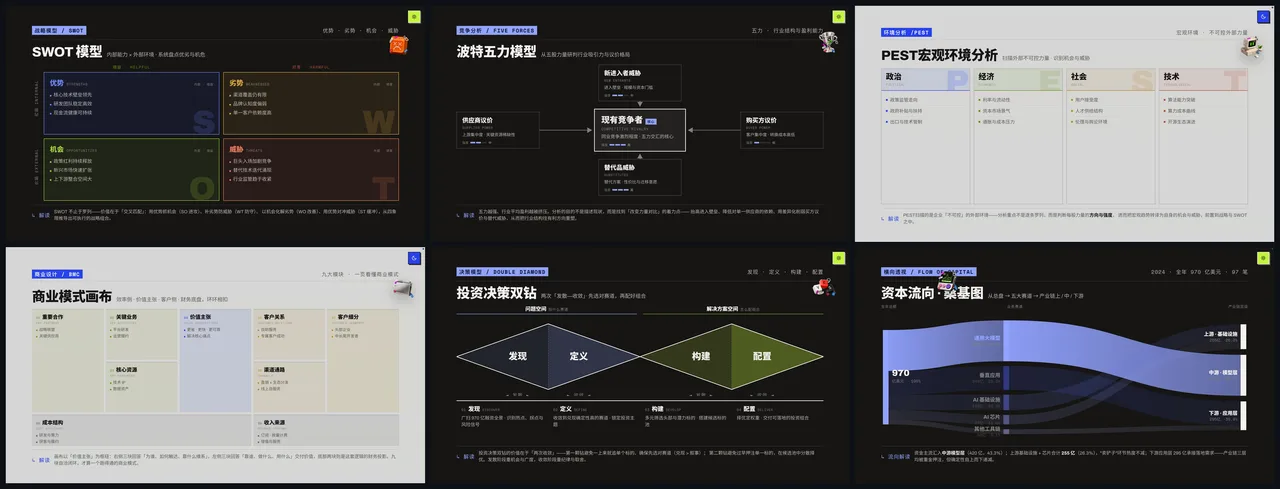
Two things define dashiAI. The first is range: it ships a dozen (12) visual themes and a large layout library, so a deck can go from a dense data slide to a section cover to a full-bleed statement without you hand-building each layout. You pick a theme in the prompt, and the agent composes slides against it.
The second — and the real differentiator — is that the output stays editable in the browser. Most agent-generated decks are a finished artifact: beautiful, but frozen. To change one, you go back to the agent and re-prompt. dashiAI’s output can be tweaked directly by whoever ends up with it, developer or not. That matters the moment a deck leaves your machine — a colleague fixes a number, a founder rewrites a headline, a designer nudges a color — without needing the agent, the repo, or the prompt that produced it in the first place. If your deliverable has to end up as something a non-developer can still touch, that is dashiAI’s whole reason to exist.
How to use it
The flow mirrors other coding-agent PPT skills:
- Install the skill — clone or add
chuspeeism/dashiAI-ppt-skillto your coding agent’s skills directory (the repo has setup steps). Bring your own model key. - Describe the deck — prompt the agent with the topic, audience, tone, rough slide count, and a theme if you have a preference. A specific brief gives you a better structure.
- Let the skill run — the agent applies dashiAI’s theme and layout system and generates the slides.
- Iterate — ask for edits in plain language (“tighten the opening”, “make slide 5 a comparison table”, “try a darker theme”) and re-render.
- Edit and share — open the browser-editable output and make final tweaks by hand, then hand it off.
Honest notes
Two things to weigh before you commit.
License. dashiAI is AGPL-3.0. That is fine for internal decks, one-off presentations, and open projects — but AGPL is a strong copyleft license, and if you plan to embed the skill or its output pipeline into a closed-source product, read the terms carefully first. Skills like frontend-slides (MIT) carry fewer strings if that is a concern.
Scope. dashiAI makes a great single deck. It does not carry your brand across projects, keep a design system in sync, or coordinate a deck with the rest of your design work — it is a skill, not a workspace. That is not a knock; it is the shape of the tool. Just know where the edge is.
dashiAI vs other Claude PPT skills
| Tool | Output | License | Best for |
|---|---|---|---|
| dashiAI-ppt-skill | Browser-editable presentation | AGPL-3.0 | Output a non-developer can still edit |
| frontend-slides | HTML web slides | MIT | Web-native decks, full CSS control |
| guizang-ppt-skill | HTML (editorial) | AGPL-3.0 | Crafted, designed-looking decks |
| OpenDesign | Editable decks against a design system | Apache-2.0 | On-brand decks in a real workspace |
There is no single winner. If you need editable output for a non-developer, dashiAI leads. If you want web-native slides you fully control, frontend-slides. If you want editorial polish, guizang. And when the deck has to stay on-brand and editable as part of a larger design effort, that is a workspace job.
Where OpenDesign fits
dashiAI is a strong skill precisely when you need editable output straight from your terminal. But a skill is a script — it stops at the one deck. It does not hold your brand steady across the next deck, keep the output editable in a real workspace, or tie a presentation to the rest of your design work.
OpenDesign is the layer above the skill: an open-source (Apache-2.0), local-first, bring-your-own-key Agent-Native Design Workspace that sits outside the coding agent you already use. You describe a deck; the agent generates an editable one against a design system, so it comes out on-brand rather than starting from a fresh theme each time. OpenDesign also ships first-party HTML deck templates in its plugin library, and if you build slides with a coding agent today, you can see how OpenDesign works with Claude Code. It does not replace dashiAI for a fast one-off — it is where the one-off goes when it needs to become durable, consistent, and yours.
Use dashiAI when you want an editable deck from the command line. Reach for a workspace when the deck has to be on-brand, editable, and part of a larger body of design work.
FAQ
Does dashiAI export editable PowerPoint? dashiAI’s differentiator is browser-editable presentations — output a non-developer can still tweak, rather than a frozen render you can only re-prompt. If a native, editable .pptx with real shapes is your hard requirement, check the repo’s current export options, and see the broader Claude PPT skills guide for skills built specifically around .pptx output.
What makes dashiAI different from other Claude PPT skills? Its editable output. Most coding-agent PPT skills hand you a finished deck you regenerate by prompting again; dashiAI’s result can be edited directly in the browser by whoever receives it. It also ships a dozen themes and a large layout library.
Is dashiAI free? Yes — it is open source under AGPL-3.0, and you bring your own model API key. Because AGPL is a strong copyleft license, review the terms before embedding it in a commercial or closed-source product.
How do I install dashiAI? Clone or add chuspeeism/dashiAI-ppt-skill to your coding agent’s skills directory, supply your own model key, then prompt the agent with your deck’s topic, audience, and length. The repo has the exact setup steps.
Skill or a design workspace — which should I use? Use dashiAI for a quick, editable one-off deck in your terminal. An Agent-Native Design Workspace like OpenDesign is the better fit when you need on-brand, editable decks that stay consistent alongside the rest of your design work.
The takeaway
dashiAI-ppt-skill earns its place by answering a question most agent PPT tools skip: can someone who does not code still edit the result? With a dozen themes, a deep layout library, and browser-editable output, it is the skill to reach for when a deck has to survive the hand-off. Just weigh the AGPL-3.0 license against your plans. And when the one-off deck needs to become on-brand, editable, and part of something bigger, that is where an Agent-Native Design Workspace takes over.