

frontend-slides: Make Web Slides with a Coding Agent
frontend-slides is the most-starred open-source PPT skill for coding agents — it builds slide decks as clean, modern web pages you present in the browser. Here's what it is, how to install and use it, what it's genuinely good at (and its limits), how it compares to other Claude PPT skills, and where an agent-native design workspace picks up when a single skill runs out of road.

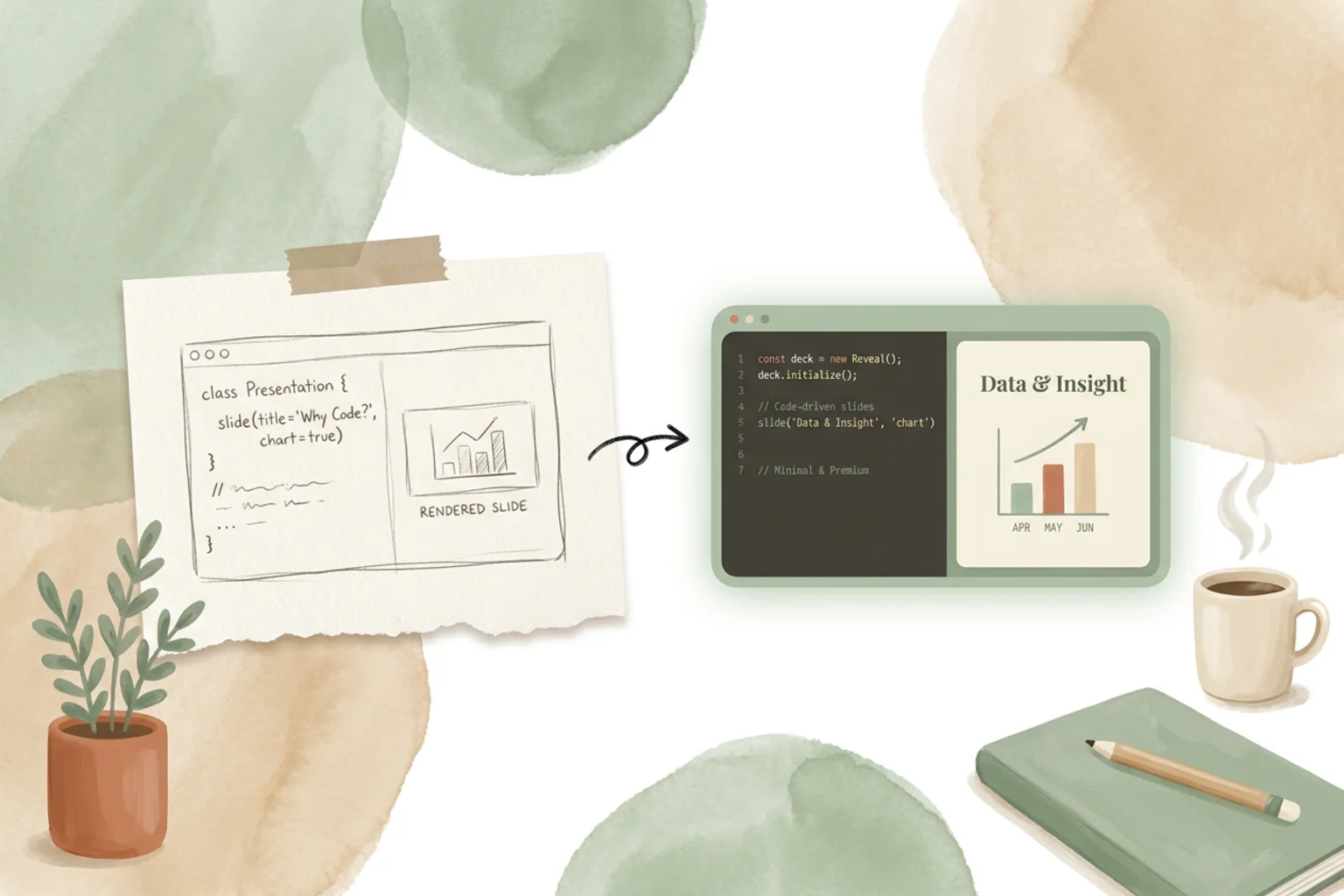
If you want a slide deck and you already live in a terminal, frontend-slides is one of the cleanest ways to get one. It’s a coding-agent skill: instead of opening a presentation app, you describe the deck to the agent you already use, and frontend-slides turns your idea into slides built as web pages — real HTML and CSS you present straight from the browser.
It’s also the most popular option of its kind. With 25k GitHub stars and an MIT license, frontend-slides sits at the top of the growing shelf of Claude PPT skills. This guide covers what it is, how to install and prompt it, what it does well and where it stops, how it stacks up against the other skills in this space, and where a full workspace fits when one deck becomes an ongoing body of work.
What frontend-slides is
frontend-slides is a skill — a packaged set of instructions your coding agent (Claude Code, Codex, Cursor and others) loads mid-task to do one thing well. In this case, that thing is making a presentation. It leans on the frontend skills your agent already has and points them at slides: you describe the deck in plain language, and the agent writes clean, modern web pages, one per slide, that you flip through in the browser.
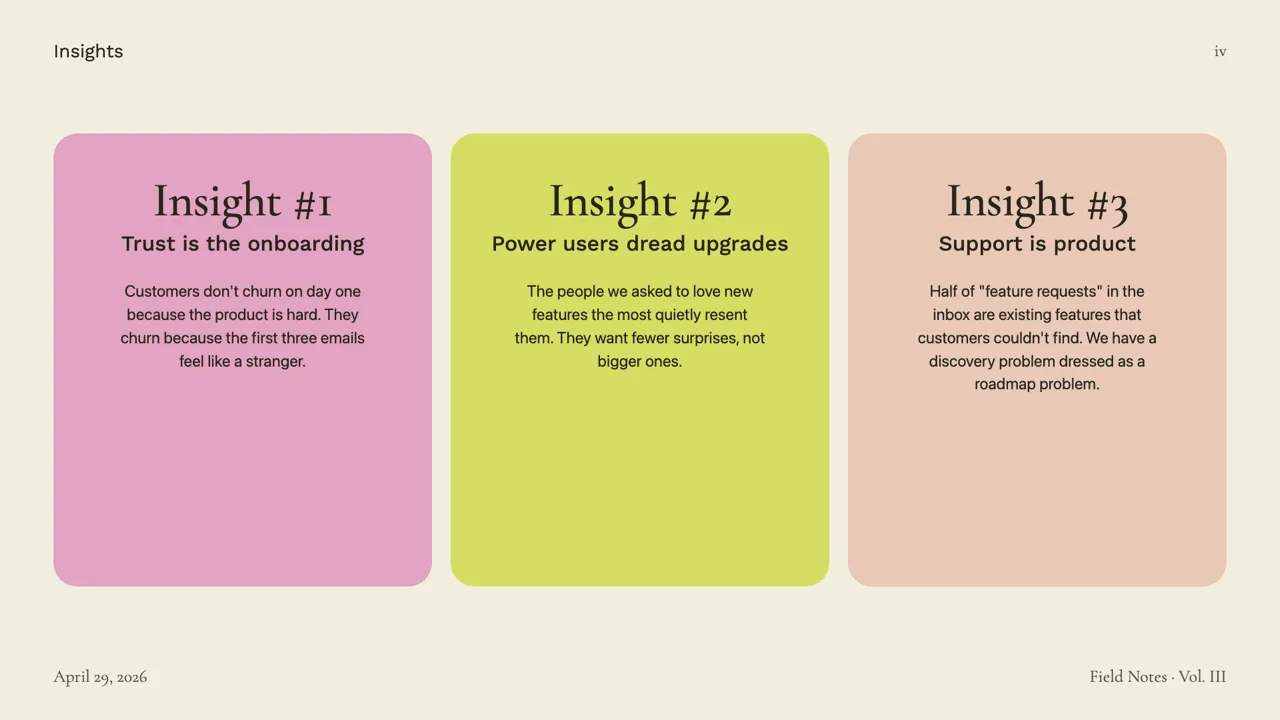
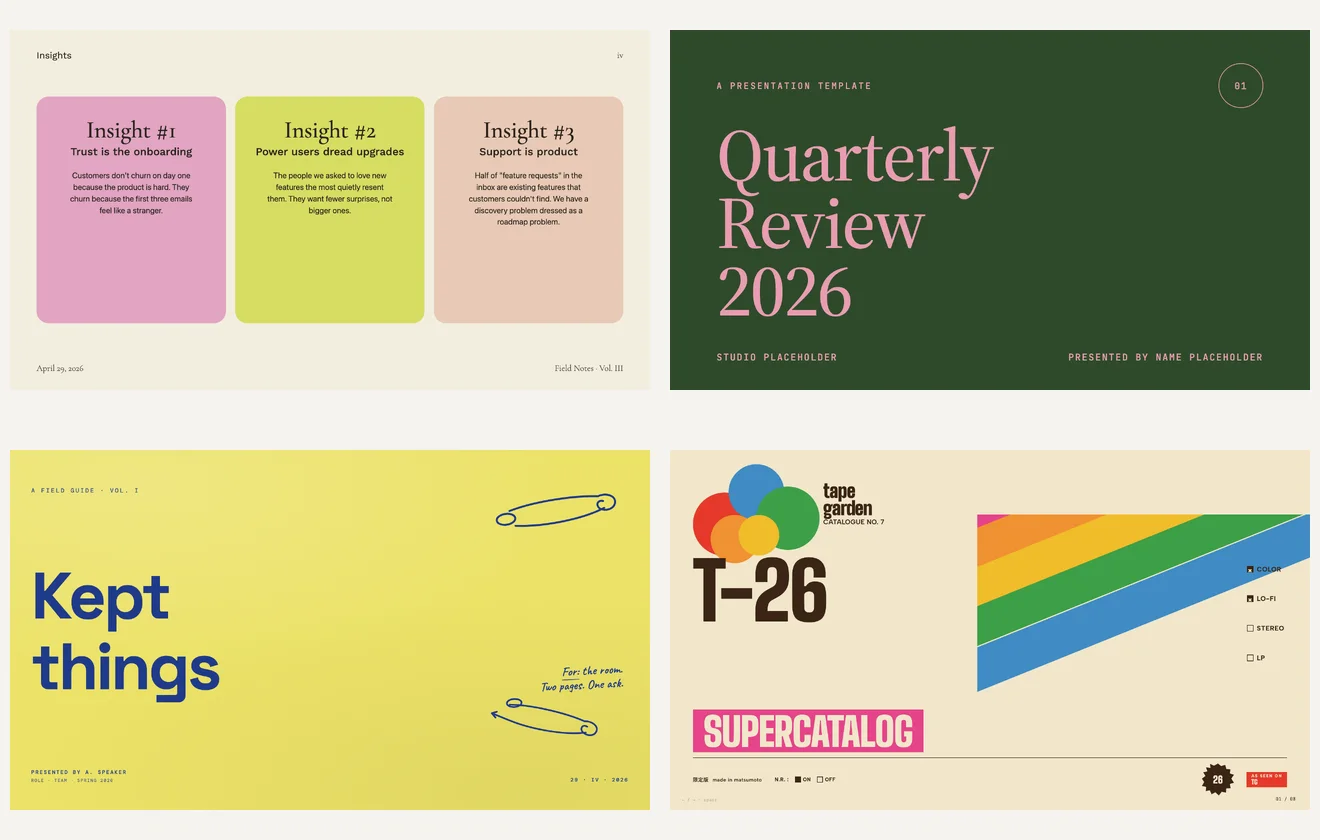
The output is web-native by design. Because each slide is HTML and CSS, you get full control — custom layouts, real typography, gradients, transitions, embedded charts, anything the browser can render. It’s built and maintained by Zara Zhang, it’s open source under MIT, and like the rest of these skills it’s bring-your-own-model-key: you supply the API key, the skill supplies the craft.
How it works
The loop is short and mostly conversational:
- Install the skill — clone or add frontend-slides to your coding agent’s skills directory (the repo has the setup steps). Bring your own model key.
- Describe the deck — prompt the agent with the topic, audience, tone, and rough slide count. The more specific the brief, the better the structure it builds.
- Let it build — the agent generates the slides as web pages and opens them in the browser to present.
- Iterate — ask for changes in plain language (“tighten the opener”, “make slide 3 a two-column comparison”, “warmer palette”) and re-render. Because it’s just CSS, you can also hand-edit anything directly.
- Present or export — present from the browser, or export to PDF for sharing.
What it’s good at (and its honest limits)
frontend-slides is at its best when you want web-native slides and full control over how they look. If you’re comfortable with HTML and CSS, nothing gets between you and the design — you can crack open any slide and change it by hand, version the whole deck in git, and reuse components across decks. For developers, that’s the whole appeal: slides that behave like a codebase instead of a proprietary file.
The honest limits are the flip side of that strength. The output is a web page, not a .pptx — so if your organization needs an editable PowerPoint with native shapes, this isn’t the tool (see the scorecard below for skills that target that). There’s a comfort floor, too: the further you get from HTML and CSS, the less the “full control” sells itself. And like any single skill, frontend-slides makes a deck — it doesn’t carry your brand across projects or keep a design system in sync. It’s a sharp single-purpose tool, and it’s honest about being one.
frontend-slides vs other Claude PPT skills
frontend-slides isn’t the only skill in this category, and the right pick depends on the output you need and the license you can live with.
| Tool | Output | License | Best for |
|---|---|---|---|
| frontend-slides | HTML web slides | MIT | Web-native decks, full CSS control |
| guizang-ppt-skill | HTML (editorial) | AGPL-3.0 | Crafted, designed-looking decks |
| dashiAI | Editable presentation | AGPL-3.0 | Output a non-developer can edit |
| OpenDesign | On-brand editable decks + templates | Apache-2.0 | Decks tied to a design system, in a workspace |
If you want the polished editorial look, guizang-ppt-skill is the sibling to compare against; if your deliverable has to stay editable by a non-developer, dashiAI is built for that. frontend-slides wins when you want the deck to be web pages you fully own.
Where OpenDesign fits
frontend-slides is a great single-purpose skill for a deck in your terminal. But a skill is a script — it does not carry your brand across projects, keep the output editable in a real workspace, or coordinate a deck with the rest of your design work.
OpenDesign is the layer above the skill: an open-source (Apache-2.0), local-first, bring-your-own-key Agent-Native Design Workspace that sits outside the coding agent you already use. You describe a deck; the agent generates an editable one against a design system, so it stays on-brand instead of starting from a blank page each time — and OpenDesign ships first-party HTML deck templates in its plugin library. It’s the same idea as frontend-slides, given a home: your files, your brand, editable and yours to keep. If you build slides with a coding agent today, see how OpenDesign works with Claude Code.
Use frontend-slides when you want a quick web-native deck from the command line. Reach for a workspace when the deck has to be on-brand, editable, and part of a larger body of design work.
FAQ
Is frontend-slides free? Yes. It’s open source under the MIT license and free to use — you supply your own model API key. MIT is permissive, so it’s also friendly to commercial use.
How do I use frontend-slides? Install the skill into your coding agent’s skills directory, then describe the deck (topic, audience, length). The agent builds the slides as web pages; iterate in plain language and present from the browser.
Does frontend-slides export to PowerPoint? No — it produces web slides (HTML/CSS) you present in the browser, and you can export to PDF for sharing. If you need an editable .pptx with native shapes, look at a skill built for that output instead of frontend-slides.
Who is frontend-slides best for? Developers who want web-native slides and full CSS control — people comfortable living on the web platform who’d rather version a deck in git than open a presentation app.
Skill or a design workspace — which should I use? A skill like frontend-slides is ideal for a fast, one-off deck. An Agent-Native Design Workspace like OpenDesign is the better fit when you need on-brand, editable decks that live alongside the rest of your design work.
The takeaway
frontend-slides is the most-starred way to make slides with a coding agent, and it earns it: web-native decks, full CSS control, MIT-licensed, all driven from the terminal you already work in. If you want a quick, browser-first deck and you’re comfortable in HTML and CSS, install it and prompt away. When one deck turns into an ongoing, on-brand body of work that needs to stay editable and tied to a design system, that’s where an Agent-Native Design Workspace takes over.