
OpenDesign 0.17.0: OpenDesign for Codex
open-design-v0.17.0 — 62 PRs from 23 contributors in 11 days. Codex now has its own design workspace: call @open-design from a conversation, turn a brief into a real Preview or Studio artifact, and finish the visual details directly on the canvas instead of prompting around every small correction.
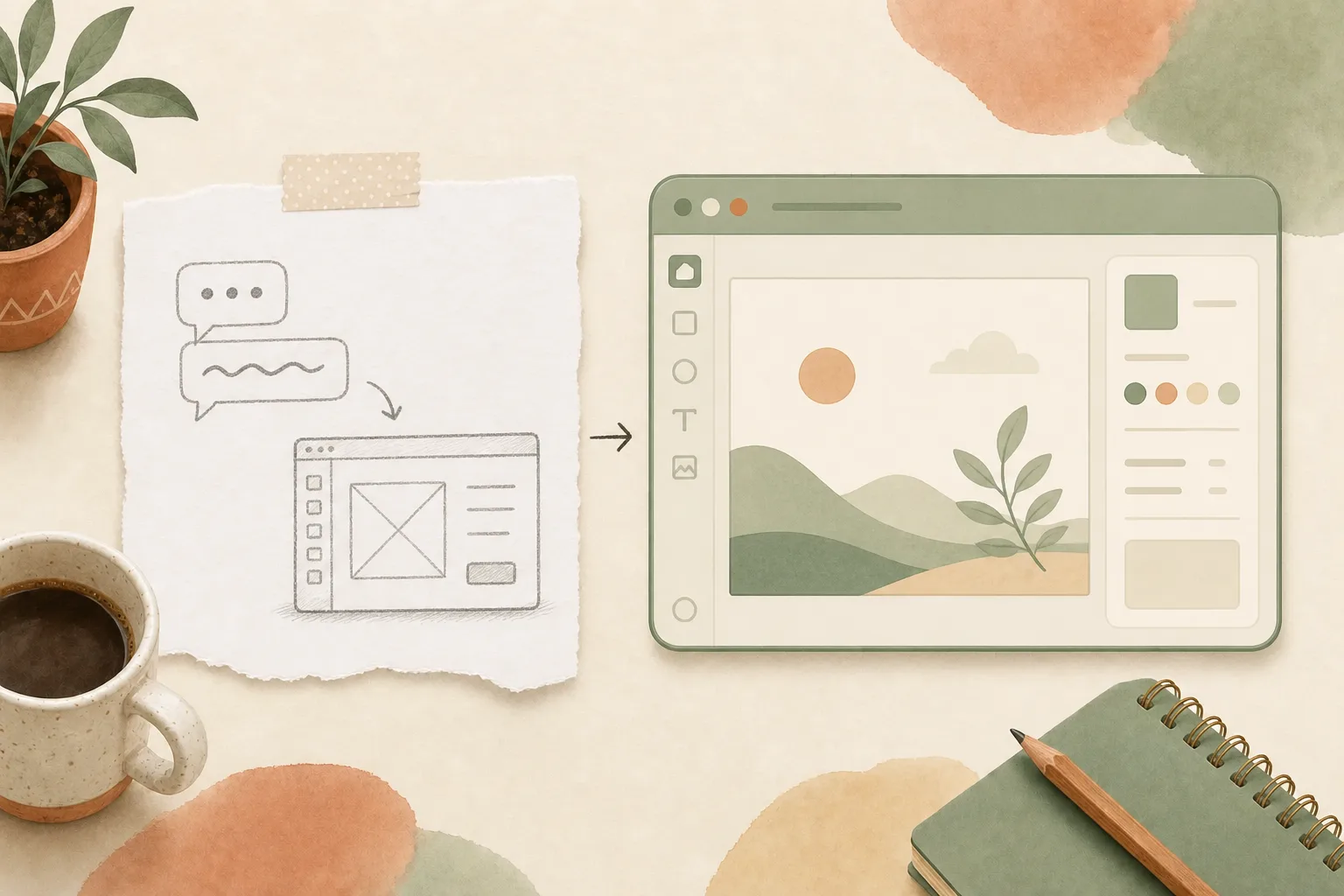
open-design-v0.17.0, published on August 3, 2026. 62 PRs from 23 contributors in 11 days. Codex now has its own design workspace. Call @open-design from a Codex conversation, turn an idea or brief into a real editable artifact, then keep creating and refining it in OpenDesign Studio without leaving the Codex workflow.
Want every change? Read the full release notes on GitHub. This is the product story: how Codex gets from a conversation to a visual artifact, why the last 10% no longer needs another prompt, and what became more reliable along the way.
Codex has its own design workspace
Coding agents are good at turning intent into files, but visual work has always asked for a second environment: explain the idea in chat, move the result into a design tool, then translate every correction back into another prompt. In 0.17.0, Codex Desktop and CLI can call OpenDesign as a complete creative engine. The conversation and the design workspace become one continuous workflow.
Start with @open-design. Confirm a visual brief, choose OpenDesign Cloud or a supported local runtime, and receive a real Preview or Studio result. The result is not a screenshot pasted into the conversation. It is an artifact you can open, inspect, edit, export, and keep refining.
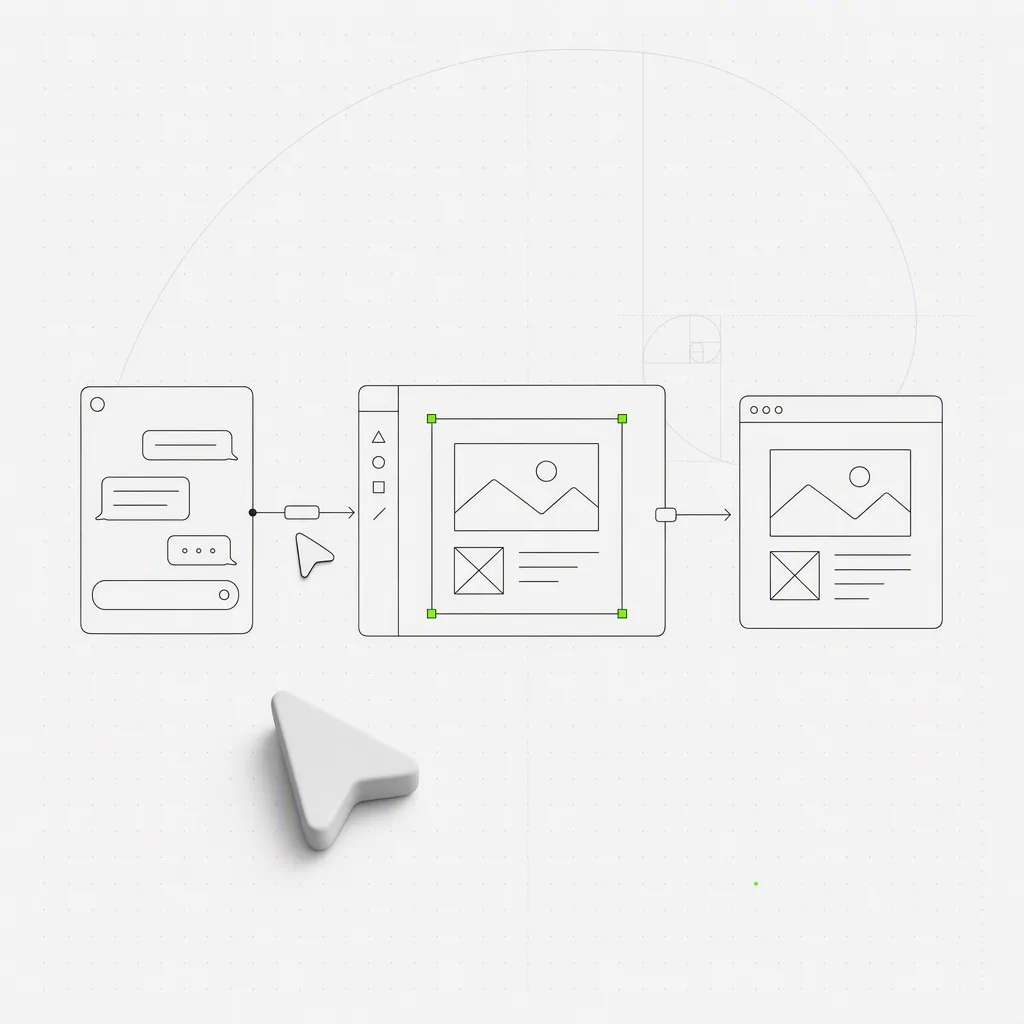
The creative runtime gets out of the way
You should not need a second app open just to make the integration work. The signed OpenDesign runtime starts headlessly when Codex needs it, so there is no extra window to babysit and no local stack to wire together by hand.
The failure path is practical too. If Studio cannot load cleanly inside an external host, Codex still delivers the stable preview immediately. You get the work first and can open it in the full workspace when needed, instead of watching the entire run fail because one presentation surface did not initialize.
Local stays local. When you explicitly choose Local Codex, the run no longer loops back into the plugin or sends you into a Cloud sign-in flow. OpenDesign Cloud and Local Codex remain distinct choices, and BYOK provider configuration stays in this device’s browser storage, passed only to the active local run.
Finish with your hands, not another prompt
The last 10% of visual work is usually concrete: move this element, tighten that text, crop the image, align these two objects. Sending each correction through chat made small changes slower than they needed to be.
In 0.17.0, Manual Edit becomes a complete finishing workflow. Select an element directly, move or resize it, edit text, change color and alignment, duplicate or delete it, and replace, crop, paste, or drop images. Live alignment guides help the pieces settle into place. Undo and redo preserve the canvas instead of flashing through a reload.
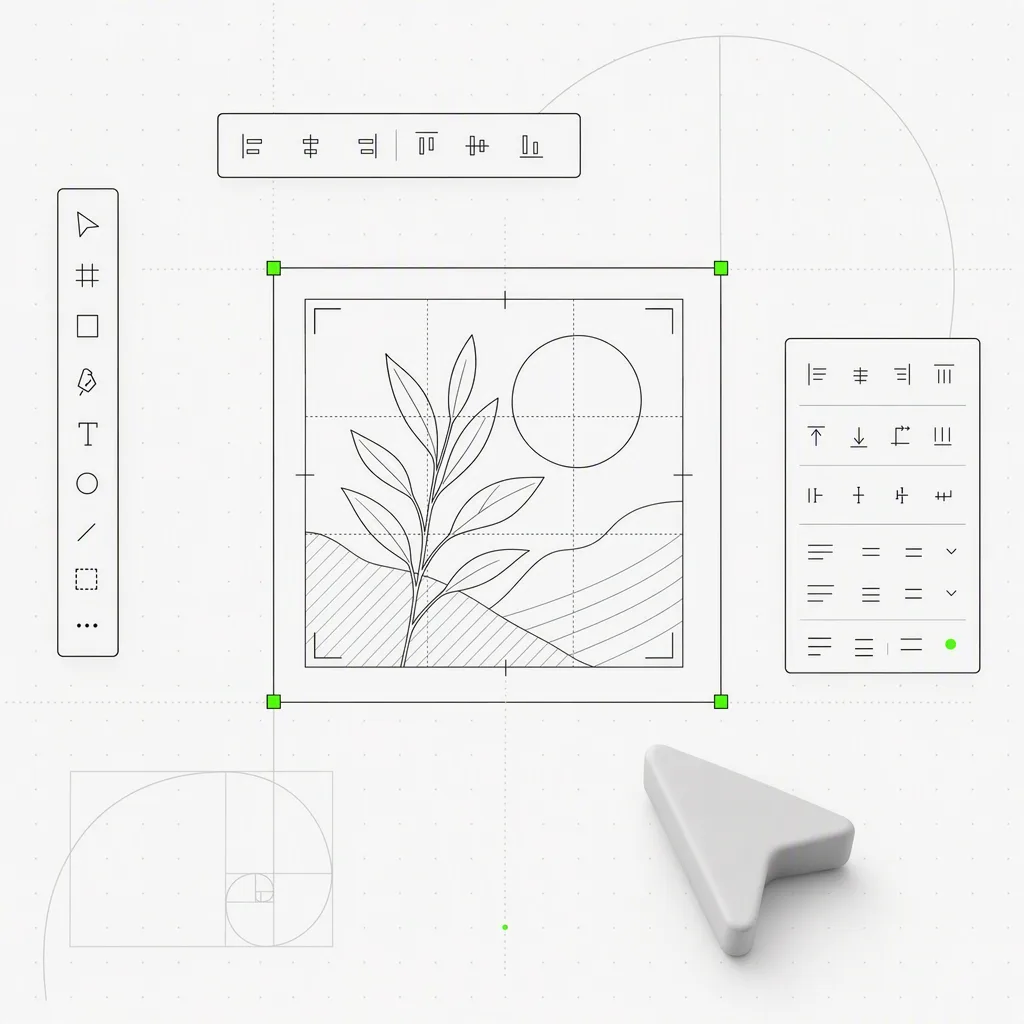
Exports follow the result you composed. Image export respects the active preview viewport, and framework decks are captured at their authored size instead of being reshaped by the desktop frame.
Clear briefs start immediately
An agent should ask a question when the answer changes the result, not because every task must begin with an interview. OpenDesign now starts immediately when the first prompt already contains enough direction. When a real decision is missing, it asks one focused question at the moment that decision matters.
That changes the rhythm. A strong brief becomes work right away. An ambiguous brief still gets the clarification it needs, but the question is attached to a concrete fork in the process rather than standing between you and the first useful result.
Bad model choices fail before they waste a run
Some Codex model and CLI combinations are known not to work together. 0.17.0 catches those combinations before launch, provides a useful switch-model path, and diagnoses post-tool timeouts more accurately instead of sending you through misleading retries.
The rest of the model surface expands without muddying the boundaries: GPT-5.5 Fast arrives as an explicit speed-first choice, Raven joins one-click MCP setup, and OpenDesign discovers the official Grok Build installation automatically on Windows.
A stuck update is no longer a dead end
An update problem should have a recovery path that does not require finding a cache directory by hand. Settings can now clear a broken update cache, reinstall when an installed generation is known to be unsafe, and recover after a downloaded payload crashes. The app rolls back to the last working version and heals on the next healthy update. Thanks @PerishCode for the sustained work here.
The packaged app also recovers when its web surface exits: it restarts the failed sidecar under a bounded policy and reconnects od:// requests without forcing a full app relaunch.
Fifty ways to give Codex design taste
The new public Codex Design collection gathers 50 curated, installable skills across interface design, visual systems, Figma-to-code, motion, image generation, and frontend craft. Each entry carries provenance, practical guidance, and localized detail pages, so “give Codex better taste” becomes a set of concrete workflows rather than a vague promise.
Codex Slides joins the family too, covering the full prompt-to-deck workflow: scenario and style selection, outline shaping, direct editing, and export. New community workflows widen the range further — Humanize PPT turns rough source material into a presentation with an intentional brief and verified export, while Atelier Zero provides a production-ready image prompt library.
What else lands in 0.17.0
- Chat shows the work without reading like a terminal — quieter execution disclosures, hidden empty tool rows, and more faithful ACP tool activity. Thanks @mrcfps and @thatditsyboy.
- Workspace tabs say what they contain — long labels remain visible and Design System naming stays consistent. Thanks @BigBandaid2.
- Dark-first brands stay dark-first — derived themes preserve the intended canvas instead of silently turning it light. Thanks @wiggdevin.
- Projects stop multiplying tabs — opening the same project repeatedly no longer creates duplicates. Thanks @pcherkashin.
- Interrupted work clears stale progress — a completed follow-up no longer leaves an obsolete Todo snapshot above Chat. Thanks @Siri-Ray.
- ACP agents leave a complete trail — real tool names, inputs, results, timing, and usage survive into Chat and diagnostics.
- Packaged runtimes start more reliably — Linux payloads warm up before first use, and packaged wrappers use the runtime they shipped with.
What to do with it today
| If you’re… | Start here |
|---|---|
| Already using Codex | Install the OpenDesign plugin, call @open-design with a concrete visual brief, and open the result in Preview or Studio |
| Refining generated work | Select one element and finish the last visual corrections directly instead of describing them in another prompt |
| Working locally | Choose Local Codex explicitly and confirm the run stays local with your device-stored BYOK configuration |
| Building presentations | Try Codex Slides for the full brief-to-outline-to-edit-to-export workflow |
| Recovering from a bad update | Open Settings, clear the broken cache or reinstall, and let the app return to the last working generation |
What to do next
Codex was already a place to describe what you wanted to build. 0.17.0 gives it a place to see and shape the result. Call OpenDesign from a real conversation, let a clear brief start immediately, then make one small correction with your hands instead of another paragraph.
62 PRs in 11 days, from 23 people who connected conversation, artifact, and canvas into one workflow. The design workspace no longer sits beside Codex. Codex can reach it. We see you. 🚀