Creative Studio Portfolio
Prompt preview
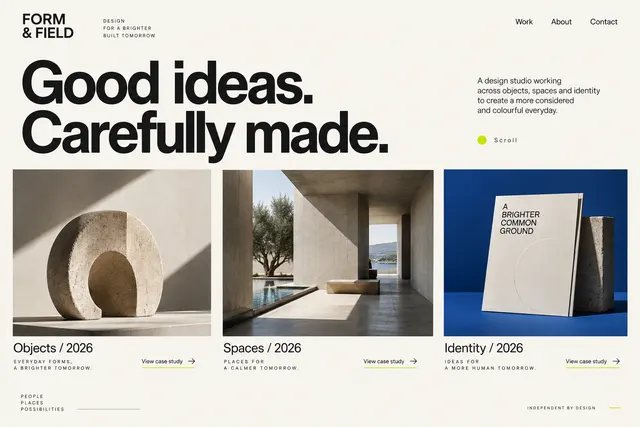
Present three projects with discipline, role, year and case-study links; use expressive type and an asymmetrical image grid.


THE DESIGN PROMPT LIBRARY
230 original prompts for websites, apps, dashboards, slides and graphics. Preview an example, add your brief and copy the prompt into your project.
Present three projects with discipline, role, year and case-study links; use expressive type and an asymmetrical image grid.
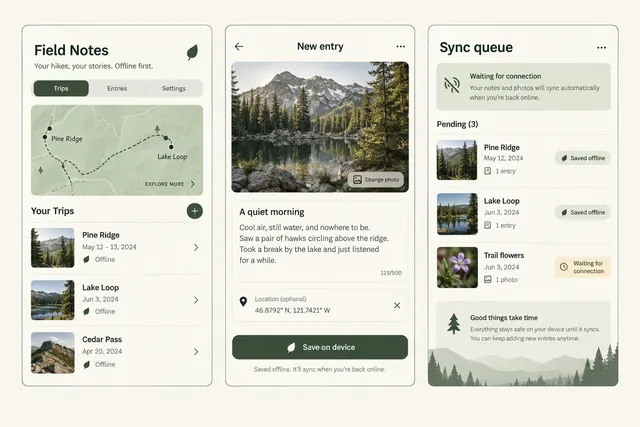
Record a trail entry with a photo and optional location, save it on the device, then show exactly which entries are waiting to sync.
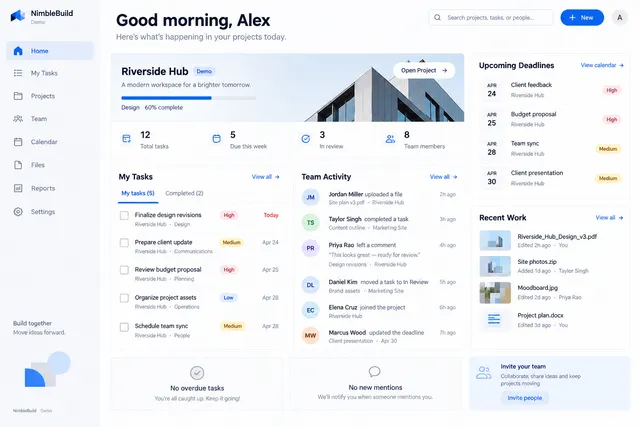
Show recent work, assigned tasks, deadlines and project activity with clear priorities.
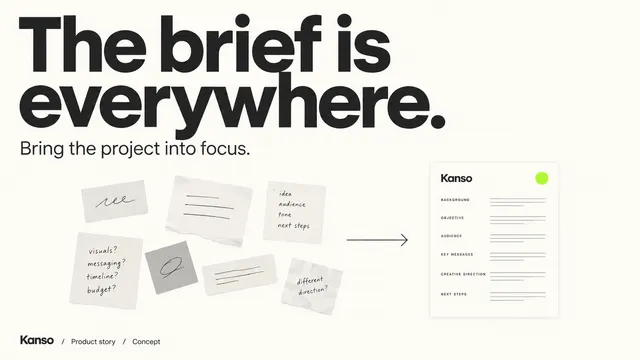
Build six slides: problem, current workflow, approach, three capabilities, evidence and next action.
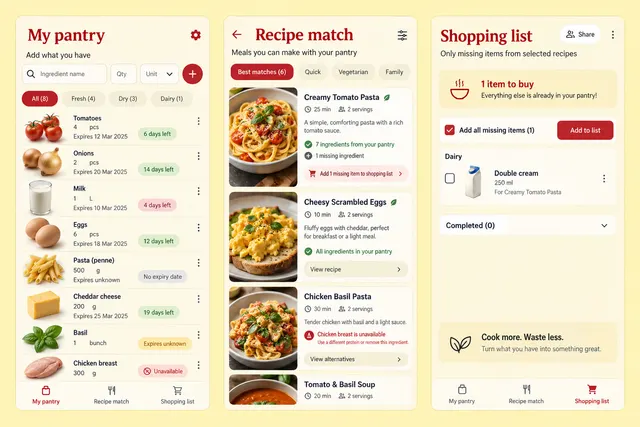
Enter ingredients with quantities and expiry dates, find meals using those ingredients, and add only missing items to a shared shopping list.
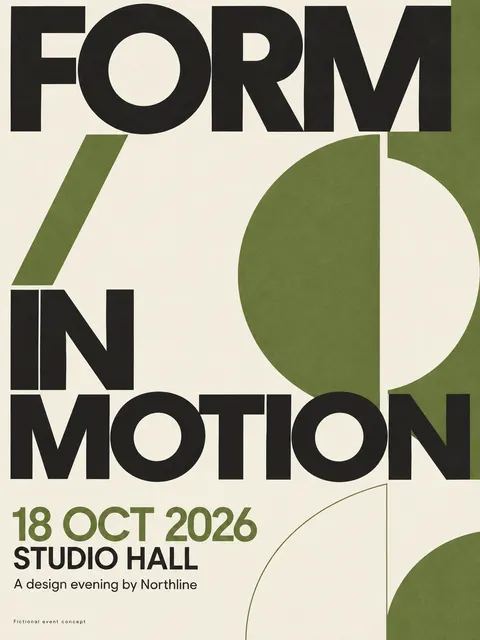
Build a 3:4 poster with exact event name, date, venue and organizer credit using type as the main visual.
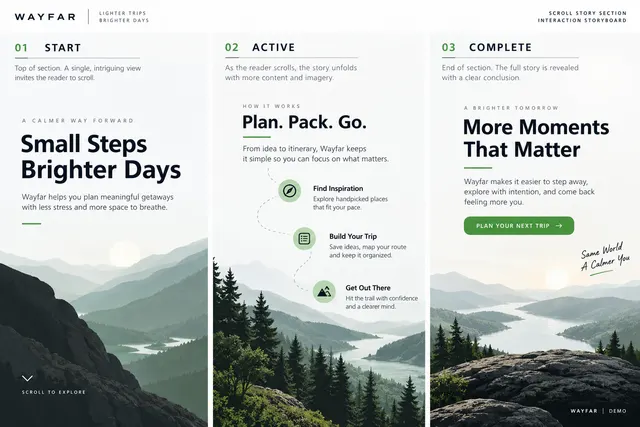
Reveal three narrative stages as the reader scrolls through a bounded section.
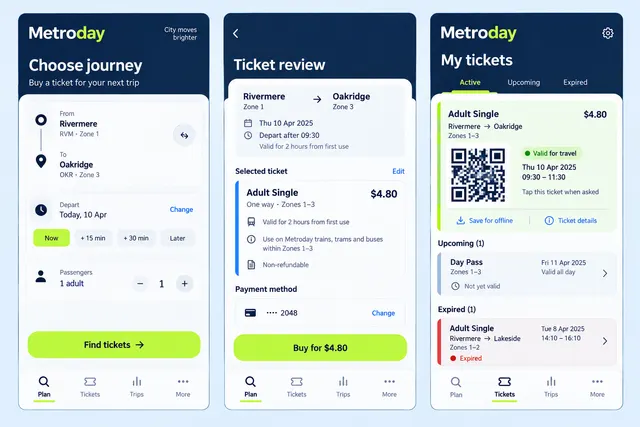
Choose an origin, destination and departure time, review a clearly labeled demonstration fare, then show a sample ticket and its validity period.
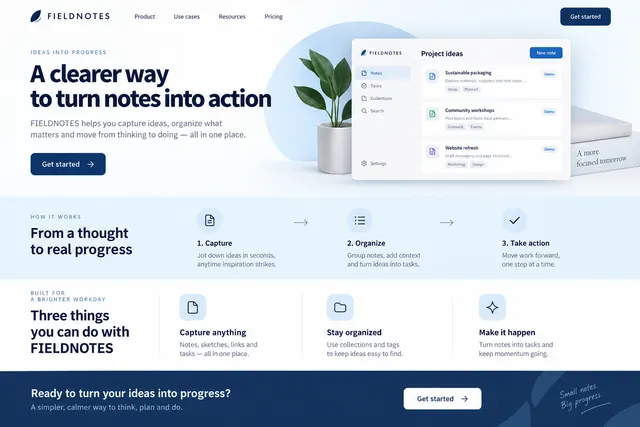
Explain one product promise, show its core workflow, list three verified capabilities and offer one next action.
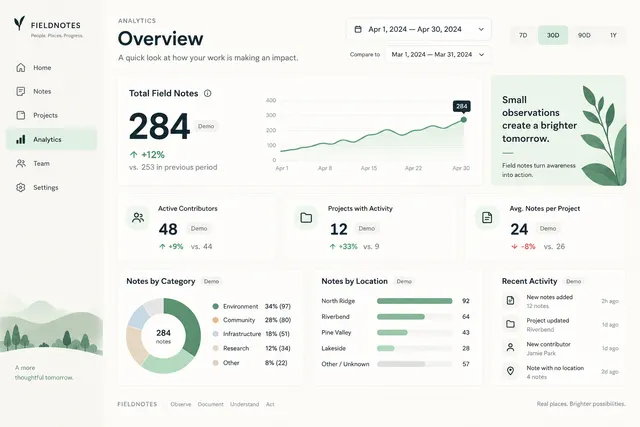
Present a primary metric, date range, comparison period and supporting breakdowns.
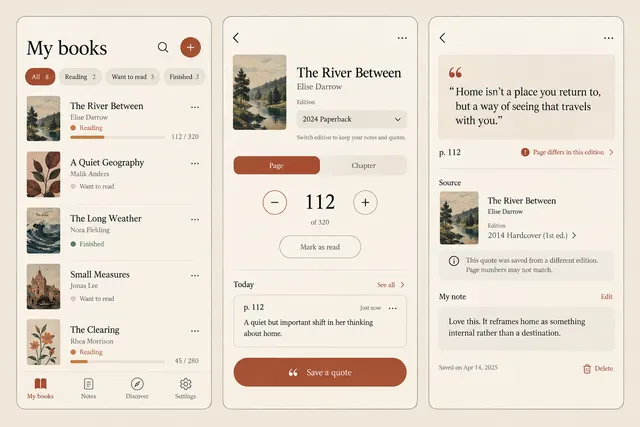
Organize books by reading state, record a page or chapter, and save a quotation with its source and a personal note.
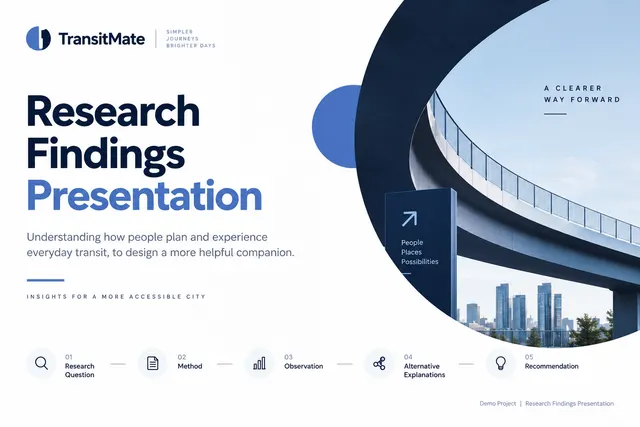
Build five slides: research question, method, observation, alternative explanations and recommendation.

Adapt one approved campaign message into square, portrait and landscape compositions.
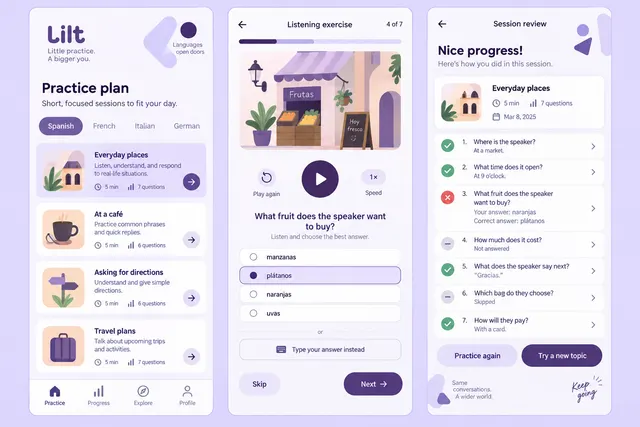
Select a short practice session, answer a listening question with a text alternative, and review specific answers without inventing a proficiency score.
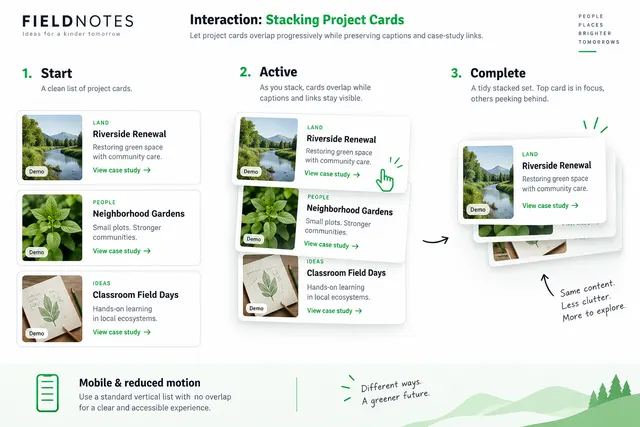
Let project cards overlap progressively while preserving captions and case-study links.
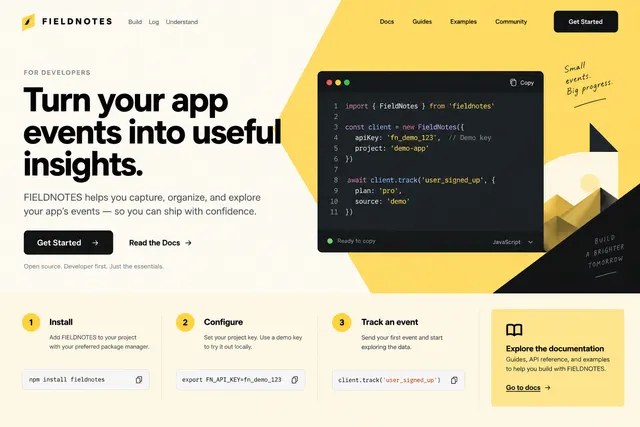
Lead with a concrete developer task, a readable code example, setup requirements and a documentation link.
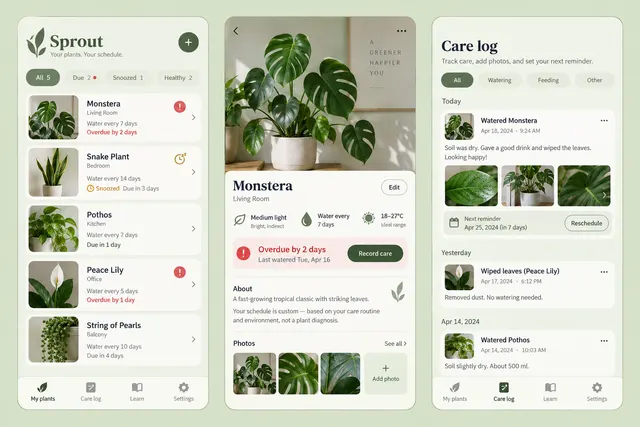
Track user-defined watering schedules, record a care action and photo, and reschedule a reminder for an individual plant.
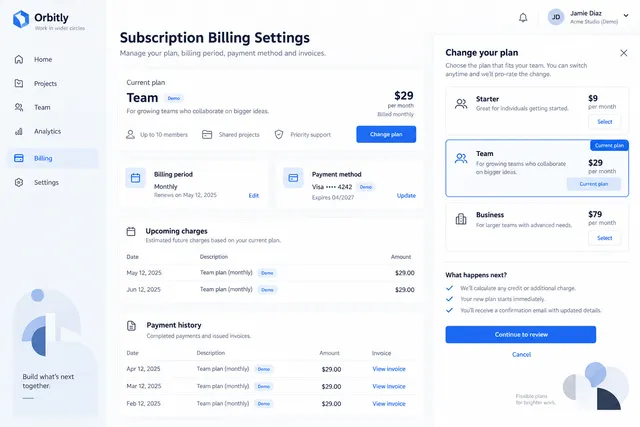
Show plan, billing period, invoices, payment method and change-plan flow.
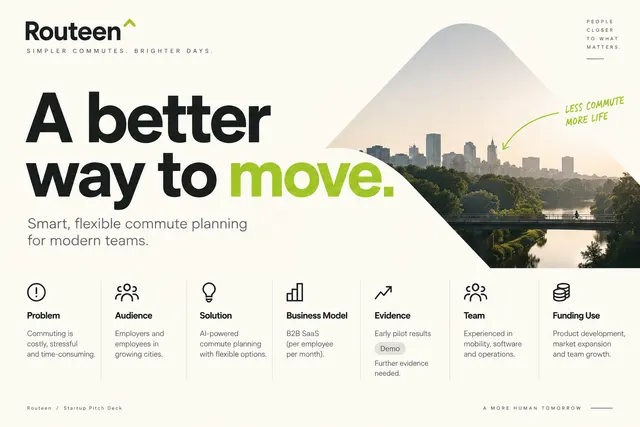
Structure problem, audience, solution, business model, evidence, team and funding use.
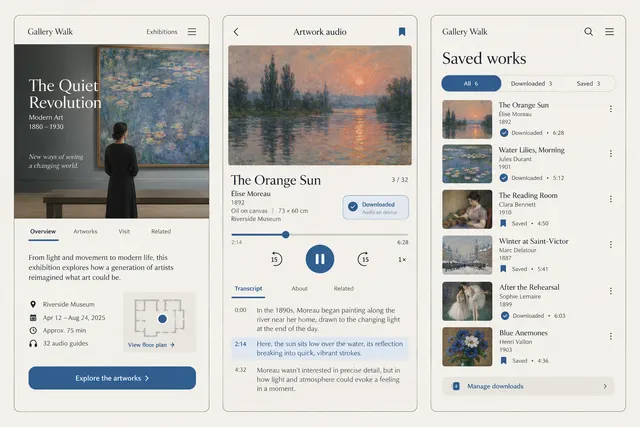
Browse an exhibition, open an artwork with creator credits, and control an audio guide with a synchronized transcript and download status.

Create a launch visual with one product message, a supplied product image and an availability note.
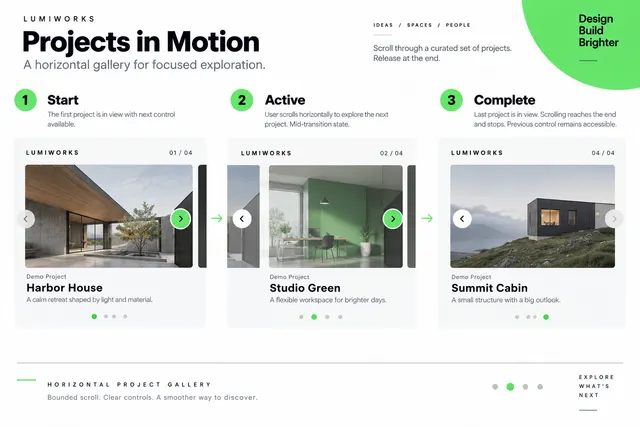
Translate a bounded scroll section into a horizontal sequence of captioned projects.
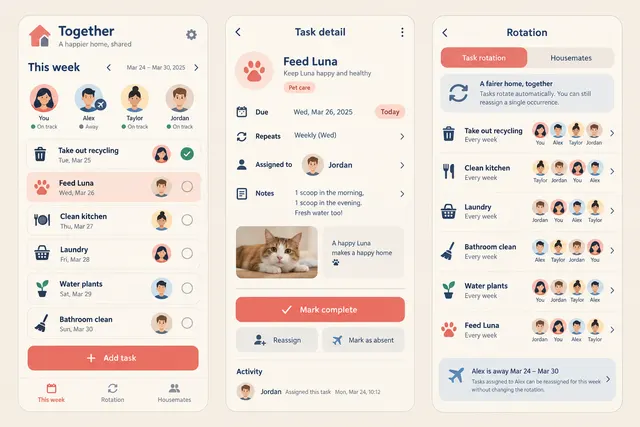
Assign household tasks, agree on a recurring rotation, and mark an occurrence complete without changing the entire recurring schedule.
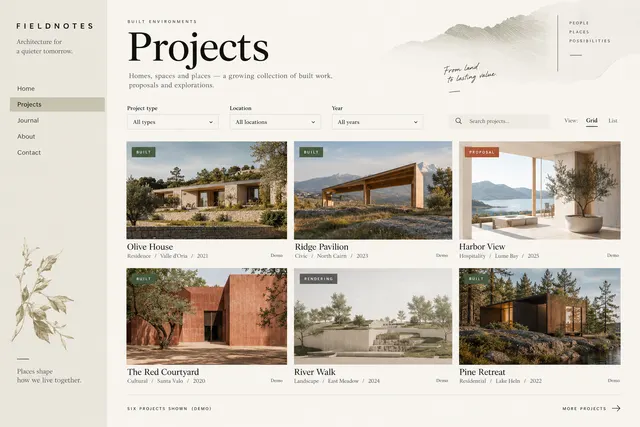
Organize built work by project type, location and year using photographs at their original proportions.
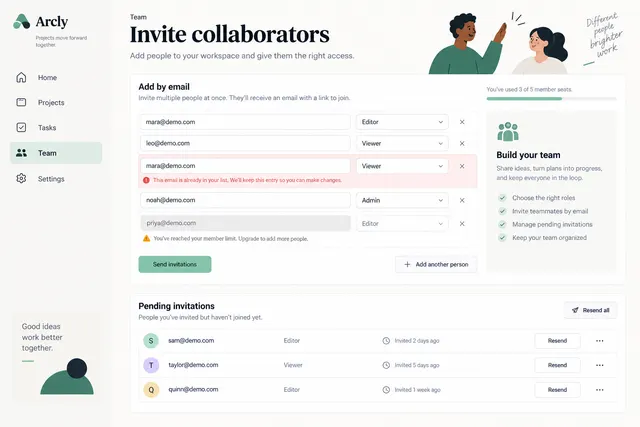
Invite collaborators by email with role selection, pending invitations and resend states.
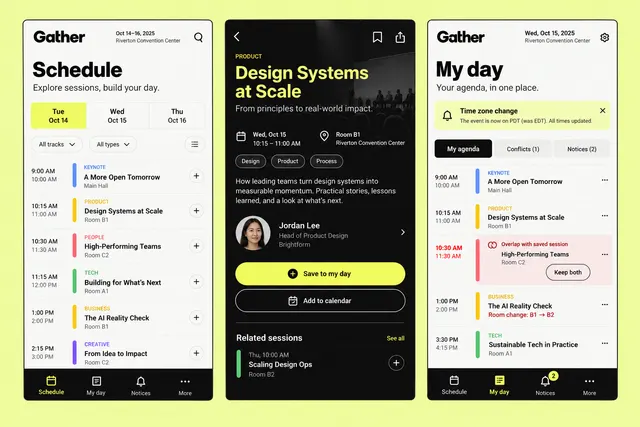
Explore sessions by time and track, build a personal agenda, and show conflicts, room changes and event notices.
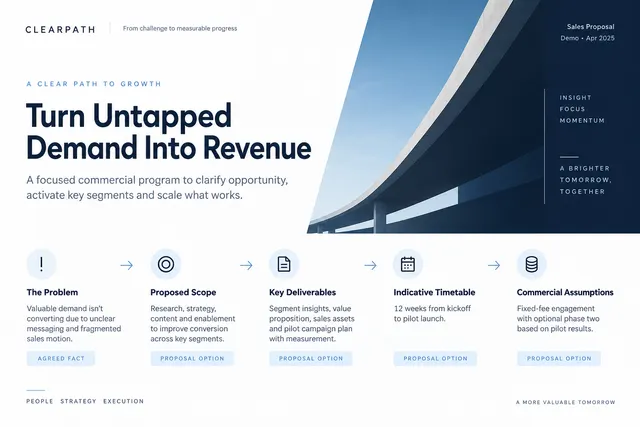
Connect a client's problem to proposed scope, deliverables, timetable and commercial assumptions.
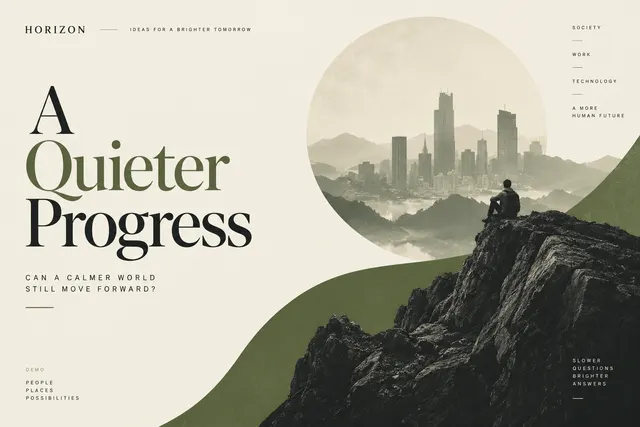
Translate the article's main tension into an original restrained visual with room for the title.
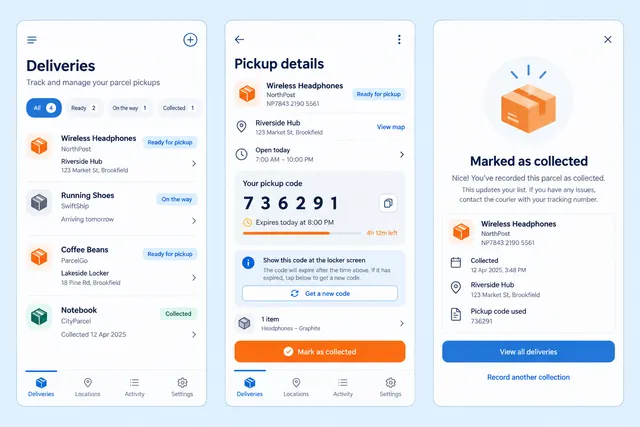
Organize delivery updates, display a fictional pickup code with expiry, and let the user record that a parcel has been collected.
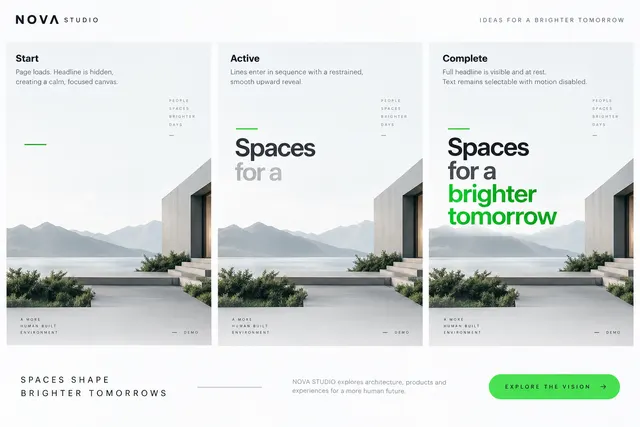
Introduce a short headline through a restrained line-by-line entrance.
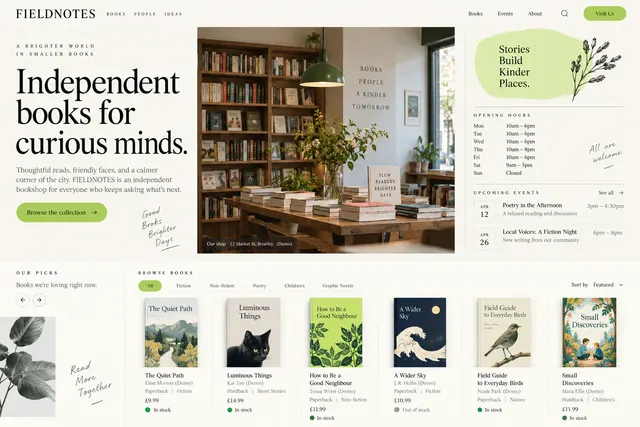
Present staff picks, opening hours, events and a browsable catalog with author and format details.
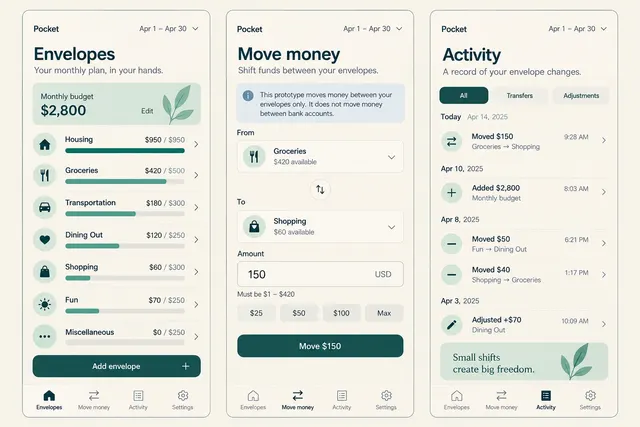
Allocate a manually entered monthly budget to spending envelopes, move an amount between them and review the resulting balances.
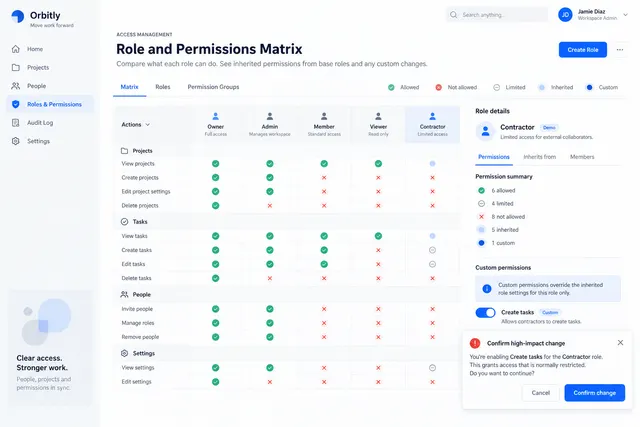
Compare roles across actions and show inherited versus custom permissions.
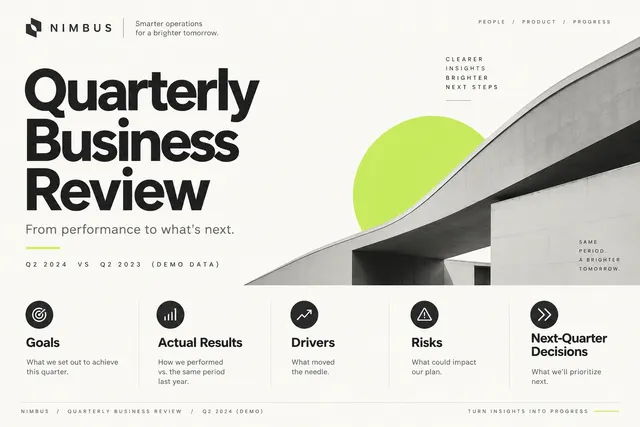
Organize goals, actual results, drivers, risks and next-quarter decisions.
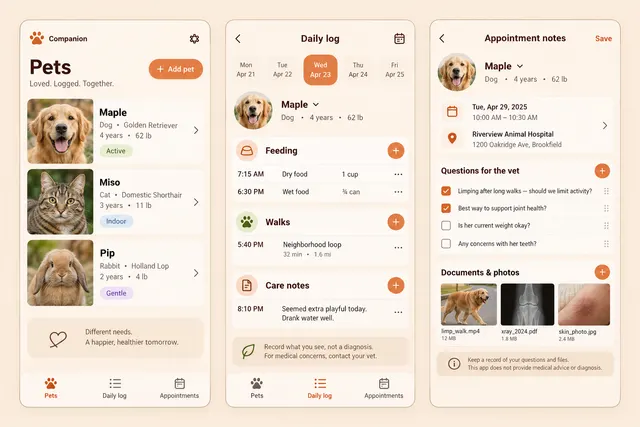
Record feeding, walks and owner-supplied care notes for multiple pets, then collect appointment questions and documents in one place.

Combine show identity, episode topic, guest credit and a strong thumbnail hierarchy.
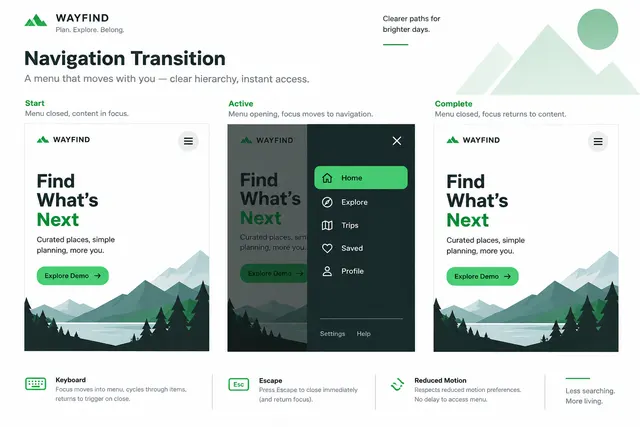
Design a menu opening and closing sequence that clarifies the navigation hierarchy.
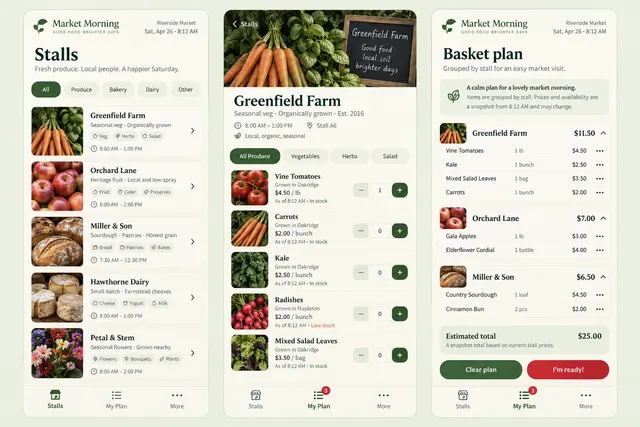
Browse fictional market stalls and produce, save quantities to a shopping plan, and group the plan by stall for an in-person visit.
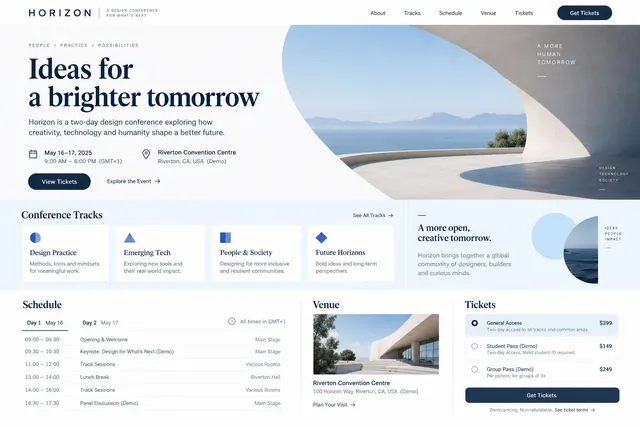
Build an event narrative with tracks, schedule, speaker roles, venue and ticket options.
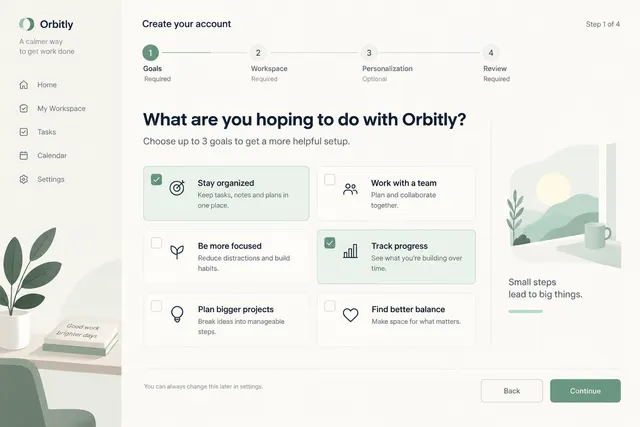
Guide users through goals, workspace setup and optional personalization with a review step.
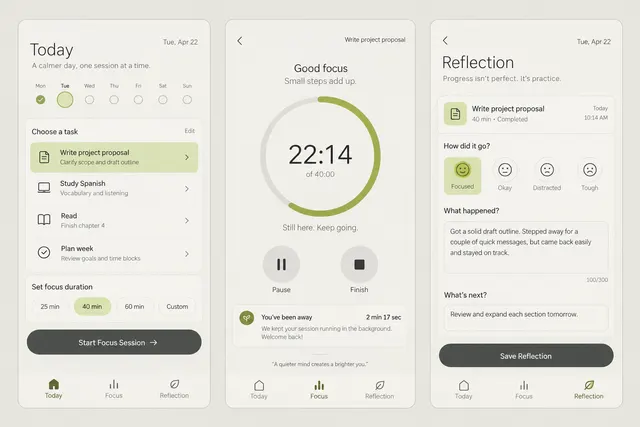
Choose a task and timer duration, pause or finish a session, and record a short reflection without turning interruptions into failure.
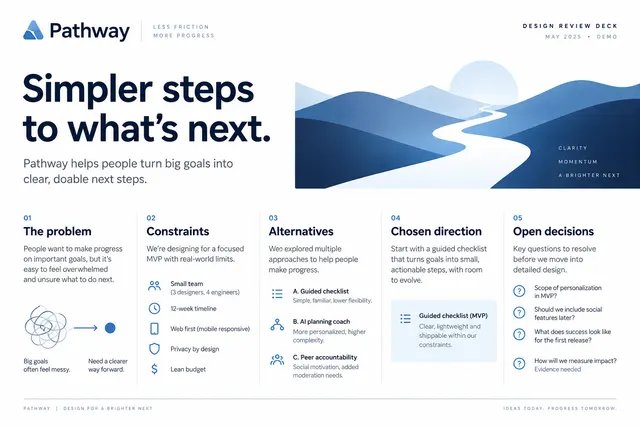
Present the design problem, constraints, alternatives, chosen direction and open decisions.

Prioritize the session topic, date, timezone, speaker and registration action.
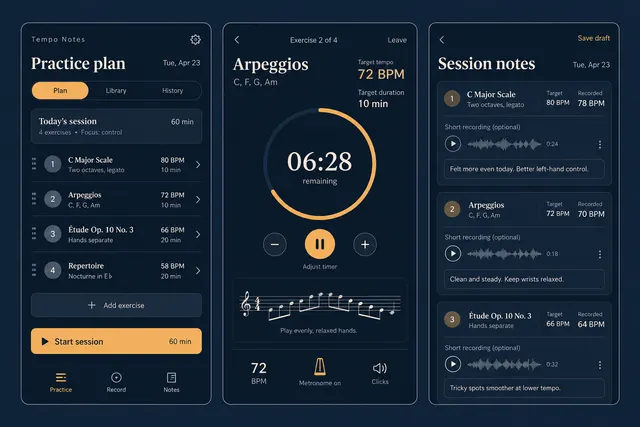
Build a practice session from exercises, set a target tempo and duration, then log the tempo actually practiced and a recording note.
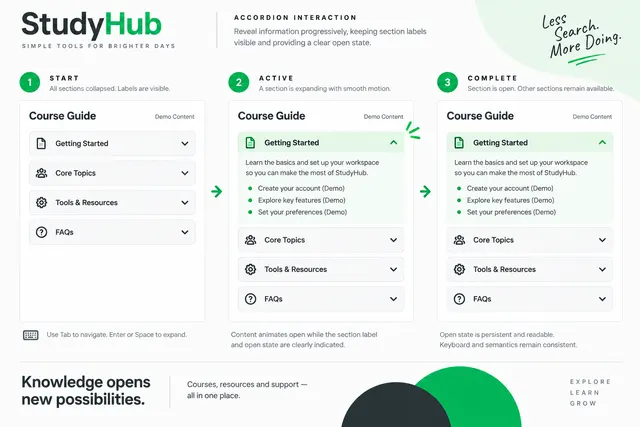
Animate disclosure panels while preserving section labels and open-state feedback.
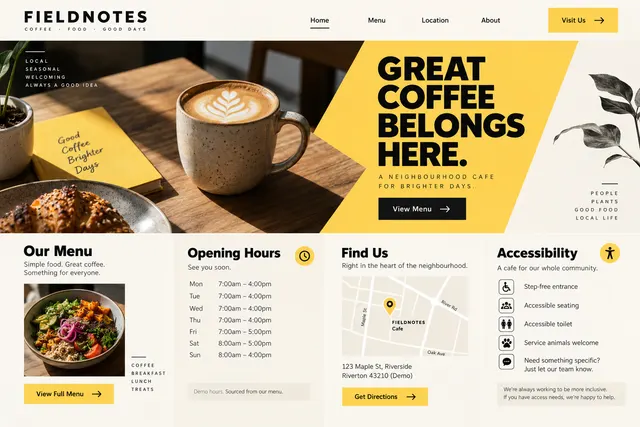
Make the menu, location, current hours and accessibility information easy to find.
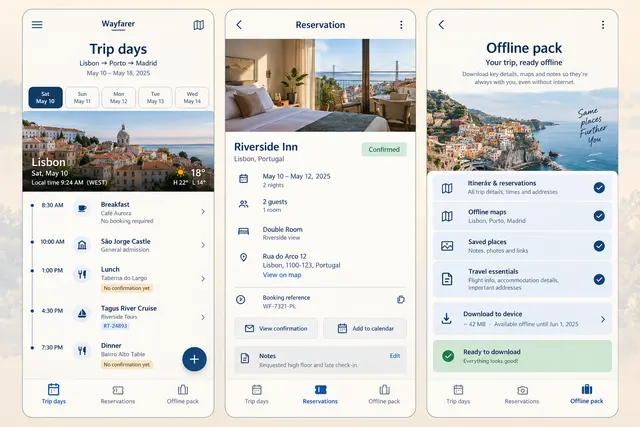
Arrange reservations and personal plans by local day, open their confirmation details and prepare a downloadable trip information pack.
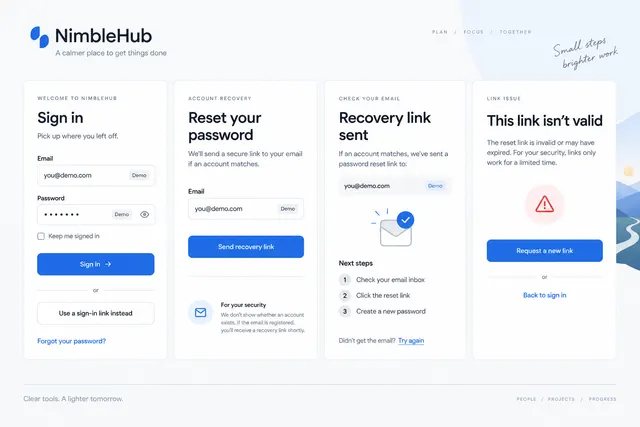
Design sign-in, recovery request, sent confirmation and invalid-link states.
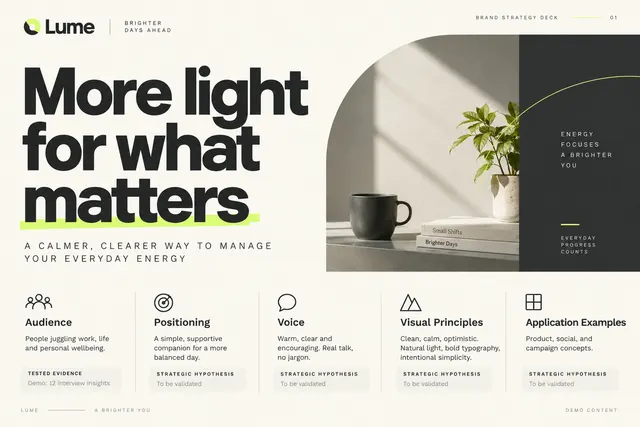
Explain audience, positioning, voice, visual principles and application examples.
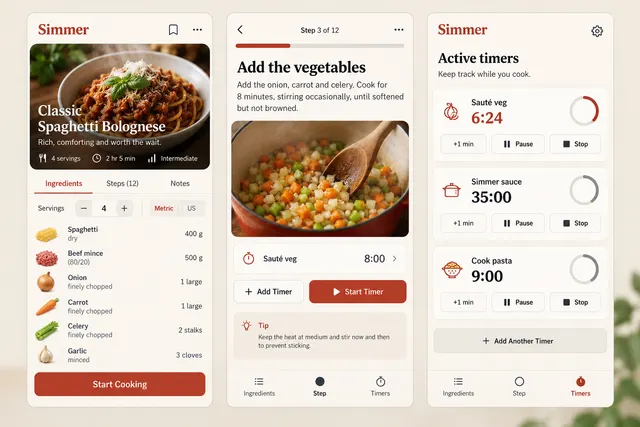
Scale a supplied recipe, follow one step at a time and run separately named timers while retaining the ingredient list.

Present a supplied portrait, speaker name, role, session title and event identity.
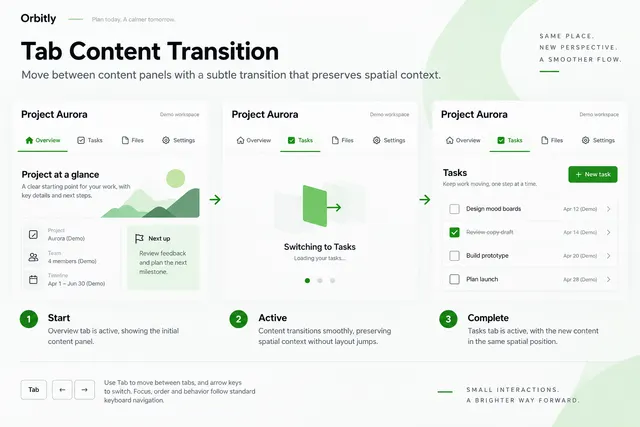
Move between content panels with a subtle transition that preserves spatial context.
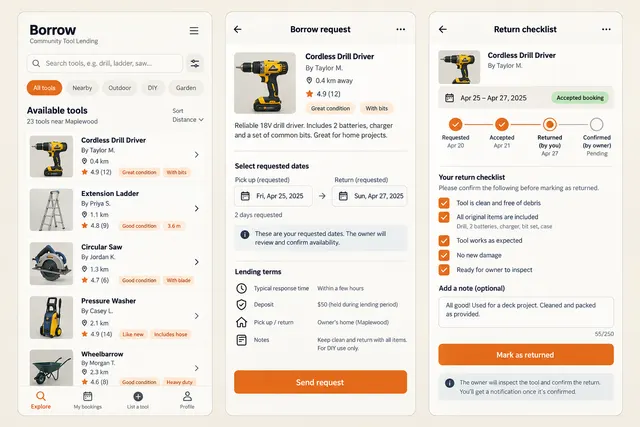
Find a locally listed tool, inspect its condition and lending terms, request dates and record a return checklist with owner confirmation.
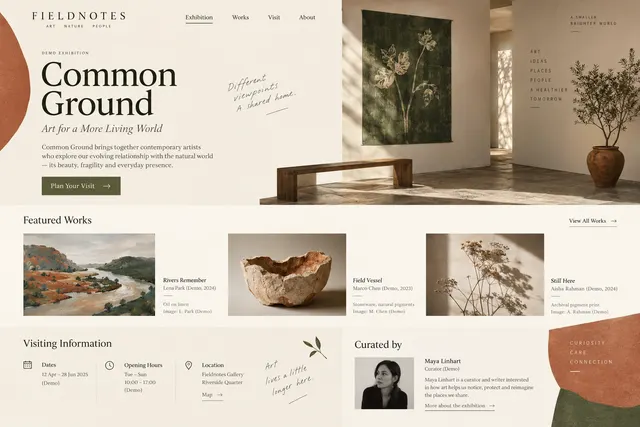
Introduce the exhibition concept, featured works, visiting information and curator credits.
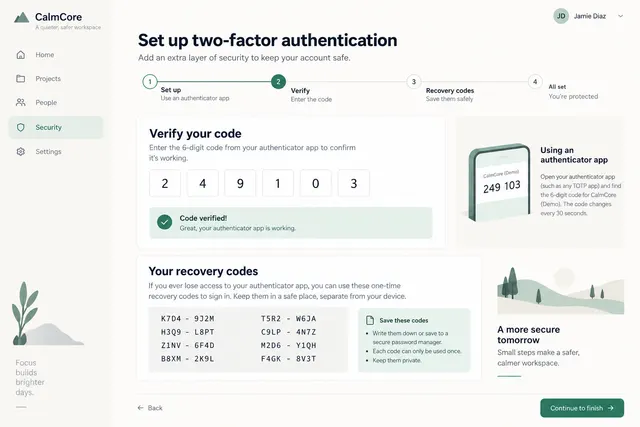
Explain setup steps, code verification, recovery codes and completion state.
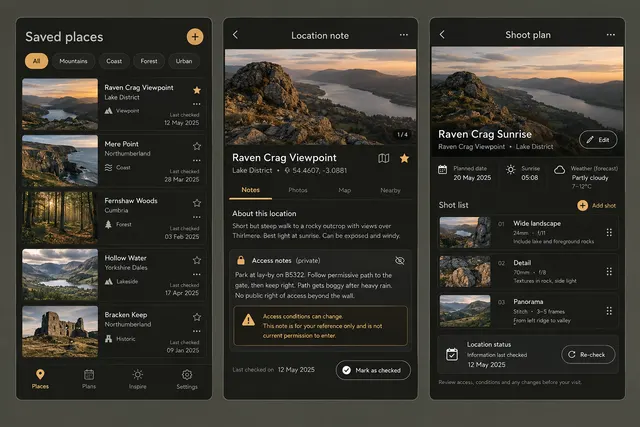
Save a location with access notes and reference photos, assemble a shoot plan and record the date on which the information was checked.
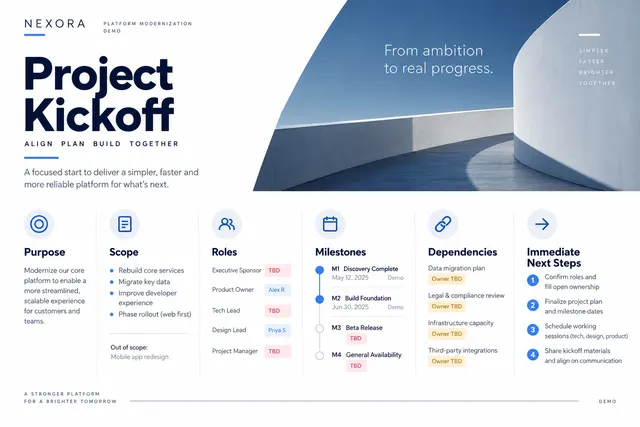
Cover purpose, scope, roles, milestones, dependencies and immediate next steps.
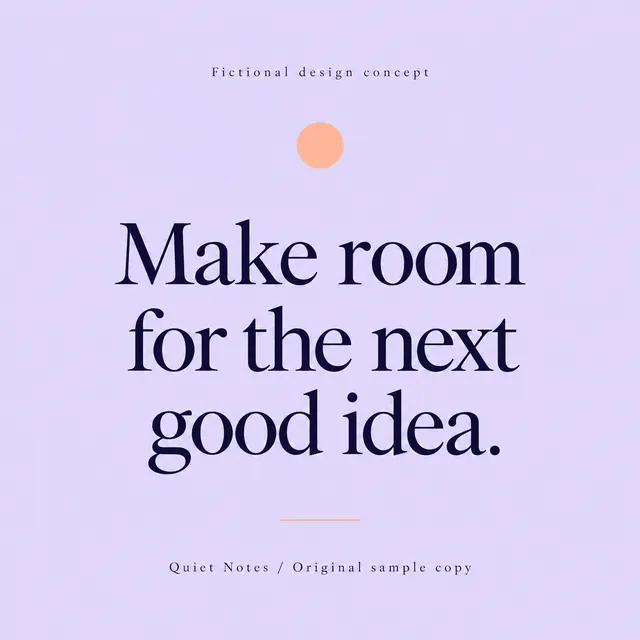
Set an approved quotation with accurate attribution and a readable typographic hierarchy.
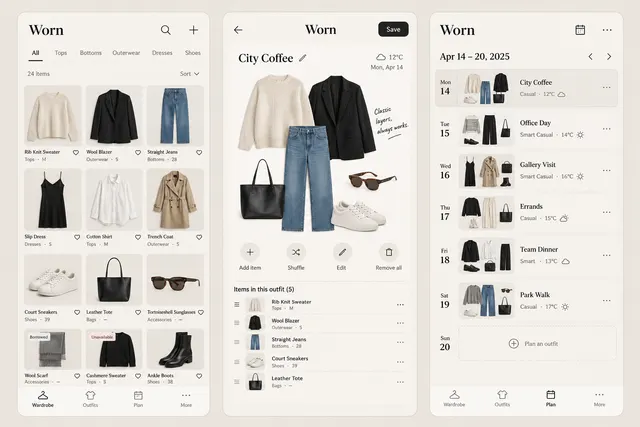
Catalog clothing with category and care notes, assemble an outfit from owned items and assign it to a day on a weekly plan.
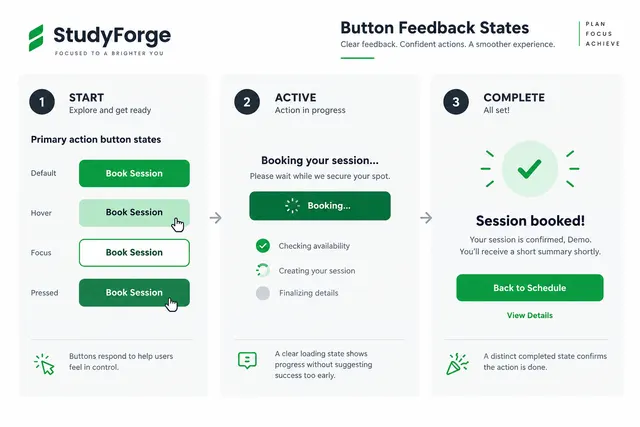
Show hover, focus, pressed, loading and completed states for a primary action.
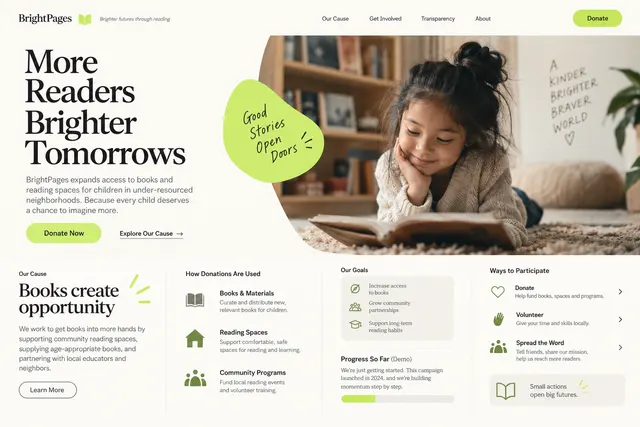
Explain the cause, proposed use of donations, verified evidence and ways to participate.
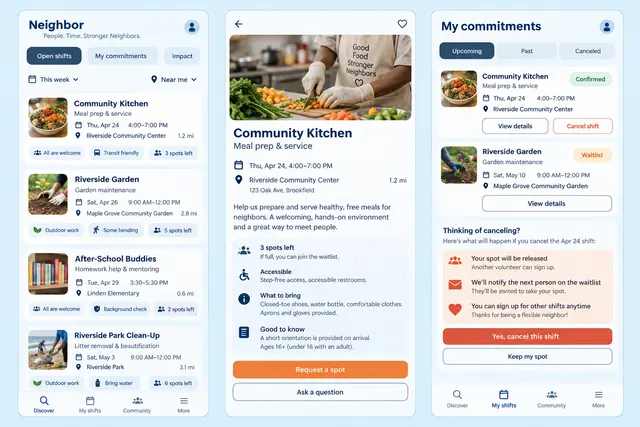
Browse volunteer shifts with accessibility and preparation information, request a place and review confirmed commitments and cancellation steps.
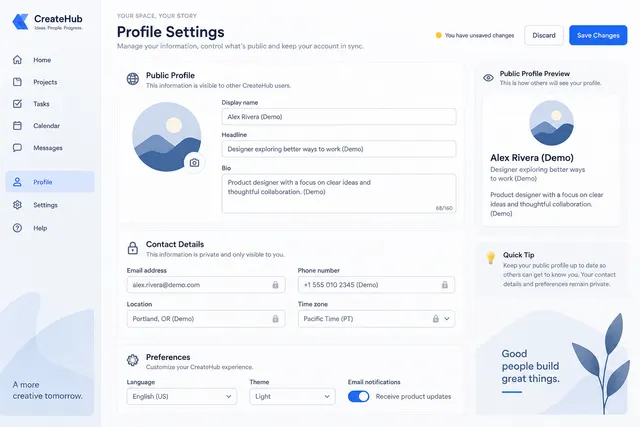
Group public profile, contact details, preferences and save-state feedback.
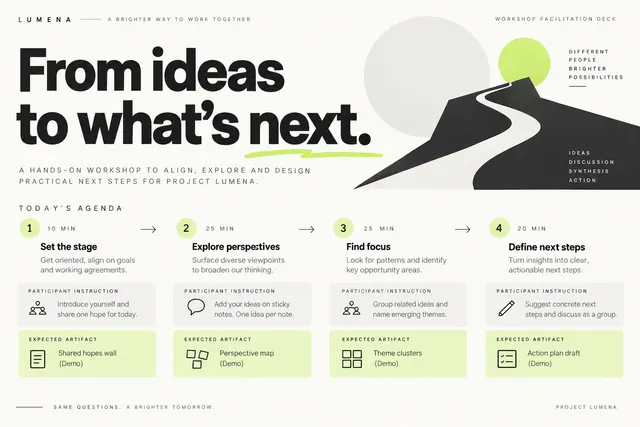
Build an agenda with timed exercises, participant instructions and synthesis frames.
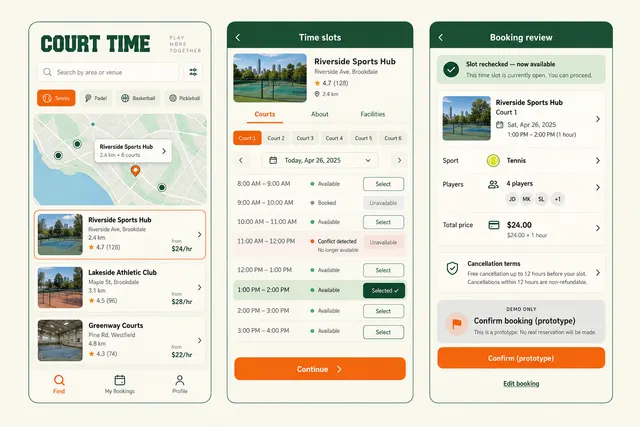
Choose a fictional sports venue and court, select an available slot and review duration, participants and cancellation terms before a demo confirmation.
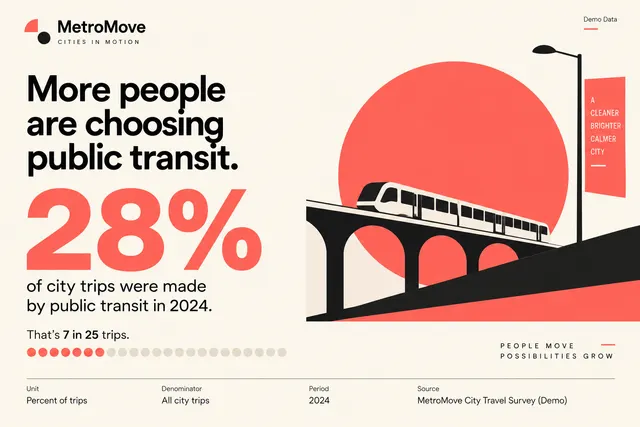
Show one supplied statistic with unit, denominator, period and source in a clear visual.
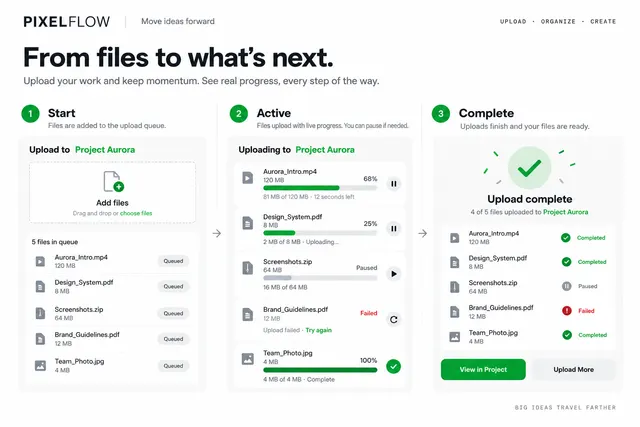
Visualize queued, uploading, paused, failed and complete states with readable labels.
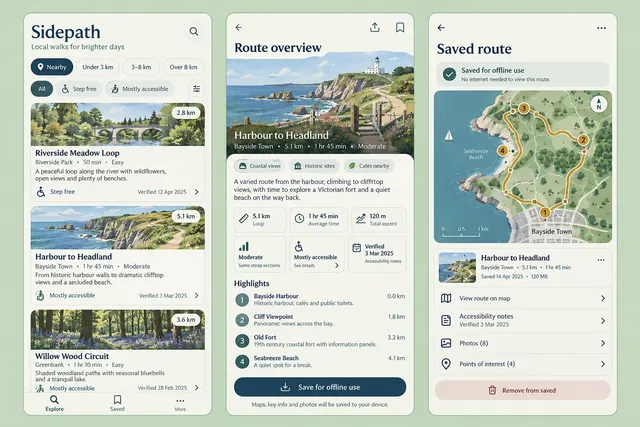
Browse editorial walking routes by length and accessibility notes, inspect landmarks and save an offline route overview.
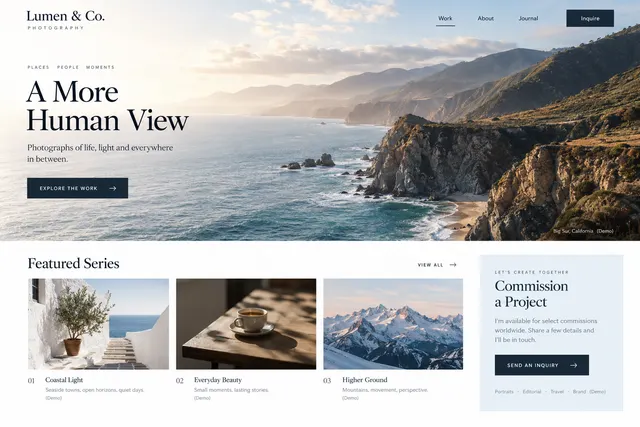
Build an image-led portfolio with ordered series, captions and a concise commission inquiry.
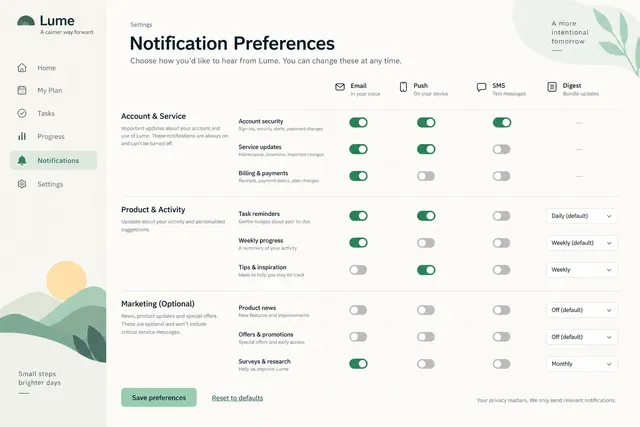
Organize notification topics by delivery channel with clear defaults and digest options.
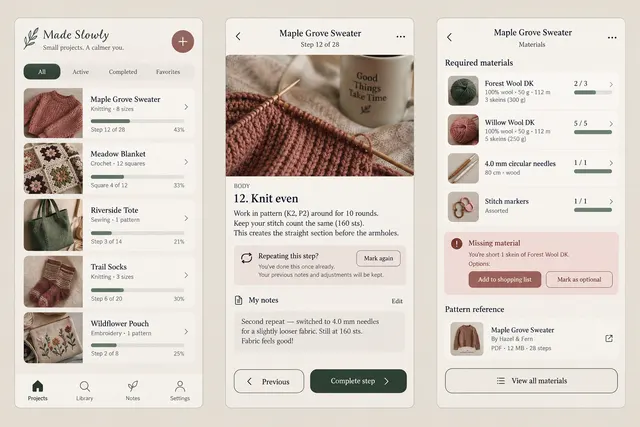
Organize craft projects with materials and pattern references, mark the current step and record adjustments without editing the source pattern.
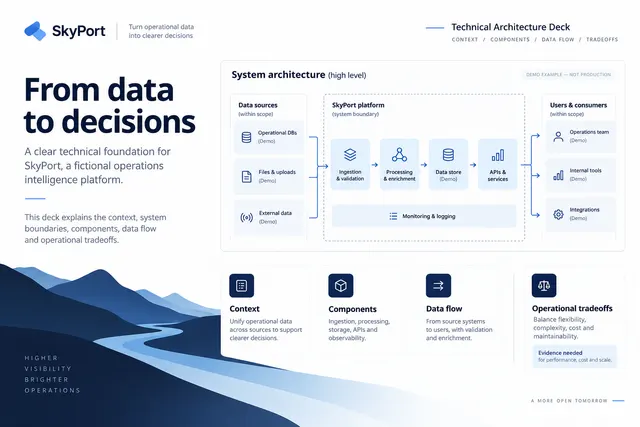
Explain context, system boundaries, components, data flow and operational tradeoffs.
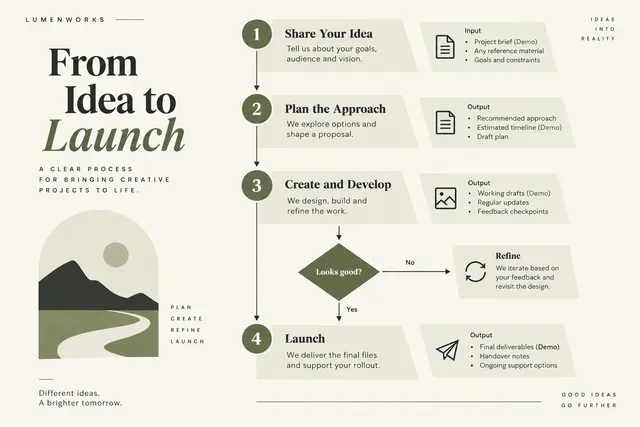
Explain a real process as ordered steps with inputs, outputs and decision points.
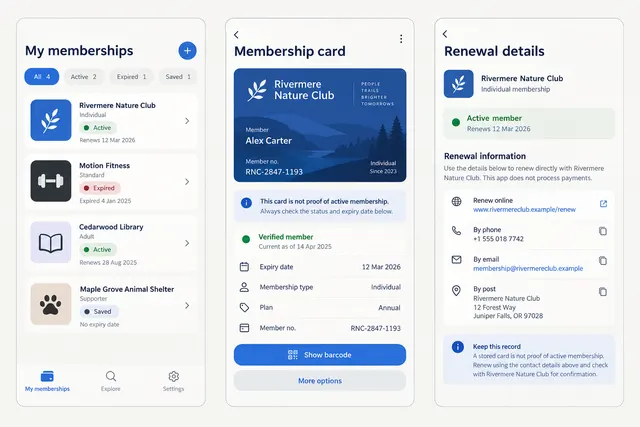
Store fictional membership records, open a sample digital card and show expiry and manually supplied renewal information.
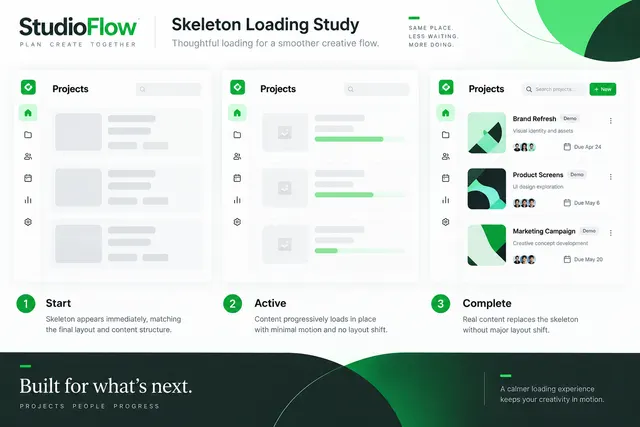
Create a loading skeleton that matches the eventual content structure.
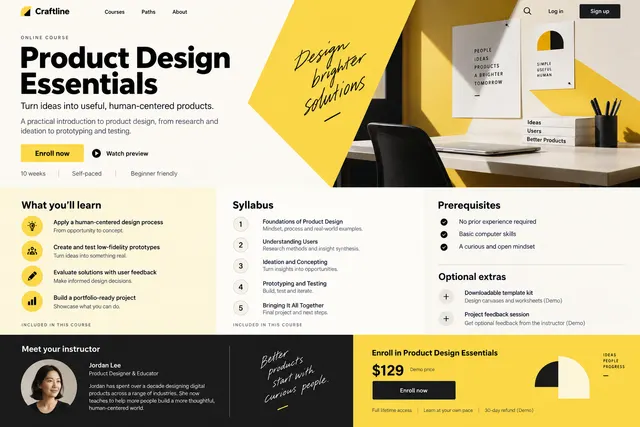
Present learning outcomes, syllabus, prerequisites, instructor background and enrollment details.
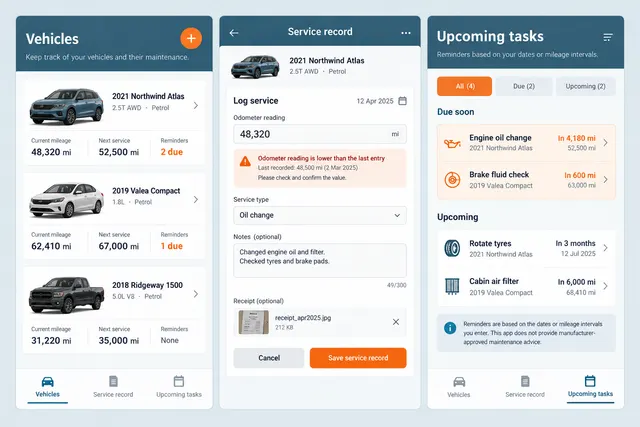
Log a vehicle's mileage and completed service, attach a receipt and maintain reminders based on owner-entered dates or mileage intervals.
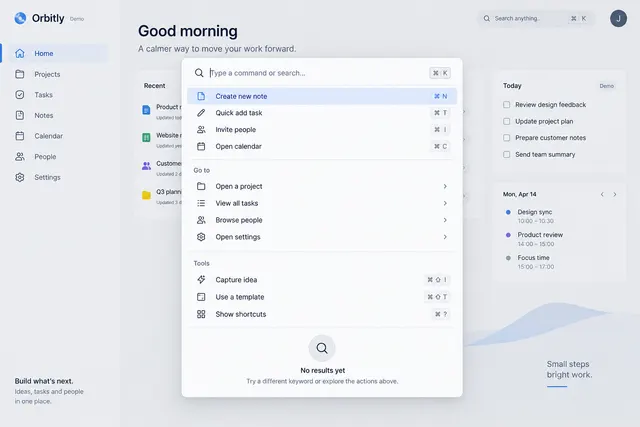
Offer searchable actions with keyboard shortcuts, groups and a focused empty state.
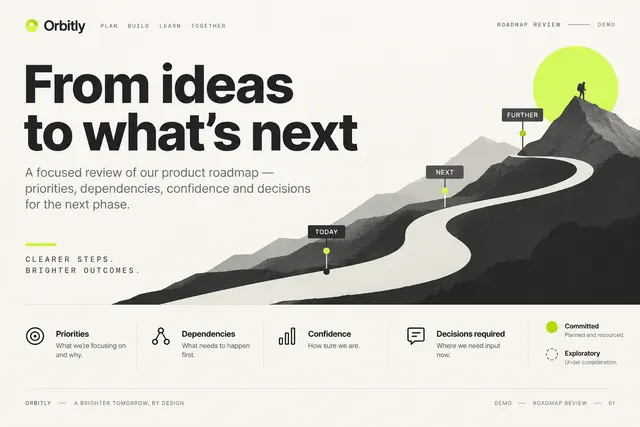
Present priorities, dependencies, confidence levels and decisions required.
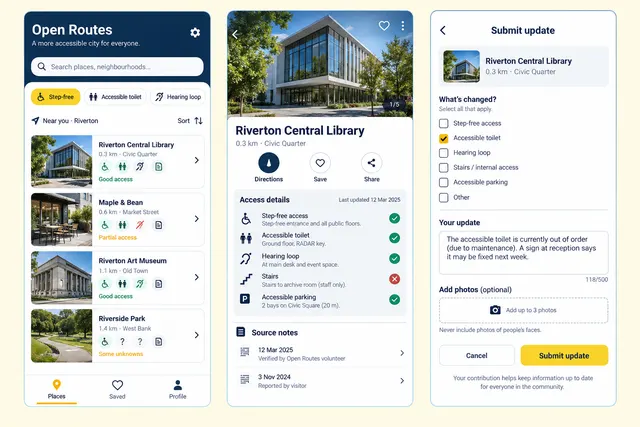
Browse places using specific access features, inspect dated source notes and submit a correction with optional supporting details.
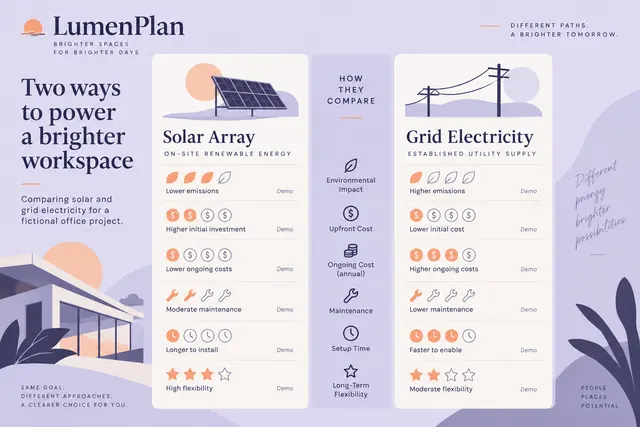
Compare two approaches against consistent criteria using matched visual emphasis.
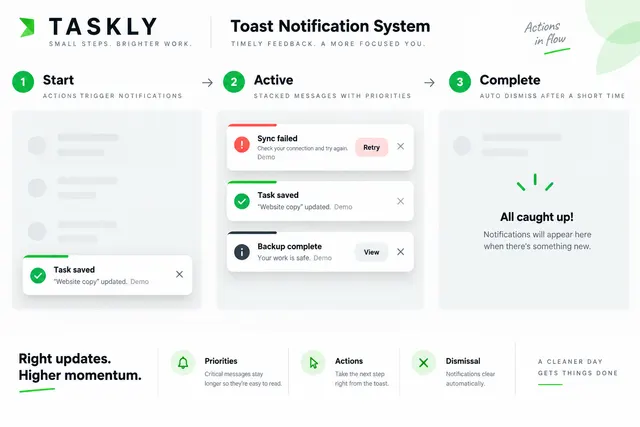
Animate stacked feedback messages with priorities, actions and dismissal.
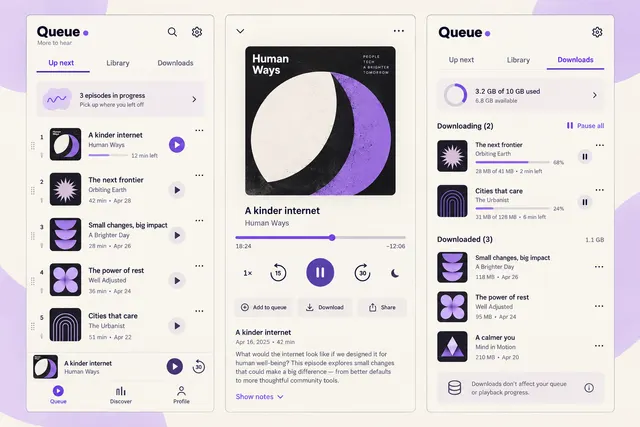
Arrange podcast episodes, resume a partially played episode and manage offline downloads with per-episode progress and storage information.
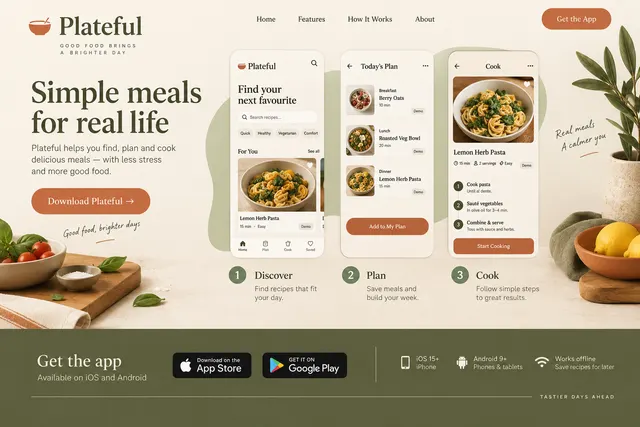
Show the app's main task through a short screen sequence, platform requirements and install destinations.
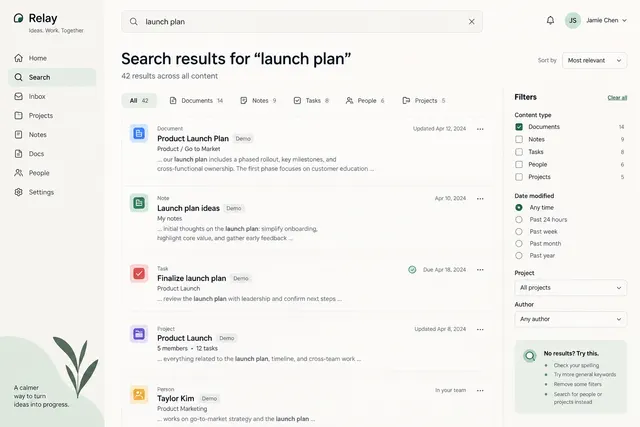
Show result types, matching excerpts, filters and a useful no-results state.
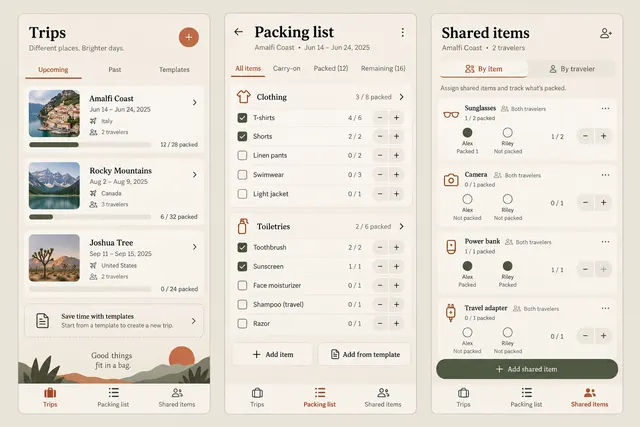
Build a trip-specific checklist, assign shared items to travelers and record packed quantities with a separate carry-on list.
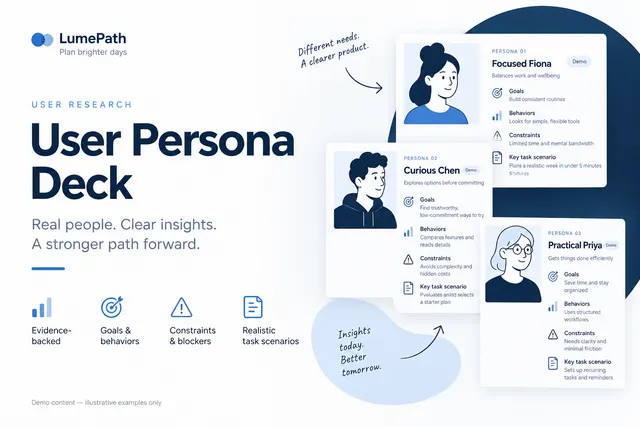
Show evidence-backed behaviors, goals, constraints and task scenarios for each persona.
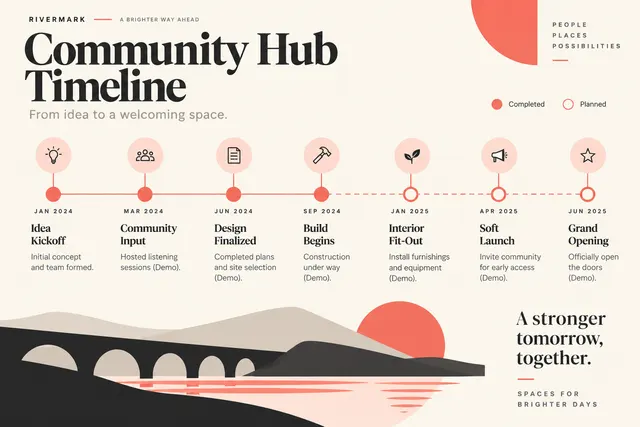
Lay out dated milestones with accurate intervals or clearly labeled ordinal spacing.
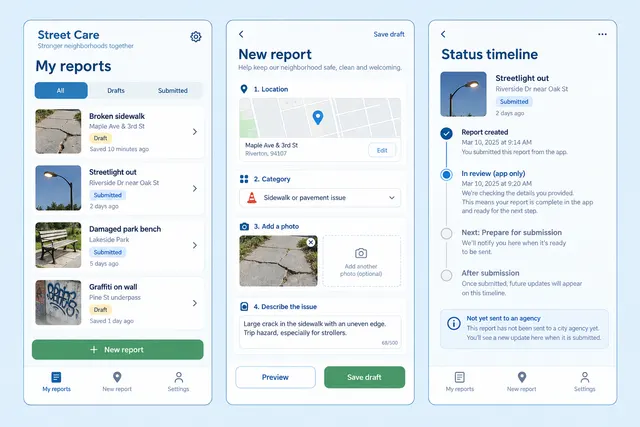
Draft a public-space repair report with a location, category and photo, review privacy-sensitive details and show a clearly simulated submission timeline.
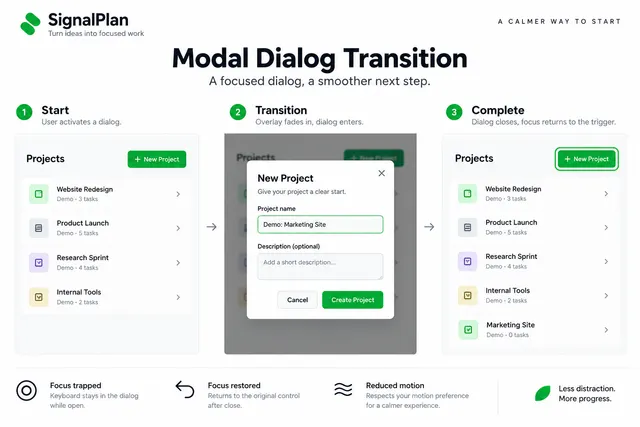
Design a calm overlay and dialog entrance that focuses attention on the task.
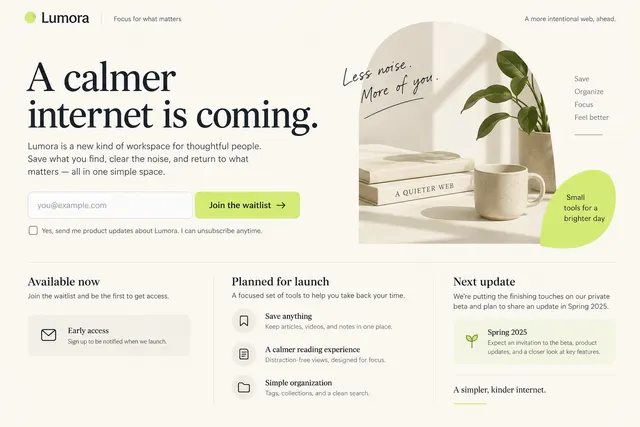
Explain the planned product, intended audience, expected next update and an email signup.
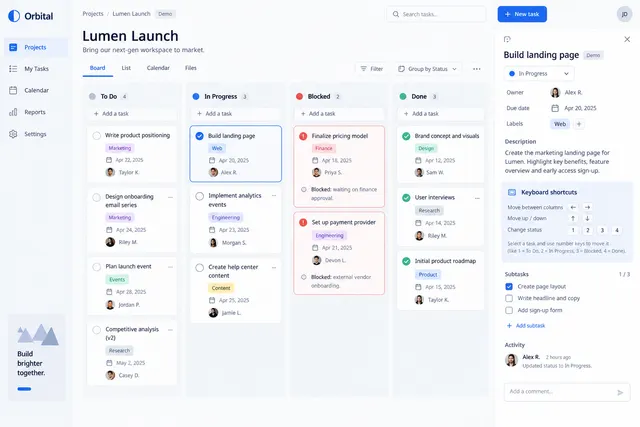
Organize work by status with owner, due date, labels and a task-detail panel.
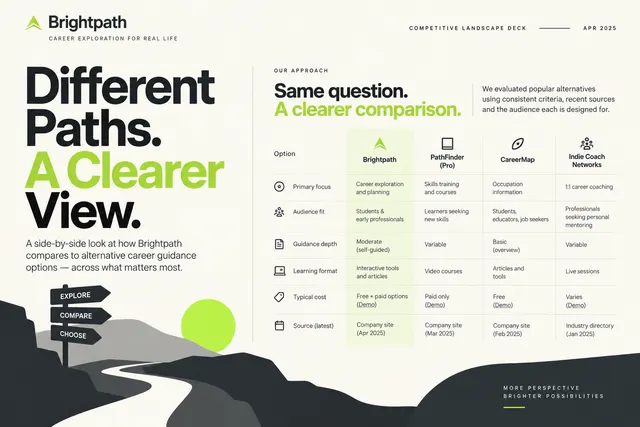
Compare alternatives using declared criteria, dated sources and audience fit.
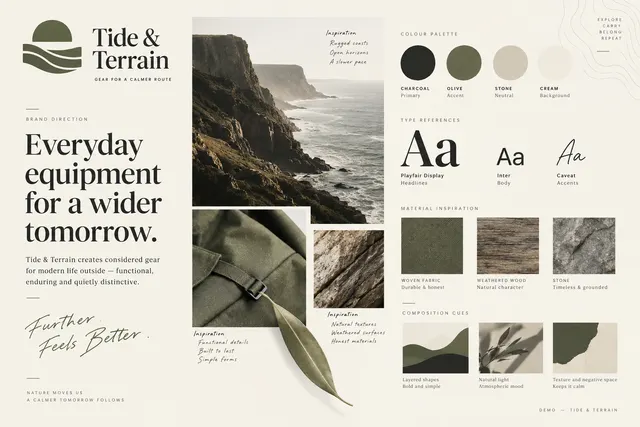
Arrange color roles, type references, materials and composition cues around a written brand direction.
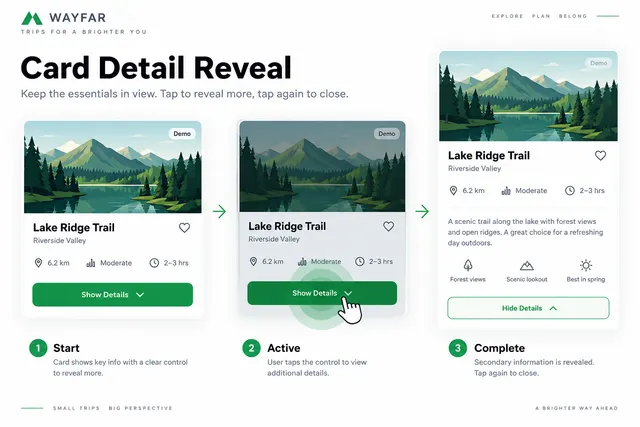
Reveal secondary information from a card with an explicit control and reversible transition.
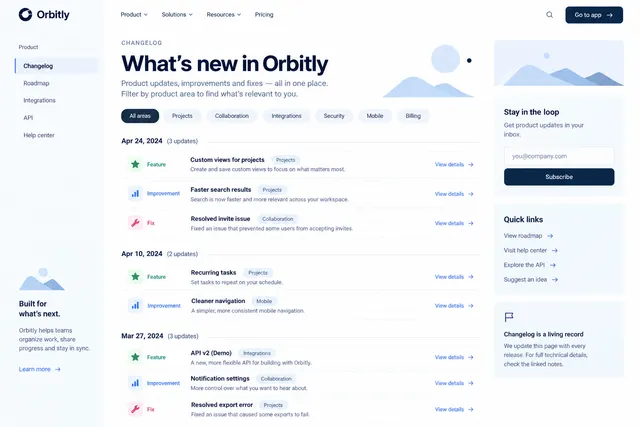
Group dated releases by feature, fix and improvement with product-area filters.
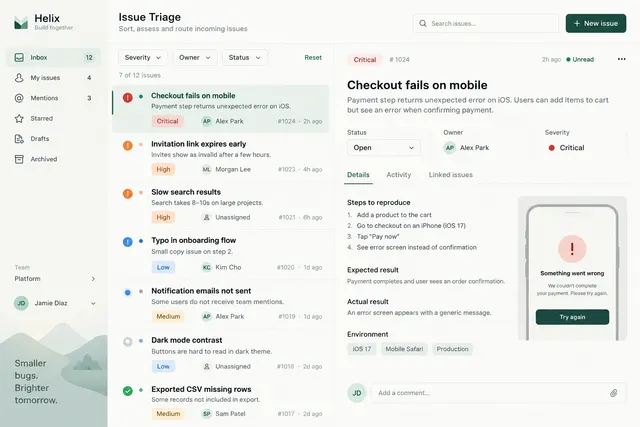
Let a team sort incoming issues by severity, owner and status with a reading pane.
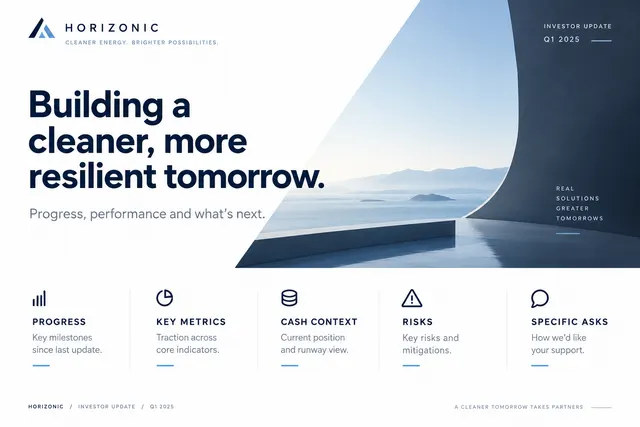
Summarize progress, key metrics, cash context, risks and specific asks.
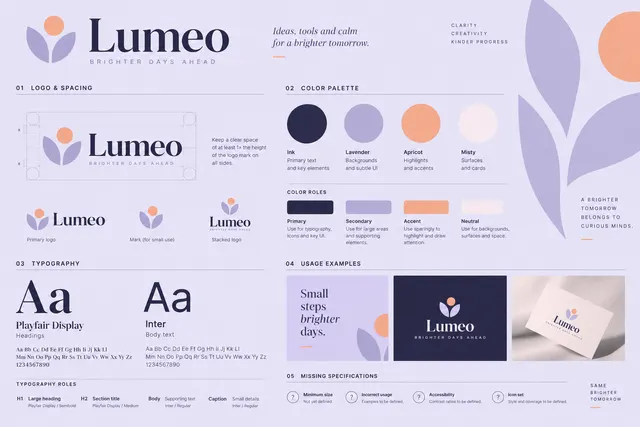
Create a concise visual sheet for logo spacing, color roles, typography and usage examples.
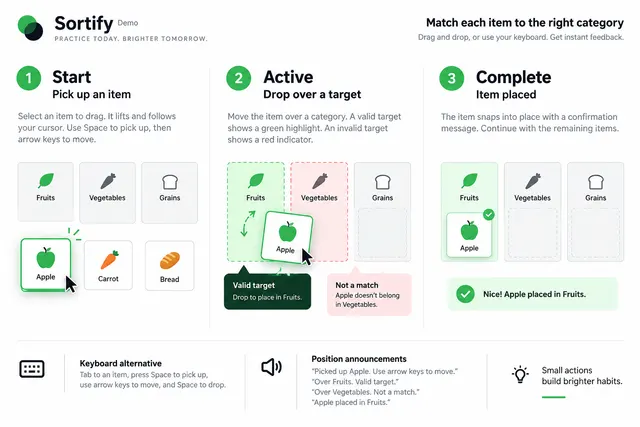
Show pickup, valid target, invalid target and completed placement states.
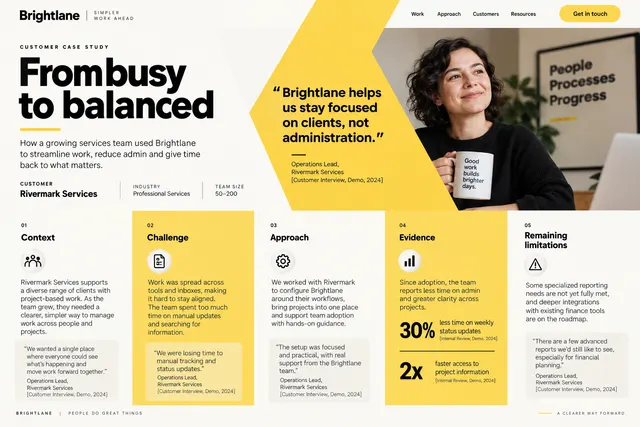
Structure the story as context, challenge, approach, evidence and remaining limitations.
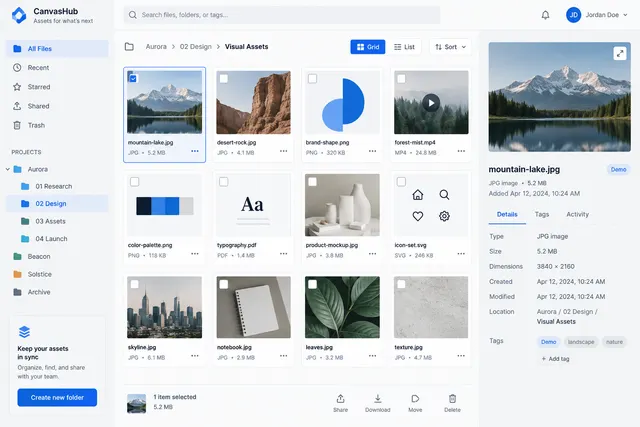
Browse folders and assets with grid/list views, file metadata and a preview panel.
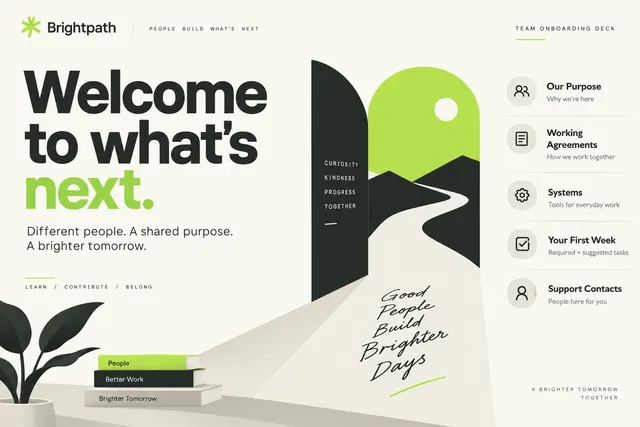
Introduce team purpose, working agreements, systems, first-week tasks and support contacts.

Compose an announcement with a live-text headline, image, supporting details and a clear CTA.
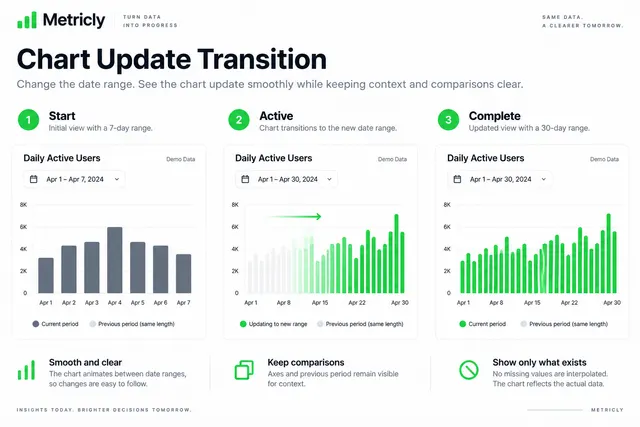
Animate a chart when the date range changes while keeping axes and comparisons understandable.
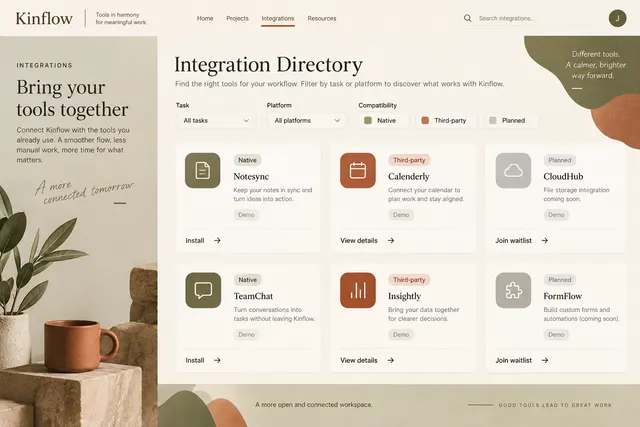
Offer task and platform filters, compatibility labels and installation links.
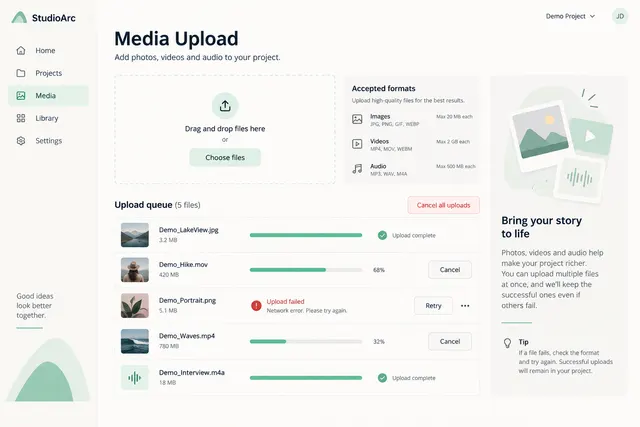
Show file selection, format guidance, upload progress, errors and retry controls.
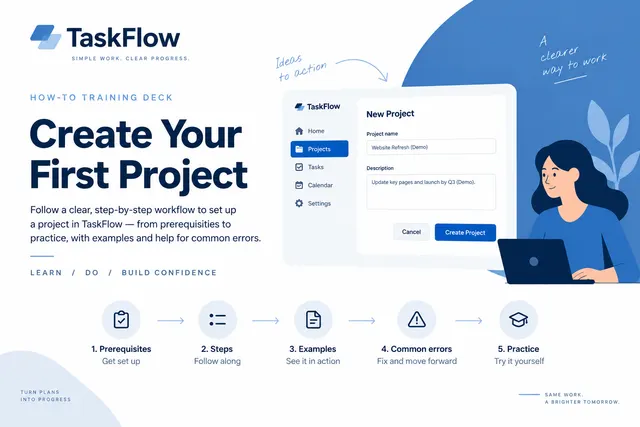
Teach one workflow through prerequisites, sequential actions, examples and a practice task.
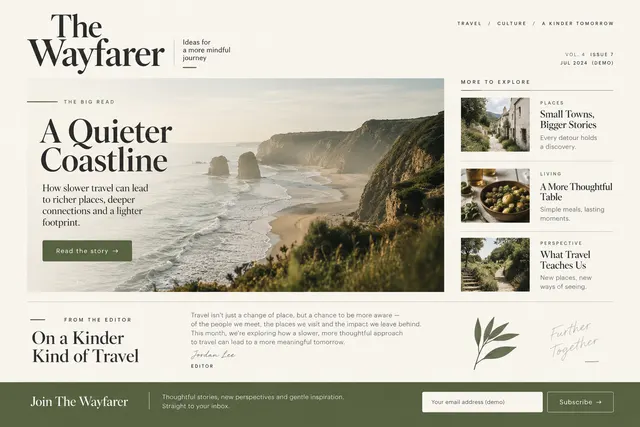
Arrange a lead story, secondary links, editorial note and subscription footer.
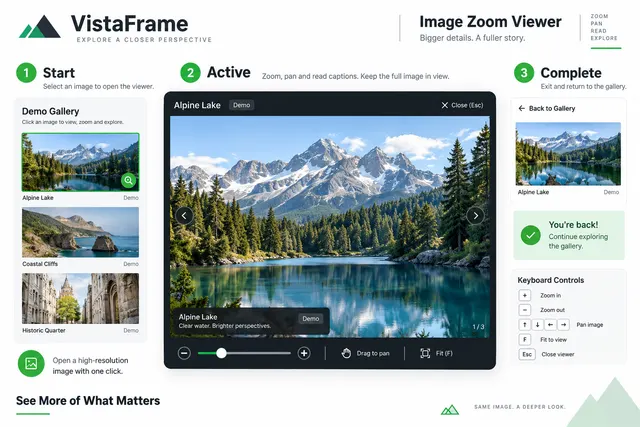
Open a high-resolution image view with zoom, pan, captions and a clear exit.
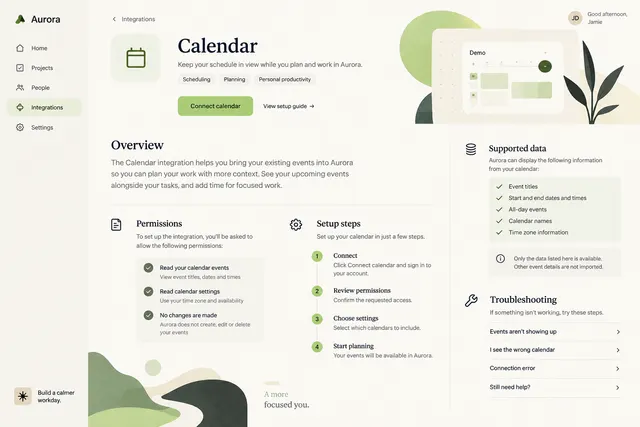
Explain the integration task, permissions, setup steps, supported data and troubleshooting.
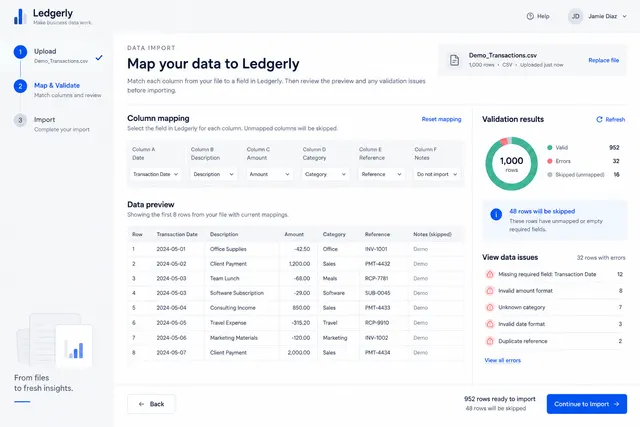
Preview imported columns, map fields, validate rows and review errors before import.

Build a clear thesis, three supporting ideas, a concrete example and closing takeaway.

Prioritize event, date, seat or entry type and a clearly labeled validation area.
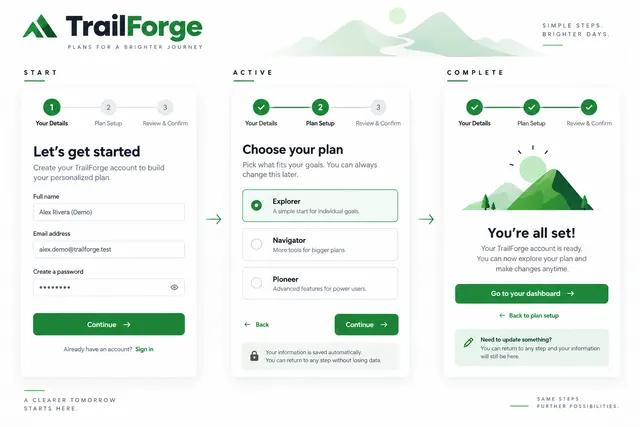
Connect multi-step form states with progress, validation and completion feedback.
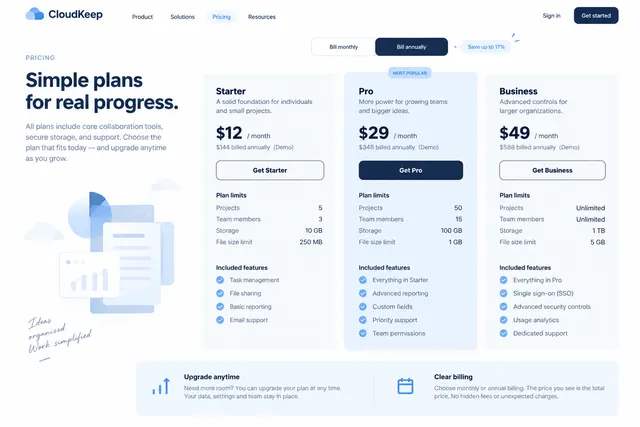
Compare plan limits, included features, billing periods and upgrade paths.
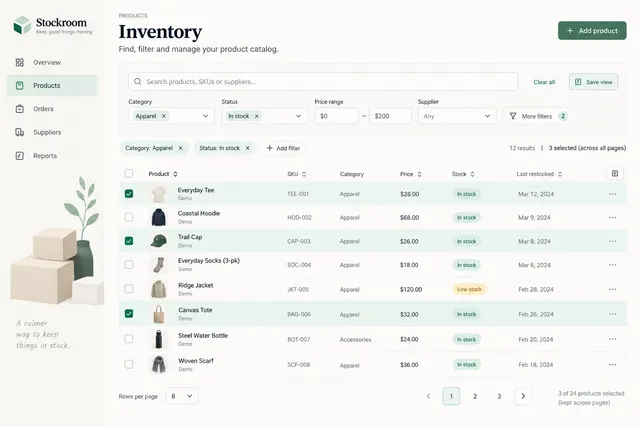
Provide column priorities, sorting, compound filters, row selection and pagination.
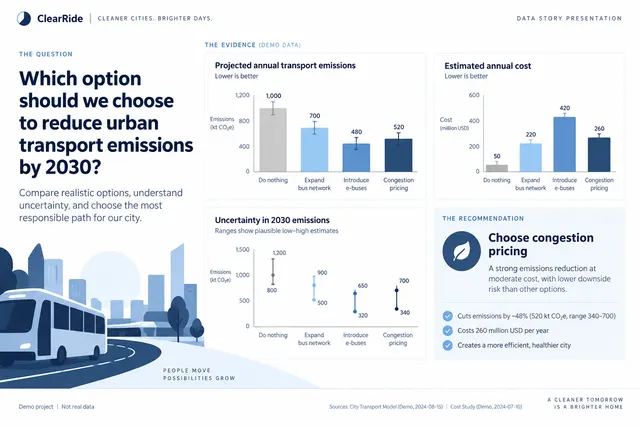
Frame a question, show comparable values, explain uncertainty and recommend a decision.
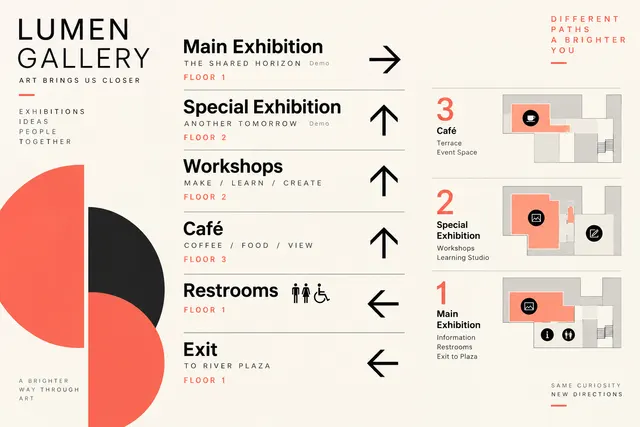
Design directional signs with destinations, arrows, floor references and consistent hierarchy.
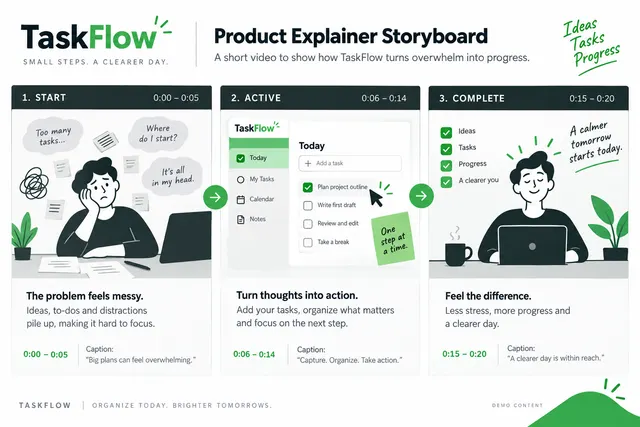
Plan a short HTML video as scenes for problem, action and outcome with timing and captions.
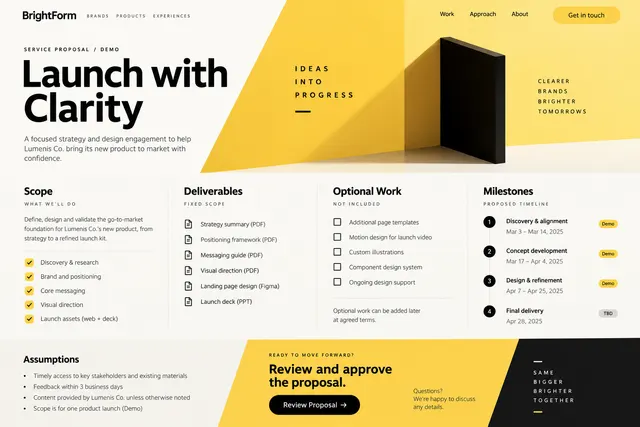
Present scope, deliverables, milestones, assumptions and a clear review action.
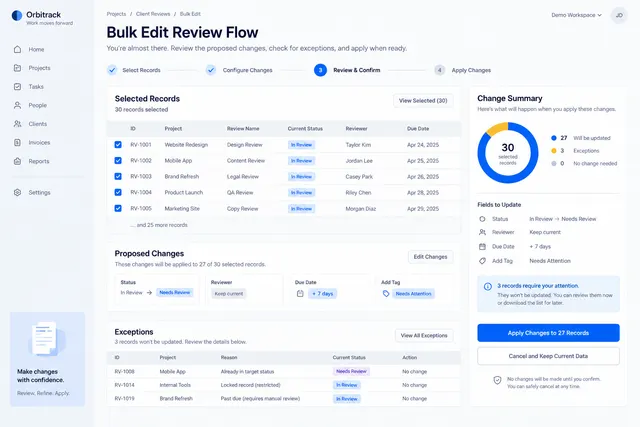
Show selected records, proposed changes, exceptions and a final change summary.
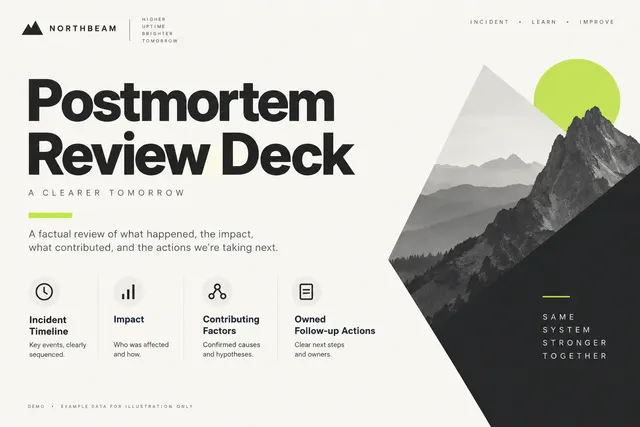
Present incident timeline, impact, contributing factors and owned follow-up actions.
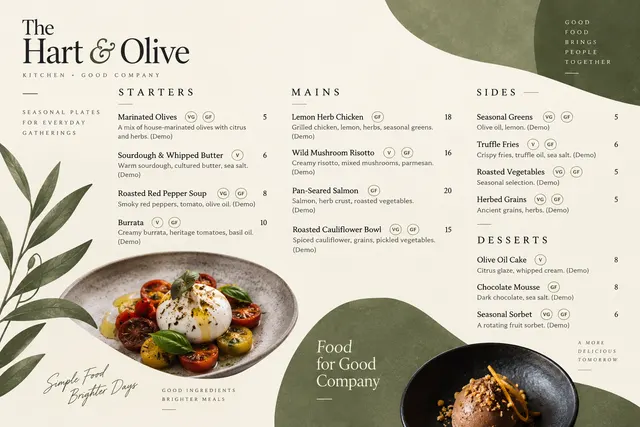
Group dishes with descriptions, prices, dietary markers and section hierarchy.
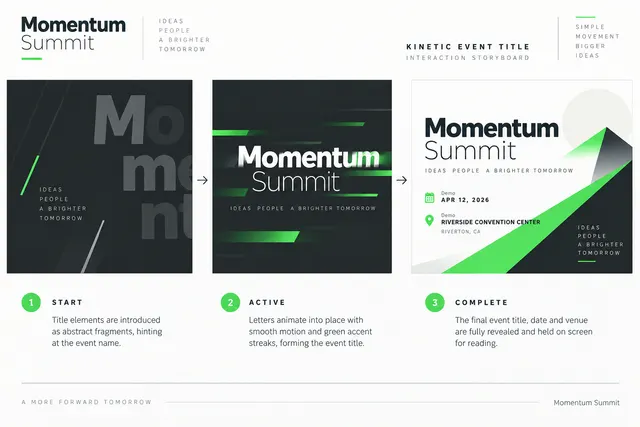
Animate an event title, date and venue through a short legible typographic sequence.
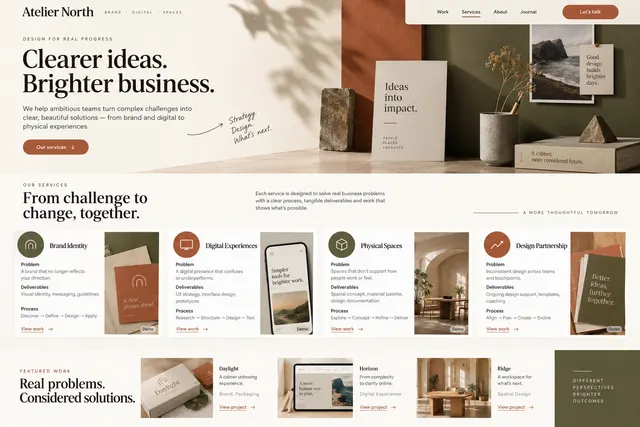
Connect each service to a client problem, deliverables, process and relevant work.
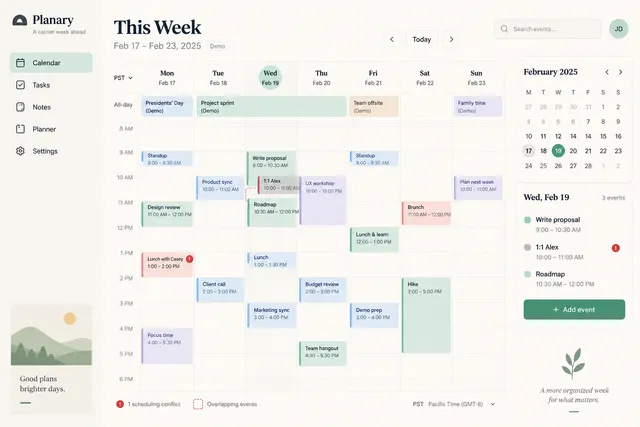
Lay out timed events, all-day items, timezone and conflict indicators.
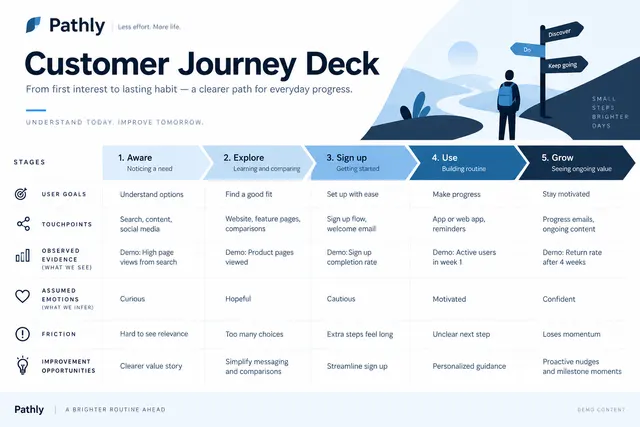
Map stages, user goals, touchpoints, friction and improvement opportunities.
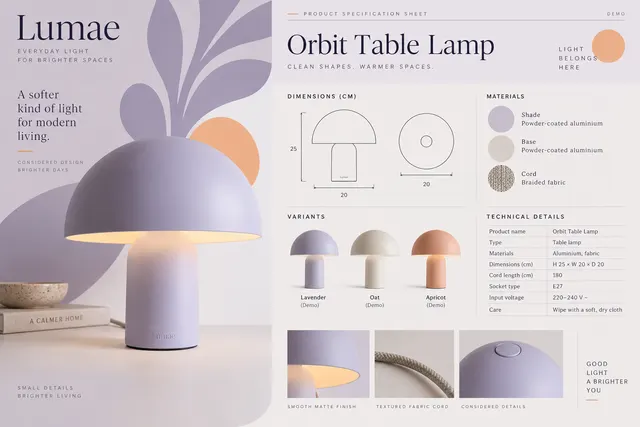
Present product photography, dimensions, materials, variants and technical details on one sheet.
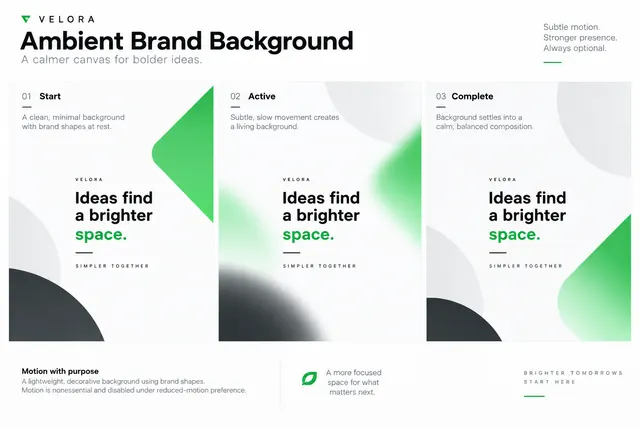
Create a slow abstract background using supplied brand shapes while leaving a quiet text zone.
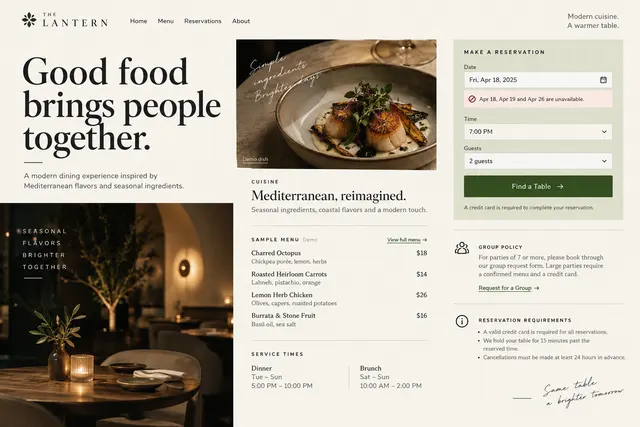
Show cuisine, sample menu, service times, group policy and a booking path.
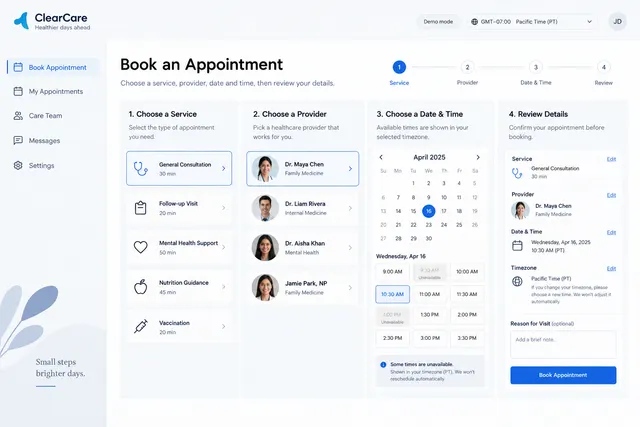
Choose a service, provider, date and time before reviewing details.
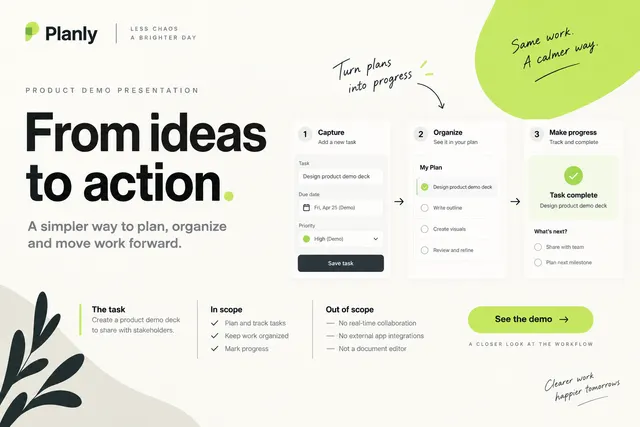
Frame a user task, demonstrate the workflow, explain boundaries and offer a next step.
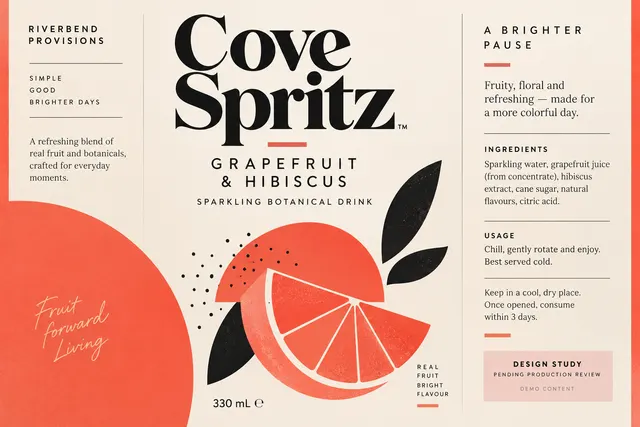
Organize supplied product name, quantity, ingredients, usage and required copy within a label concept.
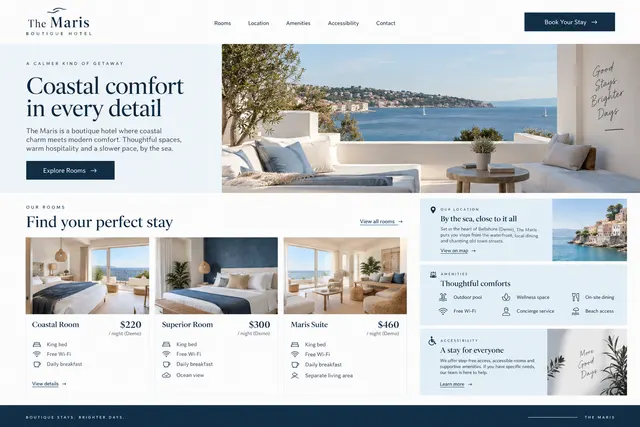
Organize room types, location, amenities, accessibility and booking information.
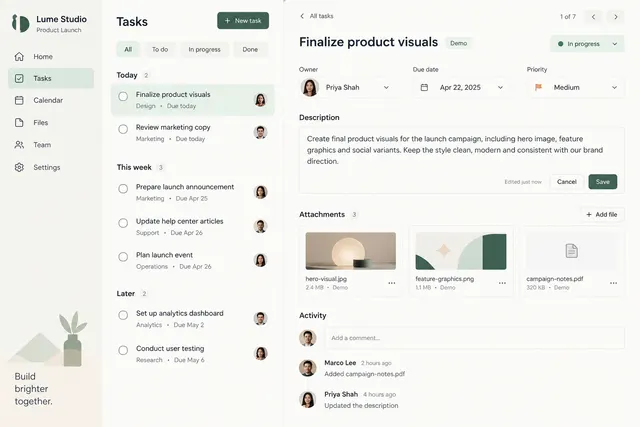
Present status, owner, due date, description, attachments and activity in a focused panel.
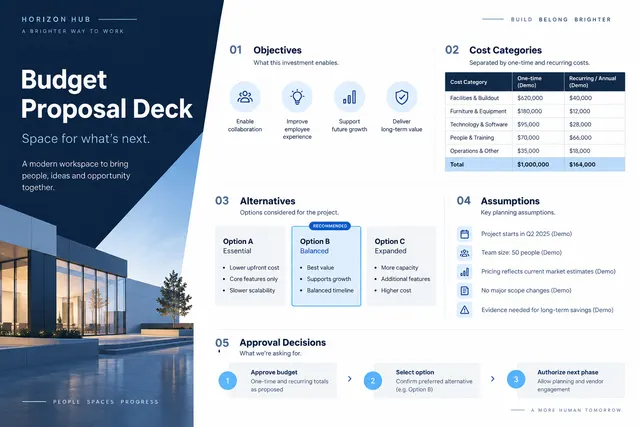
Show objectives, cost categories, alternatives, assumptions and approval decisions.
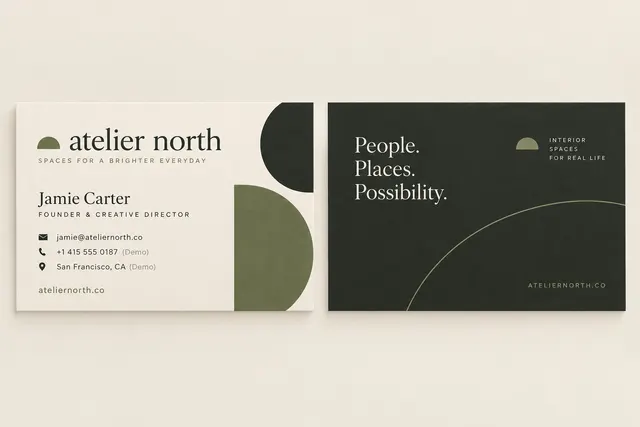
Design front and back layouts using the real name, role, contact details and brand tokens.
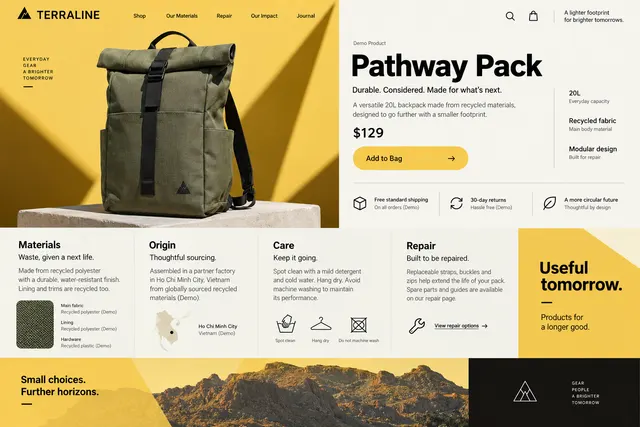
Present materials, origin, care, repair and purchase information in a considered layout.
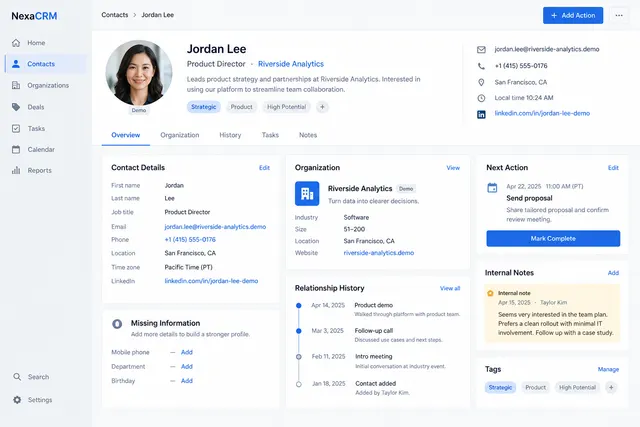
Bring contact details, organization, relationship history and next action together.
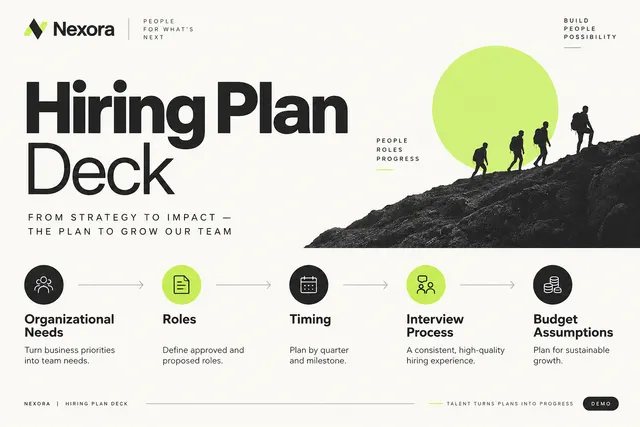
Connect organizational needs to roles, timing, interview process and budget assumptions.

Explore a cover around the manuscript theme, title, author and a distinct visual metaphor.
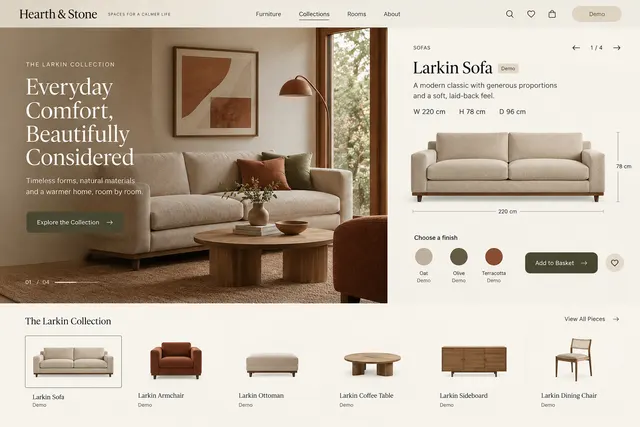
Show a furniture family with dimensions, finishes, room context and product navigation.
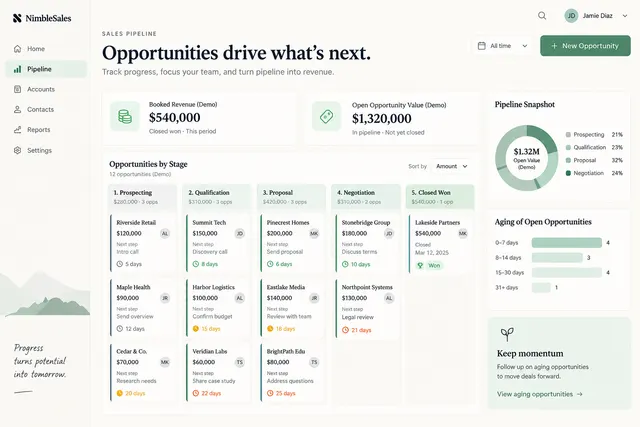
Show opportunities by stage with amount, owner, next step and aging indicators.
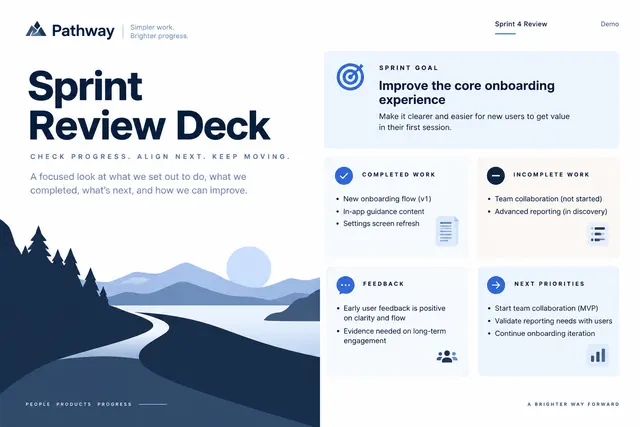
Show the sprint goal, completed work, incomplete work, feedback and next priorities.

Create an original visual identity based on the artist's supplied mood, themes and album title.
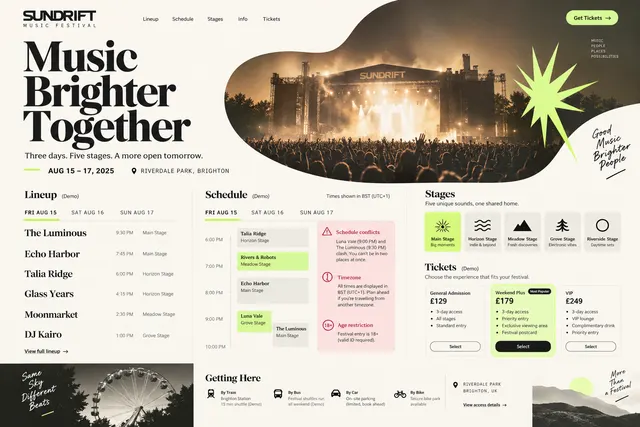
Present dates, stages, lineup, daily schedule, access information and ticket tiers.
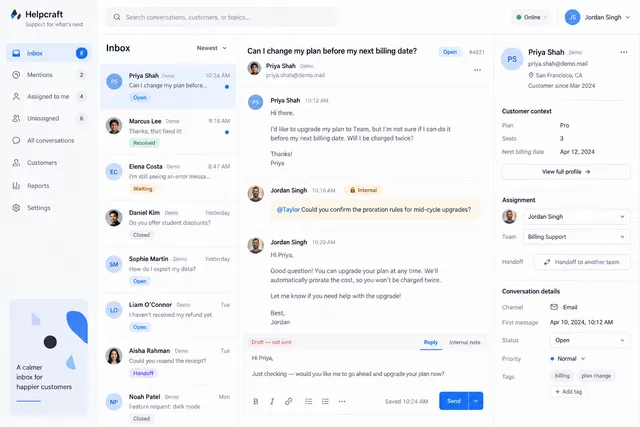
Combine conversation list, thread, customer context and assignment controls.
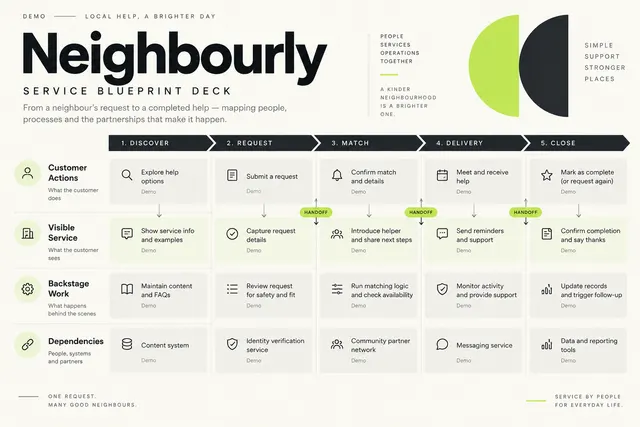
Map customer actions, visible service, backstage work and dependencies.
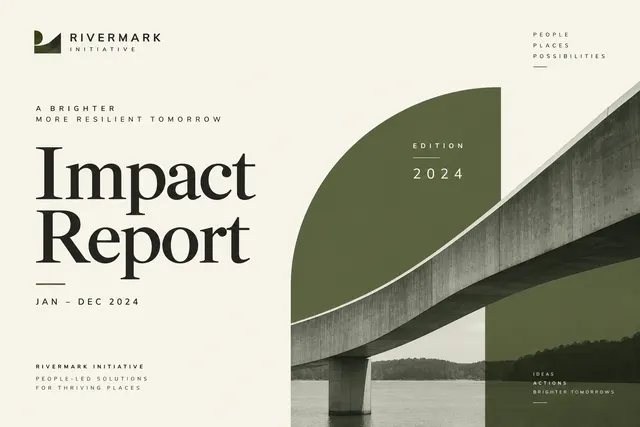
Build a cover with report title, period, organization and a reusable series identity.
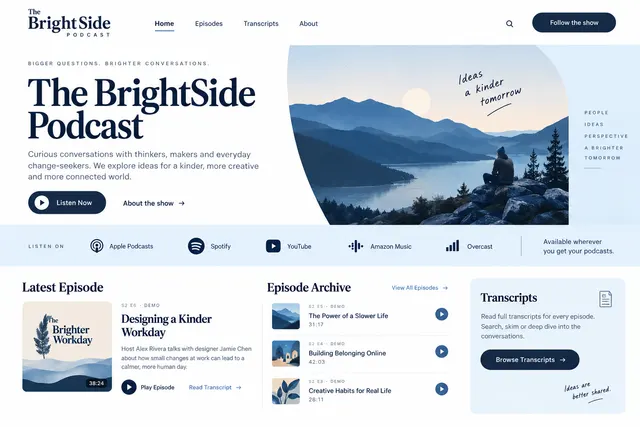
Introduce the show, latest episode, episode archive, transcripts and listening destinations.
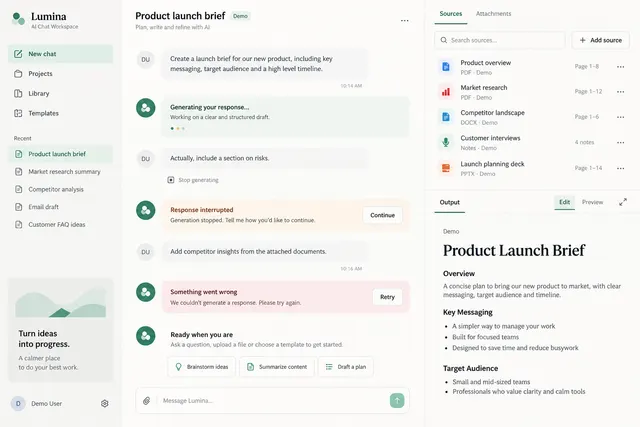
Place conversation, source references, attachments and editable output in a split workspace.
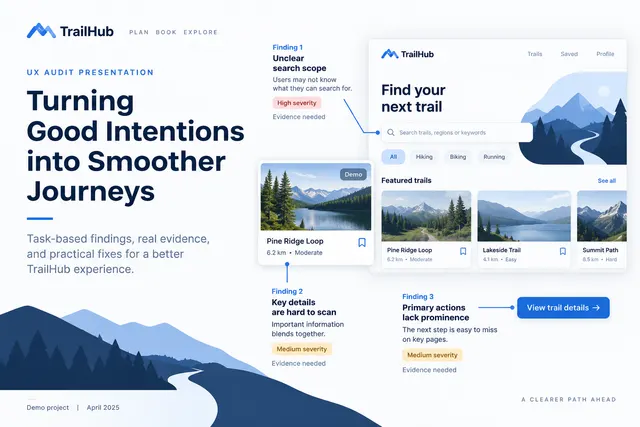
Present task-based findings with screenshots, severity rationale and recommended fixes.

Create a formal composition for recipient, achievement, issuing organization and date.
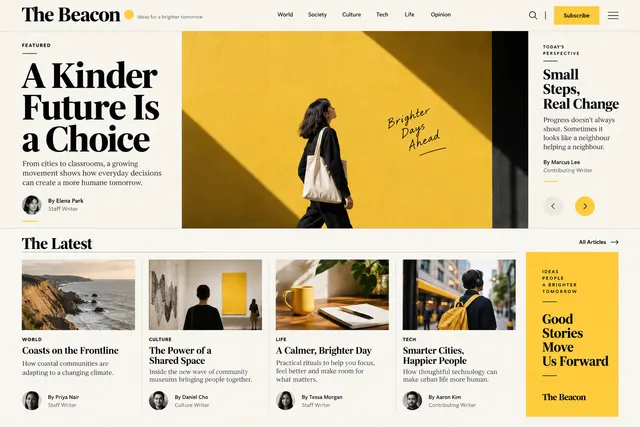
Create a lead story, topical sections, author bylines and a balanced article grid.
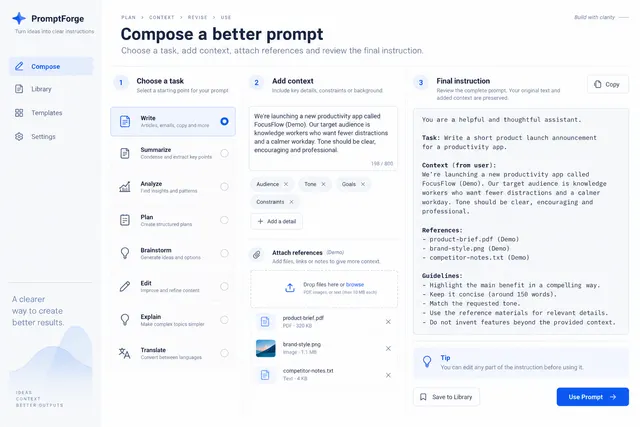
Let users choose a task, add context, attach references and inspect the final instruction.
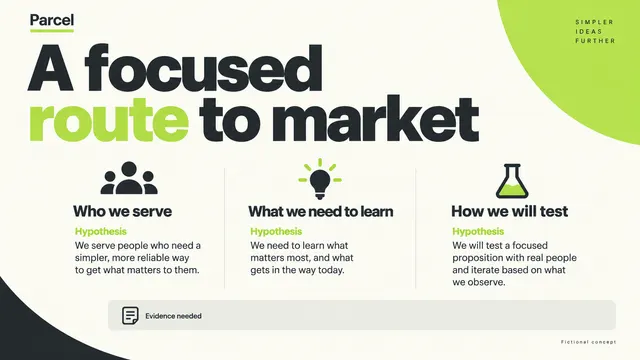
Frame a target segment, customer need, alternatives, route to market and validation plan.

Show issuer, value or offer, recipient message and redemption instructions.
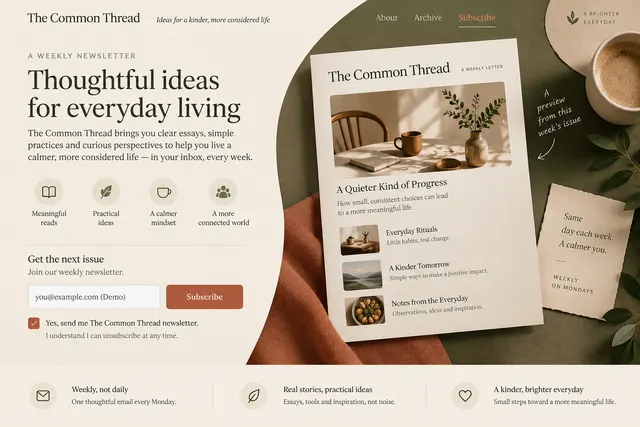
Explain the editorial promise, show an issue sample, frequency and subscribe form.
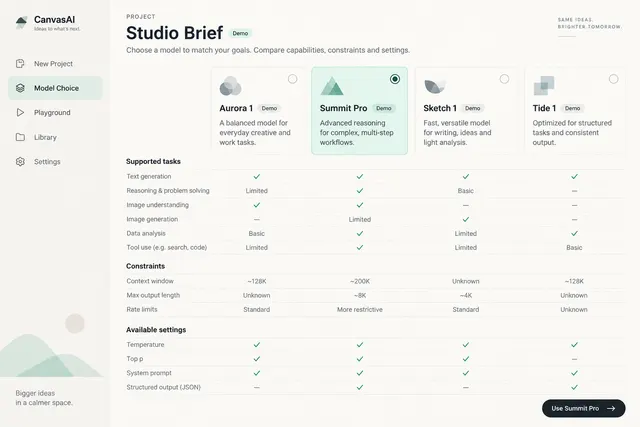
Compare supplied model options by supported tasks, constraints and available settings.
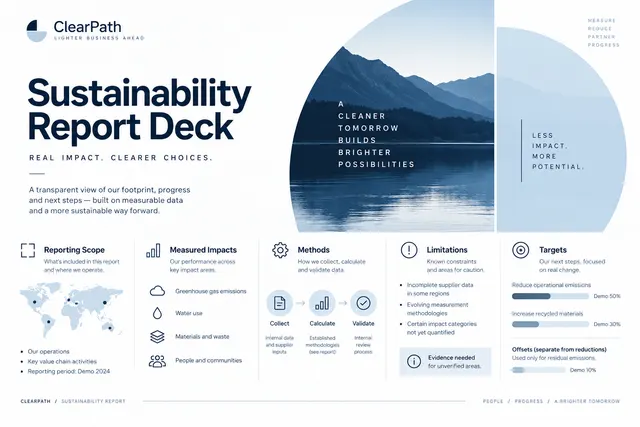
Organize reporting scope, measured impacts, methods, limitations and targets.

Prioritize the role, work mode, location and application destination in a brand-consistent visual.
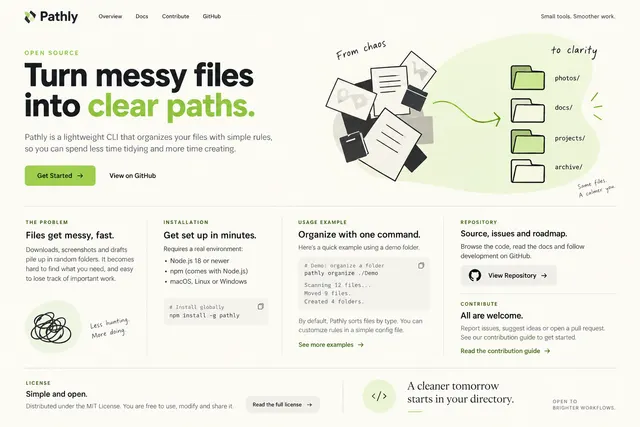
Explain the problem, installation, usage example, repository and contribution paths.
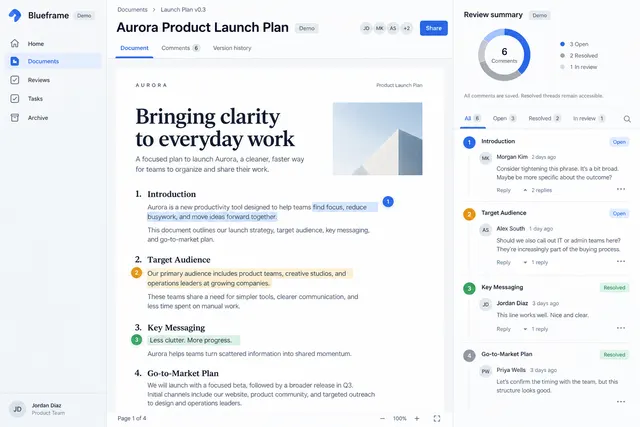
Anchor comments to content, support replies, resolve state and a review summary.
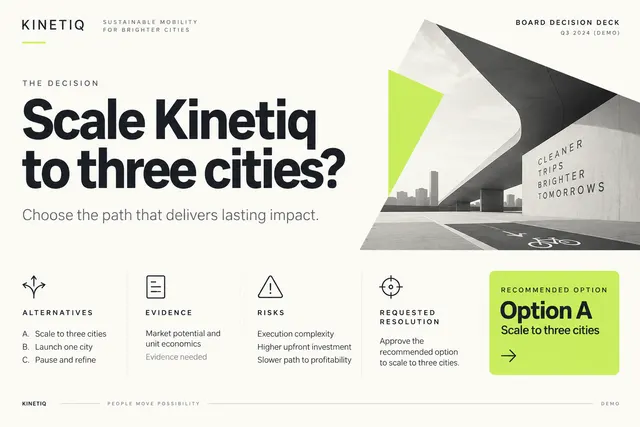
State the decision, alternatives, evidence, risks and the requested resolution.

Communicate the approved offer, eligible products, dates and conditions with clear hierarchy.
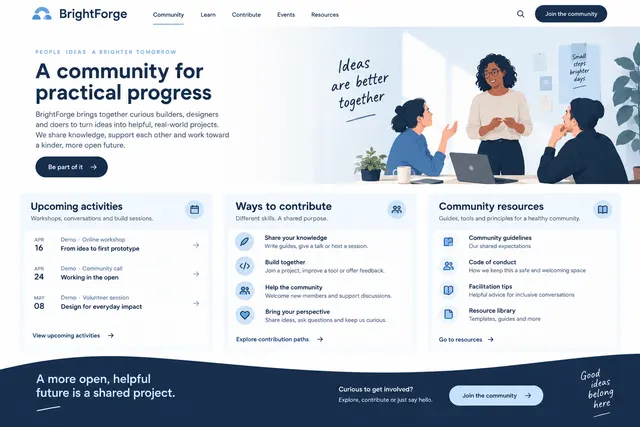
Introduce the community purpose, upcoming activities, contribution paths and conduct resources.
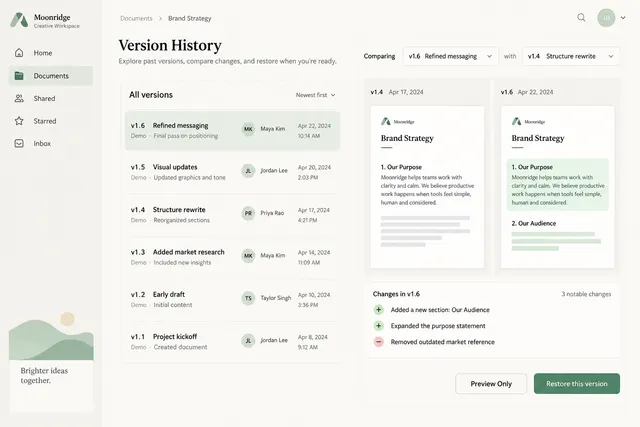
List named versions, authors, timestamps and a comparison view with restore preview.
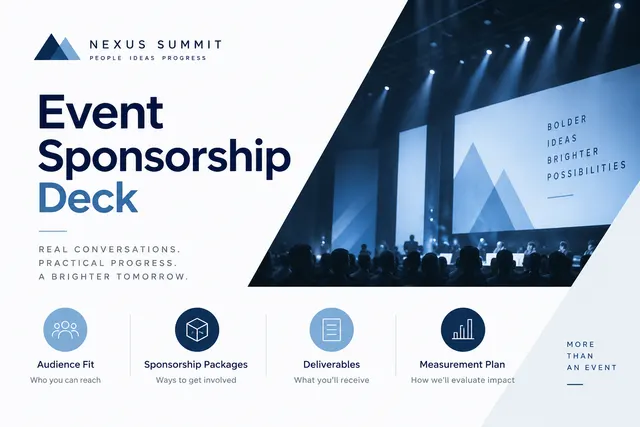
Present audience fit, sponsorship packages, deliverables and measurement plan.
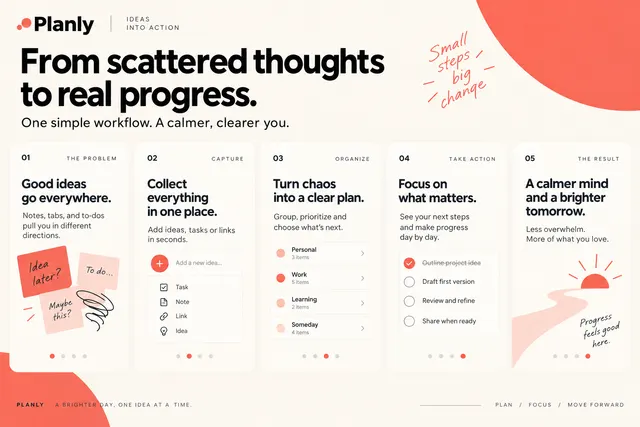
Create a sequence of social cards that explains one workflow from problem to result.
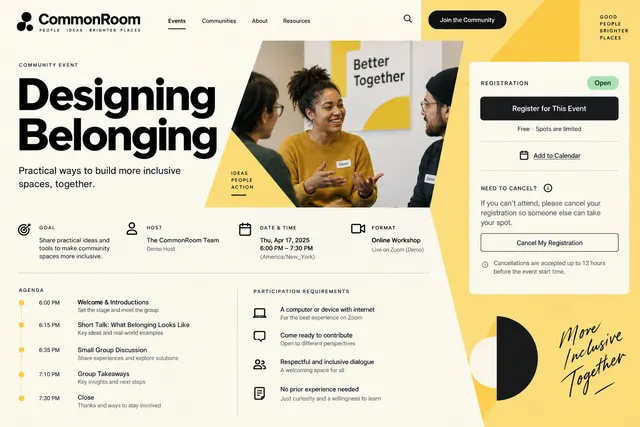
Provide the session goal, host, date, timezone, format, agenda and participation requirements.
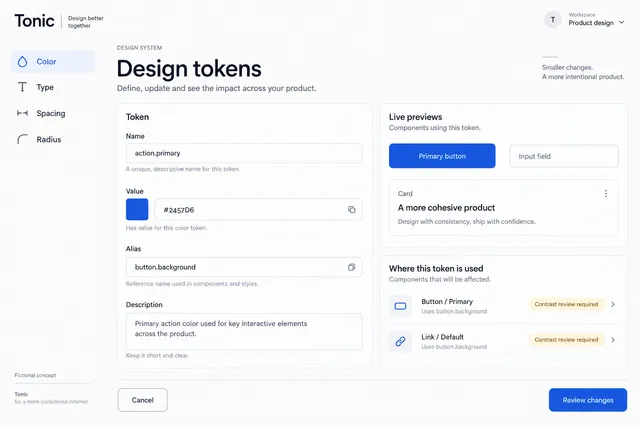
Group color, type, spacing and radius tokens with linked component previews.
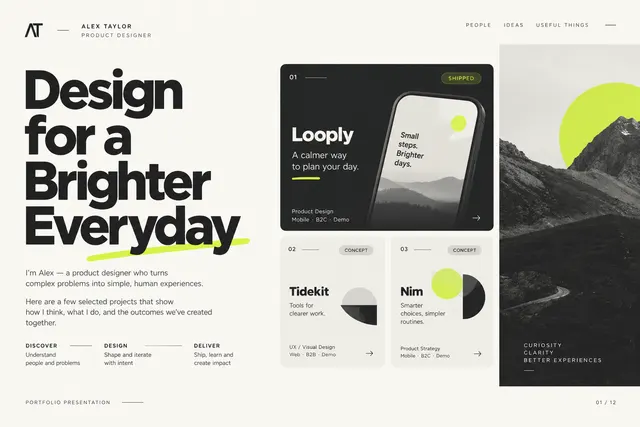
Introduce the designer, select projects, explain roles and connect decisions to outcomes.
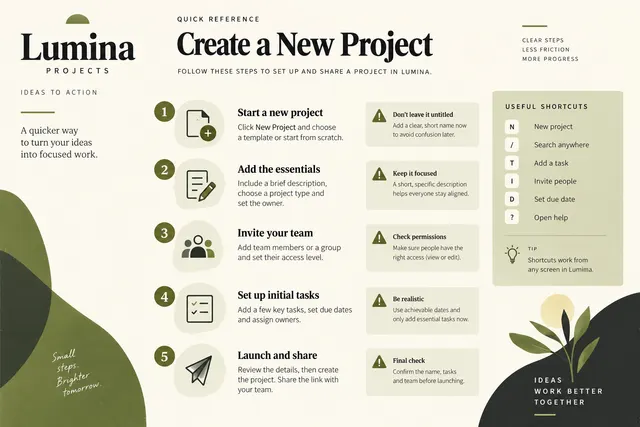
Turn a supplied workflow into a compact printable guide with steps, warnings and shortcuts.
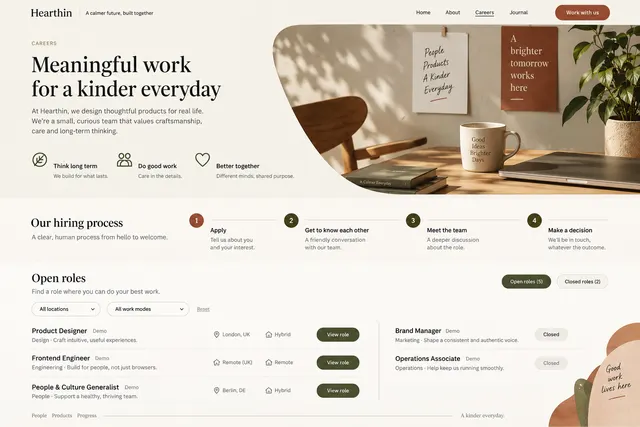
Describe working principles, hiring steps and open roles with location and work-mode filters.
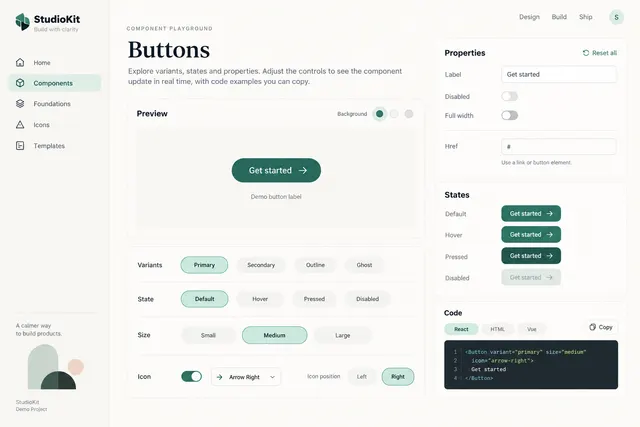
Let users inspect a component's variants, states, properties and code example.
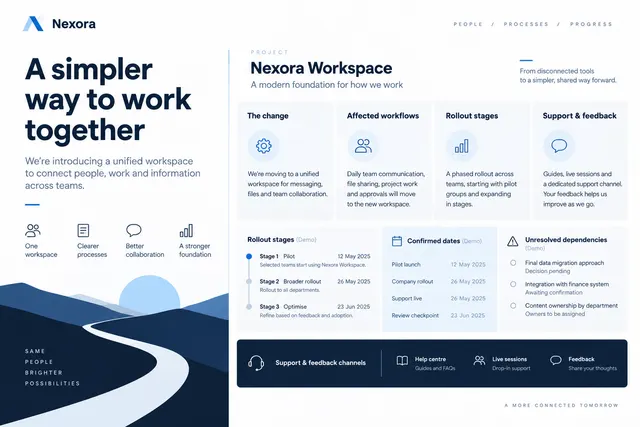
Explain the change, affected workflows, rollout stages, support and feedback channels.
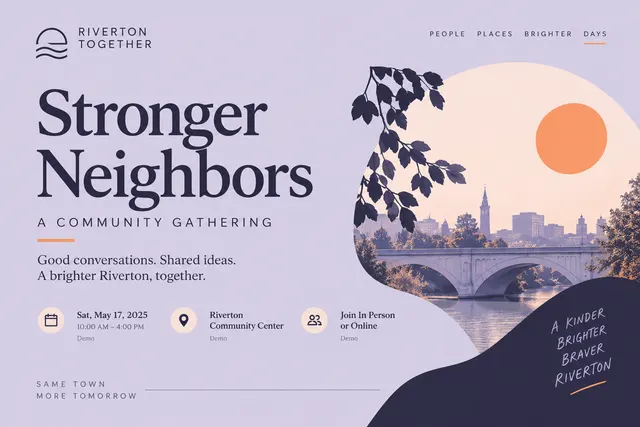
Introduce the community gathering, theme, time and participation mode in a flexible banner.
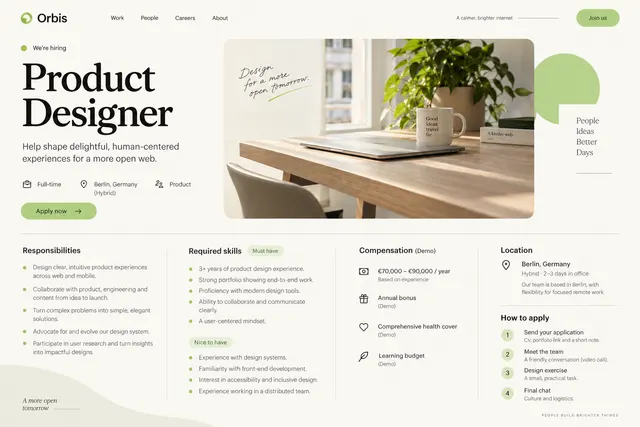
Separate responsibilities, requirements, compensation details, location and application process.
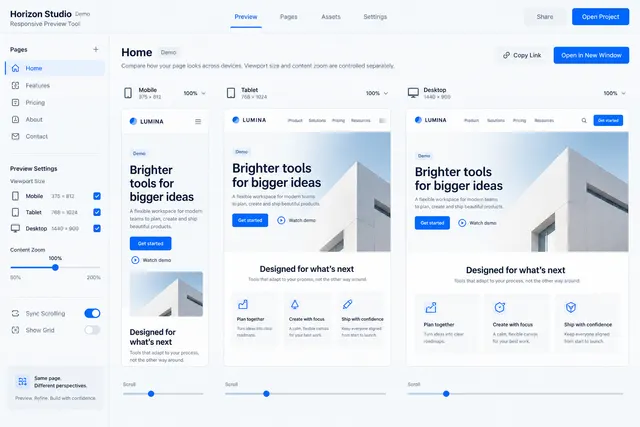
Compare mobile, tablet and desktop layouts with a synchronized page selection.
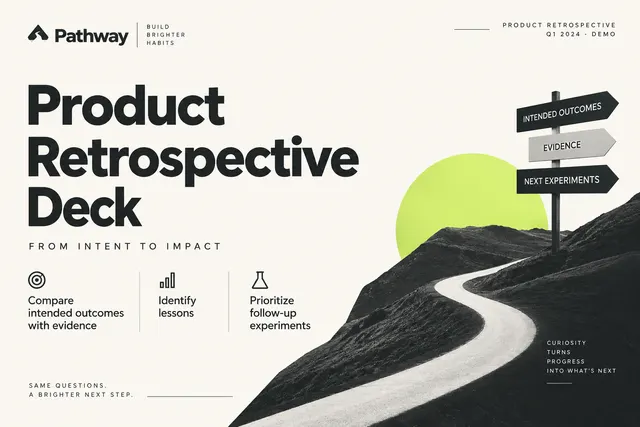
Compare intended outcomes with evidence, identify lessons and prioritize follow-up experiments.

Develop a repeating geometric motif derived from supplied brand shapes and color roles.
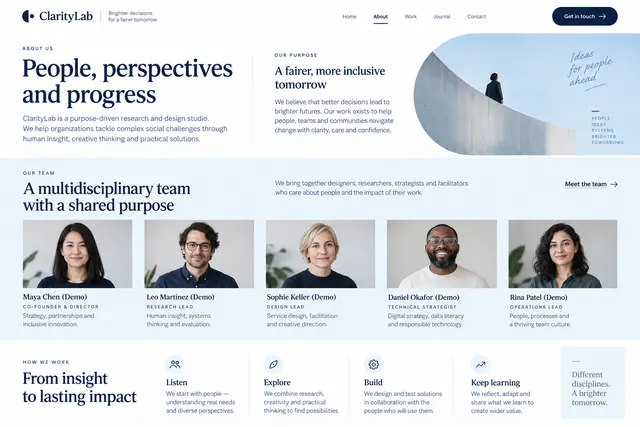
Explain the organization's purpose, people, disciplines and working approach.
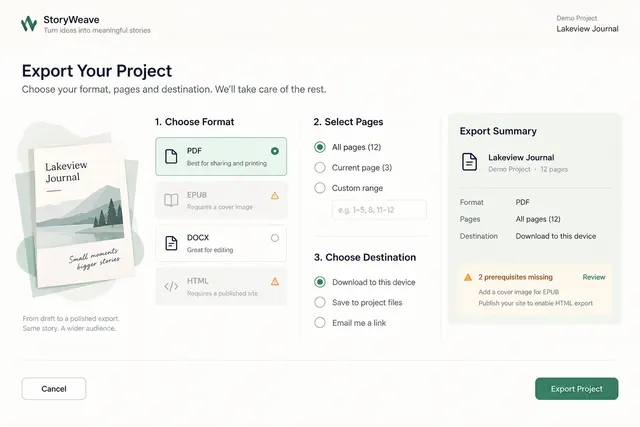
Choose format, dimensions, selected pages and output destination with a review summary.
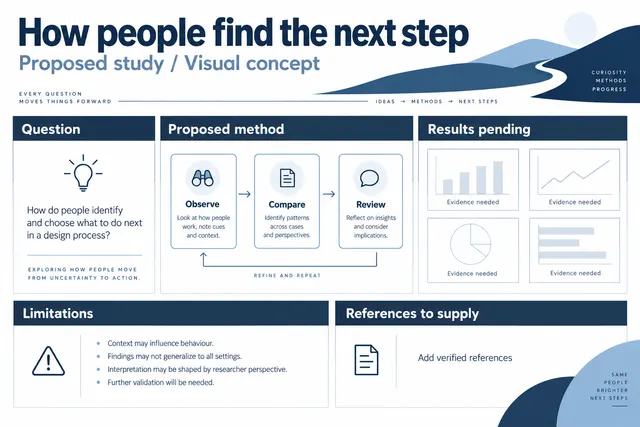
Arrange question, methods, results, limitations and references in a large-format research composition.

Set the talk title, presenter, event and date with a memorable but restrained composition.
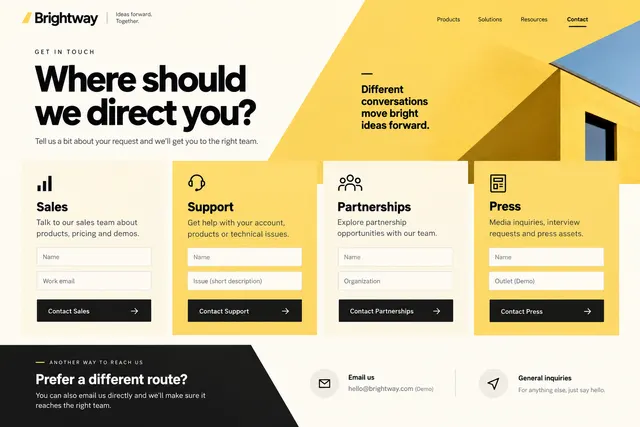
Route visitors to sales, support, partnerships or press with only necessary fields.
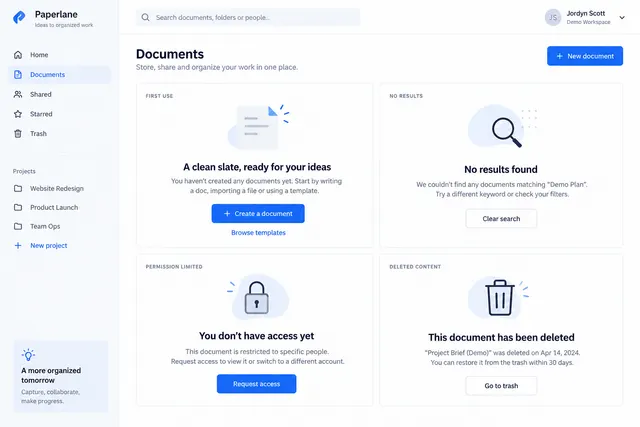
Design first-use, no-results, permission-limited and deleted-content states.
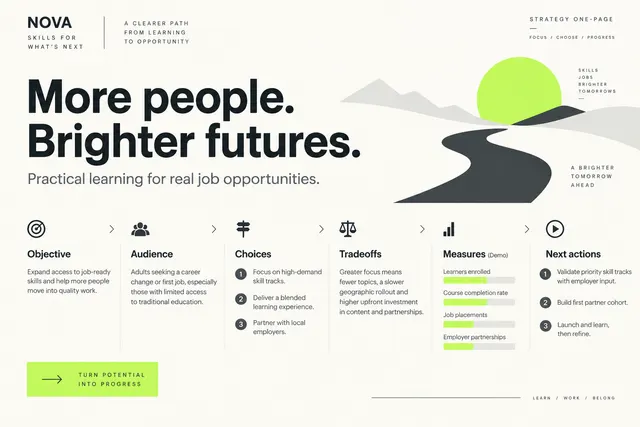
Connect the objective, audience, choices, tradeoffs, measures and next actions on one canvas.
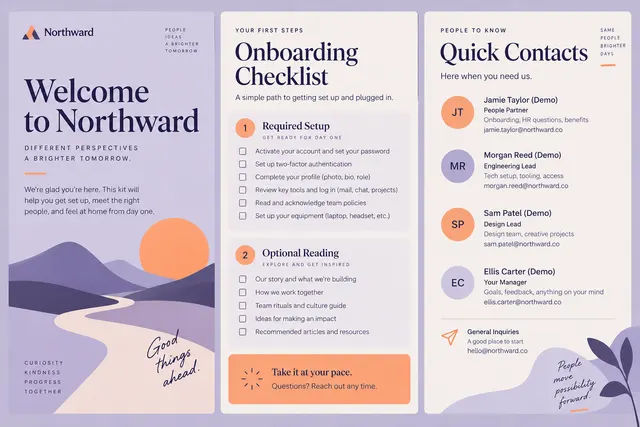
Create a coordinated welcome cover, checklist and quick-contact sheet for a new team member.
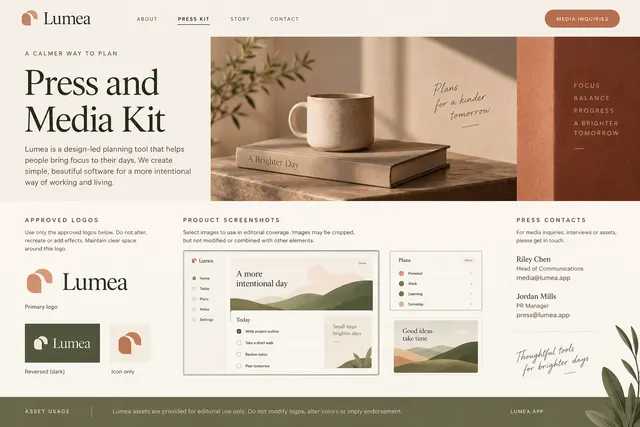
Offer a short factual company description, approved logos, screenshots and press contacts.
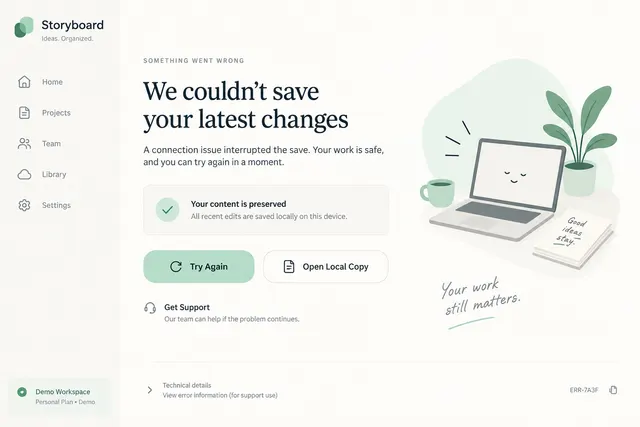
Explain what failed, what was preserved and the available retry or support actions.
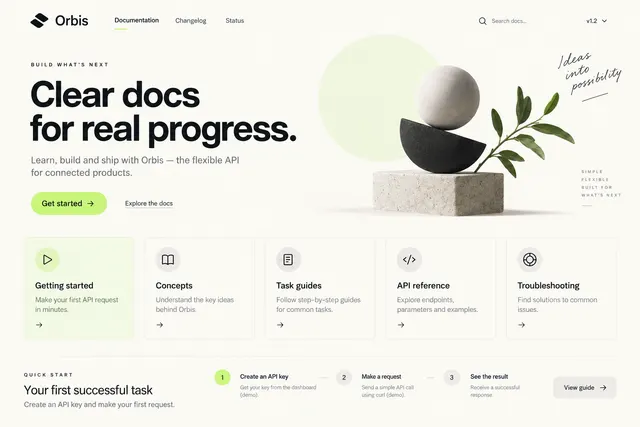
Organize getting started, concepts, task guides, API reference and troubleshooting.
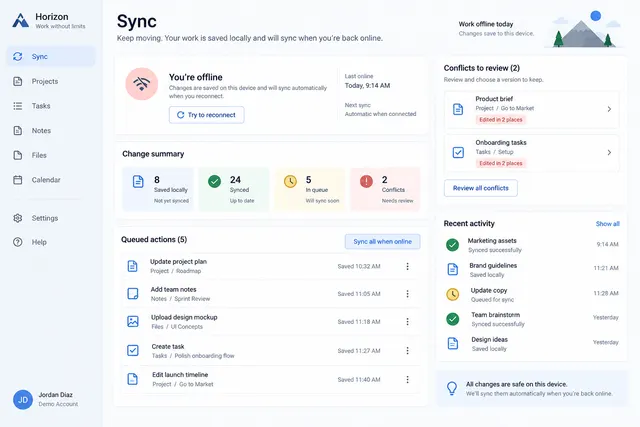
Show local changes, connection state, queued actions and conflict review.
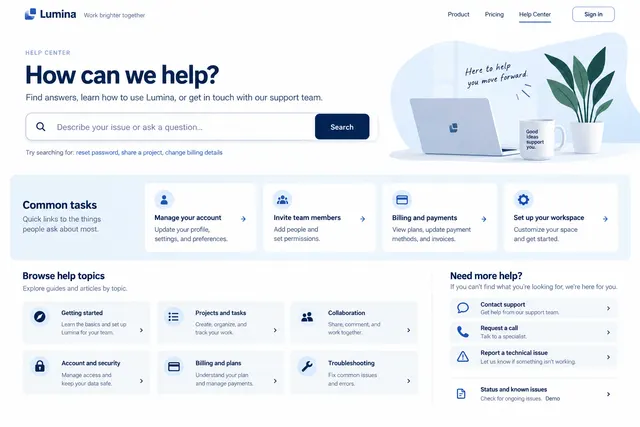
Provide issue-oriented search, common tasks, topic groups and escalation paths.
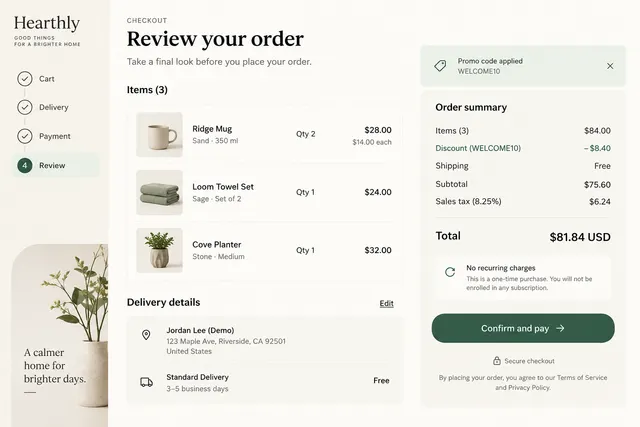
Summarize items, quantities, delivery details, discounts and final cost before confirmation.
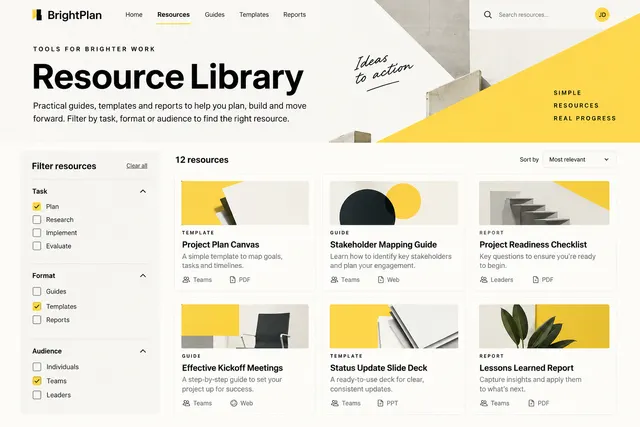
Filter guides, templates and reports by task, format and audience with useful summaries.
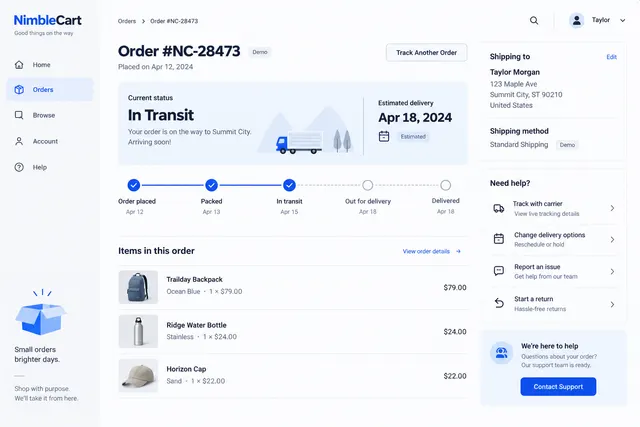
Present order status, item details, shipment steps and support paths.
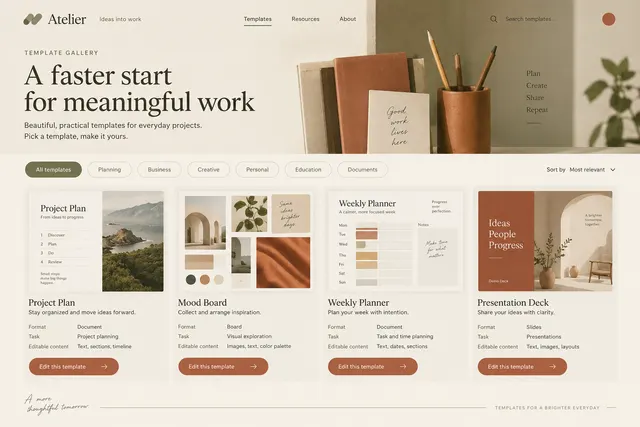
Present preview-led templates with format, intended task and editable content requirements.
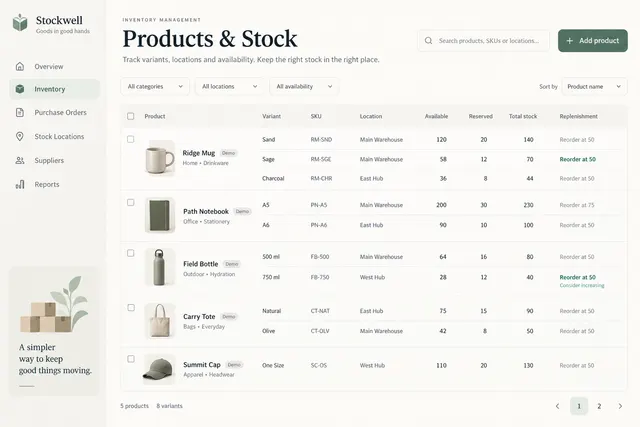
Show product variants, stock locations, availability and replenishment notes.
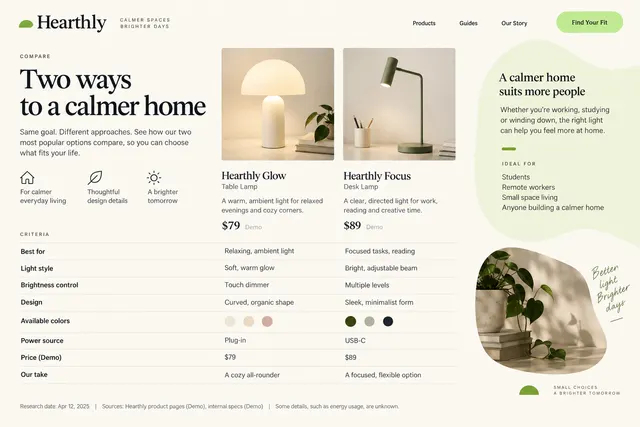
Compare two choices against declared criteria, sources and a clear intended audience.
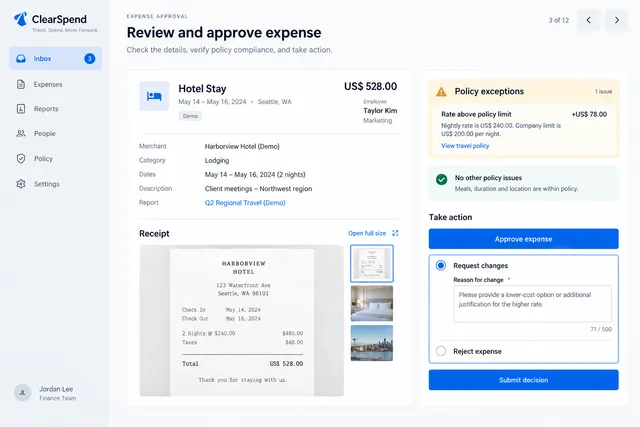
Review amount, receipt, policy exceptions and approve/request-change actions.
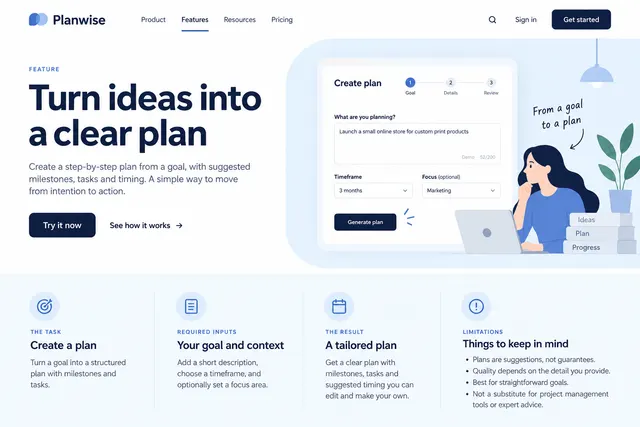
Explain one capability through a task, required inputs, result and limitations.
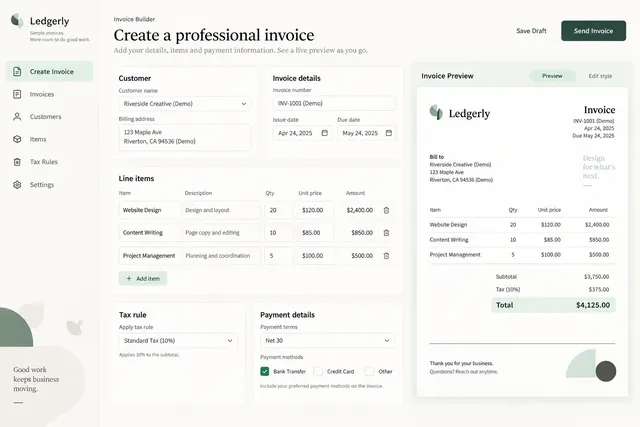
Create line items, quantities, tax rules, payment details and a readable document preview.
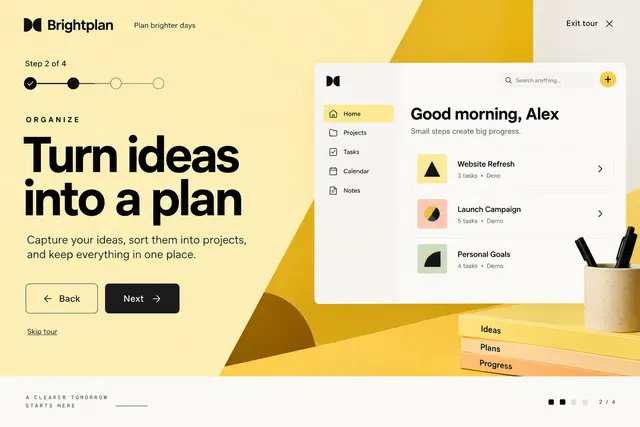
Guide visitors through a short labeled product story with next and back controls.
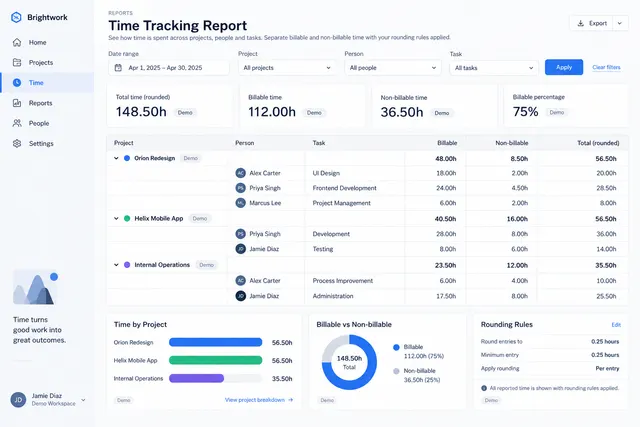
Show logged time by project, person and task with editable date filters.
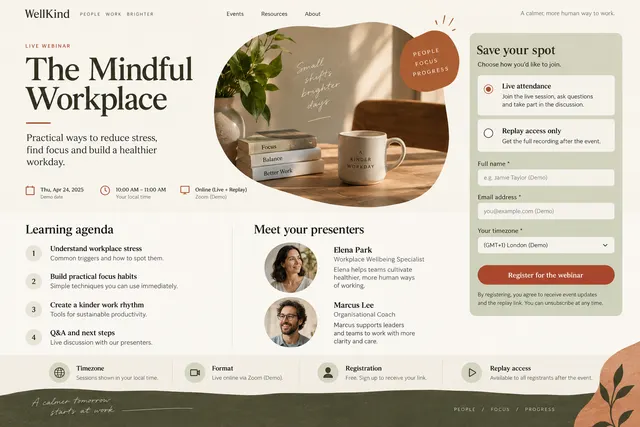
Show the learning agenda, presenters, timezone, format and registration requirements.
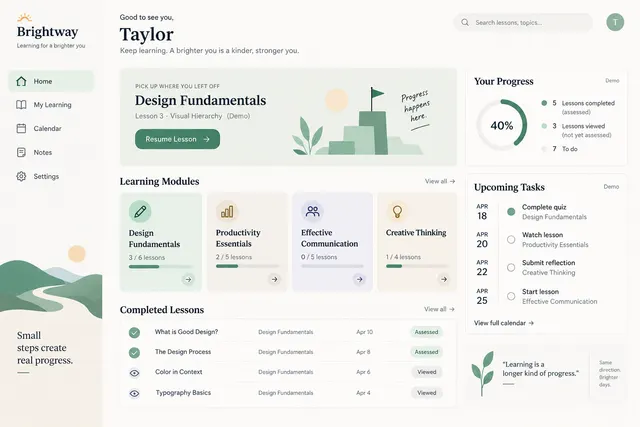
Present modules, completed lessons, upcoming tasks and resume points.
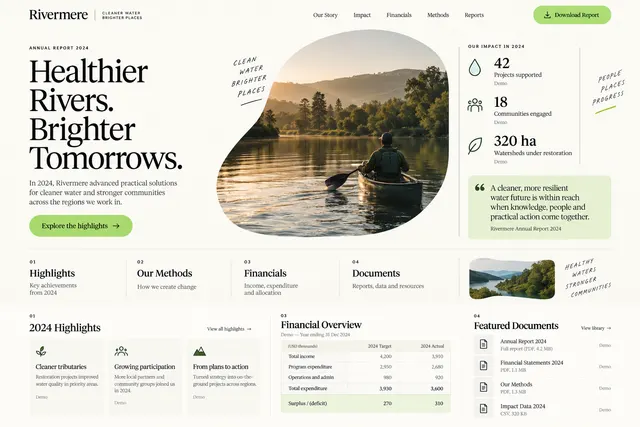
Create a readable narrative around approved highlights, methods, financial tables and source documents.
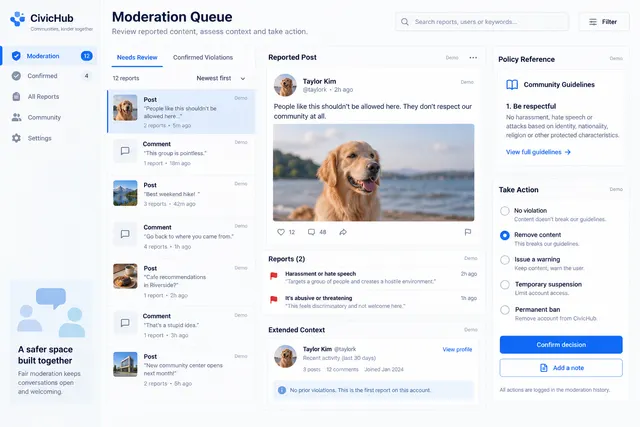
Review reported content, context, policy references and decision options.
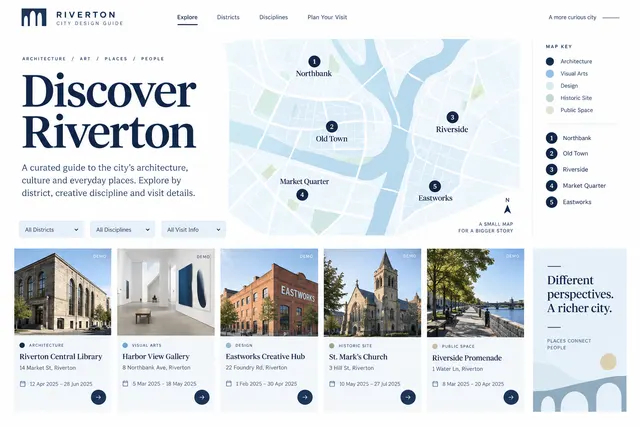
Organize selected places by district, discipline and visit information with an editorial map key.
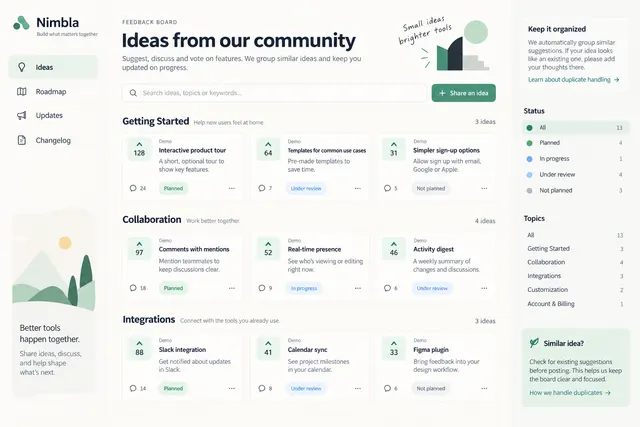
Group suggestions by topic, status and feedback with duplicate handling.
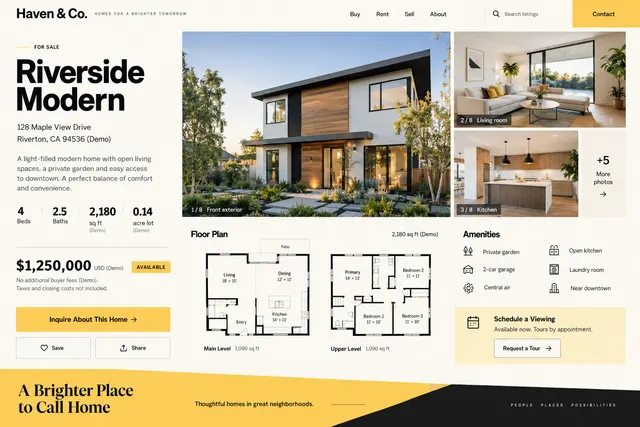
Show a single listing with photographs, floor plan, dimensions, amenities and inquiry route.
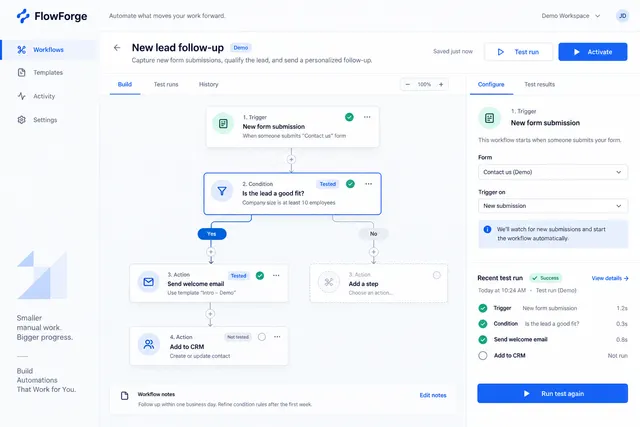
Connect a trigger, conditions and actions with configuration and test results.
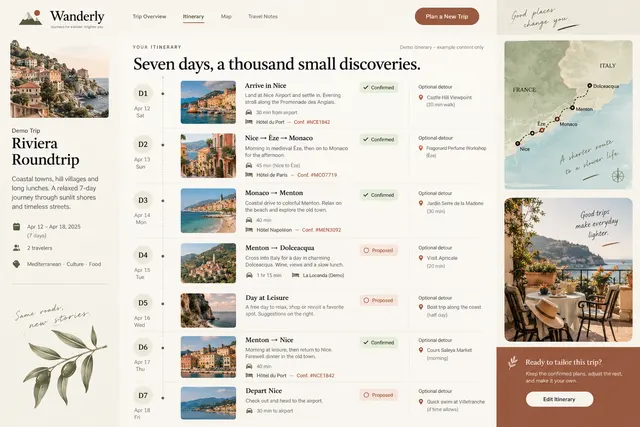
Present day-by-day stops, travel time assumptions, booking references and optional detours.
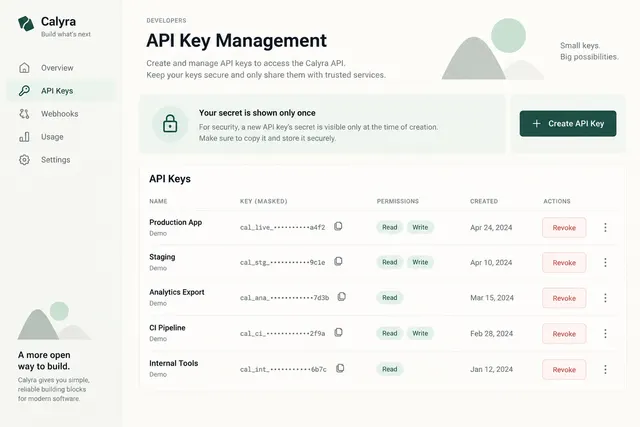
List named keys, permissions, creation dates and revoke actions.
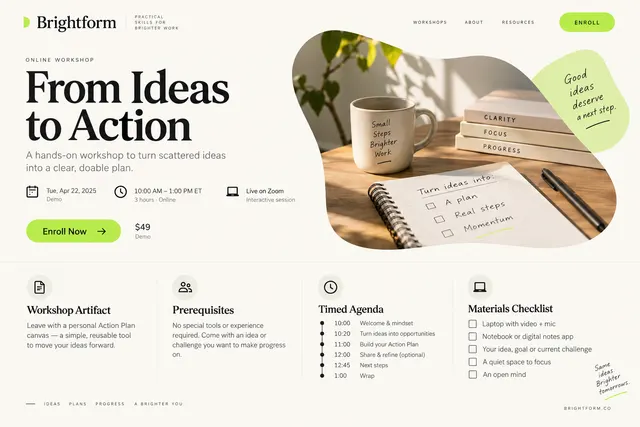
Explain the workshop artifact, prerequisites, timed agenda and materials checklist.
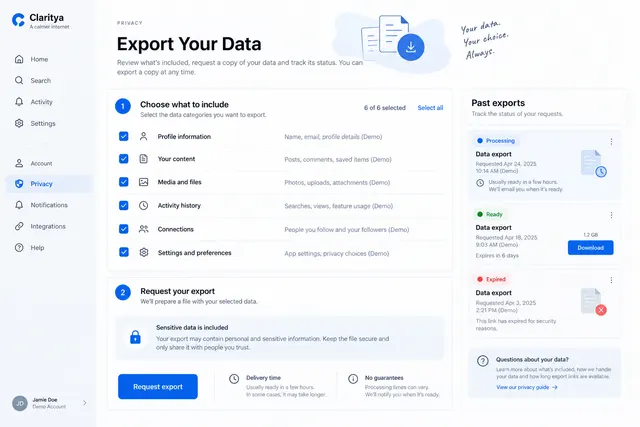
Let users review export scope, request a file and see pending/ready/expired states.
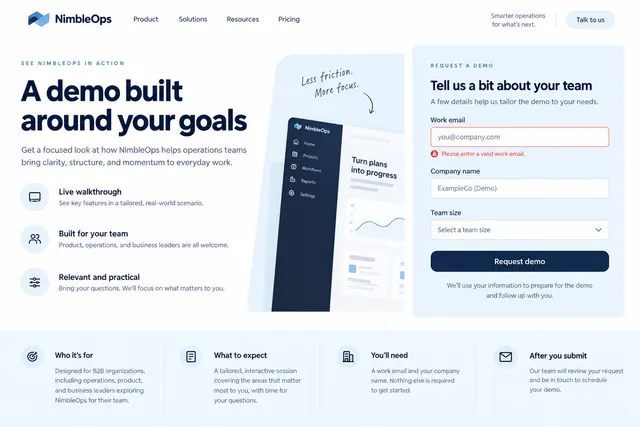
Explain the demo scope, intended audience, required company details and expected follow-up.
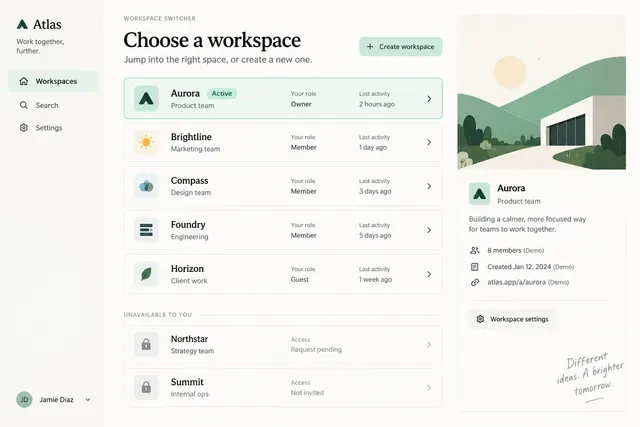
List available workspaces with role, recent activity and creation/join paths.
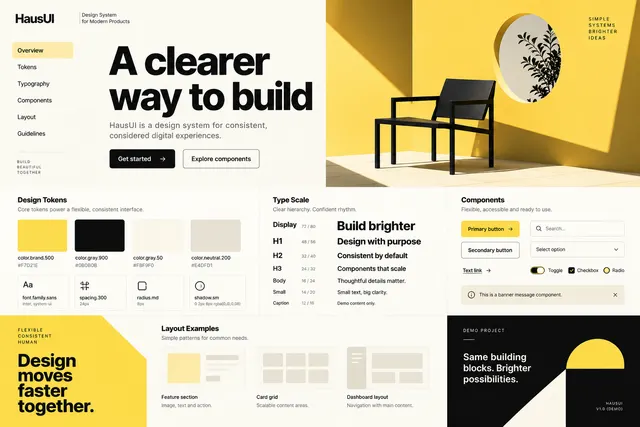
Demonstrate tokens, type scale, components and layout examples from an existing design system.
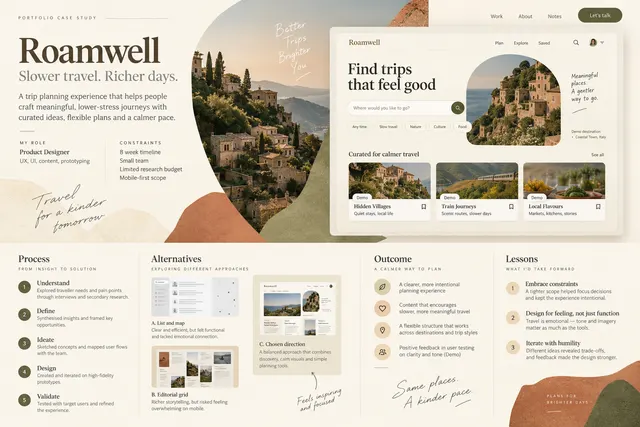
Show role, constraints, process, alternatives, outcome and lessons with annotated visuals.
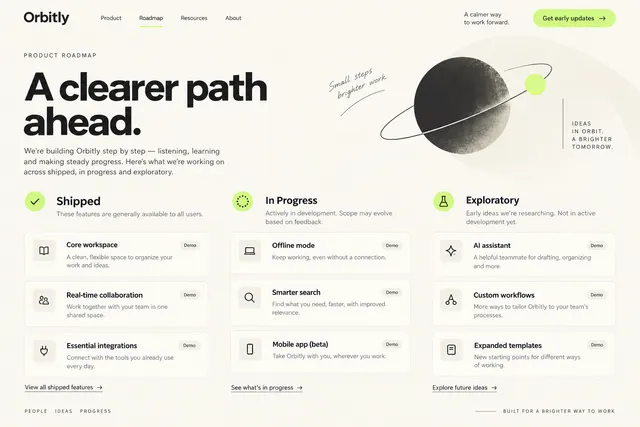
Separate shipped, in-progress and exploratory items with status explanations.
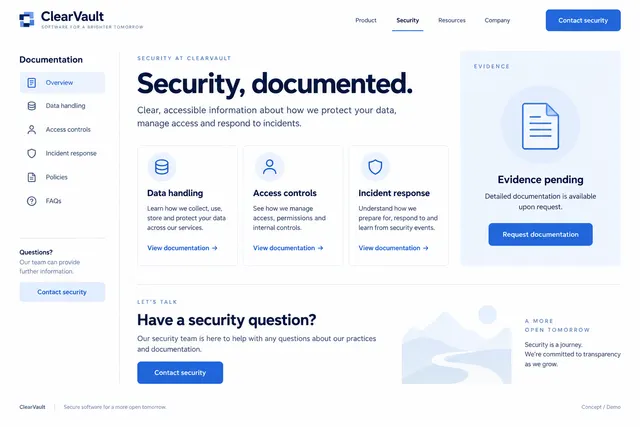
Organize documented controls, data handling, compliance evidence and contact paths.
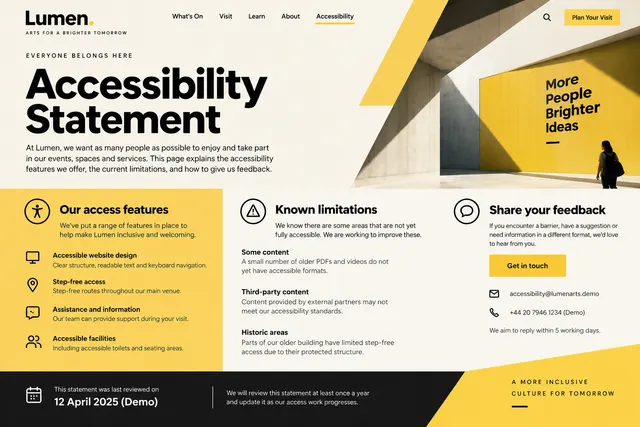
Present known access features, limitations, feedback contact and review date.
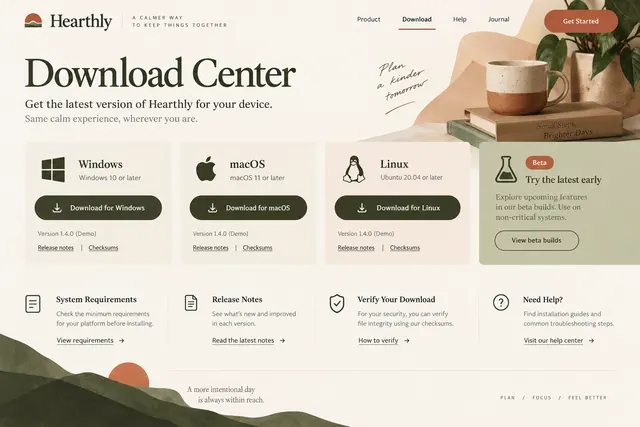
Offer platform-specific installers, versions, system requirements and release notes.
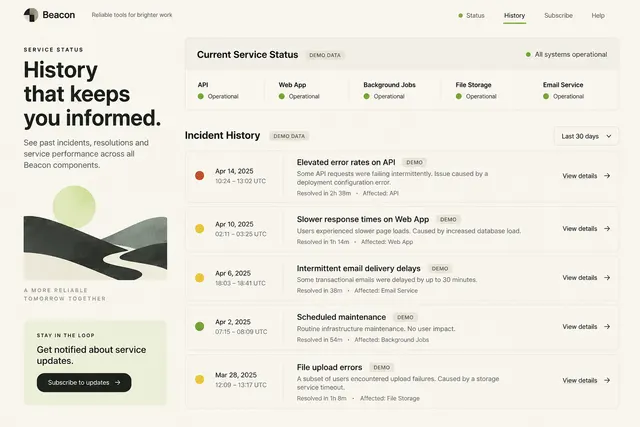
Show service components, incident summaries, timestamps and resolution history.
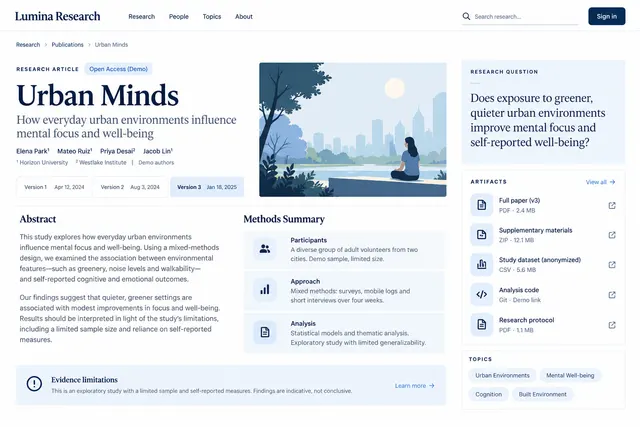
Present the research question, authors, abstract, methods summary and linked artifacts.

Organize a creator's current work, contact and selected destinations into a concise mobile-first page.
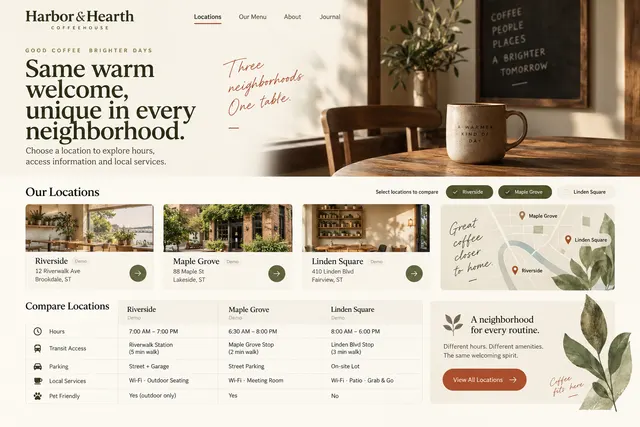
Let visitors choose a location and compare hours, access information and local services.
Try a broader task or remove a style filter.
PROMPT COLLECTION
Connect a few prompts around the thing you actually need to make.
Create the portfolio homepage, develop a case study, present the work and add an optional motion treatment.
Connect account setup, sign-in recovery, team invitations and useful first-use states.
A connected set of briefs for the page, presentation and announcement around your next release.
OpenDesign
Bring the prompt and reference image into OpenDesign. Add your content, build the first version and refine the details.