
17 Claude Code & Codex skills for design.
Skills the agent loads mid-task — copywriting, color theory, creative direction, brainstorming. There’s no static demo because the outcome depends on your input, so each detail page reads like a brief: title, description, triggers, attribution.
- 001
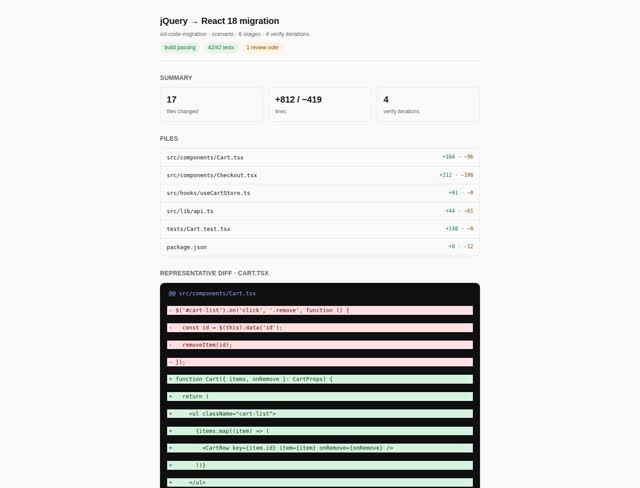 Code migration (default scenario) Default reference pipeline for the code-migration taskKind, with patch-edit ↔ build-test devloop and diff-review handoff.
 - 002
 Contribute Plugin to OpenDesign Opens a pull request that adds a local OpenDesign plugin to the OpenDesign community catalog using the GitHub CLI.
 - 003
 Default design router Hidden fallback scenario for free-form Home prompts. It infers the task type and asks only when the brief cannot be routed reliably.
 - 004
 Design Brief Parse a structured design brief written in I-Lang protocol format into a concrete design spec. Eliminates ambiguity from vague requests like "make it professional" by requiring explicit dimensions: palette, typography, layout, mood, density, and constraints. Trigger keywords: "design brief", "create a design brief", "ilang brief", "structured brief".
 - 005
 Design refine Baseline Refine plugin for improving an existing OpenDesign artifact with a focused critique, small patch, and handoff summary.
 - 006
 Export to Next.js Starter downstream export plugin for turning an accepted OpenDesign artifact into a Next.js App Router handoff.
 - 007
 Export to React Starter downstream export plugin for turning an accepted OpenDesign artifact into a React component handoff.
 - 008
 Export to Vue Starter downstream export plugin for turning an accepted OpenDesign artifact into a Vue 3 single-file component handoff.
 - 009
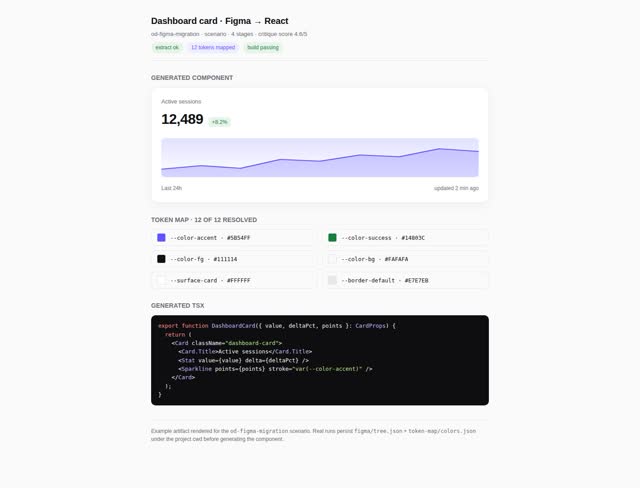 Figma migration (default scenario) Default reference pipeline for the figma-migration taskKind.
 - 010
 Media generation (default scenario) Default scenario plugin for image, video, and audio projects. Routes through the media-* atoms based on the project kind and wraps the result in a live artifact.
 - 011
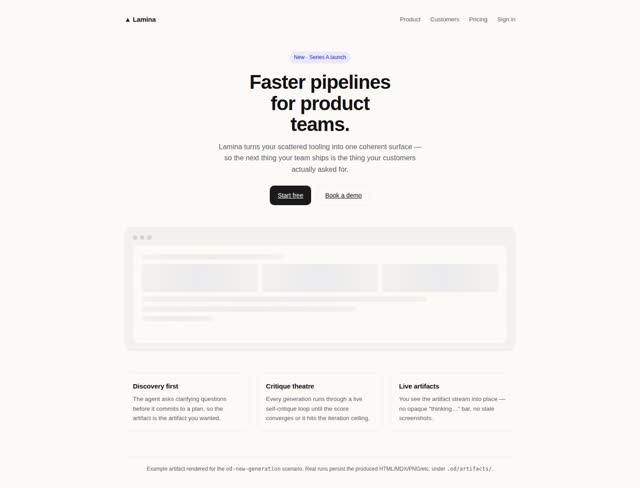 New generation (default scenario) Default reference pipeline for the new-generation taskKind.
 - 012
 OD Next Strategy V2 Bundled, inactive OD Next planning and Build strategy content.
 - 013
 Plugin authoring Guided scenario for creating a local OpenDesign plugin folder that can be added to My plugins.
 - 014
 Pptx Html Fidelity Audit Audit a python-pptx export against its source HTML deck, identify layout/content drift (footer overflow, cropped content, missing italic/em, lost styling, off-rhythm spacing), and re-export with strict footer-rail + cursor-flow layout discipline. Use this skill whenever the user has a .pptx that was generated from an HTML slide deck and asks to compare/audit/verify/fix the export — including phrases like "compare ppt with html", "fidelity audit", "fix the pptx", "ppt is cut off", "footer overlap", "italic missing in pptx", "re-export the deck", "pptx-html-fidelity-audit", or any case where a python-pptx → HTML round-trip needs verification or repair. Also trigger when the user shows you a deck.html and a deck.pptx side by side and is debugging visual differences.
 - 015
 Publish Plugin to GitHub Creates a public GitHub repository for a local OpenDesign plugin using the GitHub CLI.
 - 016
 Share to community Package the work the user just finished into an OpenDesign plugin and route them to the existing Add-to-My-plugins / Open-Design-PR buttons. Triggered by the post-completion 'Share to OpenDesign' submission action.
 - 017
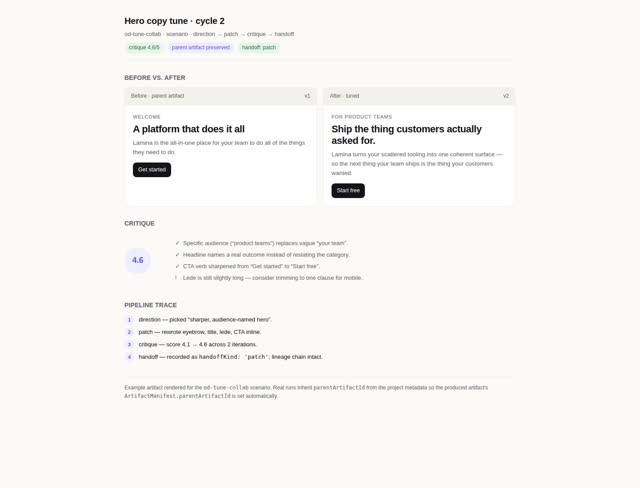 Tune & collaborate (default scenario) Default reference pipeline for the tune-collab taskKind.