Websites
Careers Website Design
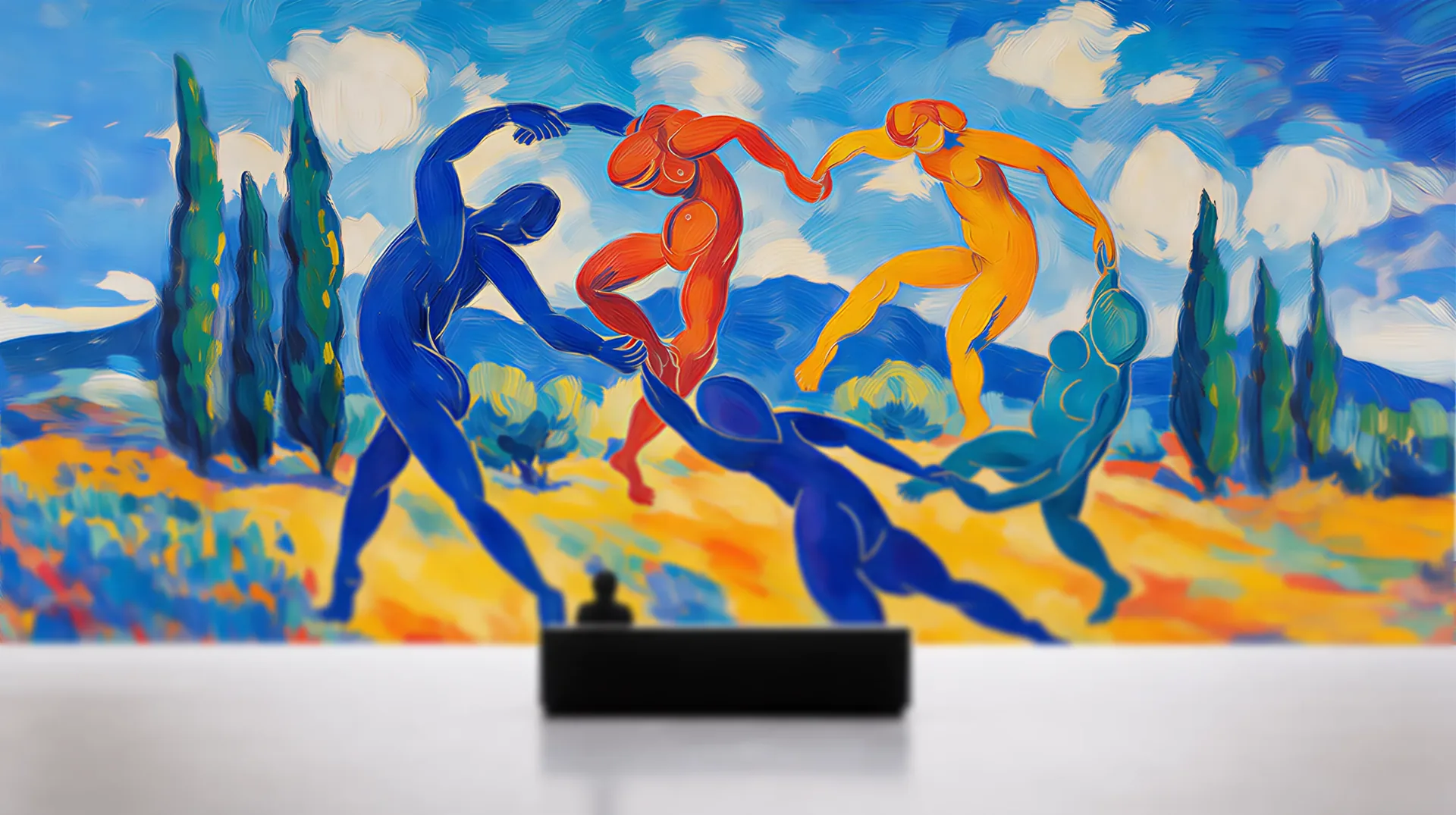
Kimi Careers by OpenDesign
A careers page told through eight lunar scenes, with scroll-linked transitions and an illustrated four-stop application process.
 Hackathon example


The design case study library
Eighteen AI design examples generated with OpenDesign and shipped as real code, slides or an app prototype. Each one states the brief, the model and the layout decisions, then ends with a prompt you can reuse.
18 case studies · two series · 10 models
Case Studies
Filter by output type, purpose, series or the model that generated it.
Websites
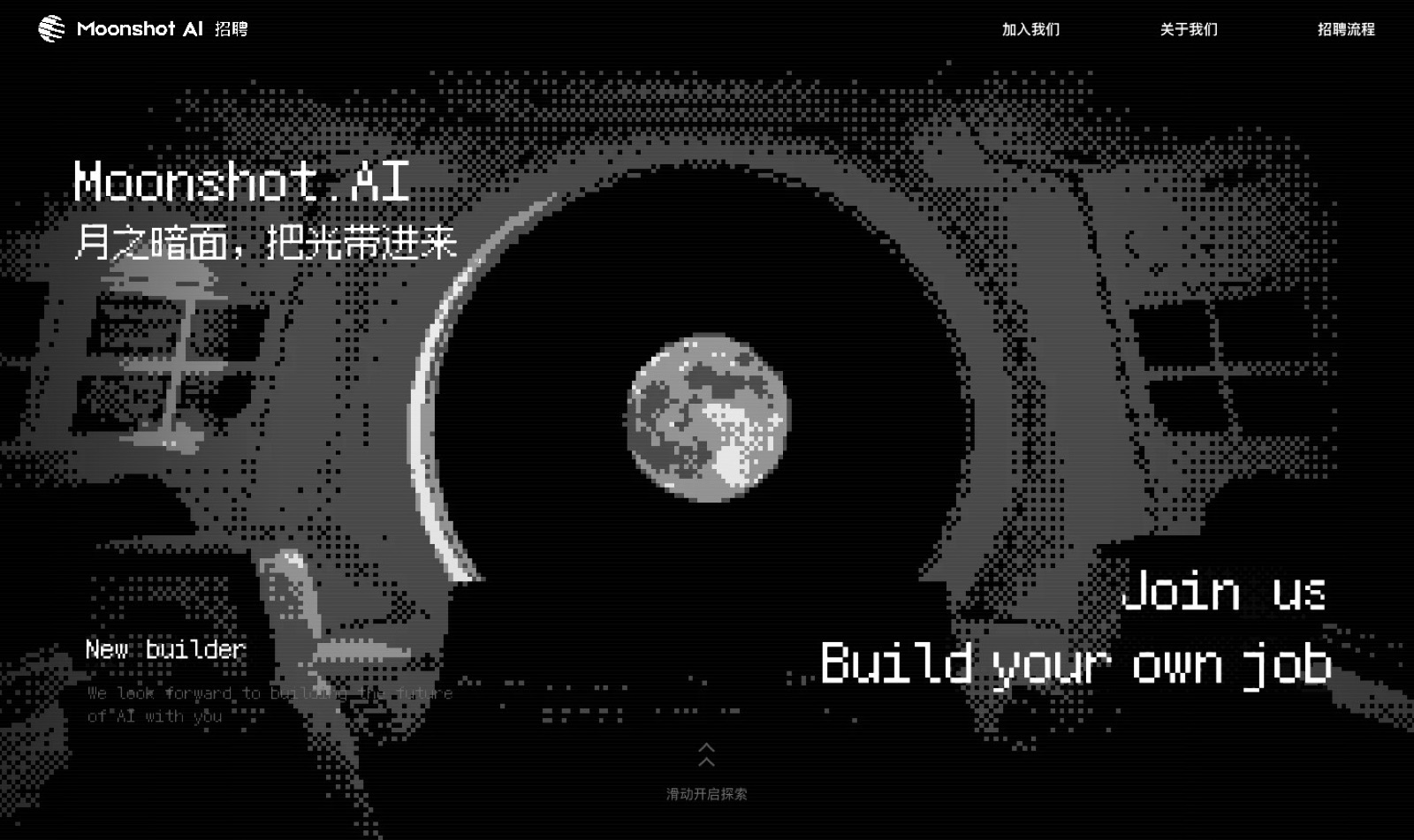
Kimi Careers by OpenDesign
A careers page told through eight lunar scenes, with scroll-linked transitions and an illustrated four-stop application process.
Hackathon example
Websites
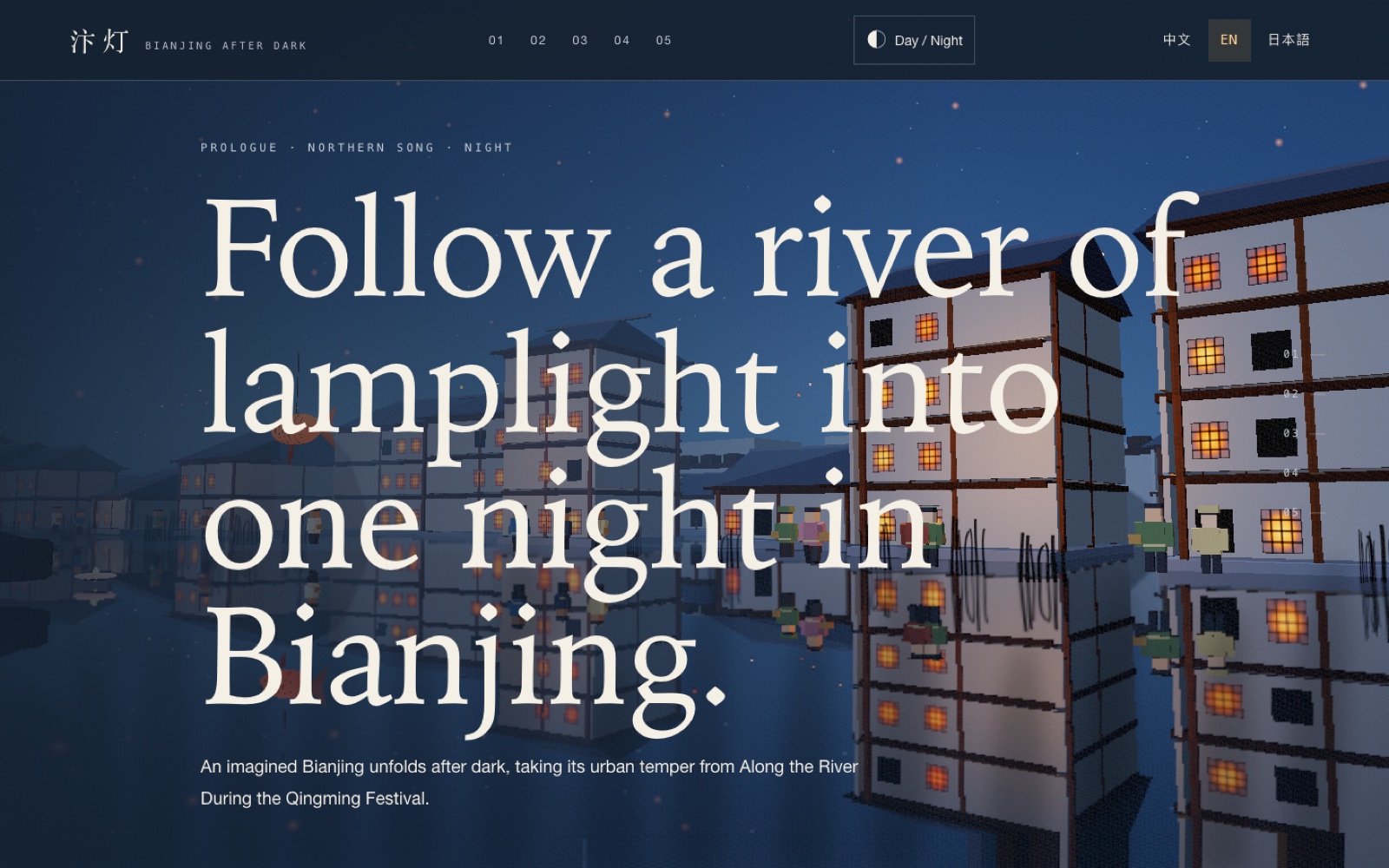
Bianjing After Dark by OpenDesign
An interactive night journey through an imagined Song-era Bianjing, combining a persistent river city, poetry, lanterns and multilingual chapter pacing.
 LLM Arena · GPT 6 Sol
Websites
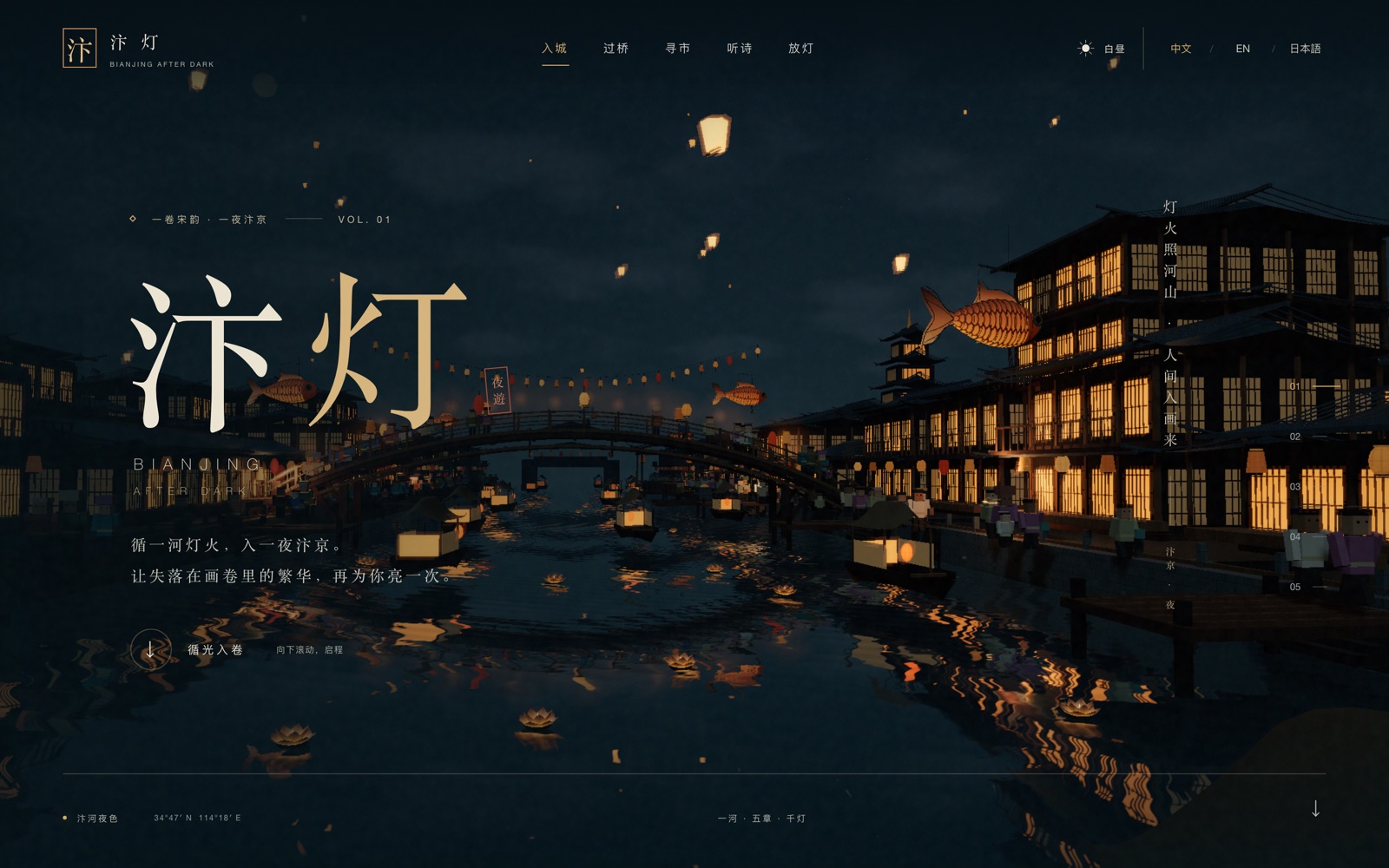
Bianjing After Dark by OpenDesign
Follow a lantern-lit river through five chapters of Bianjing After Dark, from the city gate and night market to poetry and a lantern release.
 LLM Arena · Claude Opus 5.5
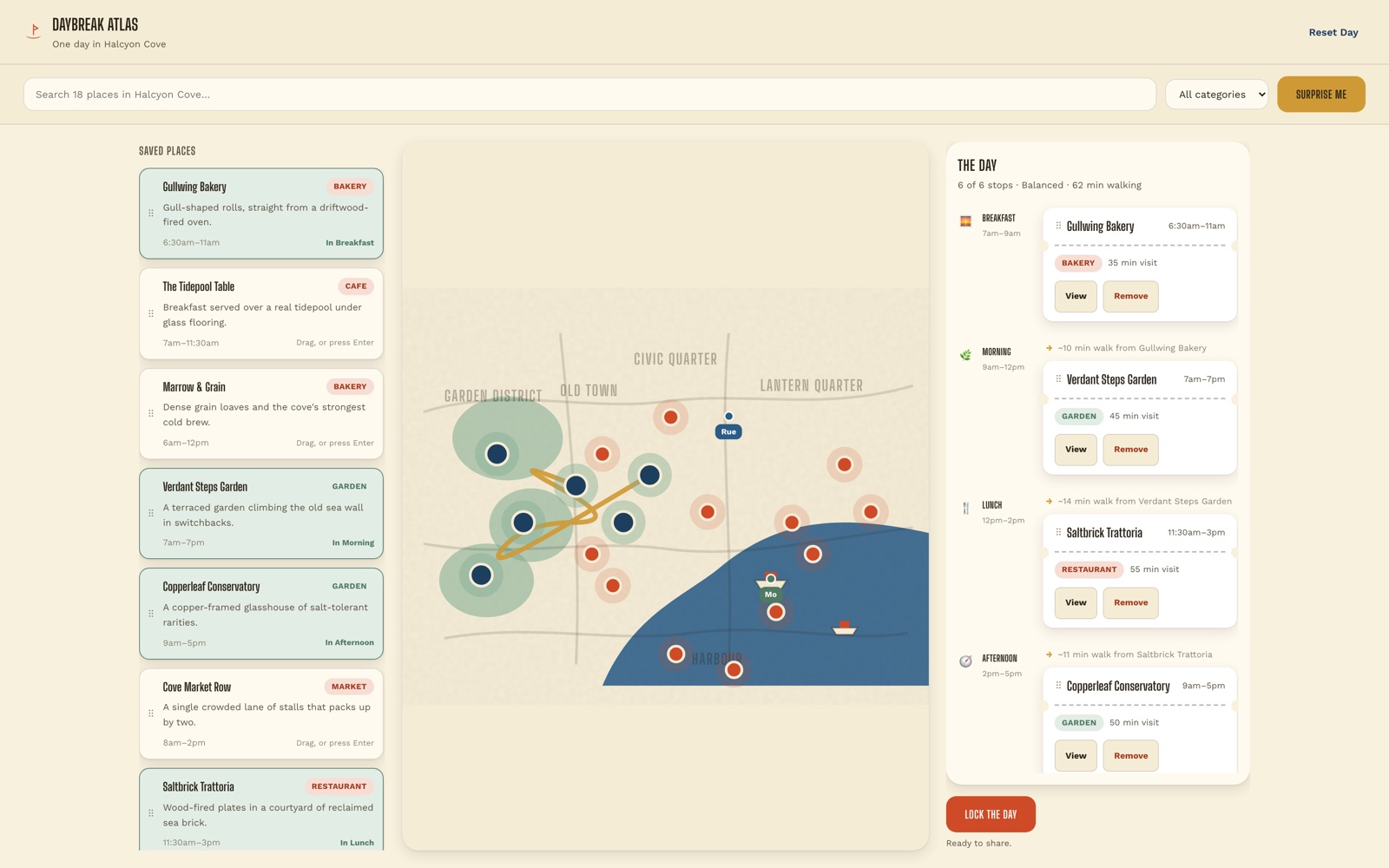
Dashboards
Halcyon Cove by OpenDesign
Build a six-stop day in Halcyon Cove: link saved places, map locations and walking time on one dashboard.
LLM Arena · Claude Opus 5
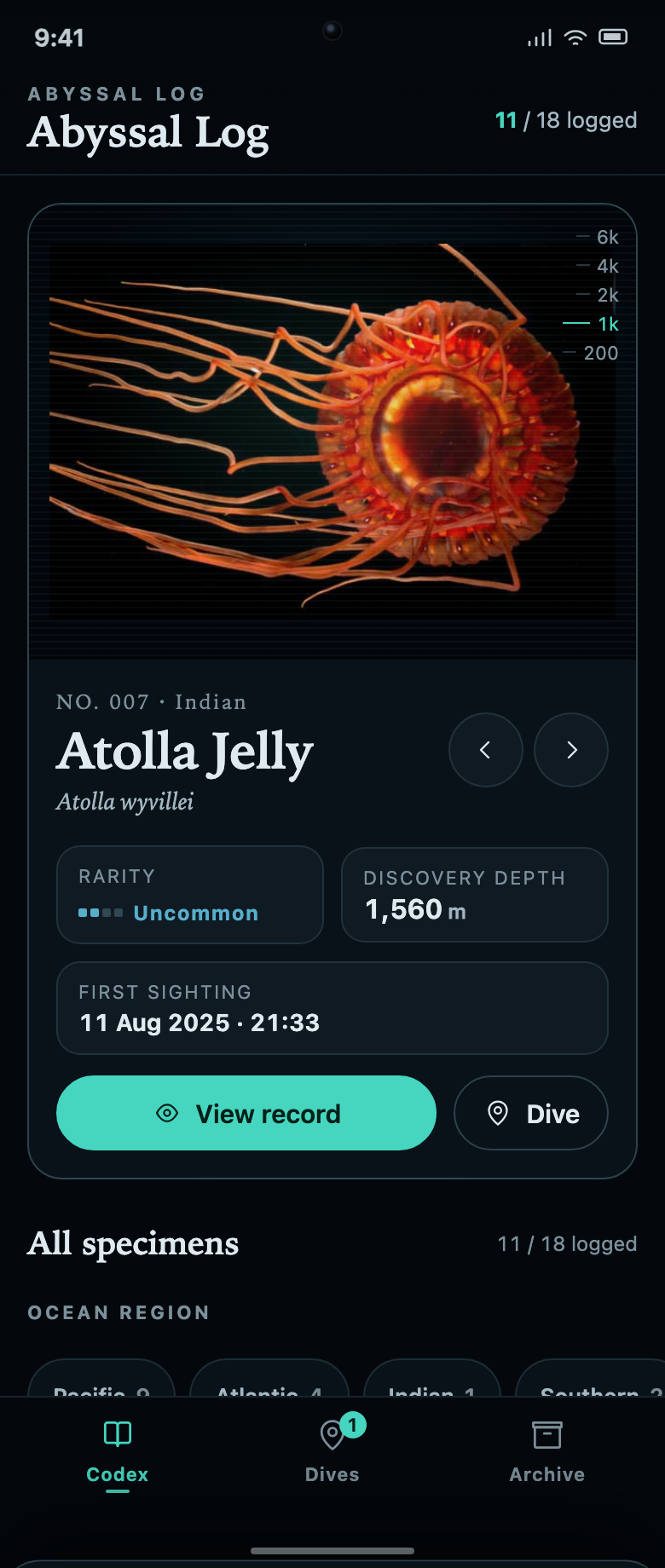
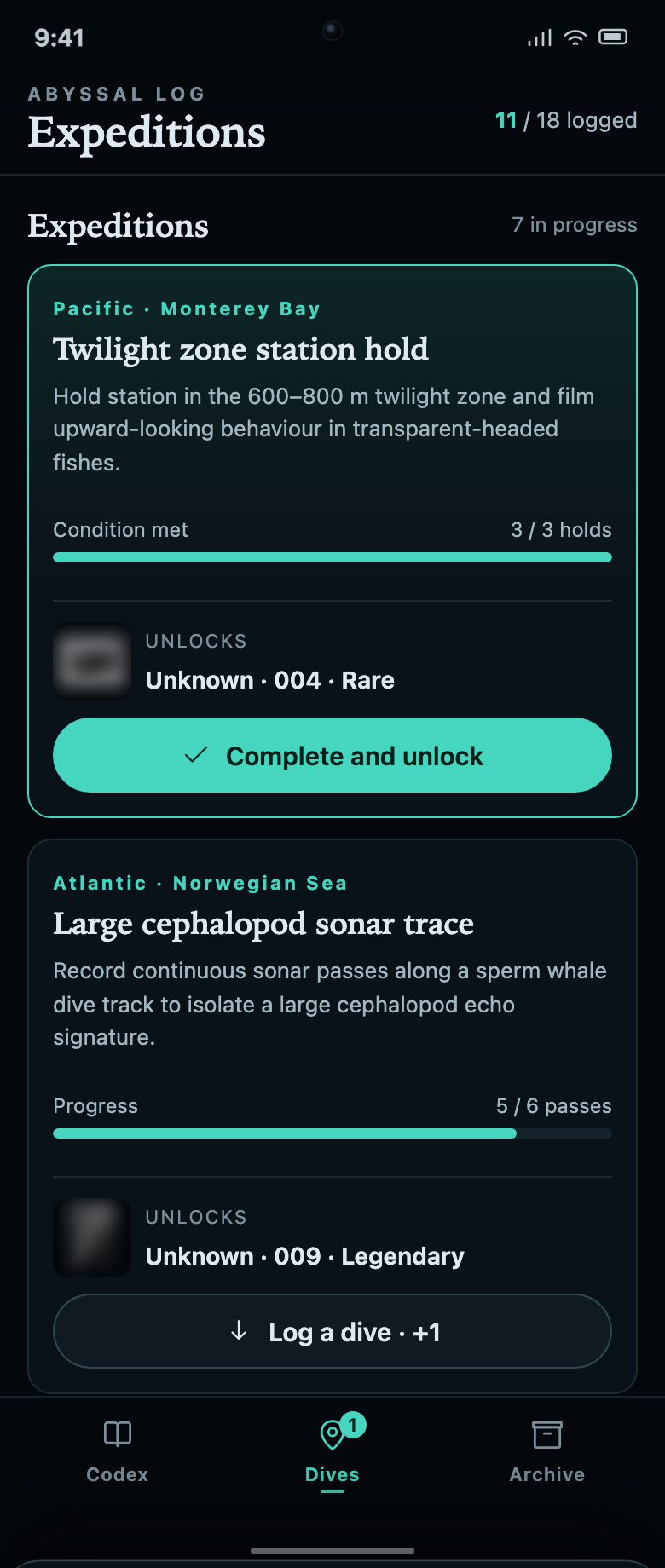
Apps
Abyssal Log by OpenDesign
A marine specimen collection connected to dive missions. Each unknown record explains the task and progress needed to reveal it.
LLM Arena · Claude Opus 5
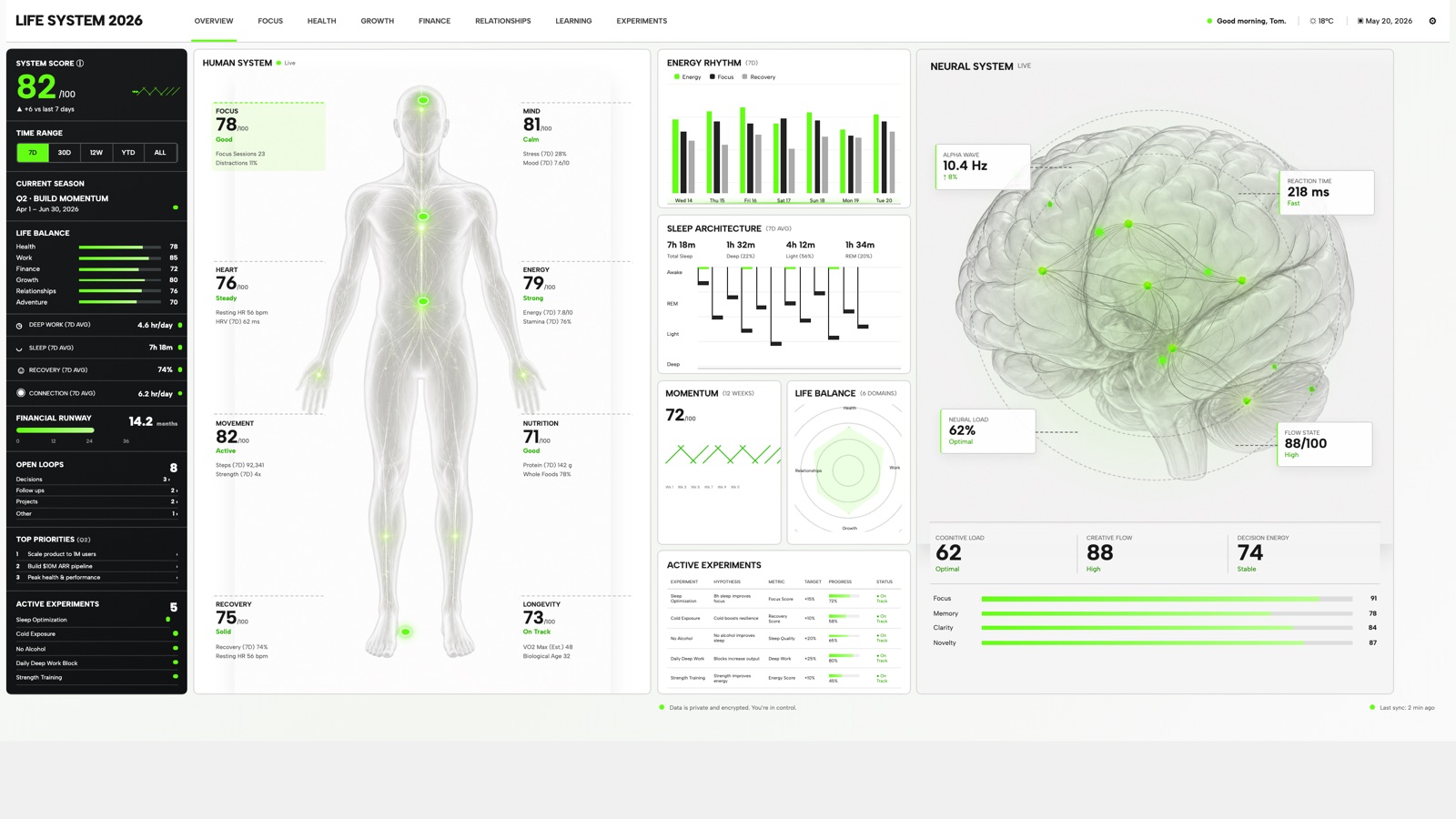
Dashboards
Life System by OpenDesign
A weekly score, body-map metrics, daily rhythms and five experiments on one desktop dashboard, explained through four annotated detail views.
Hackathon example
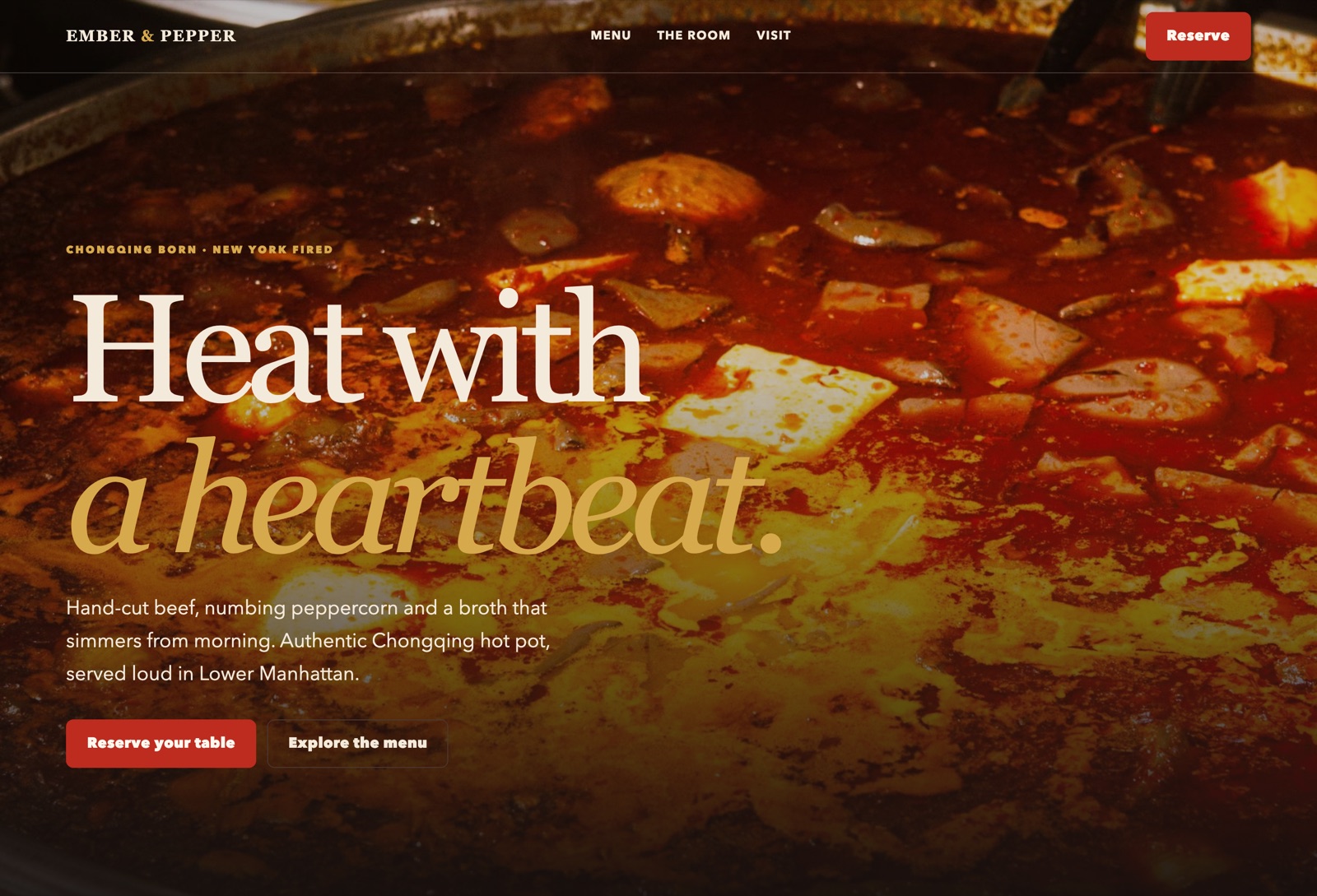
Websites
Ember & Pepper by OpenDesign
Signature dishes and visit details paired with a reservation dialog for guests ready to book.
LLM Arena · GPT 5.6 Sol
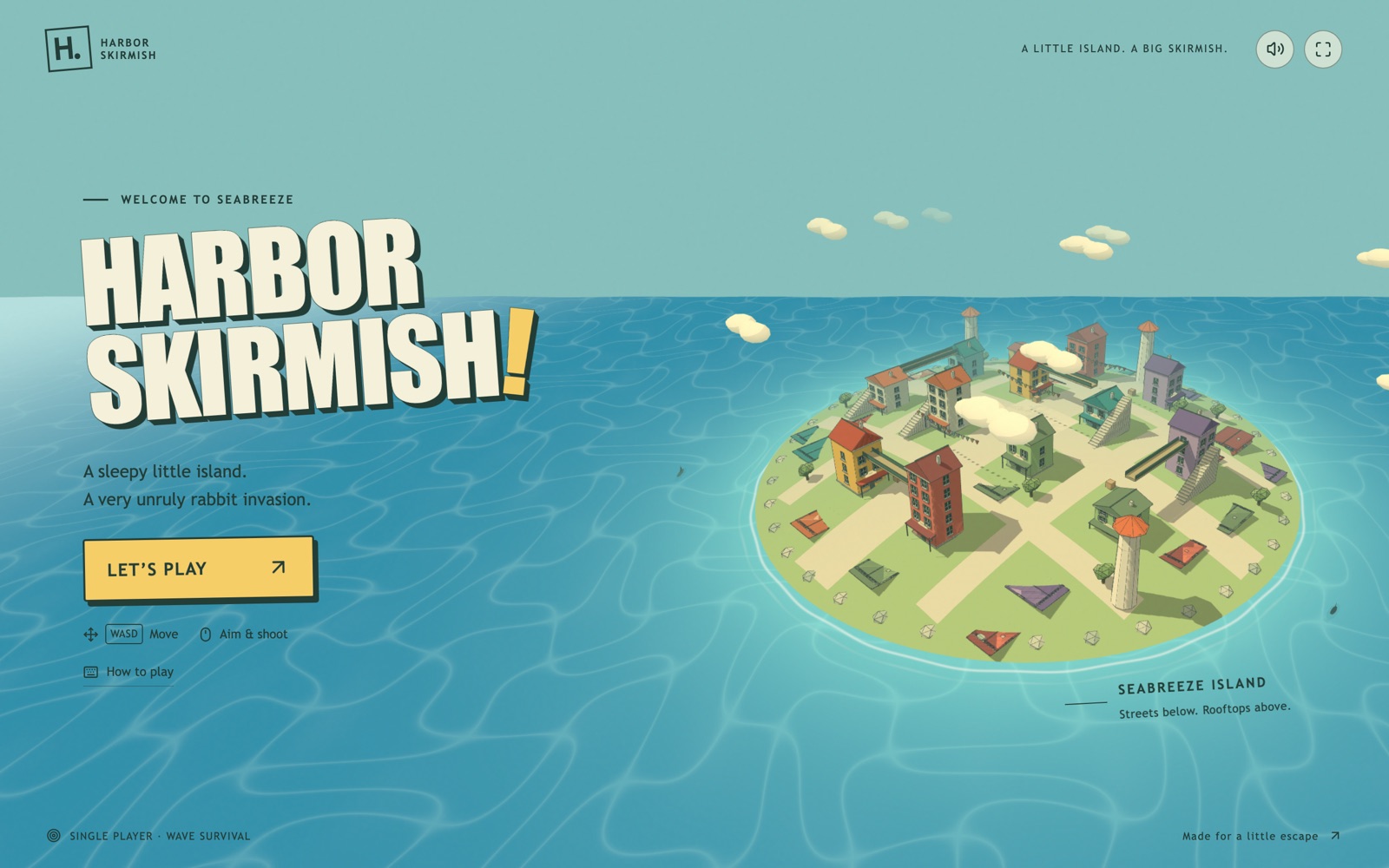
Apps
Harbor Skirmish by OpenDesign
A small seaside island with rooftop routes, three weapon slots and a playful first-person interface.
LLM Arena · GPT 6 Astra
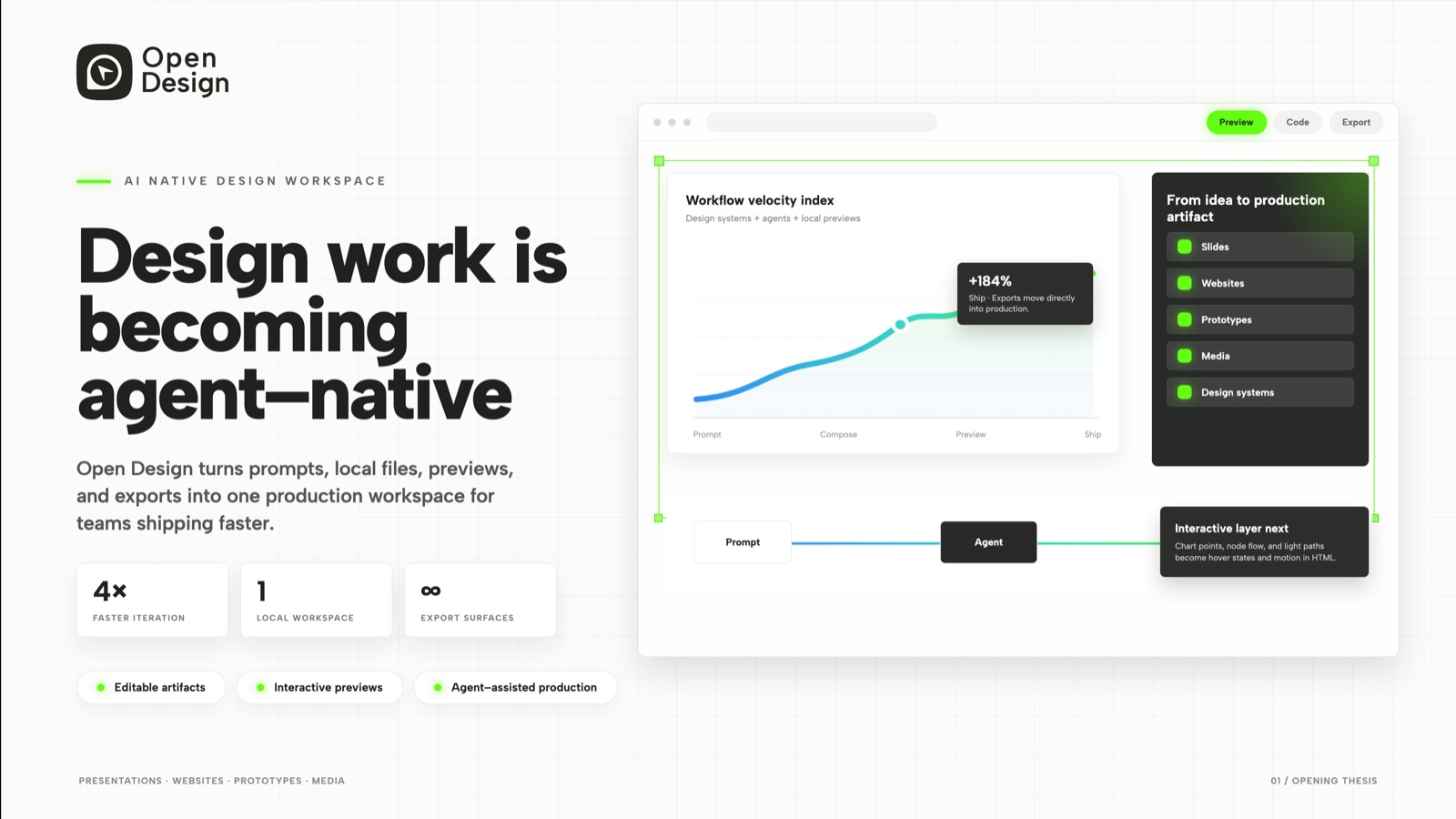
Slides
Agent-Native Workspace by OpenDesign
A product story in three slides: an opening thesis, a mobile companion concept and an enterprise control room.
Hackathon example
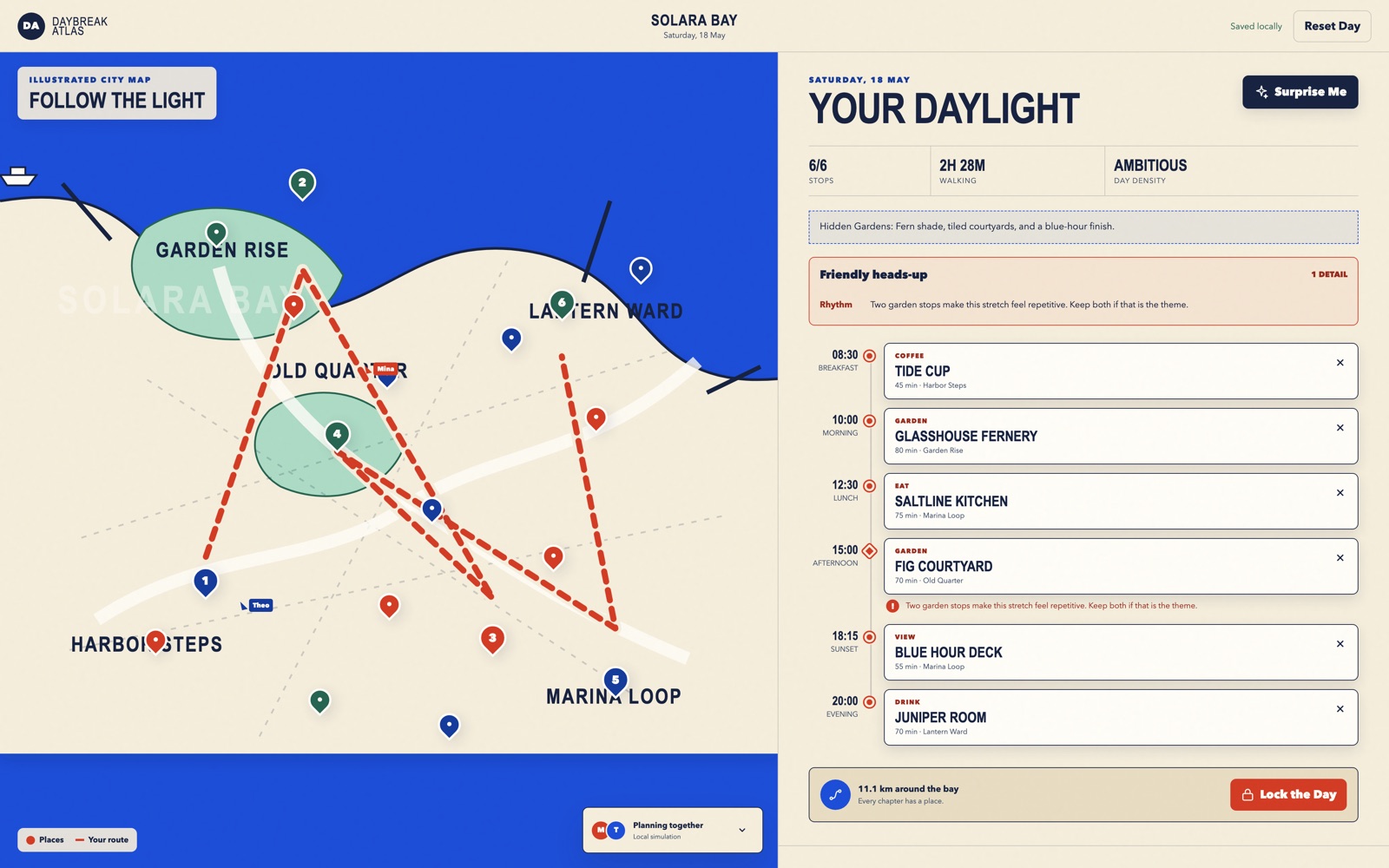
Apps
Solara Bay by OpenDesign
Six timed stops in fictional Solara Bay, with an illustrated map, walking estimates and useful route warnings.
LLM Arena · GPT 5.6 Sol
Apps
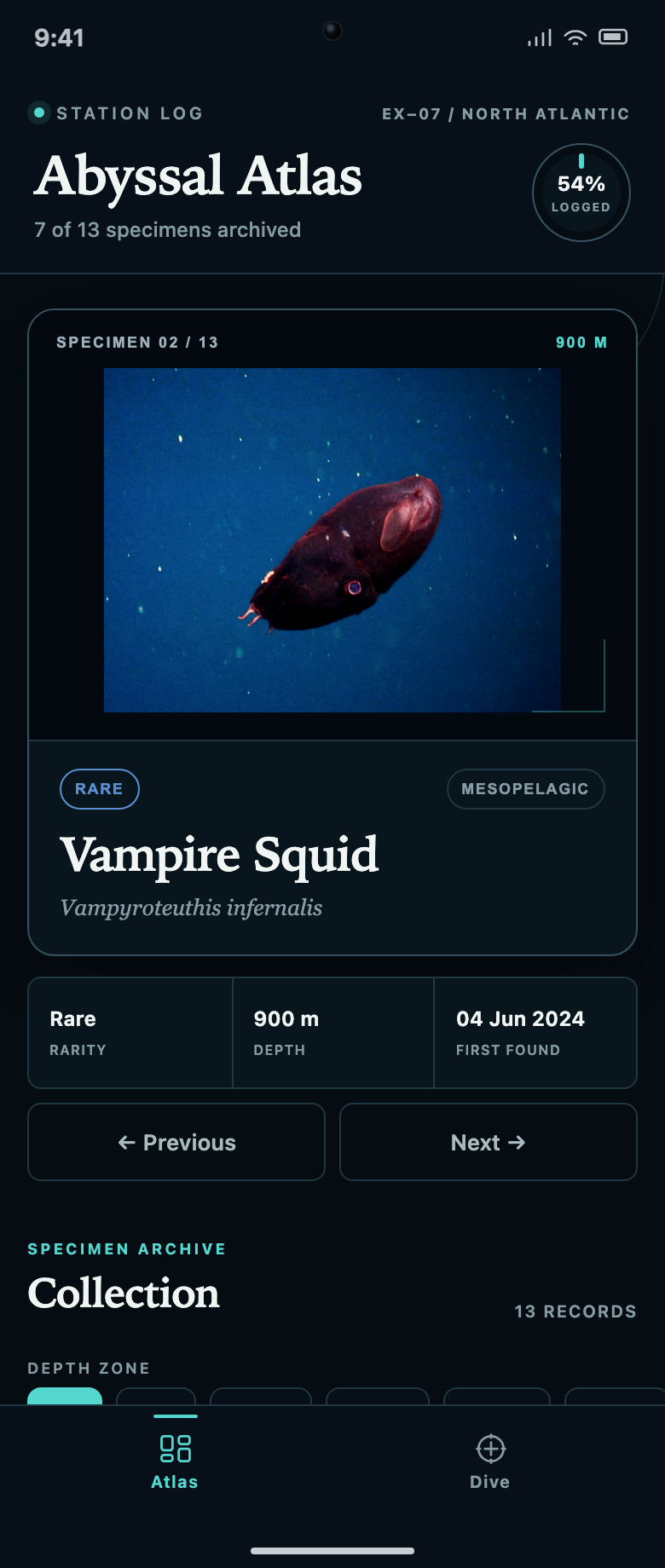
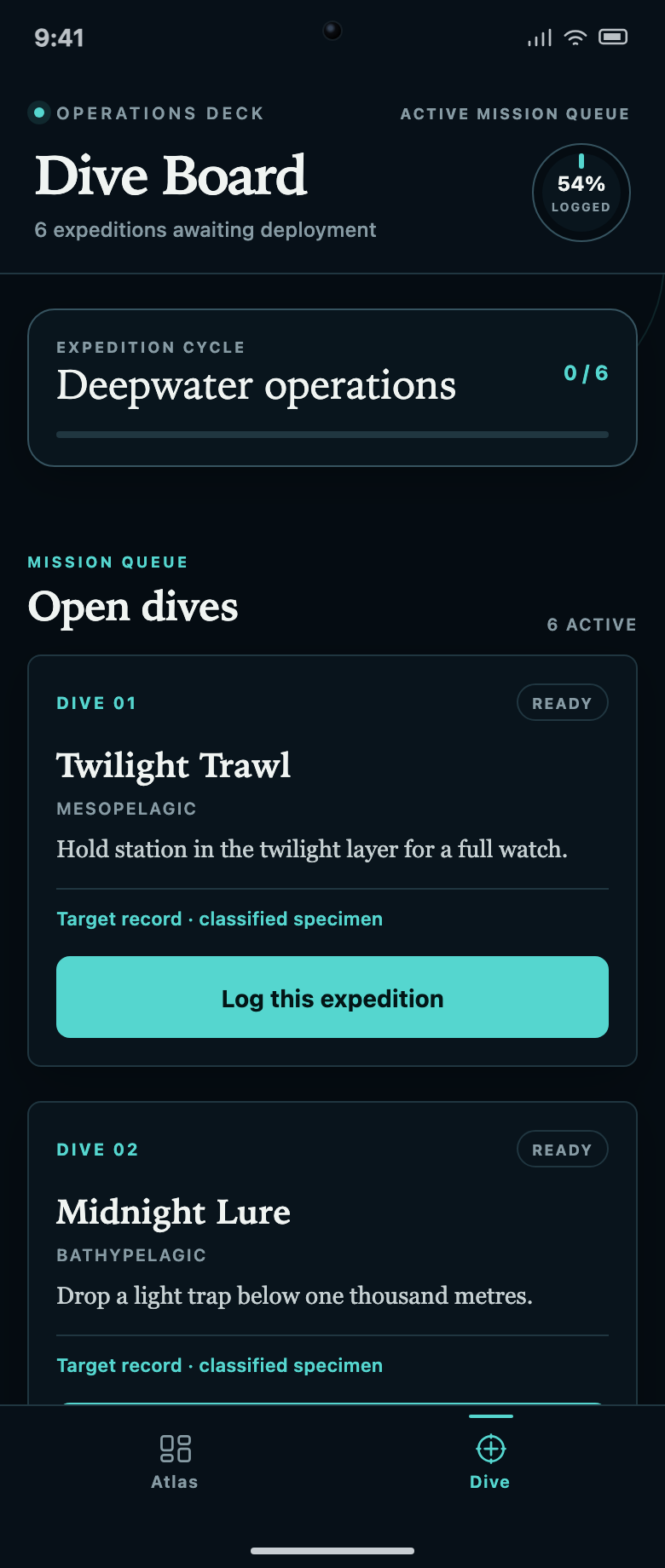
Abyssal Atlas by OpenDesign
A specimen collection linked to a dive queue: locked records, two filter rows and progress counts explain what to discover next.
 LLM Arena · Grok 4.6
Websites
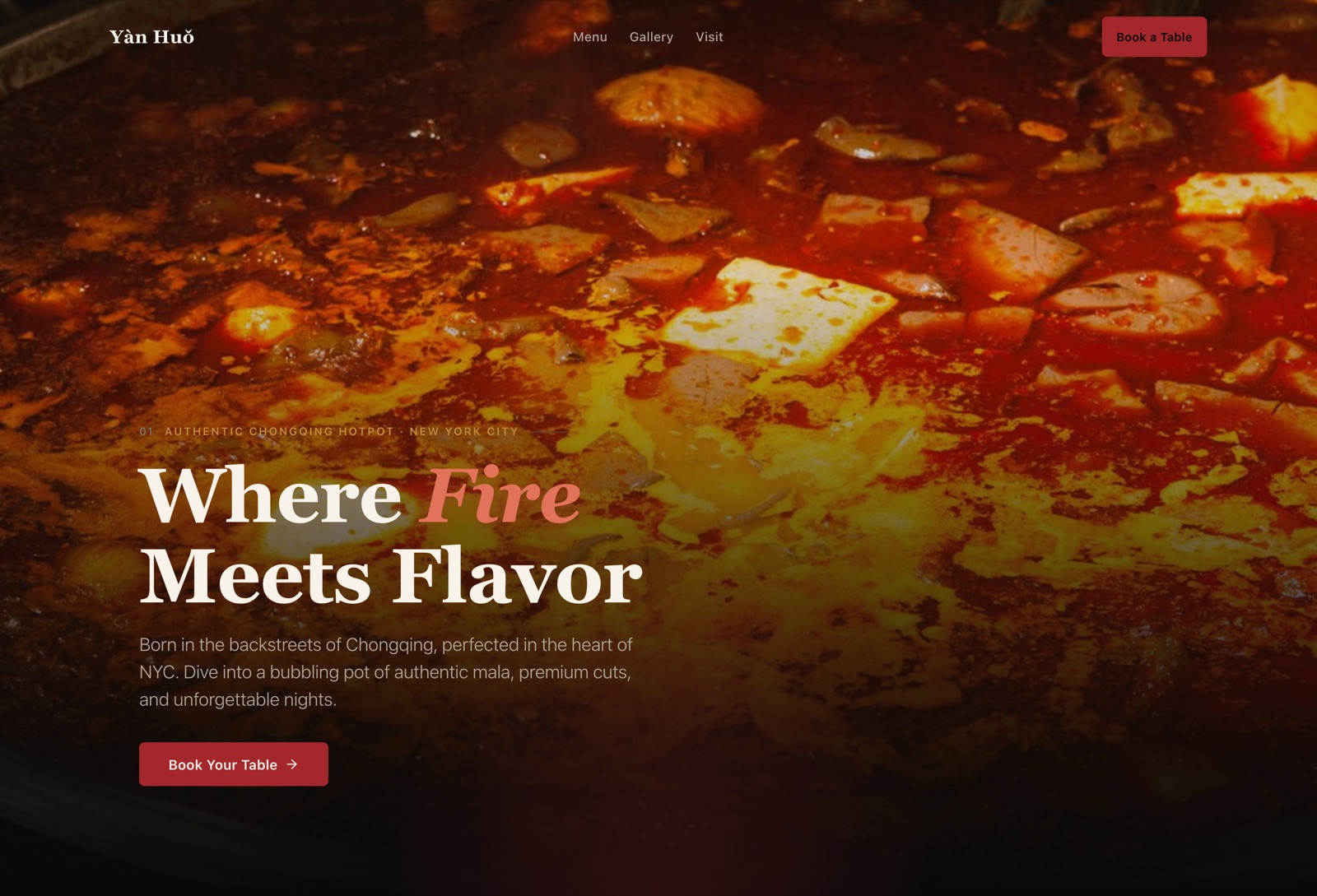
Yàn Huǒ by OpenDesign
Hotpot introduced through a priced signature menu, a dining gallery and visit details before booking.
 LLM Arena · Qwen 3.8 Max
Websites
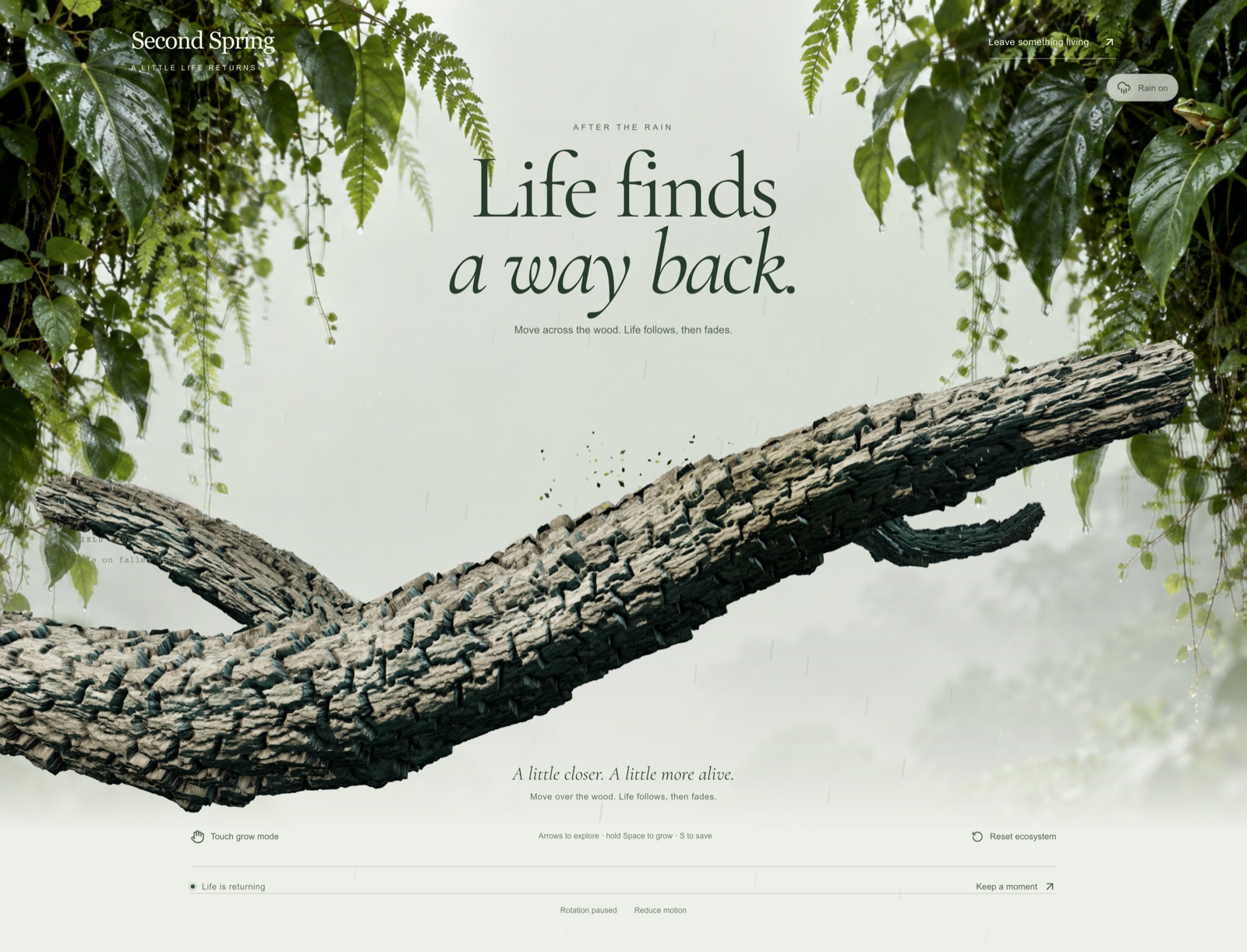
Second Spring by OpenDesign
An interactive fallen branch leads to forest field stories, a restoration plan and simulated ways to contribute.
 LLM Arena · DeepSeek V4.1 Flash
Websites
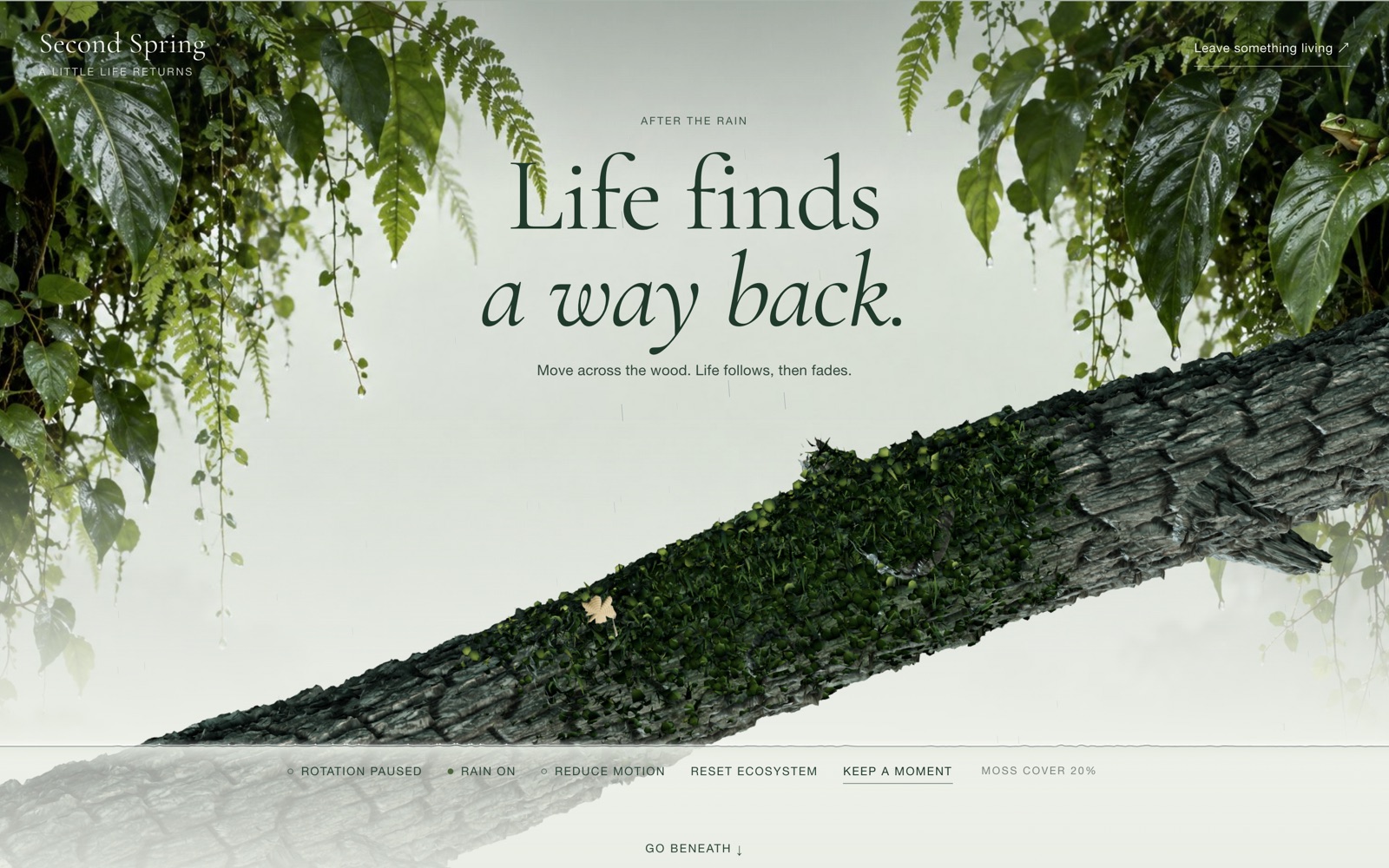
Second Spring by OpenDesign
Grow a patch of moss on a fallen log, then explore the forest-floor stories and simulated ways to help.
LLM Arena · Claude Fable 5.1
Graphics
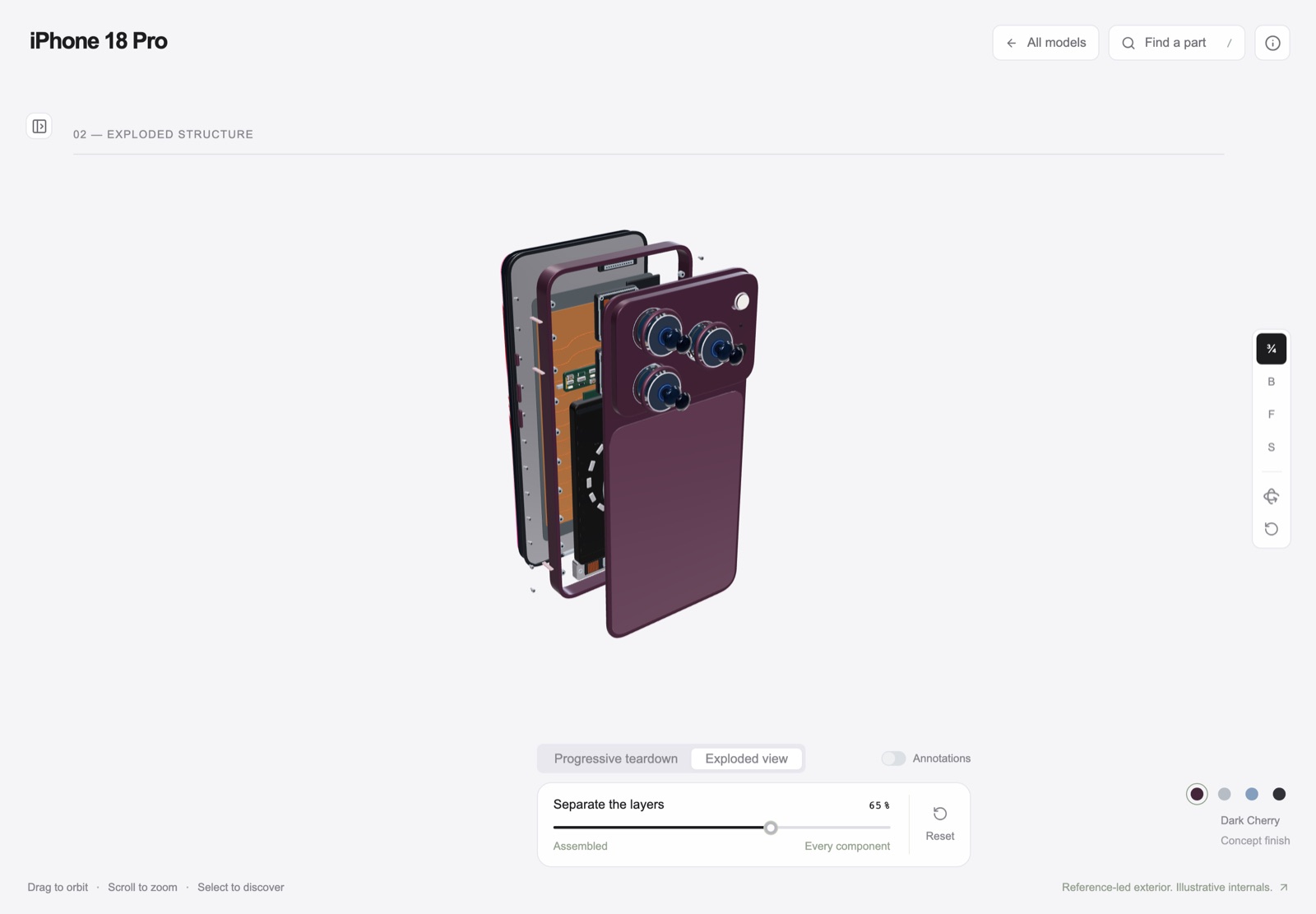
iPhone Inside by OpenDesign
A concept phone’s separated layers with camera presets, a slider and a panel of eight assembly groups.
LLM Arena · GPT Astra
Apps
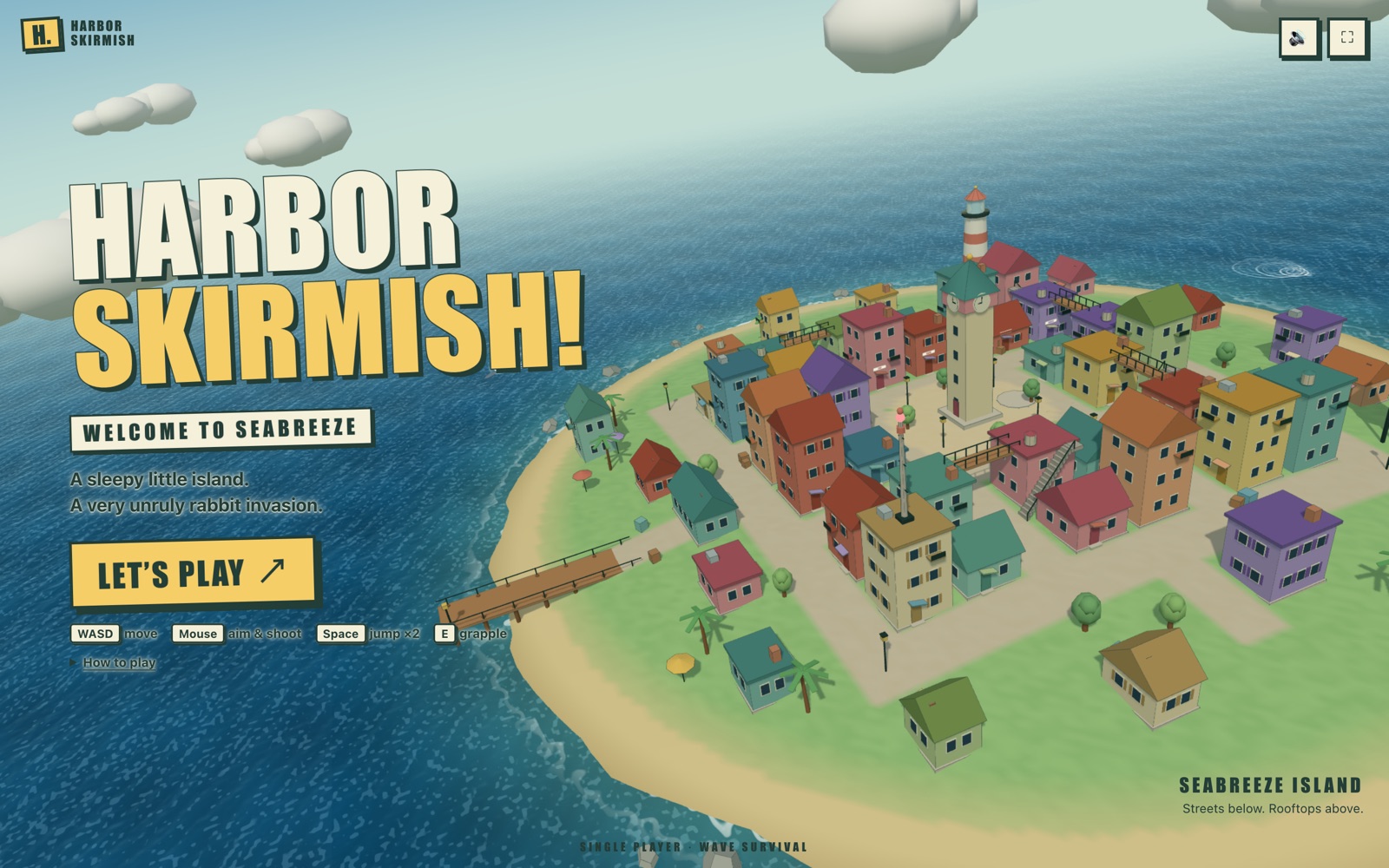
Harbor Skirmish by OpenDesign
A bold island title screen leads to first-person play with boxed status panels and numbered weapon controls.
LLM Arena · DeepSeek V4.1 Flash
Graphics
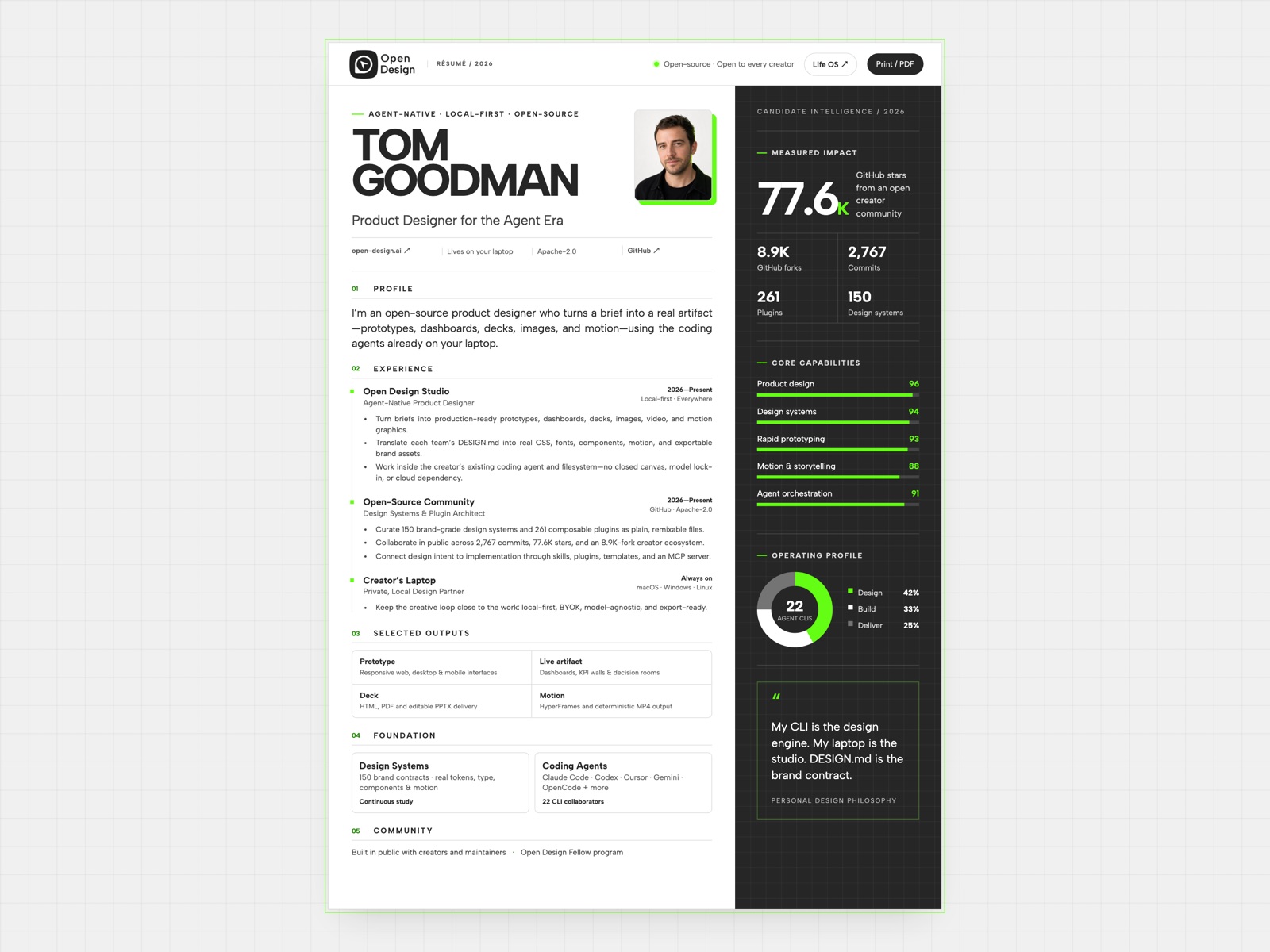
Tom Goodman by OpenDesign
A fictional resume that pairs experience with capability charts and selected outputs, in a two-column reading order with a separate print layout.
Hackathon example
Graphics
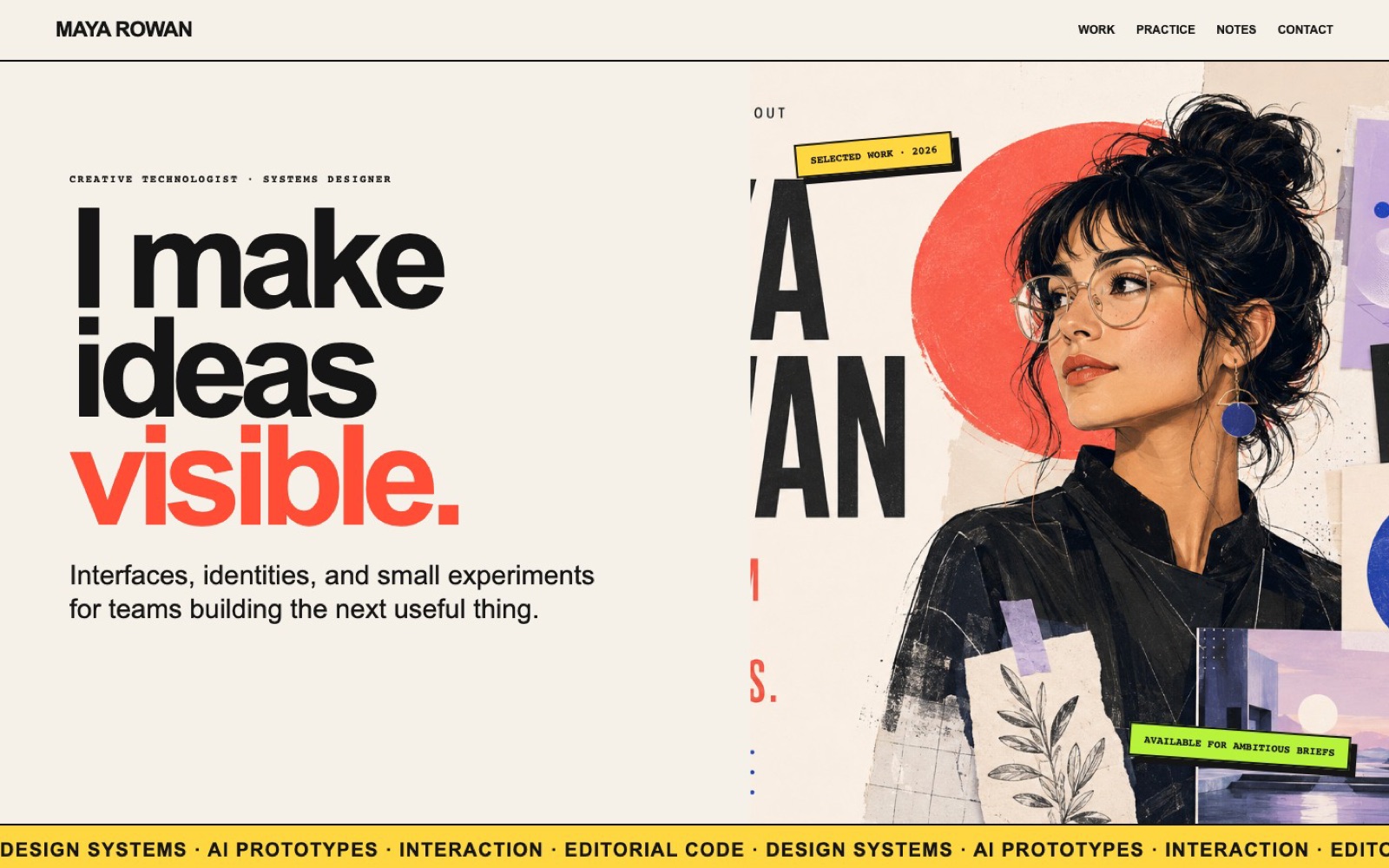
Maya Rowan by OpenDesign
A fictional portfolio that connects poster-like project cards, a three-stage practice, working notes and contact.
Hackathon example
Clear the filters to see all projects, or browse another work type.
Pagination is used instead of infinite scroll so every project stays reachable by keyboard and by crawlers.
Community
A community hackathon that just closed, and an evaluation series where ten models answered the same briefs.
Designers posted products made with OpenDesign on X, one post and one community link per entry. Entries were ranked by likes.
Six briefs, each answered by two models. Every page states the model and the task, so the answers can be compared side by side.
Filter the case studies above by output type and open one near what you want to make. Read its brief, the model it used and the layout decisions it explains, and note what you would keep and what you would change.
State the output type, the screens or sections, the sample content and the one interaction that matters. Say which information is real and which is a placeholder, so the design does not invent facts.
Create a website design for a fictional neighbourhood bakery. Include a hero with today’s bakes, a menu grouped by morning and afternoon, opening hours and a pre-order form with clearly labelled placeholder fields. Keep the navigation literal, build every heading as real text and include a readable mobile layout.
Pick the model you trust for layout and copy. To see how two models handle the same brief, run it in LLM Arena first, as the Arena case studies on this page did.
Ask for changes one section at a time: hierarchy, spacing, states and copy. Check the mobile layout and a reduced-motion state before you extend an effect across the page.
Export the finished design as HTML, then use Share in OpenDesign to get a link. Open it in a separate browser window and check that the intended version and its assets load before you send it.
Get Started
Free, open source and running on your own machine with your own keys. Bring a brief, pick a model and ship a website, app, dashboard or deck you can share.
Desktop builds for macOS and Windows. Free and open source under Apache-2.0.